Template details
Mixyll
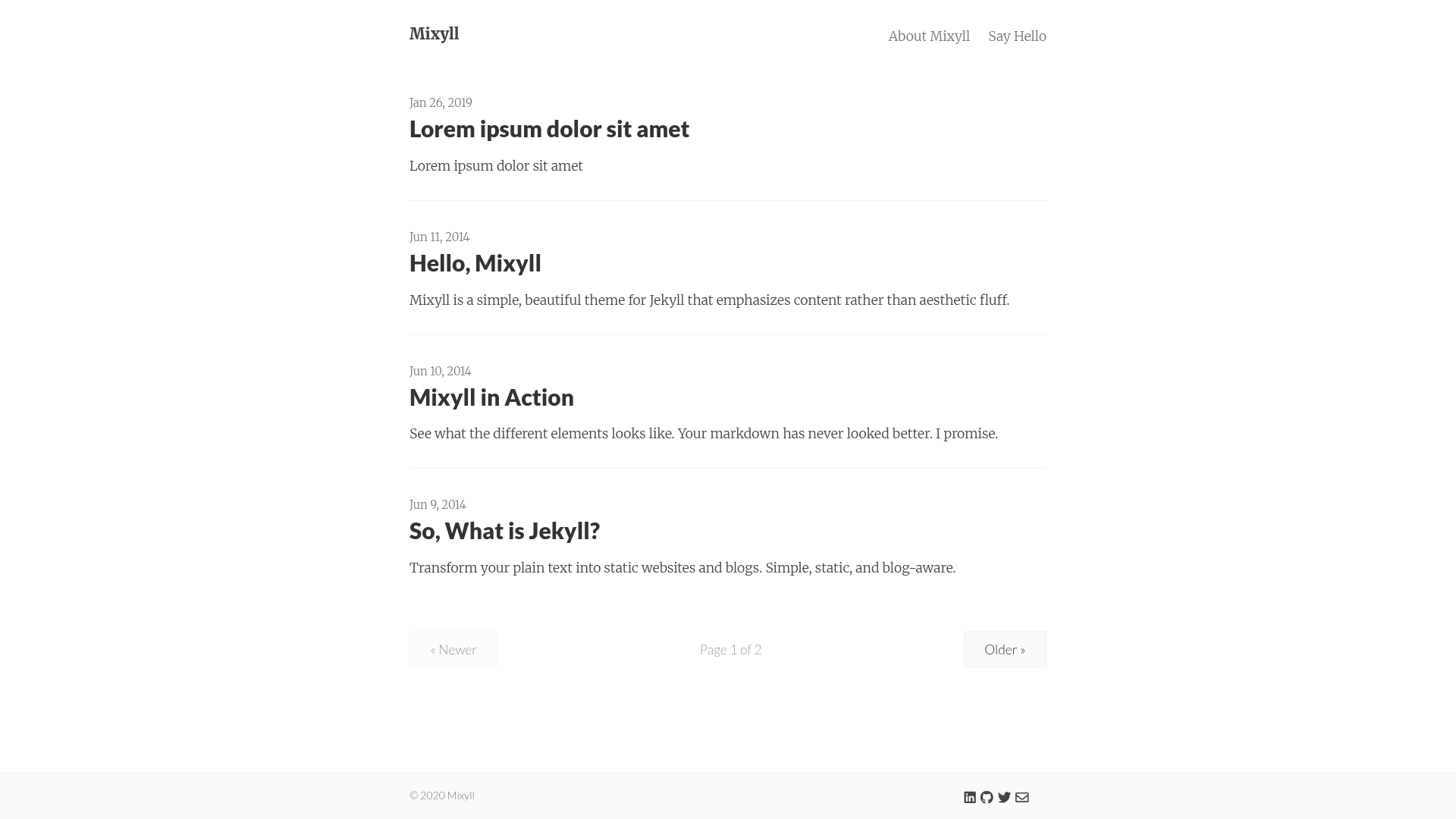
A minimal, beautiful Jekyll theme that emphasizes content rather than aesthetic fluff.
About this template
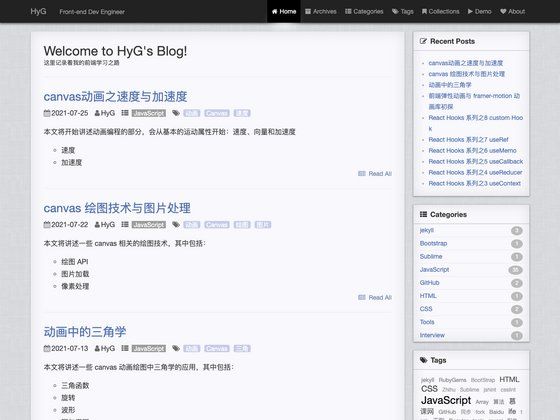
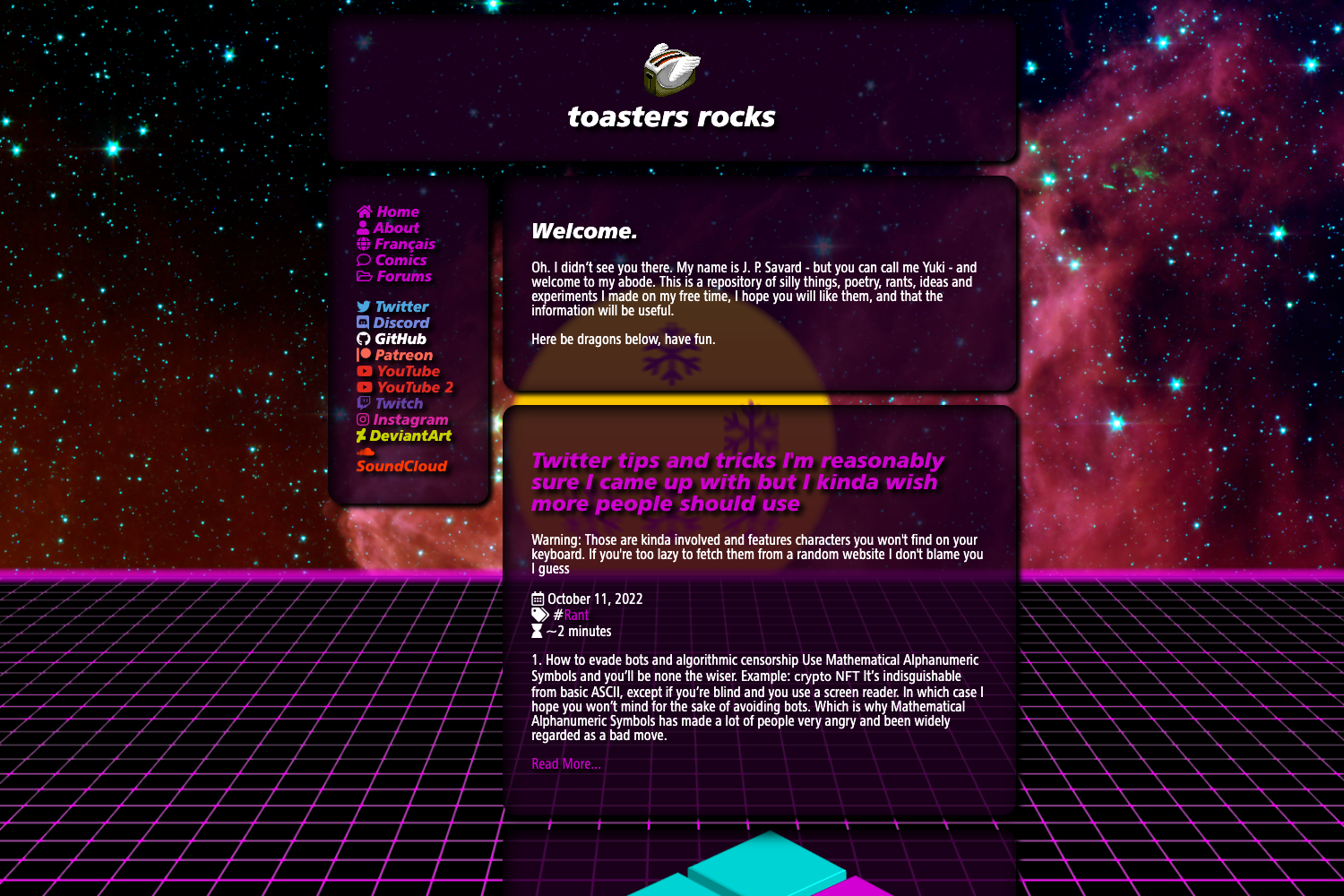
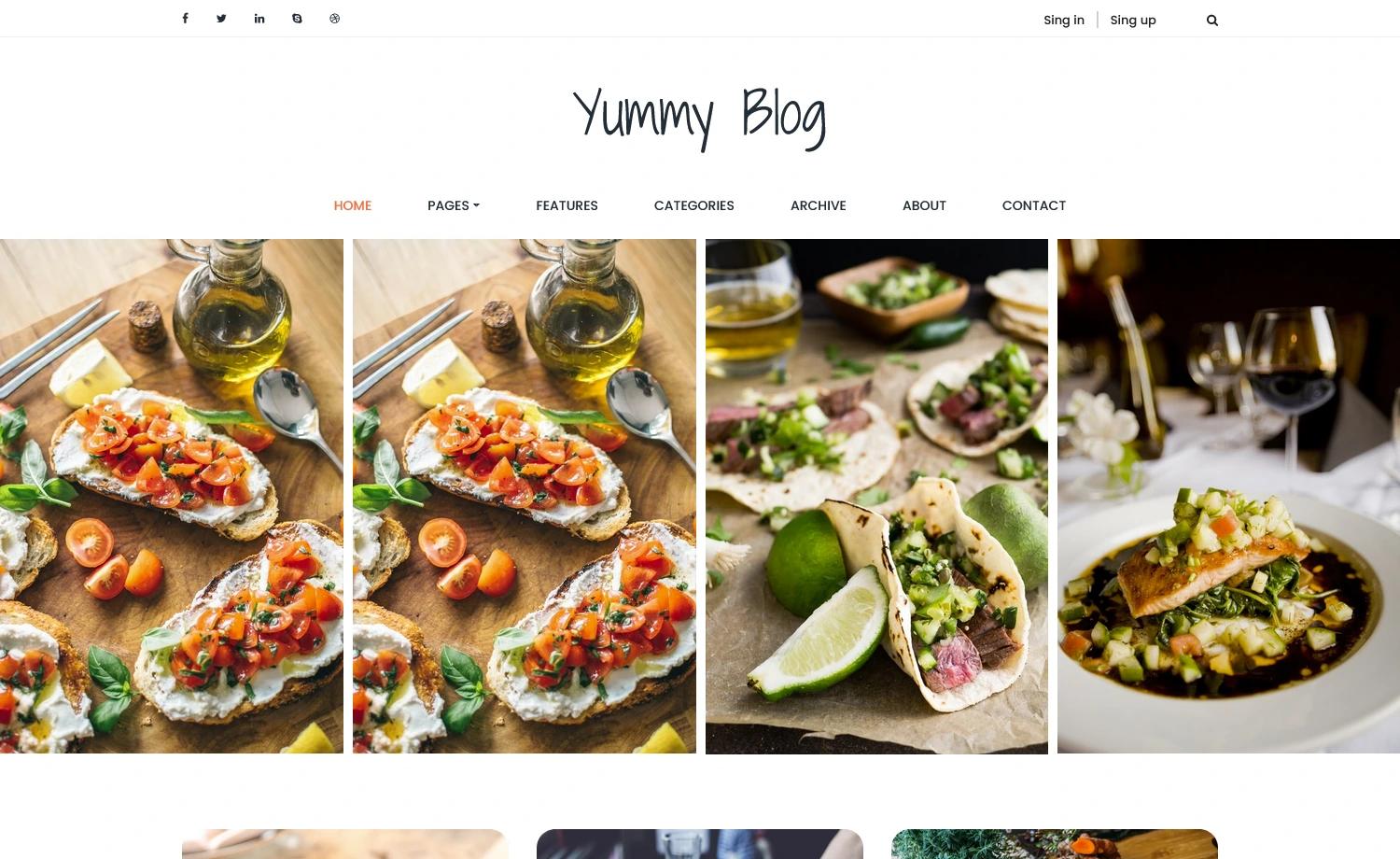
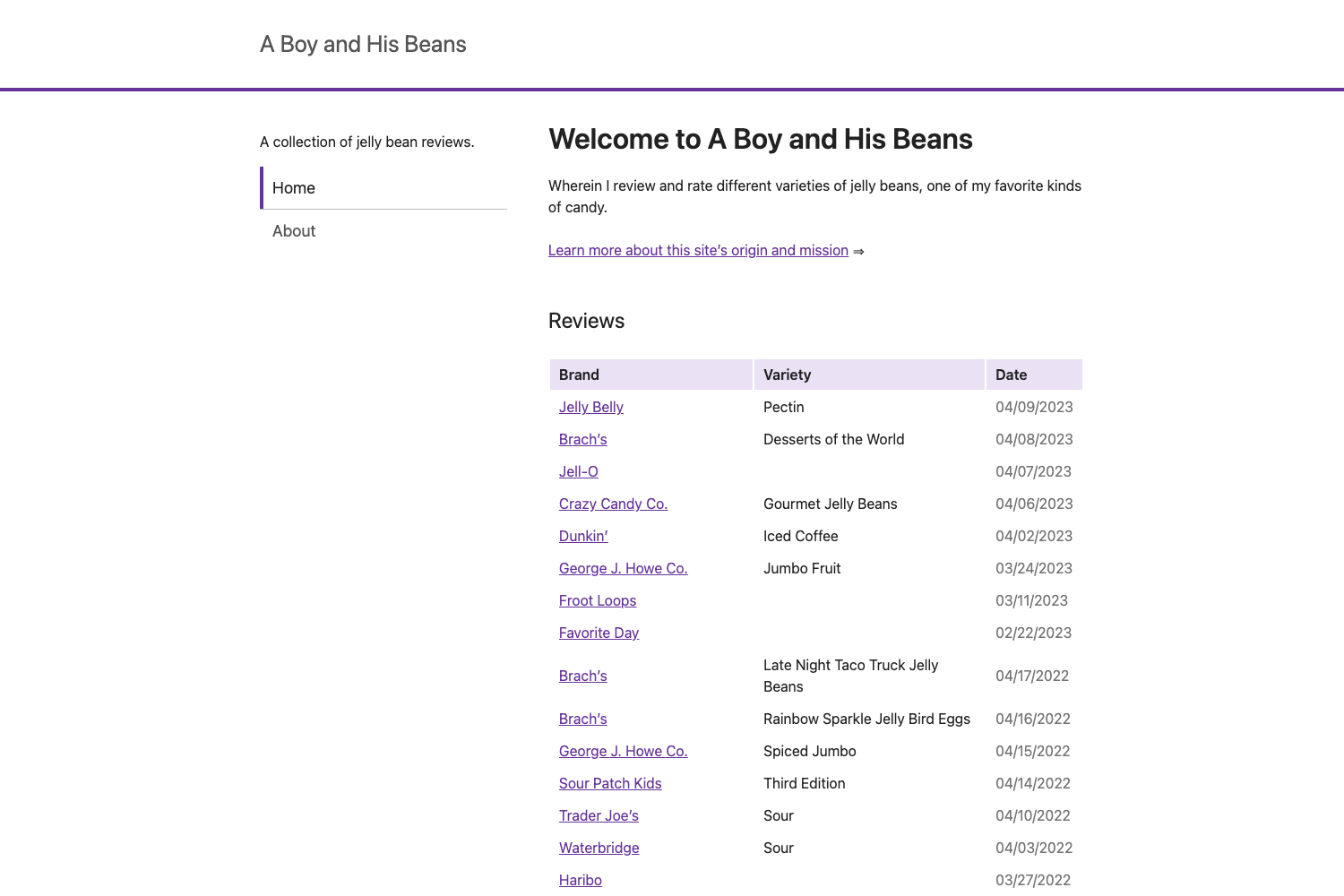
Mixyll is a minimal Jekyll theme, a stripped-down version of Pixyll, designed to emphasize content through large type and high contrast rather than decorative fluff.
What is Mixyll?
Mixyll is a free, open-source Jekyll theme created by Sai Kiran Sripada as a minimal derivation of John Otander's Pixyll theme. It takes standard Jekyll content — Markdown posts, pages, and a _config.yml file — and renders a mobile-first, fluidly responsive blog site with a clean typographic layout. The theme runs on Jekyll 3.3 or newer and is distributed through GitHub.
Key Features
- Mobile-first responsive layout — the theme is built mobile-first and fluidly responsive, using the BASSCSS CSS framework for layout utilities.
- Large type and contrast — leverages large typography and strong color contrast to make content stand out on all devices.
- Configurable navigation and header — the header includes a site title and navigation menu, with baseurl support for serving under a sub-folder on GitHub Pages.
- Contact form via Formspree — a ready-to-use contact form that integrates with Formspree; you must submit it once to confirm your email before going live.
- Disqus comments — enable comments by setting the
disqus_shortnamein_config.ymland creating a Disqus site with the same name. - Google Analytics and Tag Manager — configure either
google_analyticsorgoogle_tag_managerin_config.yml; the instructions warn not to enable both at once. - SEO and search engine controls — per-page
meta_robotsfront matter values likenoindex,nofollow, andnoarchive, plusmeta_descriptionwith fallback tosummaryand thendescription, and Open Graph tags with configurableog_locale. - Customizable styling via SASS — all design variables live in
_sass/_variables.scss, allowing look-and-feel changes without editing core CSS.
Who is it for?
Mixyll is for bloggers and developers who want a fast, minimal Jekyll site without a heavy design system. It suits personal blogs, portfolio sites, and documentation-style sites where readability matters more than visual decoration. Developers can use it as a starting point for GitHub Pages hosting, since the README includes specific instructions for configuring baseurl for project pages.
What can you do with Mixyll?
- Start a personal blog — clone the repository, edit
_config.yml, and publish Markdown posts with pagination (defaultpaginate: 3) and pretty permalinks. - Host free on GitHub Pages — follow the provided instructions to deploy at
username.github.ioor under a project sub-folder by adjustingbaseurl. - Add comments and contact forms — set up Disqus for post comments and Formspree for a contact page, both documented step by step.
- Tune search engine presence — set per-page
meta_robotsvalues, verify the site with Google Search Console or Bing Webmaster Tools using the built-in meta tag support, and customize meta descriptions for rich snippets.
How does Mixyll work?
To use Mixyll, clone the repository, run bundle install, and then start Jekyll with jekyll serve --watch. The site reads the _config.yml file for site settings such as title, description, baseurl, and pagination. For GitHub Pages deployment, you fork the repo, modify _config.yml to set baseurl (if needed), and push to the gh-pages branch or a username repository.
Alternatives
- Pixyll — the original theme by John Otander that Mixyll is based on; Pixyll is the fuller-featured source from which Mixyll strips down to a more minimal presentation.
FAQ
Is Mixyll free?
Yes, Mixyll is open source and available on GitHub. There is no paid version; you can clone or fork the repository and use it for any purpose.
What Jekyll version does Mixyll require?
Mixyll uses newer baseurl features that are only supported in Jekyll 3.3 and later. The instructions recommend verifying your Jekyll version before serving the site.
How do I set up the contact form?
The contact form is handled through Formspree. You need to fill out and submit the form once to confirm your email address before it goes live. More advanced setup options are documented on the Formspree website.
How do I add comments to my posts?
Create a Disqus site with the same name as your Jekyll site, then set disqus_shortname in _config.yml. The theme will automatically include Disqus on your posts.
Can I enable page animations?
Yes, add animated: true to _config.yml to apply a fade-in-down effect powered by Animate.css. The effect is optional and disabled by default.