Template details
vuepress-theme-simple
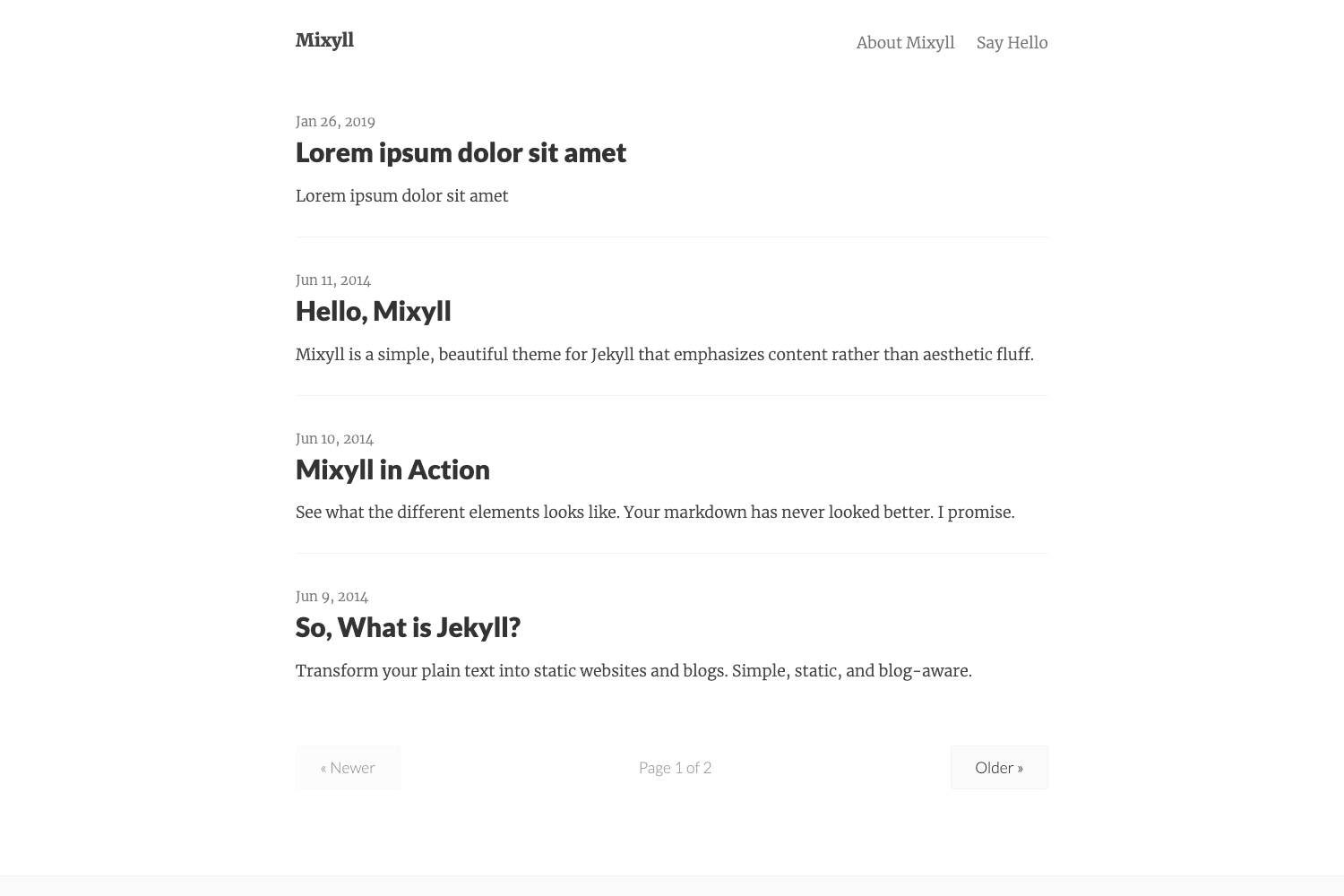
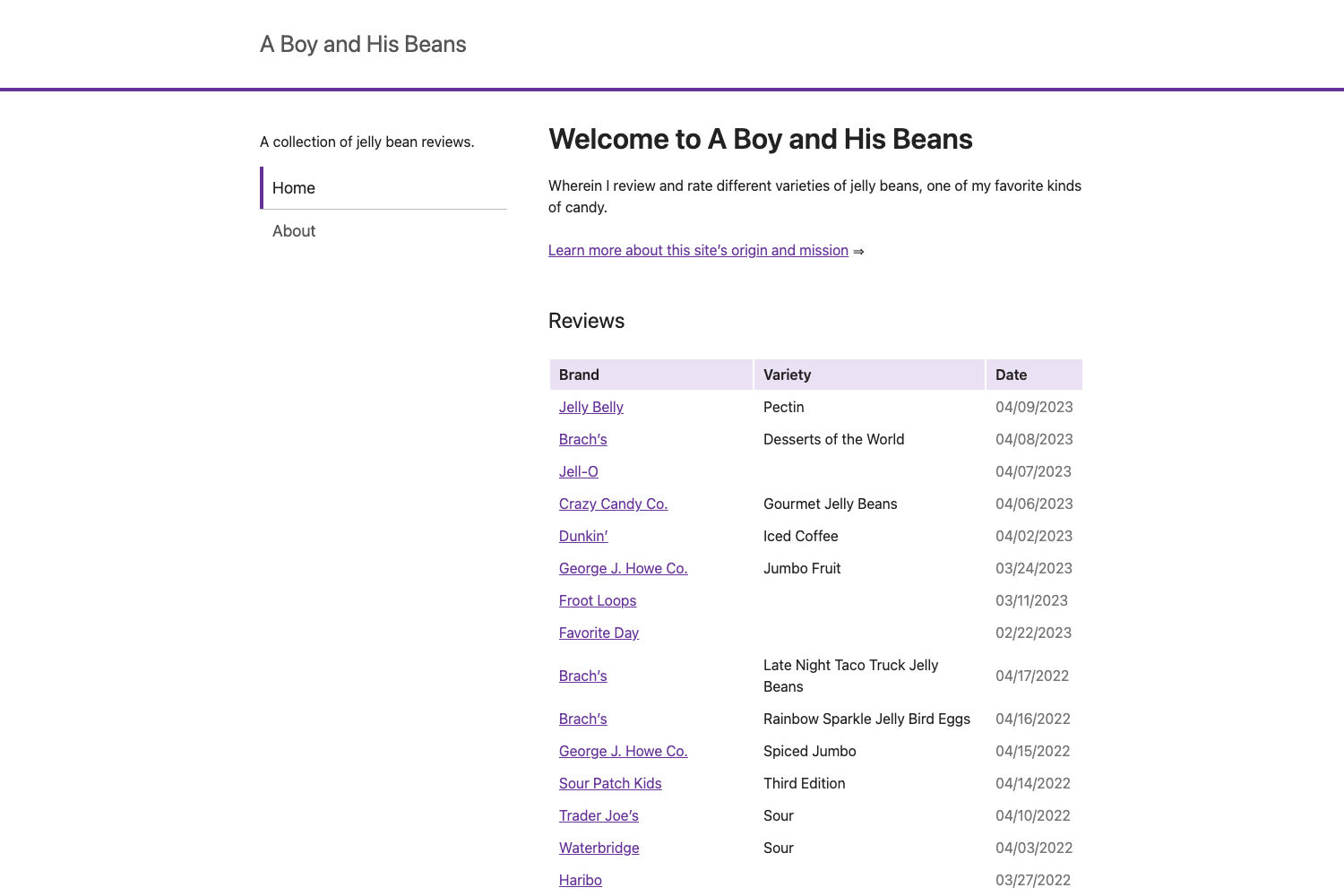
A minimal blog theme for VuePress 1.x that turns your homepage into a chronologically sorted list of posts.
About this template
vuepress-theme-simple is a minimal blog theme for VuePress 1.x that converts a VuePress site's homepage into a chronologically sorted list of posts.
What is vuepress-theme-simple?
vuepress-theme-simple is a VuePress theme built for bloggers who want a distraction-free, auto-generated posts list as their front page. It takes the Markdown files in a VuePress project as input and produces a static blog with a homepage that displays every post, ordered by last Git commit time or by a date field in each file's frontmatter. The theme is published on npm, authored by viko16, and is open source under the MIT License.
What makes it stand out?
- Simple configuration — Activate the theme by setting
theme: 'simple'in.vuepress/config.js; no other required setup. - Automatic post list — The
/README.mdcontent is ignored and replaced with a list of posts, so the homepage always mirrors your content. - Dual sorting — Posts are sorted by the
lastUpdatedfield derived from Git commit history by default, while adatefield in frontmatter takes higher priority when present. - Optional author and navbar —
themeConfigacceptsauthor(displayed in the page footer) andnavbar(a name-to-URL map displayed below the title). - VuePress 1.x compatible — Explicitly designed for VuePress 1.x, working with the standard VuePress file structure.
- MIT licensed — Free to use and modify, as stated in the repository license.
Who should use it?
- Personal bloggers: Publish a Markdown-based blog on VuePress and get a homepage that lists every post by recency, without writing any component code.
- Tech writers with existing VuePress docs: Convert a docs-first site into a blog-style front page by adding the theme and setting the sorting options.
- VuePress theme learners: Use the theme's source (available on GitHub) as a minimal example of how to build a VuePress theme, since it deliberately ignores README.md and overrides the default homepage.
What can you do with it?
- Create a personal blog: Write posts as Markdown files in a VuePress project; the theme displays them automatically on the homepage.
- Sort by Git commit time: Rely on the default
lastUpdatedbehavior to order posts by when the file was last committed. - Fix article order with frontmatter: Add a
datefield to individual posts to override the Git-based order and pin a publication date. - Add site identity: Set
authorandnavbarin themeConfig to display your name in the footer and links below the title.
How does it work?
To use the theme, install it via npm or Yarn (e.g. npm install vuepress-theme-simple --save-dev), then set theme: 'simple' in your .vuepress/config.js. Optional themeConfig settings add an author name to the footer and a navbar with links to your other sites. The theme runs with VuePress 1.x's build process, so you can preview it with npm run dev.
Pros and cons
- ✅ Very simple setup — two lines of config to activate.
- ✅ Automatic, low-maintenance homepage.
- ✅ Open source (MIT) and free.
- ❌ Requires VuePress 1.x specifically; not tested for VuePress 2.
- ❌ The homepage README.md is ignored, so you cannot mix custom content into the index page.
Pricing
vuepress-theme-simple is free and open source under the MIT License; there are no paid tiers, subscriptions, or premium features.
FAQ
Is vuepress-theme-simple free?
Yes, the theme is released under the MIT License, meaning it is free to use, modify, and distribute. You can download it from npm or the GitHub repository.
Does vuepress-theme-simple work with VuePress 2?
The README explicitly notes "Work For VuePress 1.x". There is no stated compatibility with VuePress 2, so it should be assumed to support only the 1.x line.
How are posts sorted on the homepage?
By default, posts are sorted using the lastUpdated field derived from Git commit history. If a post's frontmatter includes a date field, that date takes higher priority for ordering.
What happens to my README.md page?
When the theme is active, the /README.md content is ignored and replaced with the posts list, as shown in the theme's screenshot. This is by design to keep the homepage focused on the blog index.
Can I customize the footer and navigation?
Yes. In .vuepress/config.js under themeConfig, you can set author to display your name in the page footer and navbar to show a set of name-to-URL links below the site title.