Template details
Moda E-commerce Starter
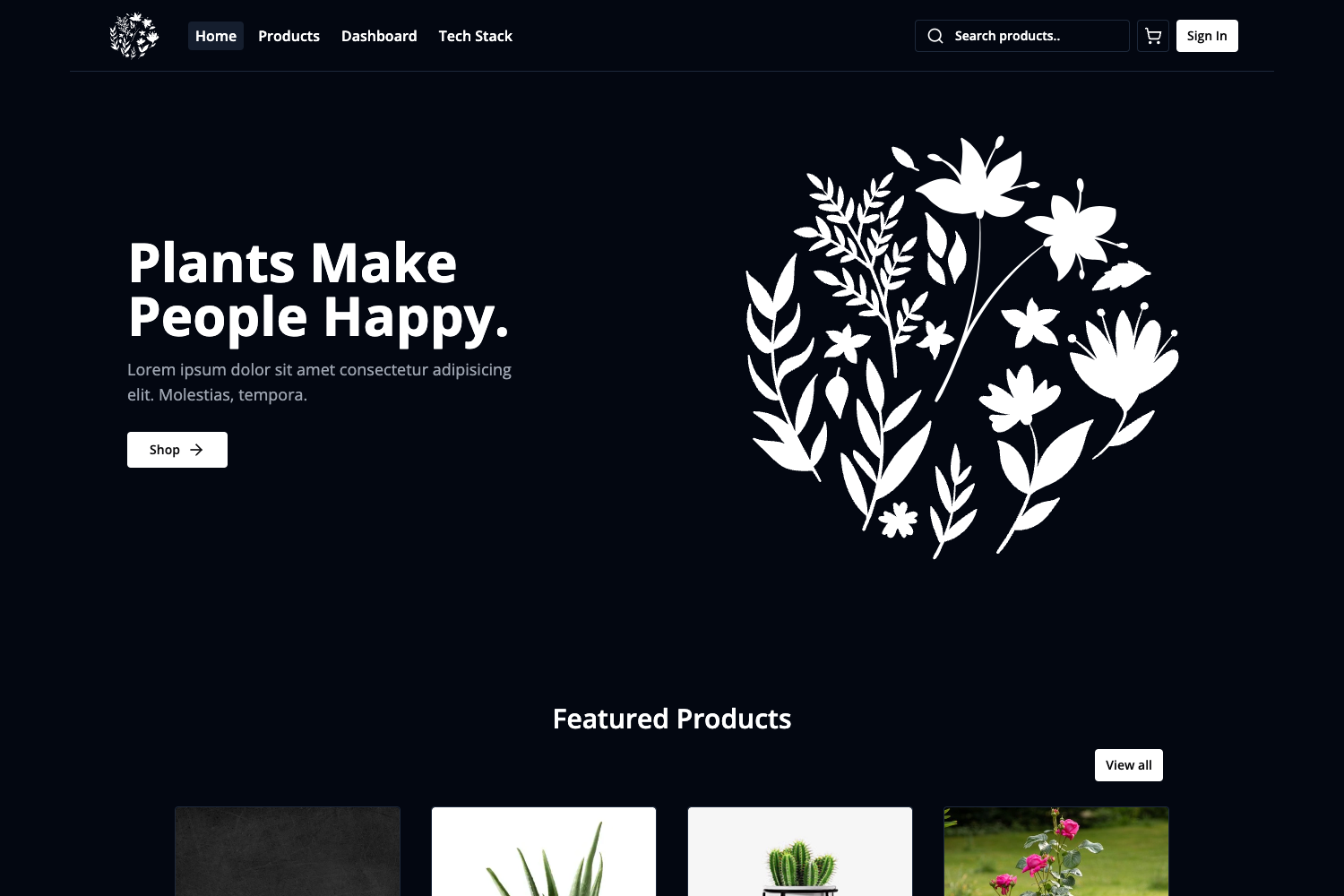
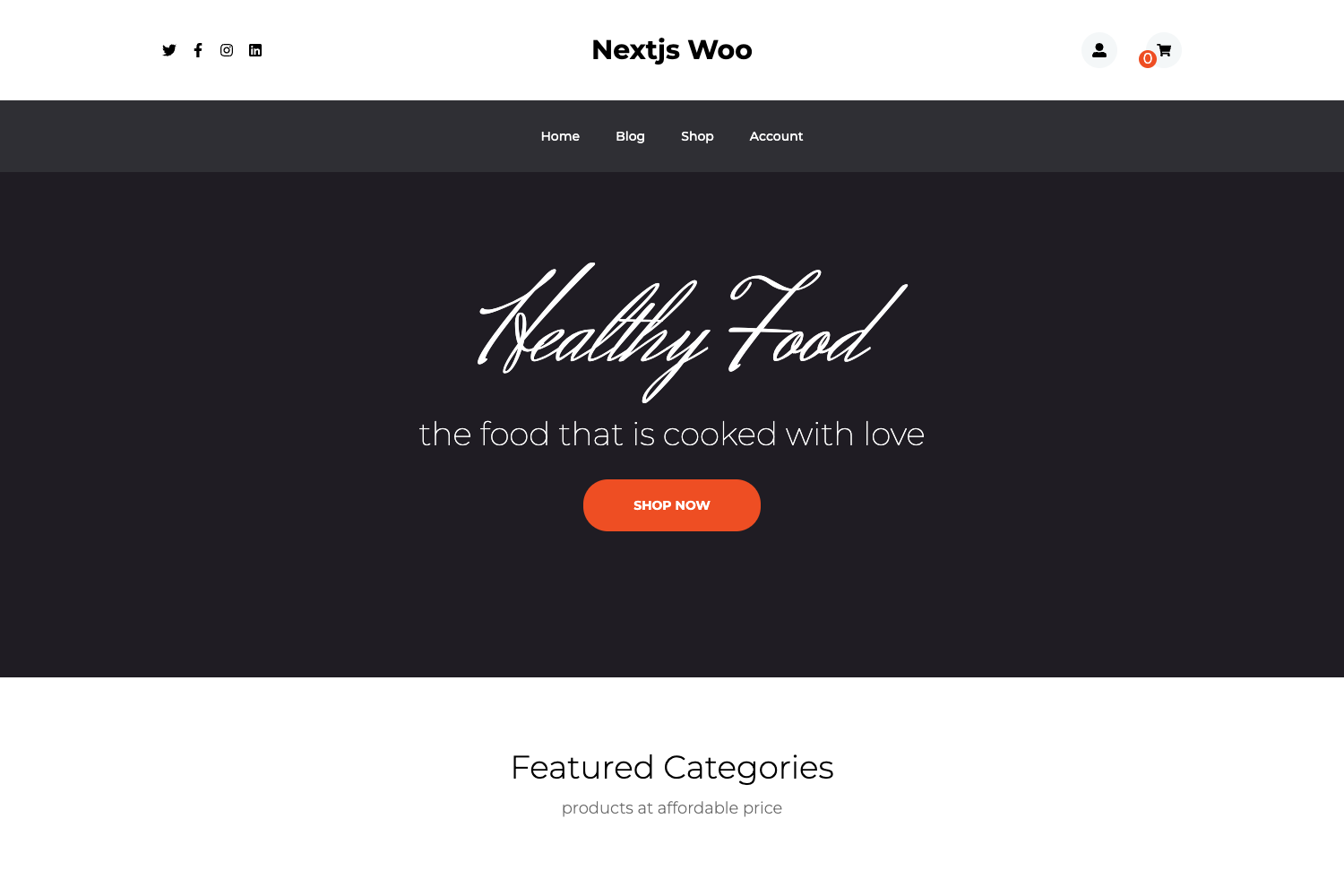
Astro.js e-commerce starter kit for BCMS headless CMS, with a clean, extensible codebase.
About this template
Moda is an Astro.js e-commerce starter kit from BCMS, a headless CMS platform, that scaffolds a minimal front-end wired directly into a BCMS project through the BCMS CLI. It is designed as a lightweight foundation for building storefronts, letting developers manage content in the BCMS dashboard while Astro renders the site.
What is Moda?
Moda is an e-commerce starter template built with Astro.js and the BCMS headless CMS. It takes a new Astro project configuration and wires it to a BCMS backend, producing a deployable storefront that pulls content and product data from BCMS via its integration. The starter is maintained by BCMS (thebcms.com) and distributed through the BCMS CLI as the astro starter e-commerce template.
Key Features
- Astro 6 foundation — Built and tested against Astro 6.x, giving you a modern static-site or server-rendered architecture with partial hydration options.
- Direct BCMS hookup — The codebase connects to a BCMS project out of the box, so you can start modeling content immediately.
- Minimal and clean code — The starter is described as minimal but solid, with a clean structure that makes it easy to read and modify.
- Single-command setup — Running
npx @thebcms/cli create astro starter e-commercecreates the project and walks you through configuration prompts. - Modern toolchain — Requires Node.js 22.x or newer and npm 10.x or newer, aligning with the latest LTS releases.
- Scaffold-and-extend workflow — The starter is ready to extend and scale, so you can add pages, components, and integrations as your store grows.
Who is it for?
- E-commerce developers who want a headless setup with Astro and BCMS without building the integration layer themselves.
- Agencies that need a clean starting point for client storefronts and prefer to keep content management in a CMS.
- Developers new to Astro who want a small, real-world example of connecting Astro to a headless CMS like BCMS.
What can you do with Moda?
- Scaffold a storefront: Generate a new Astro e-commerce project with the BCMS CLI in one command.
- Manage content in BCMS: Update store data in the BCMS dashboard without touching the Astro codebase, thanks to the direct integration.
- Customize the design: Use the minimal codebase to replace styles and components with your own, without tearing out a large framework.
How does Moda work?
You start by running npx @thebcms/cli create astro starter e-commerce and following the prompts. The CLI downloads the starter and sets up a local Astro project pre-configured to connect to your BCMS project. From there, you run the dev server and begin building out your storefront.
Requirements
- Node.js 22.x or newer
- npm 10.x or newer
- Astro 6.x (the starter is built and tested against this version)
FAQ
What is the command to create a Moda project?
Run npx @thebcms/cli create astro starter e-commerce and follow the interactive prompts to generate a new project.
What version of Astro does Moda require?
Moda is built and tested against Astro 6.x. You'll also need Node.js 22 or newer and npm 10 or newer.
Where can I find the BCMS documentation for Astro integration?
The BCMS docs cover the Astro integration at thebcms.com/docs/integrations/astro, along with links to all BCMS starters.