Template details
Zay Shop
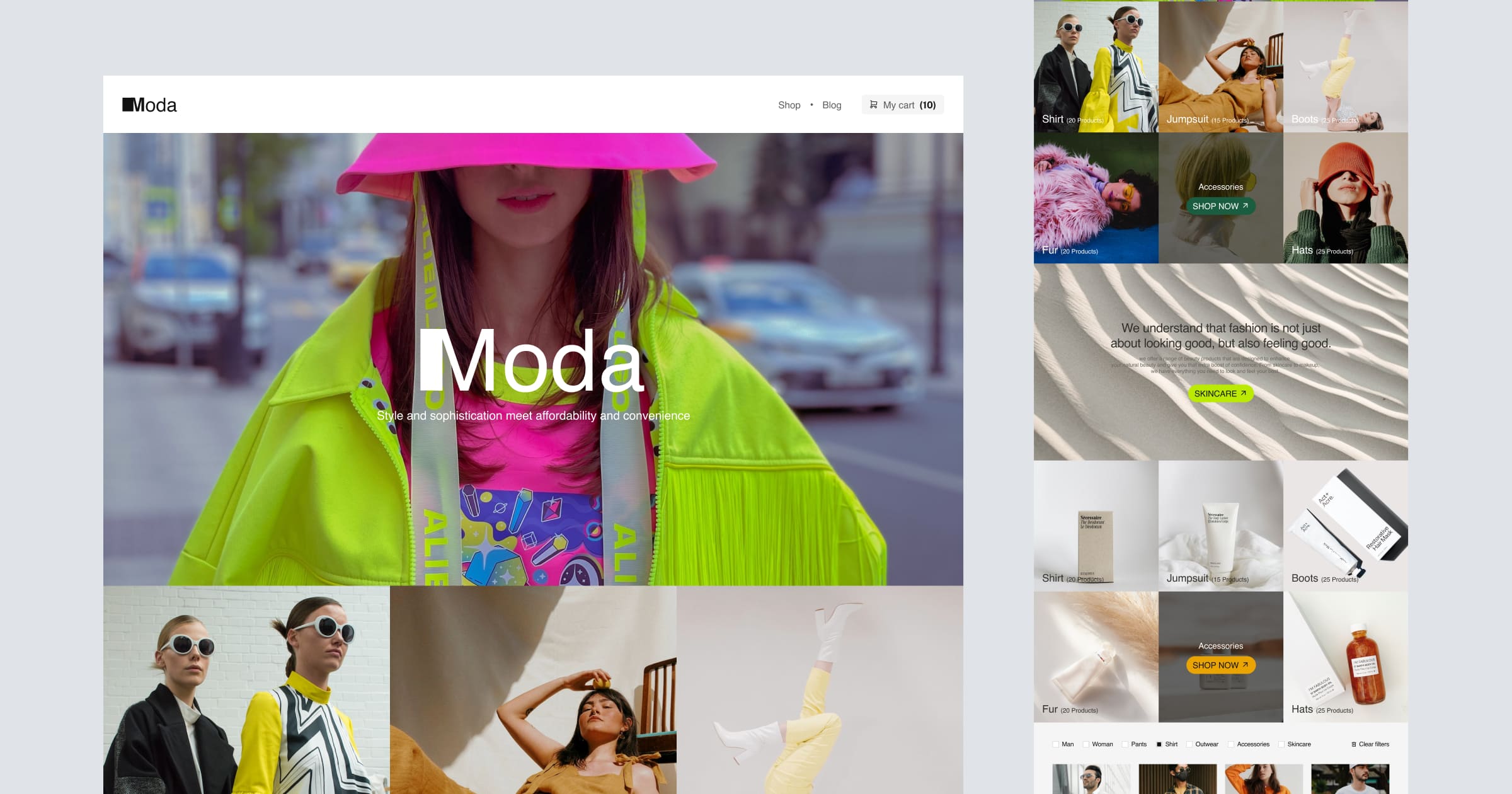
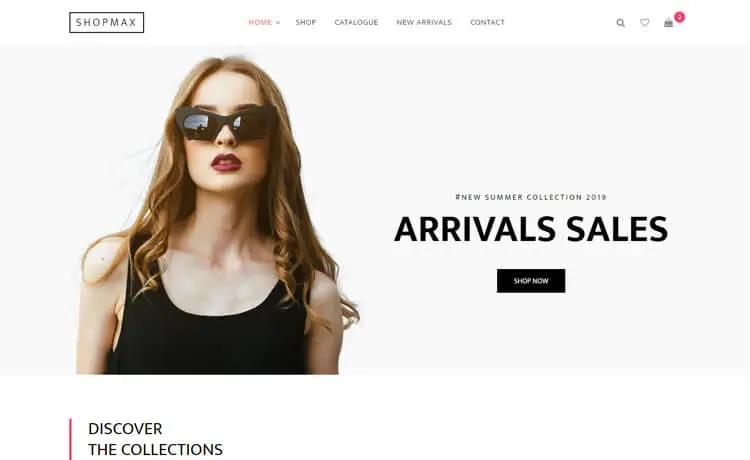
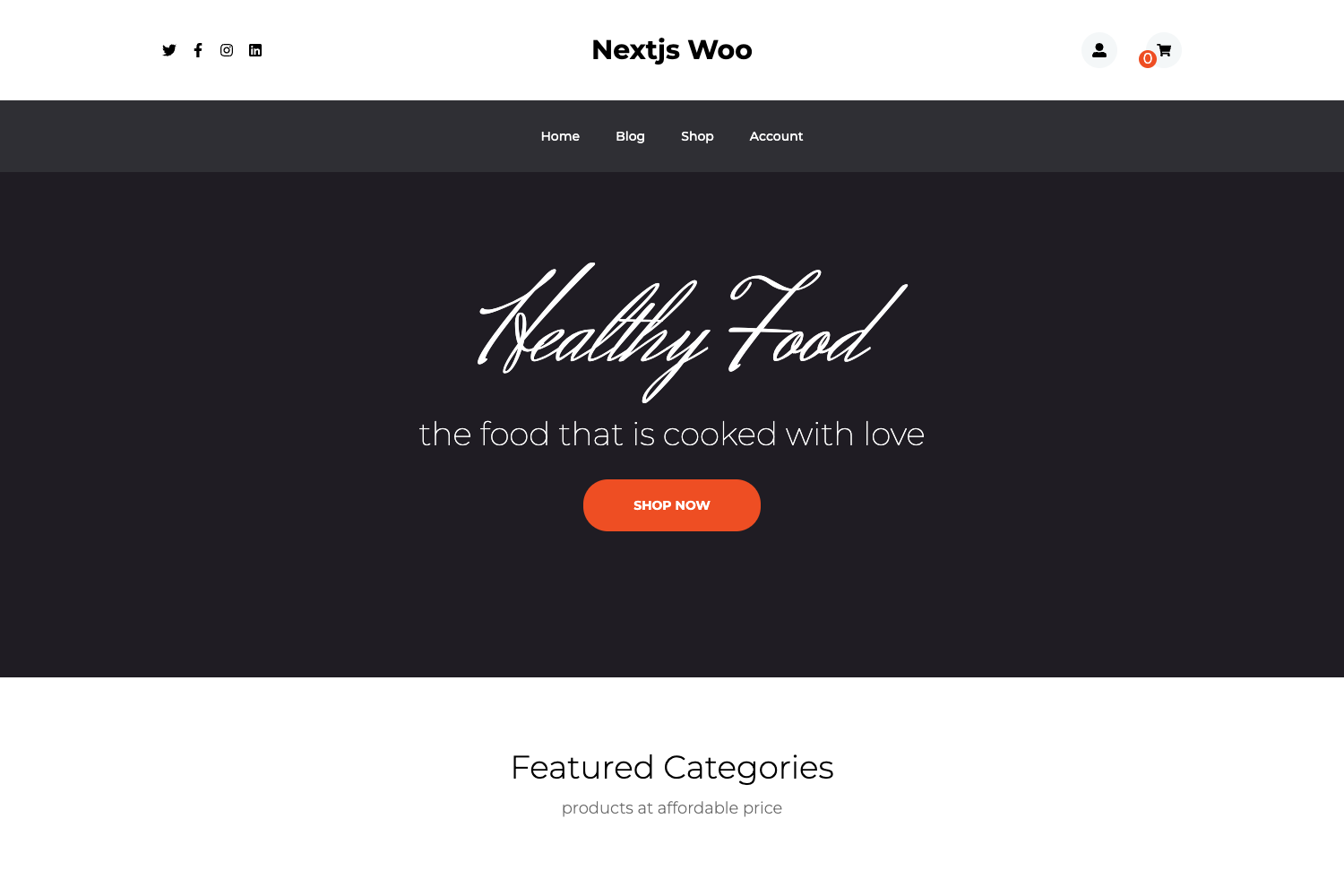
Zay Shop is a free Bootstrap 5 eCommerce HTML CSS template with product listing, product detail, about, and contact pages.
About this template
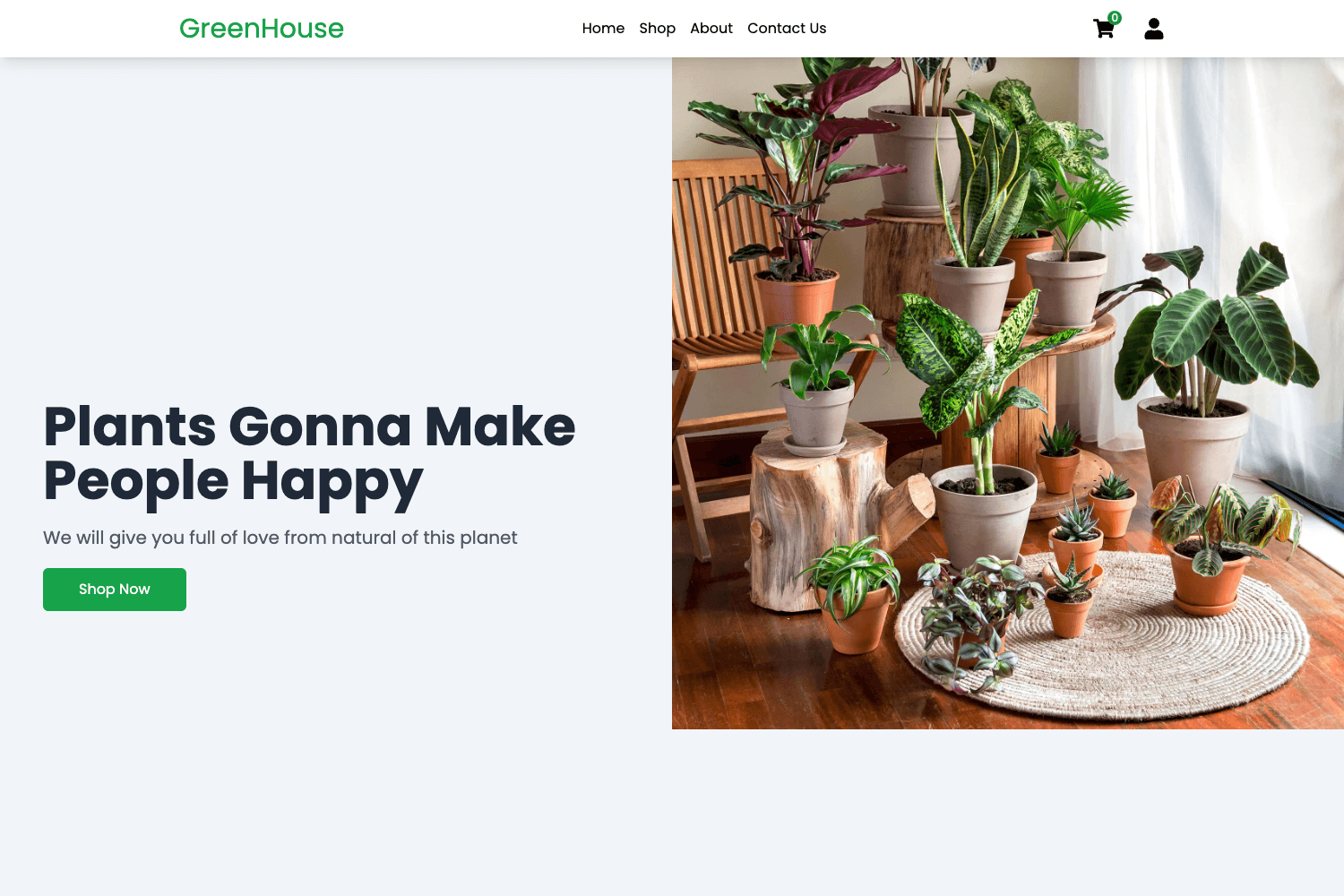
Zay Shop is a free Bootstrap 5 beta 1 HTML CSS eCommerce template from TemplateMo that provides a green-themed online store layout with product listing, product detail, about, and contact pages.
What is Zay Shop?
Zay Shop is a free, multi-page HTML CSS website template built on Bootstrap 5 beta 1, designed for building online stores. It takes standard HTML and CSS files as its source and outputs a complete eCommerce front-end that you can edit and expand. The template is published by TemplateMo (templatemo.com) and was added on 10 January 2021. It has been viewed 348,660 times and downloaded 61,153 times as of the page data. The layout uses a green color scheme and includes four core pages: a product listing page, a product detail page, an about page, and a contact page.
Key Features
- Bootstrap 5 beta 1 framework — Built on the Bootstrap 5 beta 1 CSS framework, giving you a responsive grid, utility classes, and prebuilt components without extra dependencies.
- Four included pages — The template ships with a product listing page, product detail page, about page, and contact page, providing the essential structure for a small store.
- Green color theme — A consistent green color palette is applied across all pages, which you can restyle by editing the CSS variables or overrides.
- Multi-page layout — Unlike single-page templates, Zay Shop uses separate HTML pages, making it easy to add more pages as needed for inventory, blog posts, or custom sections.
- 100% free for commercial use — TemplateMo grants permission to download, edit, and use the template for both commercial and non-commercial websites, with no license fee mentioned.
- Easy to customize — Since it is plain HTML and CSS (no build tooling), you can edit files directly in any text editor and preview them in a browser without a compilation step.
Who is it for?
- Small online store owners — use Zay Shop to quickly stand up a product catalog with listing and detail pages, then add a contact page for customer inquiries.
- Freelance web developers — can download the template as a starting point for client eCommerce projects, restyling the green theme and expanding the page set as needed.
- Beginners learning HTML/CSS — can study a real multi-page Bootstrap layout and practice editing components like the product grid, navbar, and footer.
- Startups needing a prototype — can publish a minimal storefront without paying for a commercial template or hiring a designer.
Use cases
- Independent retailers: create a product listing page with cards and links to individual product detail pages, giving customers a clear path from browsing to inquiry.
- Agency demo builds: reuse the template to mock up an eCommerce concept for a client, modifying the green color and adding brand-specific imagery.
- Contact-enabled stores: pair the included contact page with a PHP contact form script (linked from the template page) to collect customer messages.
- Educational projects: use the template as a hands-on exercise for adding pages, modifying Bootstrap classes, and testing responsive behavior.
FAQ
Is Zay Shop really free?
Yes, TemplateMo explicitly states the template is 100% free to download for anyone. You are allowed to download, edit, and use it for commercial or non-commercial websites without paying a fee.
Which pages are included in Zay Shop?
The template includes four HTML pages: a product listing page, a product detail page, an about page, and a contact page. You can add more pages as needed because it is a multi-page layout with plain HTML and CSS.
Does Zay Shop work with a CMS or build tool?
No. Zay Shop is a plain HTML CSS template based on Bootstrap 5 beta 1. It does not reference any CMS or JavaScript framework, so you can host it on any static server and edit it directly in a code editor.
Can I change the green color?
Yes. The template uses a green color scheme, but since all styling is in CSS (Bootstrap plus custom styles), you can override the color values to match your brand. No specific customization steps are provided on the page, but standard CSS editing applies.
What is the download format?
The template is distributed as a ZIP file via the Download button on the TemplateMo page. After extracting, you edit the HTML and CSS files and upload them to your web host.