Template details
Netlify Stackbit Multi Site Example
Gatsby Multi-site deployable on Netlify and built using Stackbit
About this template
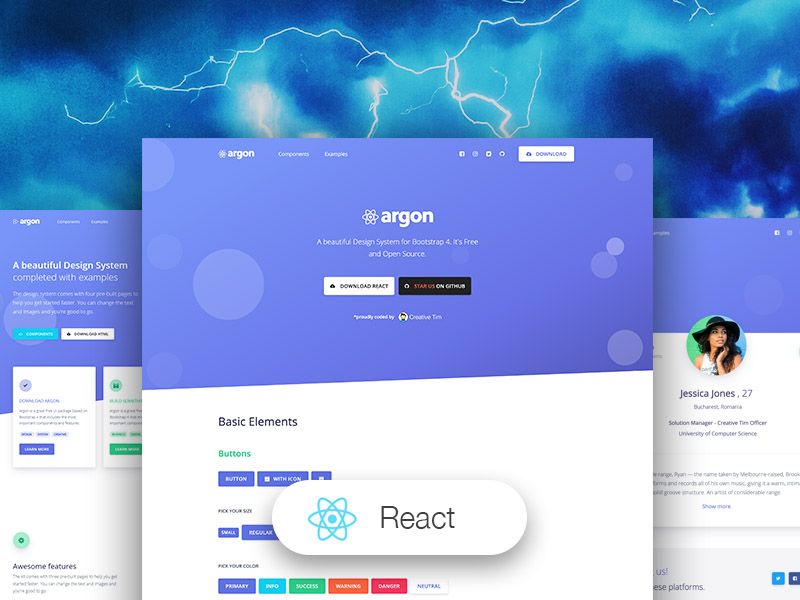
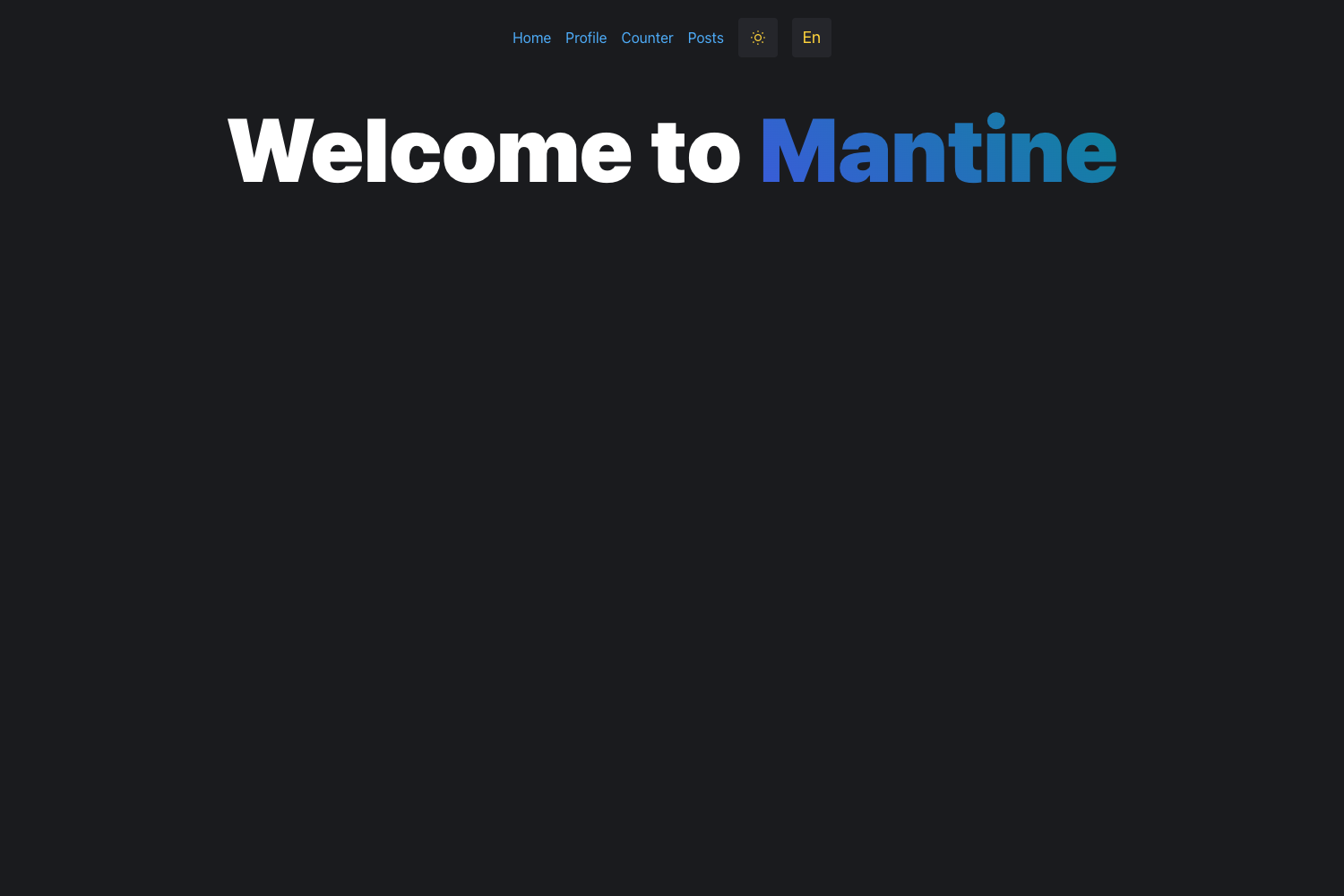
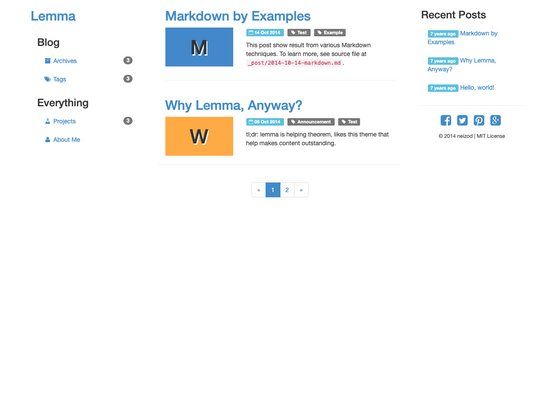
Netlify Stackbit Multi Site Example is a Gatsby-powered GitHub repository that deploys three separate theme sites to Netlify and randomly serves one of them at a single URL. The project demonstrates how one codebase can produce multiple branded sites through branch-based Netlify deploys, with two sites generated by Stackbit and one modified from the gatsby-casper-ghost starter.
What is the Netlify Stackbit Multi Site Example?
This repository is a working multi-site example built with Gatsby, generated by Stackbit v0.2.79, and deployed on Netlify. It serves one of three Gatsby sites at random when you visit the main deployment URL, demonstrating how a single repo can feed multiple branch-based Netlify builds. Two of the sites are backed by Netlify CMS and built via Stackbit; the third is built from the gatsby-casper-ghost starter and modified for Netlify. Each site lives on a separate git branch.
Key Features
- Branch-based multi-site deployments — Each of the three sites is maintained on its own git branch, so Netlify builds and publishes them independently from one repository.
- Random site serving — The main deployment URL (https://infallible-thompson-7cee95.netlify.com) randomly returns one of the three Gatsby sites, a setup the author describes as made for novelty.
- Netlify CMS content management — Two sites use Netlify CMS; content editors can manage site content at https://{yoursite-domain}/admin once deployed.
- Stackbit-generated project — Generated with Stackbit v0.2.79, and the Stackbit Exto Theme original README is included in the repo as README.theme.md.
- Local development workflow — Run
npm install, set theSTACKBIT_API_KEYenvironment variable from the Stackbit dashboard, executenpx @stackbit/stackbit-pullto fetch additional site contents, thennpm run developto start a development server at http://localhost:8000/. - Three distinct themes — The three sites are based on Stackbit Exto Theme, Stackbit Ampersand Theme, and gatsby-casper-ghost (modified for Netlify), letting you compare portfolio-style and blog-style layouts.
Who should use the Netlify Stackbit Multi Site Example?
- Gatsby developers — Use the repo as a working reference for structuring a multi-site project where each branch produces a different Netlify deployment.
- Netlify users — See a concrete example of branch-based deploys and random traffic distribution across three sites.
- Theme evaluators — Explore the Stackbit Exto, Stackbit Ampersand, and gatsby-casper-ghost themes side by side in a live deployment before picking one for a project.
- Stackbit adopters — Learn how a Stackbit-generated project is organized, including the
stackbit-pullcommand and environment variable requirement.
What can you do with the Netlify Stackbit Multi Site Example?
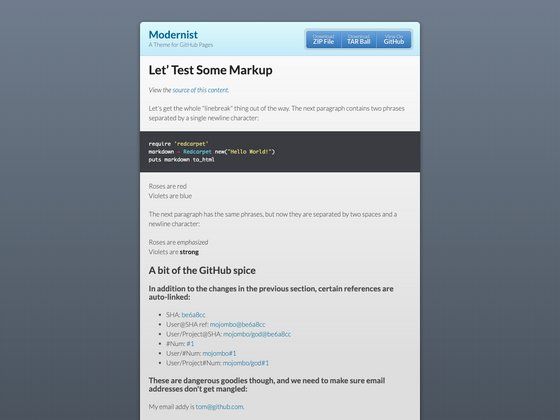
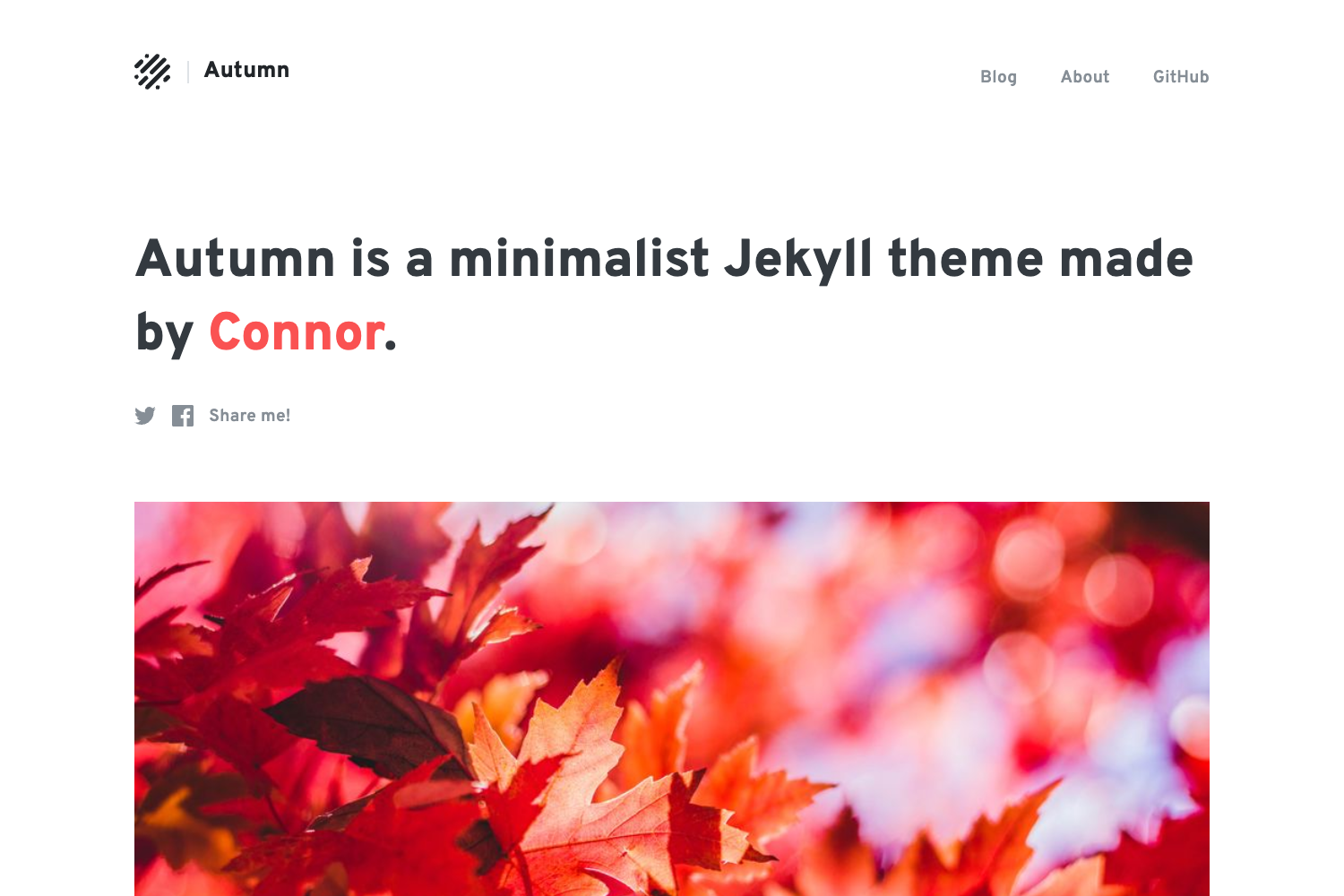
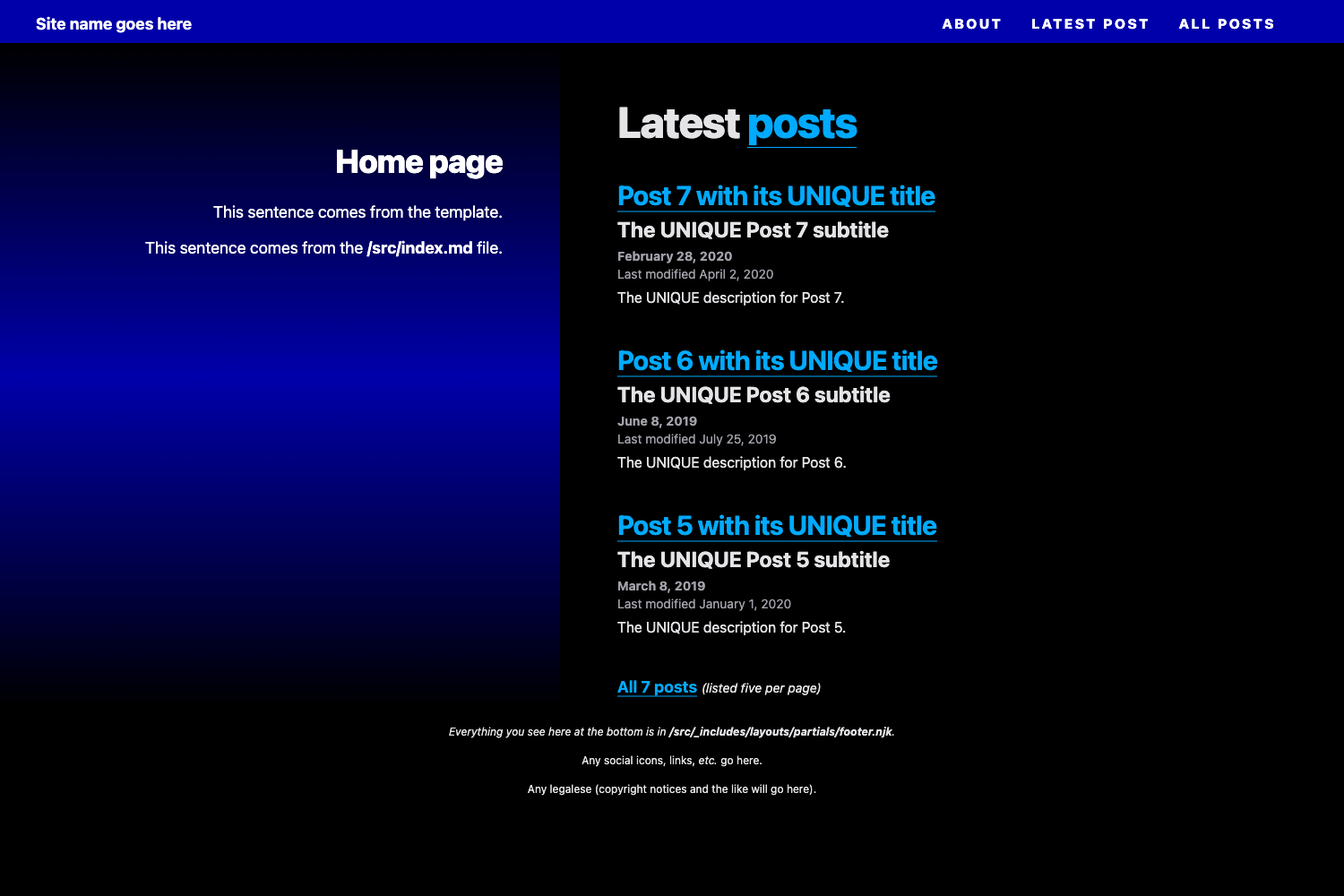
- Compare Gatsby themes quickly: Open the three per-branch URLs (https://5dbb56236f431c00088ffee0--infallible-thompson-7cee95.netlify.com/, https://5dbb4827ca9af19496bdc709--infallible-thompson-7cee95.netlify.com/, https://5dbbb3005e062500086e58e0--infallible-thompson-7cee95.netlify.com/) to see each theme rendered.
- Manage content through Netlify CMS: Go to the /admin path on any of the CMS-backed sites to edit pages and posts without touching code.
- Deploy your own multi-site experiment: Fork the repo, wire it to Netlify with branch builds, and reuse the random-serving pattern.
How does the Netlify Stackbit Multi Site Example work?
Each site is stored on a separate branch, and the repository's main branch is set up so the deployed root URL serves one of the three sites at random. Local development follows the Stackbit workflow: install dependencies with npm install, set the STACKBIT_API_KEY environment variable (obtained from the Stackbit dashboard), run npx @stackbit/stackbit-pull to fetch content from the Stackbit API, then run npm run develop and browse to http://localhost:8000/.
FAQ
What is the deployed URL?
The main deployment is https://infallible-thompson-7cee95.netlify.com, and the three per-branch sites are listed in the repository README (URLs starting with https://5dbb56236f431c00088ffee0--, https://5dbb4827ca9af19496bdc709--, and https://5dbbb3005e062500086e58e0--).
How do I manage site content?
Visit https://{yoursite-domain}/admin to open the Netlify CMS interface. Content updates are committed back to the repository and trigger Netlify builds automatically.
Which themes are included?
The three sites use the Stackbit Exto Theme, the Stackbit Ampersand Theme, and a gatsby-casper-ghost starter modified for Netlify. The Exto Theme's original README is stored as README.theme.md in the repo.
How do I run the project locally?
Install Node.js and npm, run npm install, set the STACKBIT_API_KEY environment variable, run npx @stackbit/stackbit-pull, then run npm run develop and open http://localhost:8000/.
Is the repository production-ready?
The author marks the project as WIP, noting the READMEs and directory structure still need cleanup. The deployed sites work, but the repo is presented as an experiment more than a polished starter.