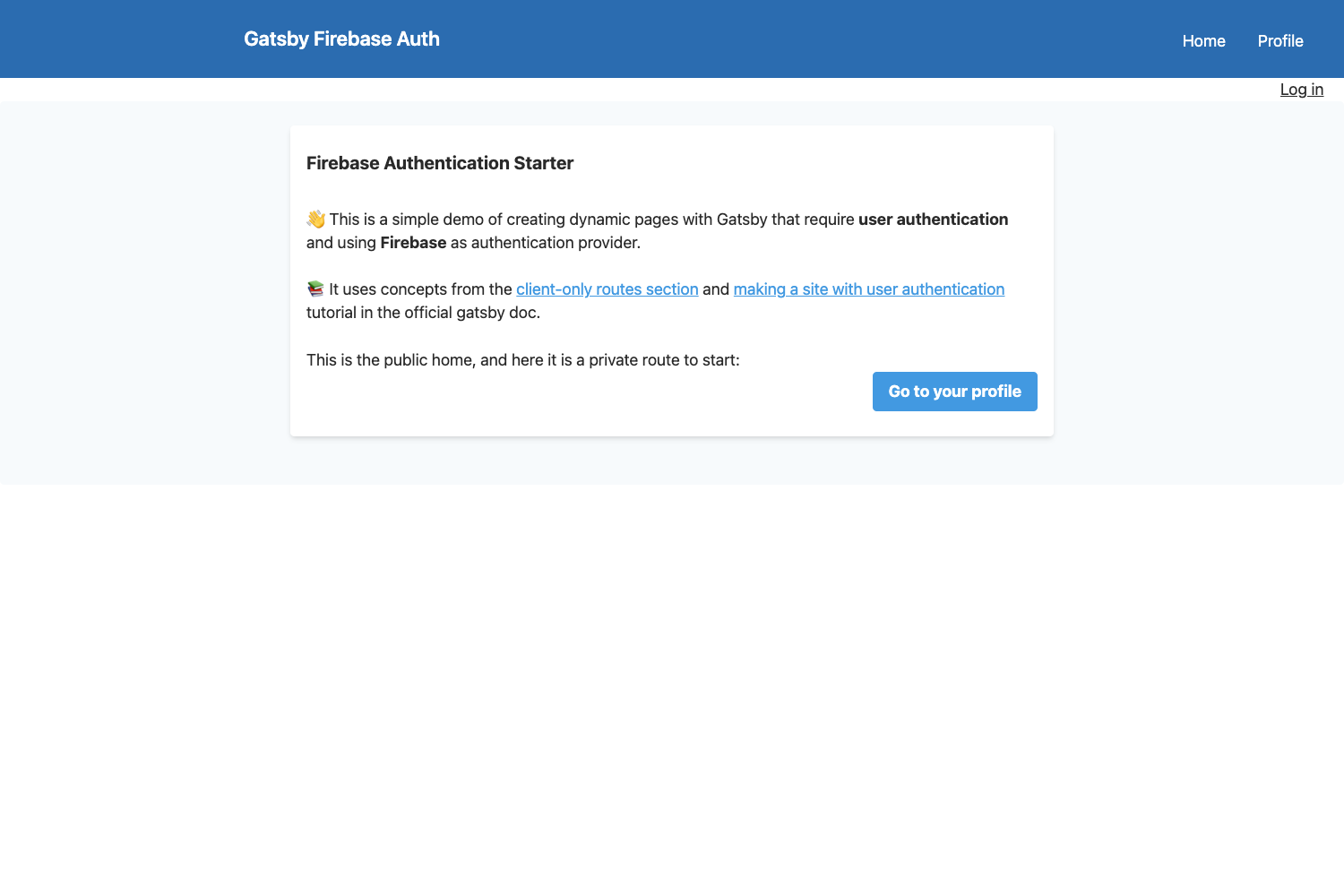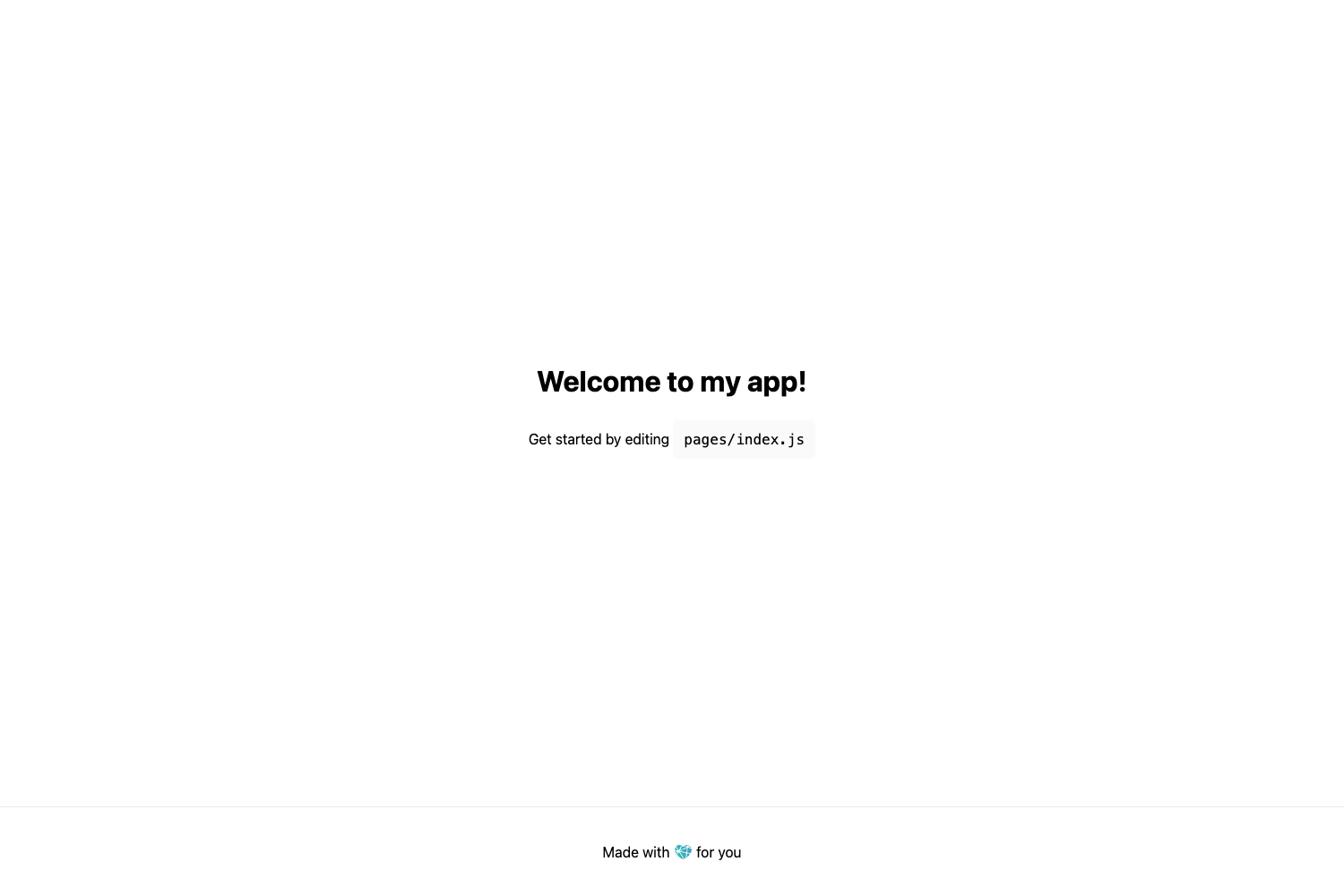
Template details
Next Chakra Starter
Next.js + Chakra UI + TypeScript starter template with API routes and Vercel deployment.
About this template
Next Chakra Starter is a boilerplate template that combines Next.js, Chakra UI, and TypeScript to scaffold a modern React application with API routes and Vercel deployment out of the box.
What is Next Chakra Starter?
Next Chakra Starter is a boilerplate project bootstrapped with create-next-app, the official Next.js scaffolding tool, and extended with Chakra UI and TypeScript. It provides a ready-to-run Next.js application with a pages directory, an API route example, and a development workflow for building React apps. The template runs on Node.js and is designed for deployment on Vercel, the platform created by the Next.js team.
Key Features
- Next.js framework — Uses Next.js with file-based routing for pages and API routes; pages/index.tsx and pages/api/hello.ts are included as starting points.
- TypeScript — The starter is written in TypeScript, so type checking is built in from the start.
- Chakra UI integration — Chakra UI is preconfigured as the component library, giving you accessible React components and styling utilities without extra setup.
- API routes — The pages/api directory is mapped to /api/*, so you can add serverless functions in the same project.
- Hot reload development server — Run npm run dev or yarn dev to start a local server at localhost:3000 that auto-updates as you edit files.
- Vercel deployment — One-command deployment to the Vercel Platform is supported, and the template links to the official Next.js deployment docs.
Who is it for?
- React developers who want a TypeScript-based Next.js project preconfigured with Chakra UI without assembling the pieces themselves.
- Startup teams that need a fast way to scaffold a frontend with a built-in API route for prototyping serverless endpoints.
- Developers learning Next.js who want a minimal, official create-next-app base plus a UI library and TypeScript to follow along with tutorials.
What can you do with it?
- Build a landing page: Edit pages/index.tsx to create a marketing page styled with Chakra UI components.
- Prototype an API: Modify pages/api/hello.ts to return custom JSON and test it at localhost:3000/api/hello during development.
- Deploy to production: Push the project to a Git repository and import it on Vercel to get a live URL.
How does it work?
The template is a standard Next.js application. After cloning it, install dependencies with npm install or yarn, then run npm run dev to start the development server on localhost:3000. The pages directory is the source of truth for routing, and the pages/api directory becomes a serverless API route. When you edit pages/index.tsx, the browser refreshes automatically.
FAQ
Is Next Chakra Starter free?
Yes, the template is an open-source starter project based on create-next-app, and the underlying Next.js and Chakra UI libraries are free to use.
What Node.js version do I need?
Next.js requires Node.js version 12 or later. The template does not pin a specific version, so use a recent LTS release.
Does it include a CSS framework?
It uses Chakra UI for styling, which brings its own theme, components, and responsive utilities. It does not include Tailwind CSS or other CSS frameworks.