Template details
wemake-vue-template
Bleeding edge vue template focused on code quality and developer happiness.
About this template
wemake-vue-template is an open-source Vue.js project scaffold from wemake.services that generates a production-ready Nuxt.js application pre-configured with TypeScript, strict linting, unit and end-to-end testing, Docker, and GitLab CI. It is installed via the Vue CLI and is designed to give new Vue projects a high-quality foundation with minimal setup.
What is wemake-vue-template?
wemake-vue-template is a boilerplate for scaffolding new Vue applications. It takes a project name and generates a complete project structure built on Nuxt.js for server-side rendering. It is created and maintained by wemake.services, a software development company that also publishes the wemake-frontend-styleguide and the strict SCSS stylelint config used in the template. The template is free to use under the MIT license and includes extensive documentation on GitBook.
Key Features
- Nuxt.js for SSR — Uses the latest Nuxt.js to bring server-side rendering to the generated Vue app out of the box.
- Full TypeScript support — TypeScript works across Vue single-file components, Vuex stores, and tests, with strict type checking.
- DI, IoC, and runtime validation — Includes tools for dependency injection and runtime type validation to structure business logic.
- Strict linting — ESLint and stylelint are pre-configured, including the strict SCSS stylelint config from wemake.services.
- Jest and TestCafe — Jest covers unit tests; TestCafe handles end-to-end tests, both set up in the template.
- Docker support — Optional Docker setup for development, testing, and production environments.
- GitLab CI pipeline — A full test and deploy pipeline is included for GitLab CI by default.
- Automated dependency updates — Dependabot keeps dependencies up to date through Pull Requests.
- VS Code integration — The template ships with suggested VS Code settings and a list of recommended plugins.
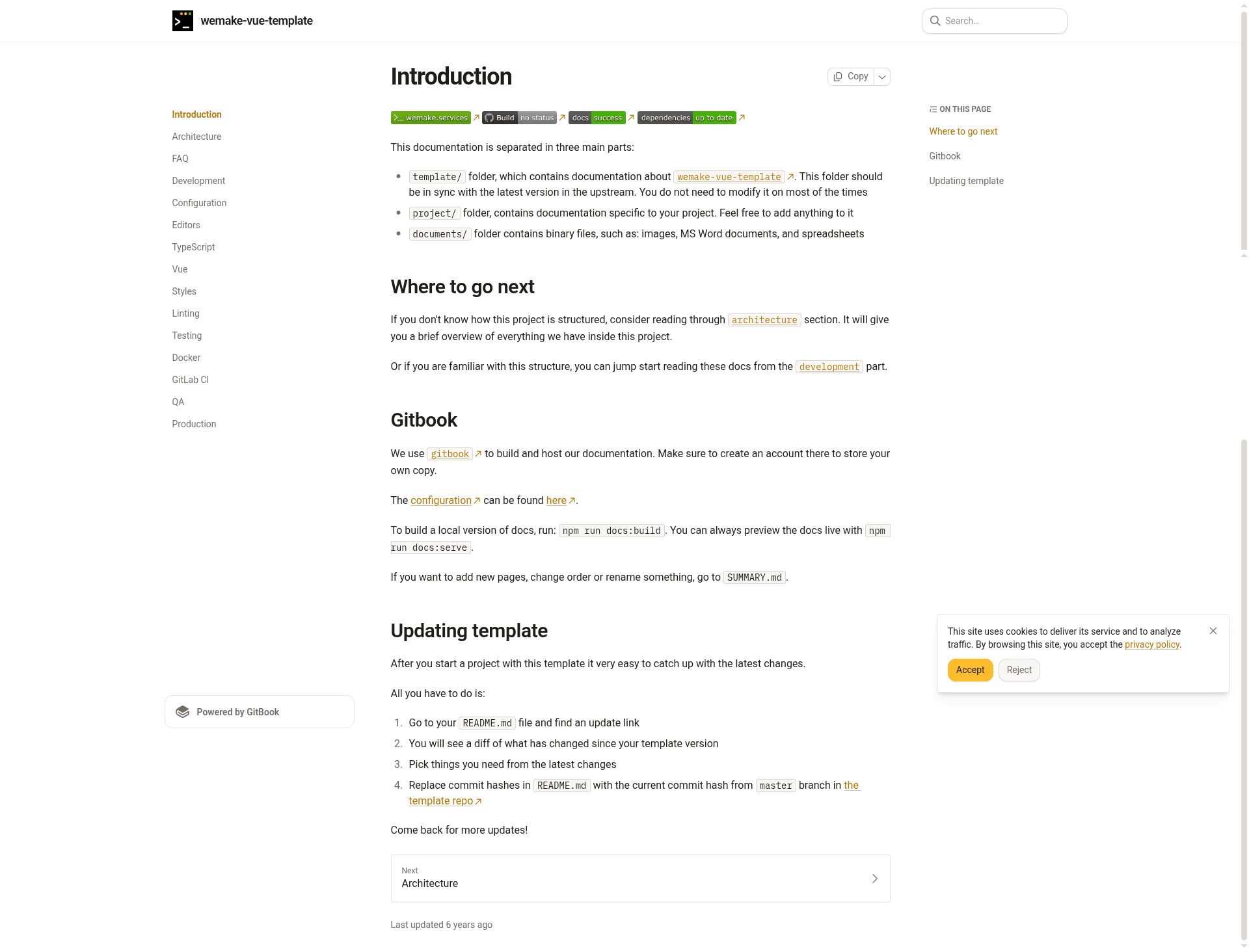
- Meaningful docs — GitBook documentation covers almost every aspect of the project, including JSDoc annotations.
- Scale-proven — The README states it is proven to work on both small and large scale projects.
Who is it for?
- Vue/Nuxt development teams that want a production-ready project structure without spending days on configuration.
- Developers who prioritize code quality and want strict linting rules and typing from day one.
- Organizations using GitLab that need a deployment pipeline ready for both testing and production.
- Developers building large-scale applications who benefit from DI/IoC patterns and long-term maintainability.
Use cases
- Startup teams: scaffold a new Nuxt.js app with CI/CD, testing, and linting in minutes instead of weeks.
- Enterprise developers: establish a consistent, strict codebase with TypeScript and dependency injection for maintainability.
- Open-source contributors: start a new Vue project with a documented workflow and easy update mechanism through Dependabot.
How does it work?
The installation is straightforward: clone the repository with git clone, then run npx vue-cli init ./wemake-vue-template your_vue_project. The Vue CLI will generate a new project from the template. The template includes an .nvmrc file that specifies the required Node version.
Pricing
wemake-vue-template is free and open source, released under the MIT license.
Alternatives
- create-nuxt-app — the official Nuxt.js scaffolding tool, which is less opinionated about code quality tooling.
- Vue CLI's built-in templates — the standard Vue.js tooling, though not focused on a strict quality setup.
FAQ
Is wemake-vue-template free?
Yes, the template is released under the MIT license, so you can use it freely for commercial and personal projects.
What does wemake-vue-template include?
It includes Nuxt.js for SSR, TypeScript support, ESLint and stylelint, Jest unit tests, TestCafe end-to-end tests, Docker setup, GitLab CI pipeline, and documentation on GitBook.
Does the template support TypeScript?
Yes, TypeScript is fully supported for Vue single-file components, Vuex, and tests. The template also includes runtime type validation tools.
How do I install the template?
You need Node.js and then run git clone of the repository followed by npx vue-cli init ./wemake-vue-template your_vue_project. The generated project will contain all the configured tools.
What Node version is required?
The template specifies its Node version in the .nvmrc file. The README notes that you will need node but does not list a specific version; the .nvmrc file inside the template defines it.