Template details
Next-Chakra-Template
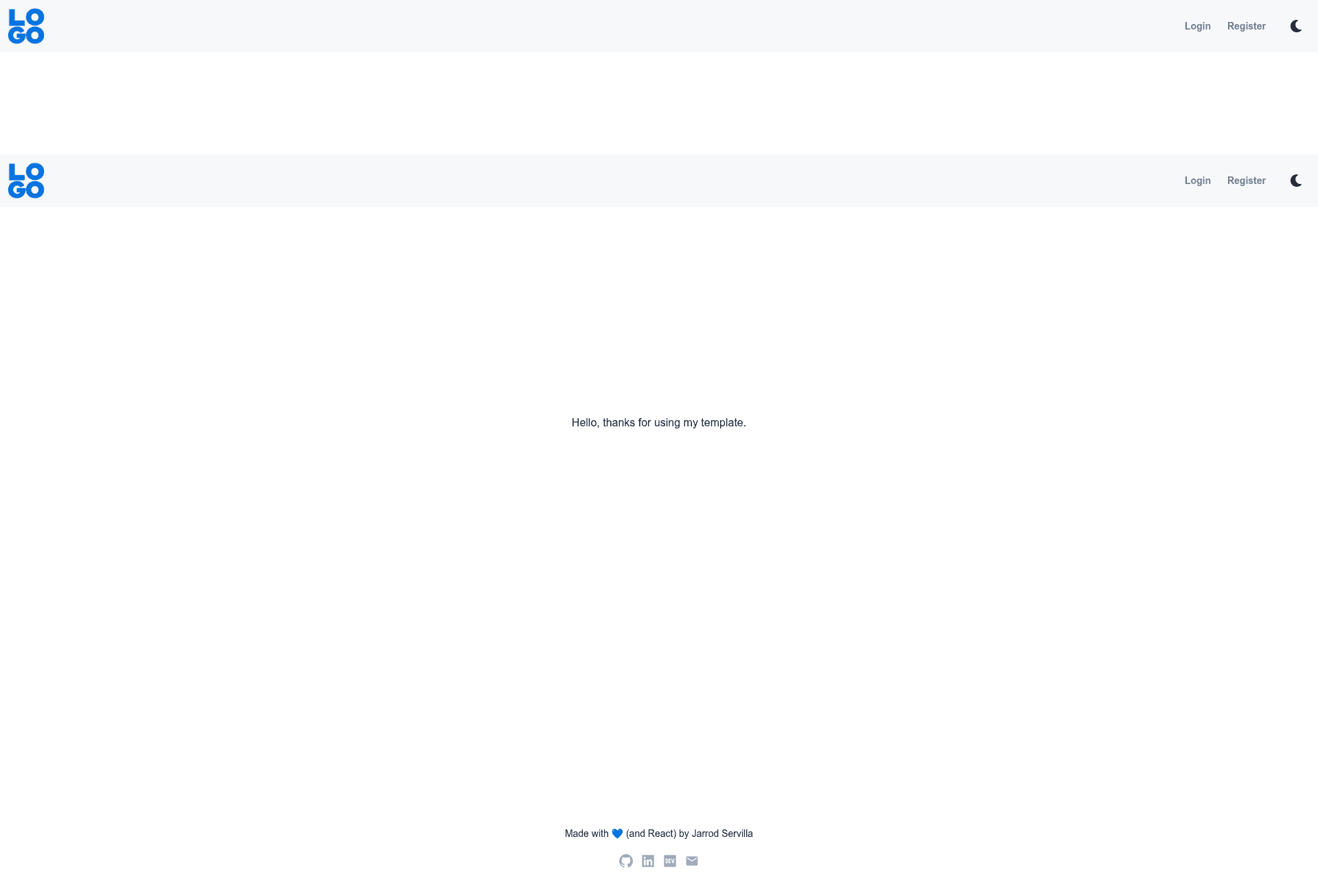
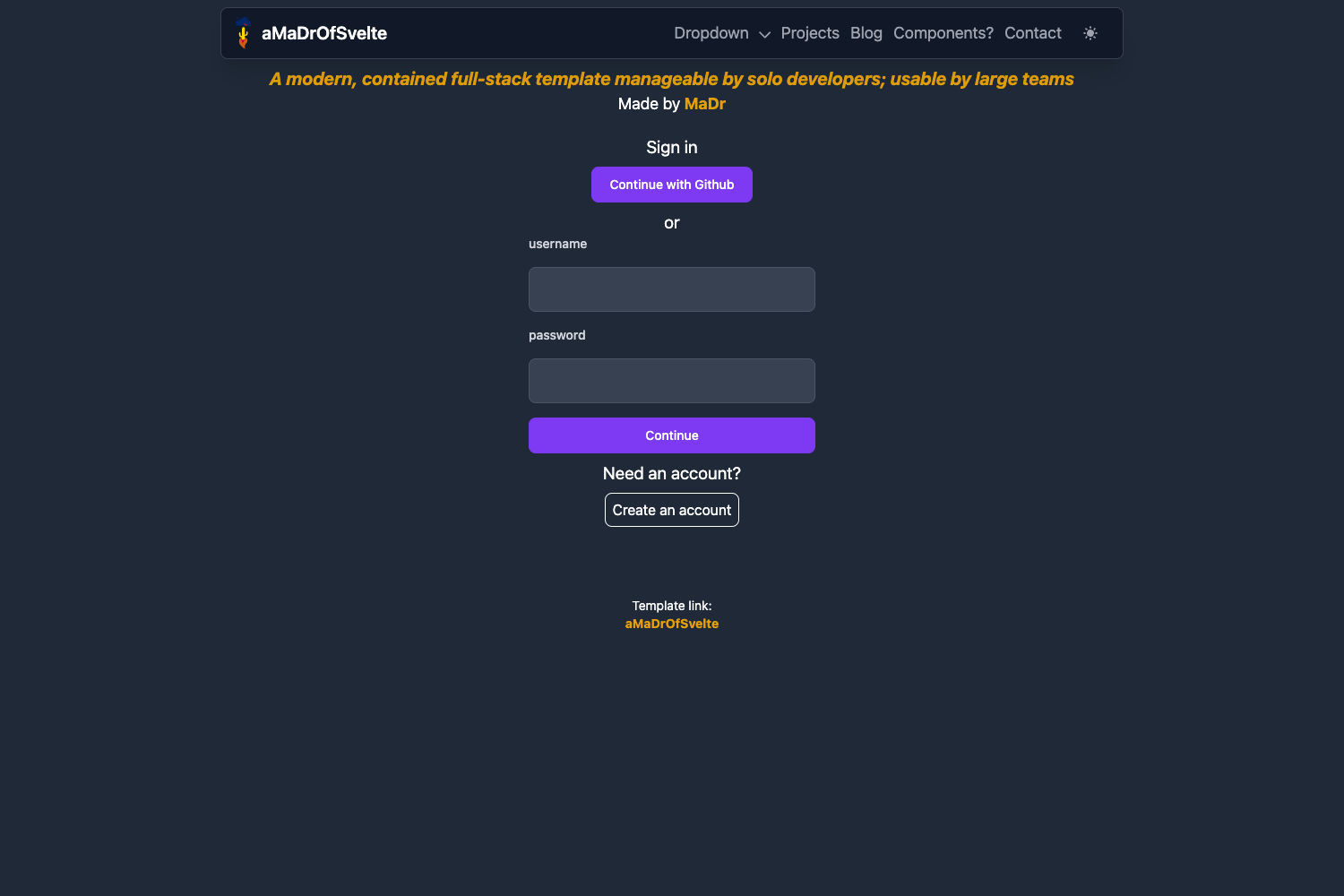
Next.js + Chakra UI starter template with sticky navbar, login/register page, and preconfigured linting.
About this template
Next-Chakra-Template is a publicly available Next.js and Chakra UI starter for quickly bootstrapping a site with a sticky navbar, login/register page, and preconfigured linting.
What is Next-Chakra-Template?
Next-Chakra-Template is a GitHub starter template that combines the Next.js React framework with the Chakra UI component library. It takes a bare Next.js project and adds a responsive sticky navbar and footer, a simple login/register page, and a set of tooling packages (ESLint, Prettier, simple-import-sort) so you can start coding without setting up these integrations yourself. The output is a runnable Next.js application with Chakra theming and form handling ready for customization.
Key Features
- Sticky navbar and footer — Uses react-stickynode to keep navigation and footer visible while scrolling, with responsive design.
- Preconfigured linting and formatting — ESLint with eslint-config-prettier, eslint-plugin-prettier, and eslint-plugin-simple-import-sort to enforce consistent import order.
- Link icons with labels — Integrates react-icons so nav links can display an icon next to the label.
- Simple login/register page — Built with Formik for form state and Yup for validation, giving you a working form scaffold.
- OpenGraph link previews — Metadata setup for social sharing previews when links are posted.
- Linting workflow — Includes a workflow definition to run lint checks on the project.
- Chakra UI theming — Theme customization is centralized so you can change colors and component styles in one place.
Who is it for?
- Next.js developers who want a head start on a Chakra UI project without repeating boilerplate.
- Freelancers and agencies building small business sites that need a navbar, footer, and a sign-up/login page.
- Hobbyists experimenting with Chakra UI who want a working starter to see how the pieces fit together.
What can you do with Next-Chakra-Template?
- Scaffold a marketing site: Quickly spin up a project with a sticky navbar, footer, and link icons to structure navigation.
- Add user authentication later: Use the included login/register page as a foundation, then connect it to a backend or auth provider.
- Customize branding: Edit the specified files (_app.jsx for meta data, theming, footerLinks, favicon, navbar/footer) to match a project's identity.
How does Next-Chakra-Template work?
To get started, clone the repository. The template includes a set of files that require your modification: _app.jsx for site metadata, footerLinks, the navbar and footer components, the favicon, and the Chakra UI theming. After editing these, you can run the Next.js development server and build out your pages with the preconfigured tools.
FAQ
What packages are included?
The template includes Chakra UI, Formik, Yup, react-icons, react-stickynode, ESLint with Prettier and simple-import-sort, and Next.js itself.
What files must I modify?
You need to edit _app.jsx for site metadata, footerLinks, the navbar and footer, the favicon, and the Chakra theming to fit your project.
Does it include authentication?
No, it only provides a simple login/register page frontend with Formik and Yup. It does not include a backend or authentication logic.
Are there any known limitations?
The repository notes that Chakra UI's grid system is not the easiest to work with and suggests importing Bootstrap or Material UI as an alternative for grid layout needs.