Template details
cool-landing
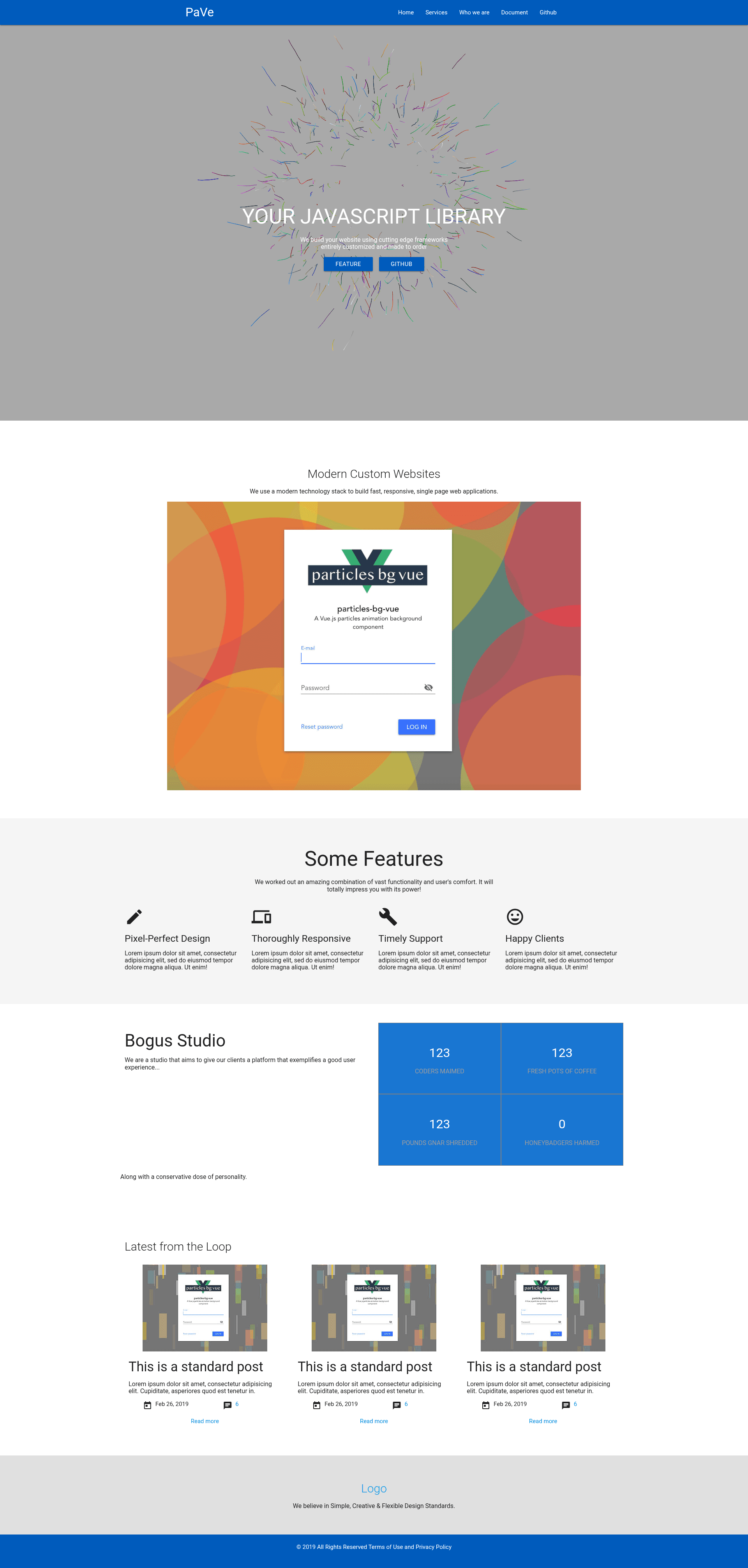
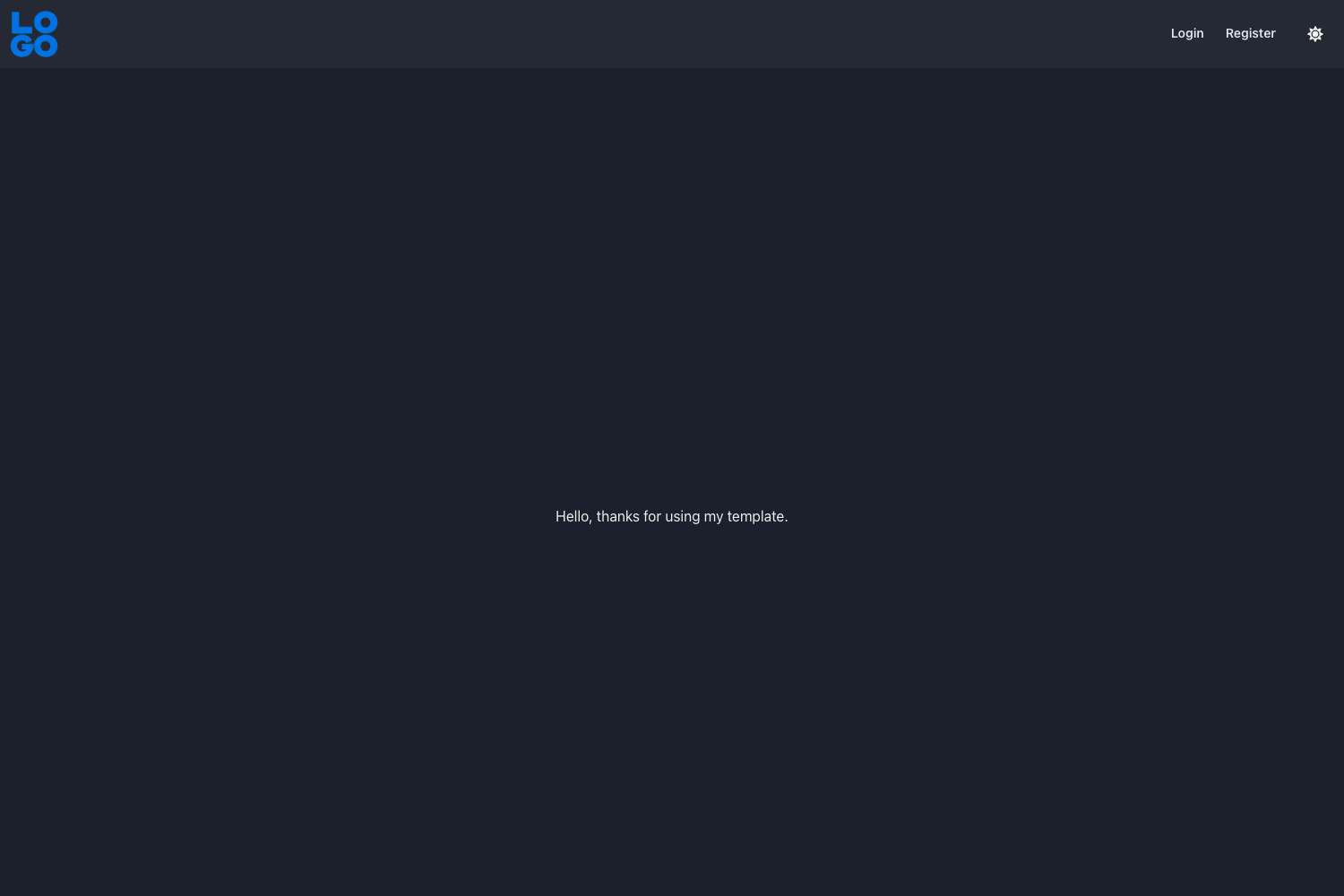
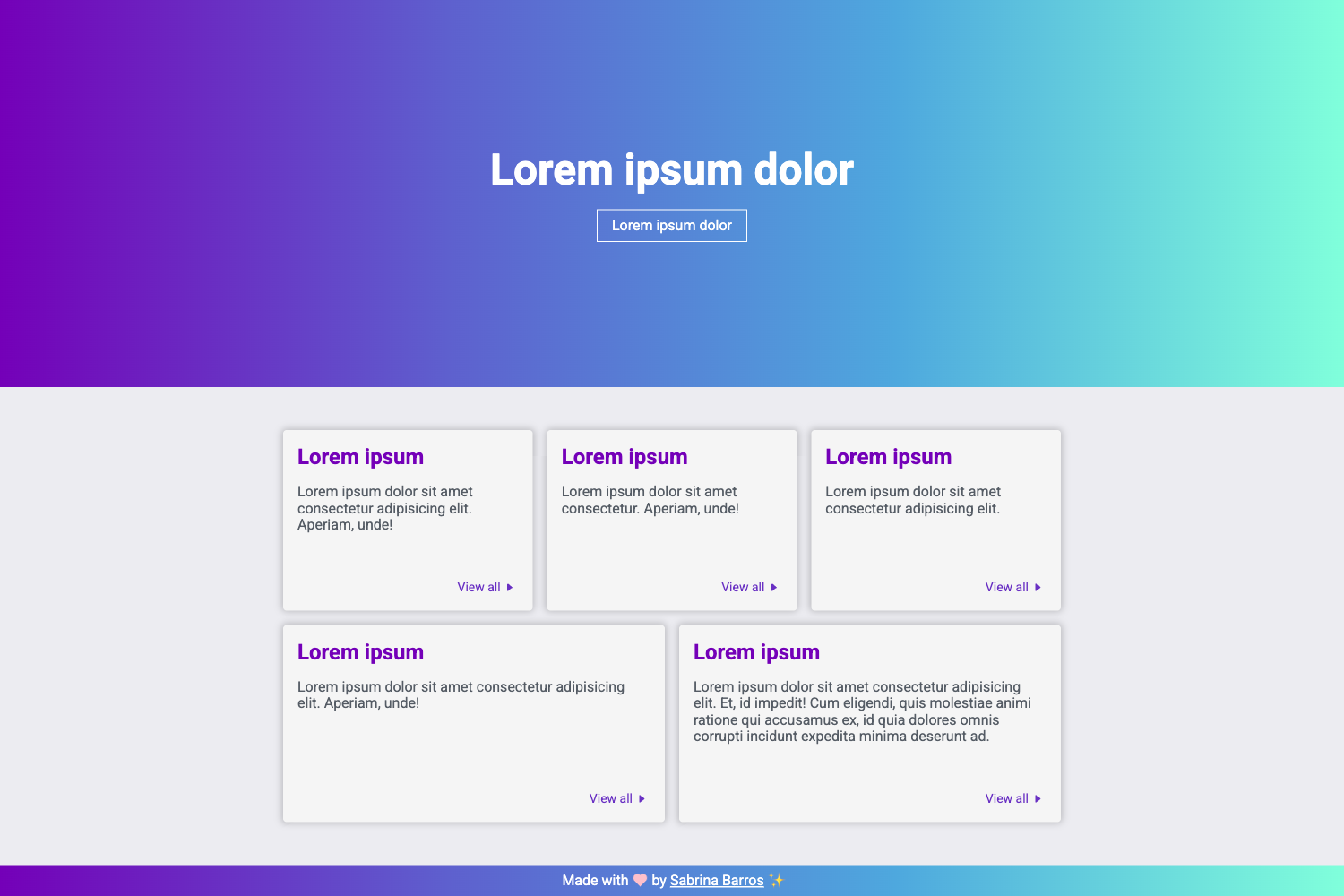
A personalized Material-UI landing page template with an animated particle background.
About this template
cool-landing is a React single-page landing template styled with Material-UI that adds an animated particle background through the particles-bg library and is set up for deployment to GitHub Pages.
What is cool-landing?
cool-landing is a React landing page template that uses Material-UI components and the particles-bg React library to create a personalized, animated landing page. The source repository provides a demo page hosted at nordicgiant2.github.io/cool-landing-page and includes all files needed to run, build, and deploy the page. It is authored by Nordic Giant (github.com/nordicgiant2) and released under the MIT License.
What makes cool-landing stand out?
- Material-UI design system — The template is built with Material-UI, giving every component a Google Material Design look out of the box.
- Particle background — It integrates the particles-bg React component library, so you can add animated particle effects with a few lines of configuration.
- GitHub Pages ready — The README links to the official gh-pages documentation; a live demo runs on a
gh-pagesbranch. - Local development flow — Run
npm ithennpm startto launch a development server, andnpm run buildto produce a production build. - Minimal setup — The template is a clone-and-run project with no external CMS, backend, or database dependencies beyond the React toolchain.
- Open source license — The project is licensed under the MIT License, permitting use and modification with attribution.
Who is cool-landing for?
- React developers who want a ready-made, single-page landing rather than building one from scratch.
- GitHub Pages users who need a personal or project landing page that can be published from a repository.
- Designers and makers who want a recognizable Material Design look with animated visuals without writing a particle engine themselves.
Use cases
- Personal landing page: Set up a clean, Material-UI styled page with an animated background to present yourself or your work.
- Open-source project page: Publish a landing page for a GitHub project by deploying the template to a
gh-pagesbranch. - Quick prototype showcase: Use the clone-and-run workflow to spin up a local demo for a client or team in minutes.
How does cool-landing work?
The template requires Node.js and npm. After cloning the repository, run npm i to install dependencies, npm start to start the local development server, and npm run build to create a production build. The README points to GitHub Pages documentation for deploying the built site.
FAQ
Is cool-landing free?
Yes. The repository is licensed under the MIT License, so the template is free to use, modify, and distribute, including for commercial projects.
Does cool-landing use Material-UI?
Yes. The project description identifies it as a "personalized material-ui landingpage template," and the interface components are built with Material-UI.
What is particles-bg?
particles-bg is a React component library for adding particle backgrounds. cool-landing uses it so the landing page displays animated particles behind its content; the library's own GitHub repository is linked in the README.
How do I deploy cool-landing to GitHub Pages?
The README suggests using gh-pages and links to the official GitHub Pages documentation. Typical workflow: create a gh-pages branch or use the gh-pages npm package, then point your repository settings to that branch.
Can I use cool-landing without React knowledge?
Basic React or Node knowledge is needed. The setup steps require running npm commands, and editing content means changing React components.