Template details
Custom Error Pages (Static HTML)
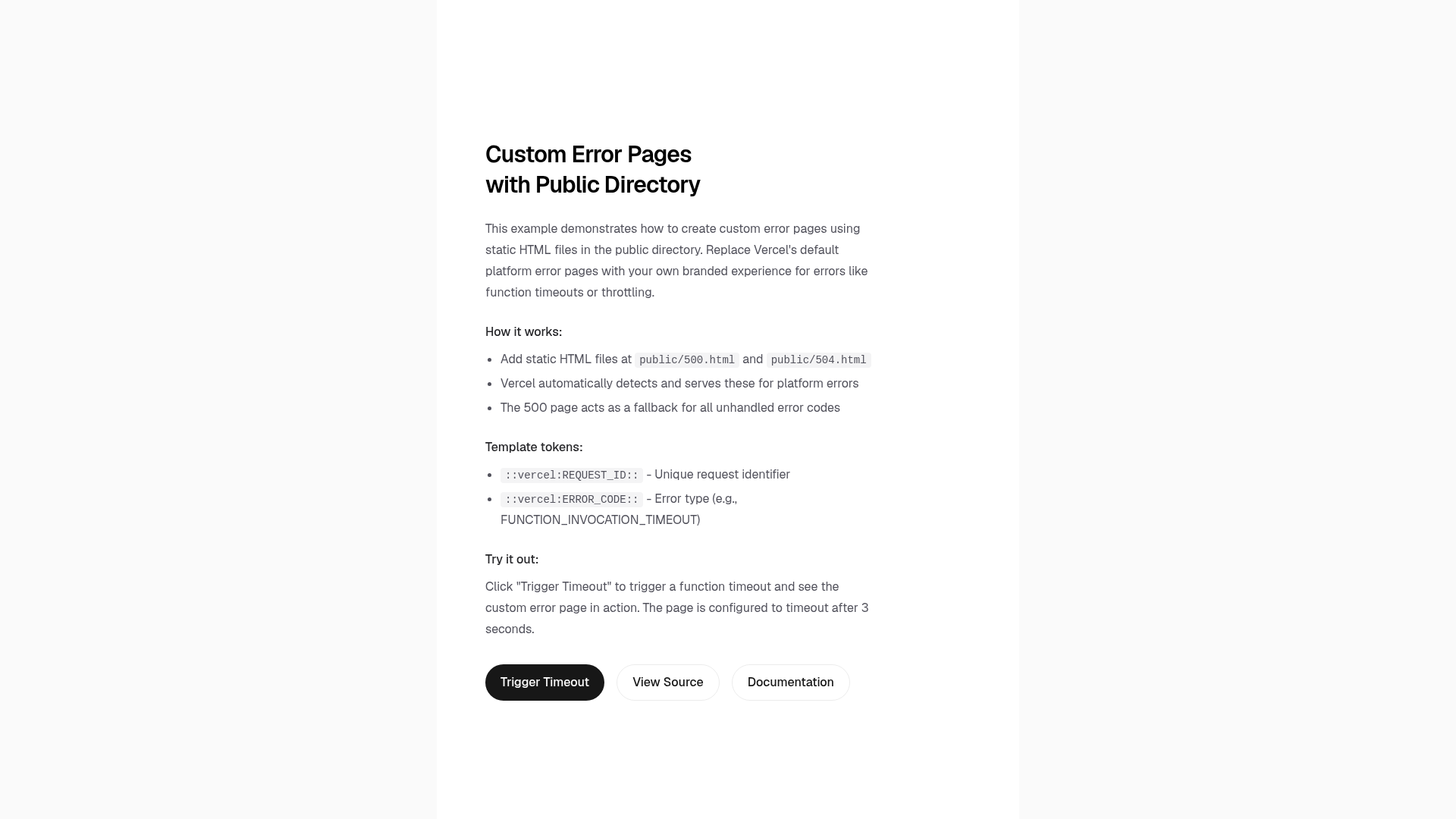
Next.js example that serves custom 5xx error pages from static HTML files in the public directory on Vercel.
About this template
Custom Error Pages (Static HTML) is a Next.js boilerplate from Vercel that demonstrates how to serve branded 5xx server error pages using static HTML files placed in the public directory. This example deploys to Vercel and requires an Enterprise plan to use the underlying custom error page feature.
What is Custom Error Pages (Static HTML)?
This example is a minimal Next.js application with a public/ folder containing two files: 500.html, a generic server error fallback, and 504.html, a specific gateway timeout page. When the project is deployed to Vercel, the platform automatically detects these files and routes matching 5xx HTTP error codes to them. The repository includes a one-click deploy link and instructions to clone it locally with pnpm create-next-app.
Key Features
- Static HTML error pages — Add 500.html and 504.html to the public directory; no server code required.
- Automatic error routing — Vercel maps 500, 502, 503, and 508 errors to /500.html, and 504 errors to /504.html.
- One-click deploy — Deploy instantly via the Vercel clone button linking directly to this repository.
- Local development — Bootstrap with pnpm create-next-app --example, then run pnpm dev.
- Enterprise availability — The custom error page feature is limited to Vercel Enterprise customers.
- Tailwind CSS — The example uses Tailwind for styling (per repository metadata).
- Live demo — A working deployment is available at https://custom-error-pages-public-dir.vercel.app.
Who is it for?
- Vercel Enterprise customers who want to replace the default platform error pages with on-brand HTML.
- Next.js developers looking for the official pattern to add custom 5xx pages to their Vercel deployments.
- SRE teams that need to communicate specific messages for gateway timeouts (504) versus generic server errors.
What can you do with it?
- Brand the 500 page: Customize the content and styling of the fallback error page for all unhandled 5xx codes.
- Create a dedicated 504 page: Add a separate file for gateway timeout errors with tailored instructions or a maintenance notice.
- Learn Vercel's error-page conventions: See how the platform prioritizes specific error files over the generic fallback.
How does it work?
After deployment, Vercel inspects the public directory for files named after HTTP status codes, such as 500.html and 504.html. It then generates routing rules that serve these files whenever the corresponding server error occurs. If a specific code (like 502 or 503) does not have its own file, Vercel falls back to the generic 500.html page.
FAQ
Is this feature free?
The custom error page feature is only available on Vercel's Enterprise plan. The example code itself is open source, but using it to replace platform error pages requires an Enterprise upgrade.
Which error codes can I customize?
You can create a file for any 5xx status code. The included example provides 500.html and 504.html, and Vercel will use 500.html as a fallback for other codes such as 502, 503, and 508.
Does the example work locally?
Yes. Clone the repository with pnpm create-next-app and run pnpm dev to see a standard Next.js app. The custom error pages only take effect when deployed to Vercel, since they rely on the platform's error-page detection.
How do I deploy the example?
Use the one-click deploy button to create a Vercel project directly, or clone the repository with pnpm create-next-app --example, then push to a Git provider and import it into Vercel.