Template details
Next JS Boilerplate
Scalable foundation with NextJS for developer so you can focus on performance and best practices.
About this template
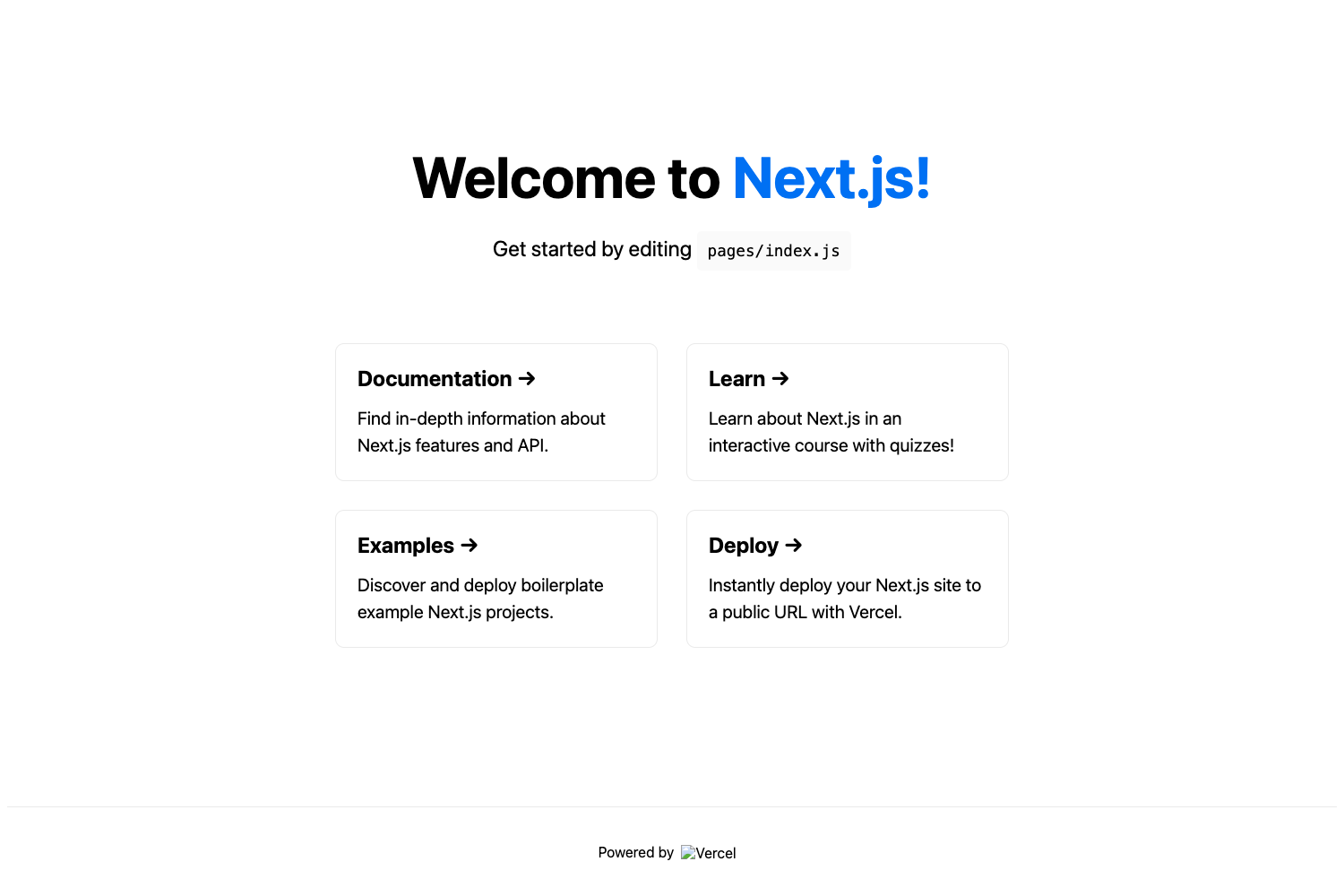
Next JS Boilerplate is a starter repository for building web applications with Next.js, bundling pre-configured tooling such as Styled Components, Jest, Storybook, and ESLint so developers can skip environment setup and focus on feature work.
What is Next JS Boilerplate?
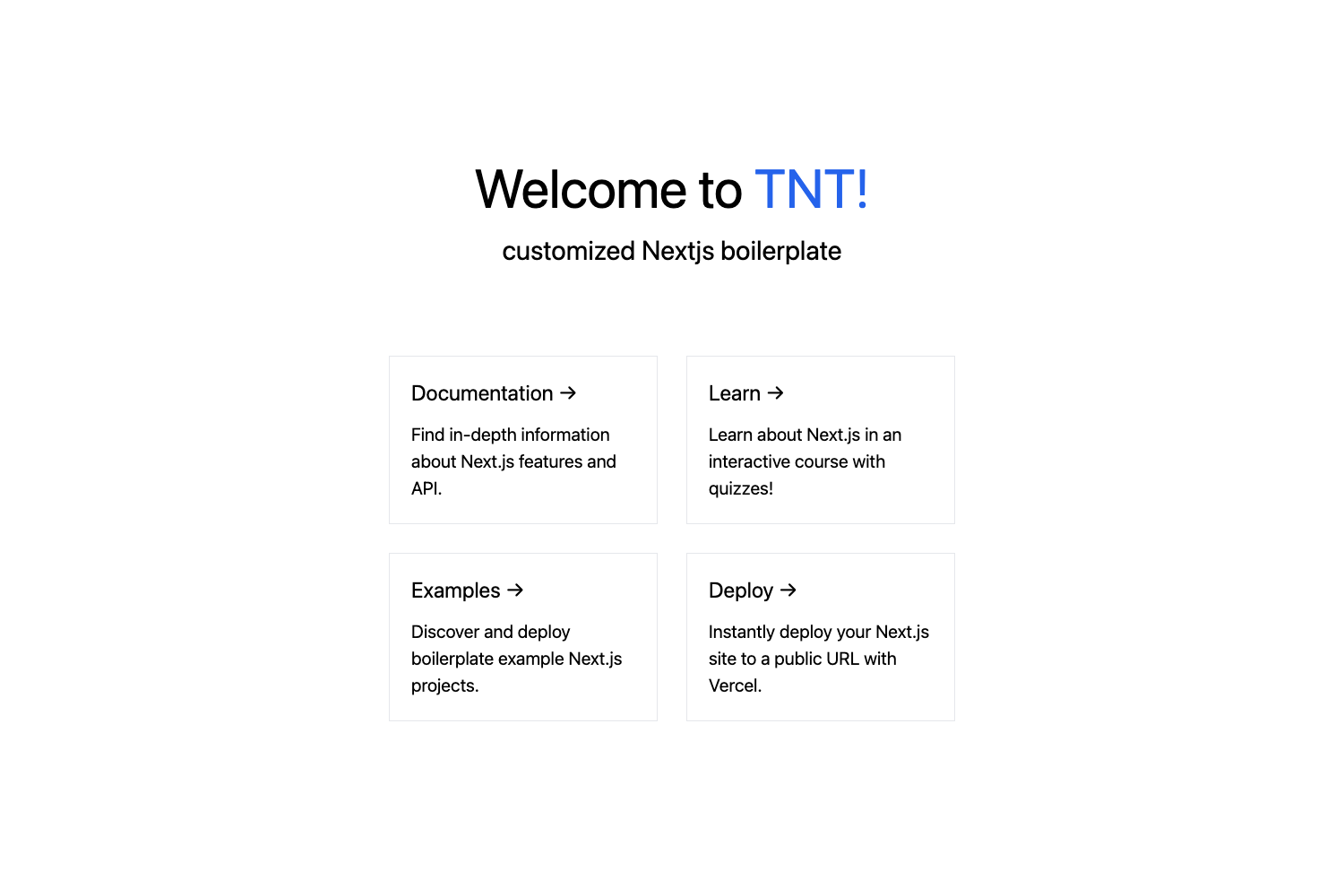
Next JS Boilerplate is a pre-configured starter project that combines Next.js with a stack of front-end tooling. It is built and maintained by Faiz Azmi Rekatama (faizrktm) and published on GitHub as a public repository. The boilerplate takes a fresh Next.js project and adds working configurations for styled-components, Jest with React Testing Library, Storybook, ESLint, and an internationalization system, so developers can begin coding immediately. The repository includes scripts for installing dependencies with yarn, running a development server, building for production, and running tests. It also sets up a src directory as the base path for imports, and its description calls it a scalable foundation for performance and best practices.
Key Features
- Next.js — the React framework for server-rendered and static web applications; the boilerplate is built on top of the default Next.js app with a configured src directory.
- Styled Components — CSS-in-JS styling library pre-configured, allowing component-scoped styles without separate CSS files.
- Jest and React Testing Library — testing stack set up with
yarn testandyarn test --watchcommands for unit and integration tests. - Storybook — component development environment pre-installed for building and documenting UI components in isolation.
- Candi-UI Component Library — a reusable component library (linked in the repository) bundled as the default UI kit; it can be removed by editing package.json.
- ESLint support — linting is configured out of the box to enforce code consistency.
- Internationalization — a custom i18n solution created by the author is included for multi-language support.
- src base path — imports are resolved from a src directory, keeping project structure organized.
Who is it for?
- Next.js developers who want to skip repetitive configuration of testing, styling, and linting when starting a new project.
- Front-end teams looking for a consistent starting point that enforces styling and testing conventions from day one.
- Component library authors interested in Storybook to develop and showcase reusable components in an isolated environment.
What can you do with it?
- Rapid prototyping: spin up a new Next.js app with
yarn installandyarn devto immediately start building pages with a configured toolchain. - Write tests: run
yarn testto execute the Jest suite, or use--watchfor TDD workflows. - Develop components in isolation: use Storybook to build and test UI components without running the full application.
- Internationalize your app: leverage the built-in i18n setup to add multiple languages to the interface.
How does it work?
The boilerplate relies on package scripts defined in package.json. After cloning, yarn install pulls dependencies. yarn dev launches the development server at localhost:3000. yarn build && yarn start runs in production mode. Tests are executed with yarn test or yarn test --watch for continuous testing.
Alternatives
For teams that prefer a minimal start, create-next-app is the official Next.js scaffolding tool that generates a bare project without the pre-configured testing and Storybook setup included here. It is maintained by the Next.js team and offers a simpler starting point for basic apps.
FAQ
How do I install this boilerplate?
Clone the repository and run yarn install to install dependencies. The project uses Yarn as the package manager, as shown in the setup commands.
What testing tools are included?
Jest and React Testing Library are pre-configured. Run yarn test to execute tests, or yarn test --watch to run in watch mode.
Can I remove Candi-UI?
Yes, remove the Candi-UI dependency from package.json and run yarn install again. The boilerplate uses styled-components for styling, so you can replace or delete component library code.
Does this boilerplate support internationalization?
Yes, it includes an internationalization system created by the author. The specifics of usage are not detailed in the repository, but the feature is listed as pre-installed.
Who created this boilerplate?
Faiz Azmi Rekatama (faizrktm) is the author, and the repo is hosted on GitHub under the faizrktm account.