Template details
Next Shapa
A Next.js starter template with TypeScript, SCSS, Prettier, and ESLint preconfigured for building websites.
About this template
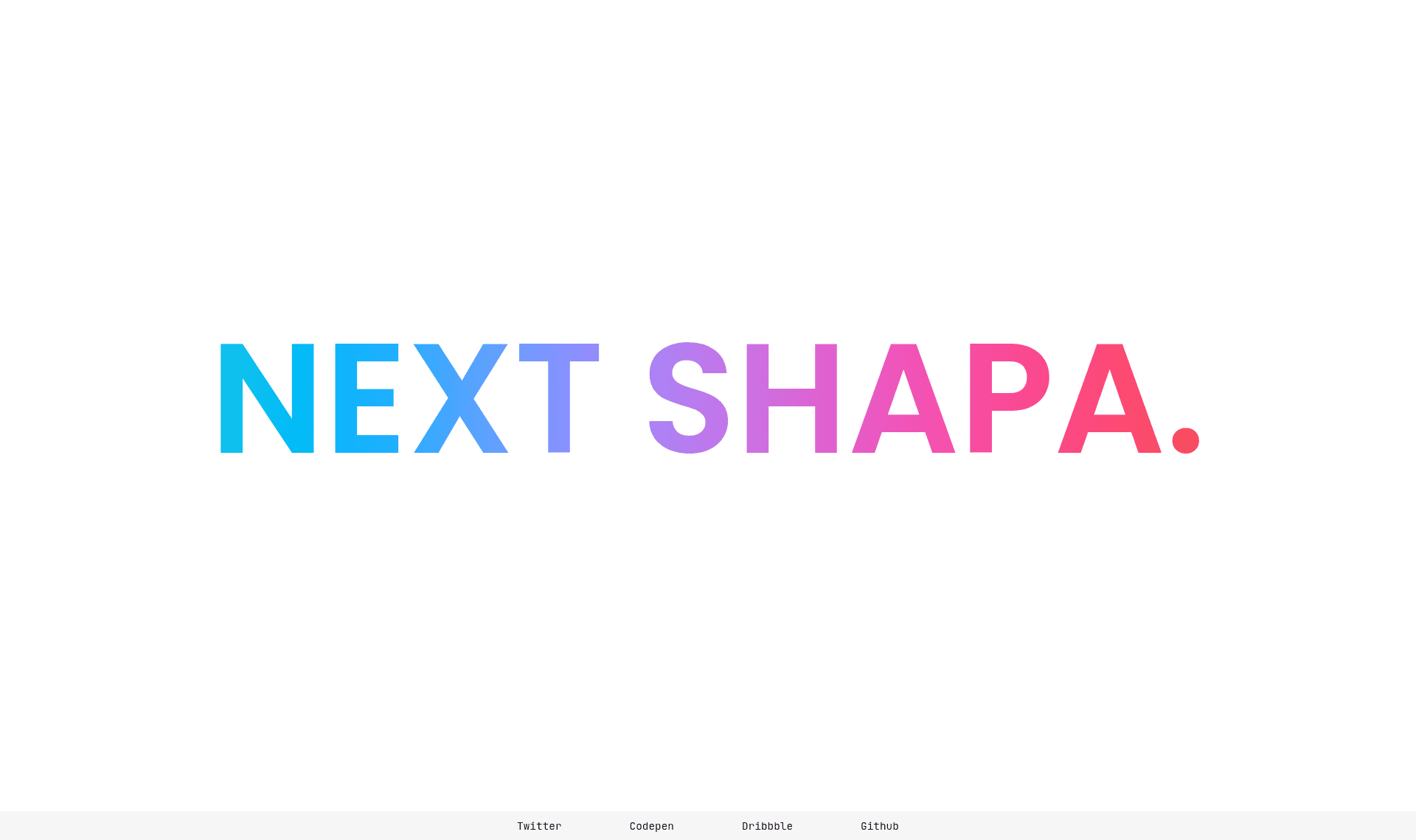
Next Shapa is a Next.js boilerplate template that preconfigures TypeScript, SCSS, Prettier, and ESLint so you can start a website project with the same tooling its author uses. The template is hosted in the GitHub repository next-js-typescript-scss-prettier-eslint-template and has a live preview deployed on Vercel at https://hello-world-chi-fawn.vercel.app/ (linked as "Template website").
What is Next Shapa?
Next Shapa is a starter template for creating websites with the Next.js React framework. It takes a fresh clone of the repository as input and produces a local development environment with TypeScript for type safety, SCSS for styling, Prettier for code formatting, and ESLint for linting, all configured and ready. It runs on Node.js and uses the standard Next.js development server on port 3000. The project was published by GitHub user ShapeShapa and is released under the MIT License.
Key Features
- Next.js framework — The template is built on Next.js, enabling server-side rendering and static site generation by default for React-based websites.
- TypeScript preconfigured — TypeScript is included in the repository setup, allowing type-safe JavaScript development without additional configuration.
- SCSS styling — The project uses SCSS (Sass) for styling, as identified by the repository name.
- Prettier integration — Prettier is set up to enforce consistent code formatting across the project.
- ESLint integration — ESLint is configured to catch code quality issues during development.
- Simple install and run — To start, clone the repository and run
yarn installornpm install, then launch withyarn devornpm run devand open http://localhost:3000. - Live demo — A deployed preview of the template is available on Vercel at https://hello-world-chi-fawn.vercel.app/.
Who should use Next Shapa?
- Next.js beginners — Developers learning Next.js can use this template to get a working project with TypeScript and linting already configured, then experiment by editing pages and components.
- Front-end developers who want a consistent toolchain — If you prefer SCSS plus Prettier and ESLint in every project, this boilerplate saves the time of configuring those tools from scratch.
- Hobbyists and indie hackers — Since the template is minimal and MIT-licensed, it suits building portfolios, marketing pages, or small web apps without commercial restrictions.
Use cases
- Landing pages: Launch a single-page website quickly with the preconfigured development server and deploy the output to Vercel.
- Portfolio sites: Use the TypeScript and SCSS setup to start building a personal portfolio with clean, formatted code.
- Experimenting with Next.js: Developers who want to test Next.js features can clone the template and add routes or fetch data without first setting up tooling.
How does Next Shapa work?
To use the template, clone the GitHub repository to your local machine, install dependencies with either Yarn (yarn install) or npm (npm install), then start the development server with yarn dev or npm run dev. The site will be available in your browser at http://localhost:3000, where you can edit the source files and see hot reloads.
FAQ
Is Next Shapa free to use?
Yes, the template is released under the MIT License, which permits free use, modification, and distribution, including for commercial purposes.
What technology does Next Shapa use?
The template is built on Next.js and includes TypeScript, SCSS, Prettier, and ESLint preconfigured, as reflected by its repository name next-js-typescript-scss-prettier-eslint-template.
How do I install Next Shapa?
Run git clone https://github.com/ShapeShapa/next-js-typescript-scss-prettier-eslint-template.git in your terminal, move into the folder, and install packages with yarn install or npm install.
Does Next Shapa include a demo?
Yes, the repository description links to a live preview hosted on Vercel at https://hello-world-chi-fawn.vercel.app/ (named "Template website").