Template details
Ta Vivo Landing
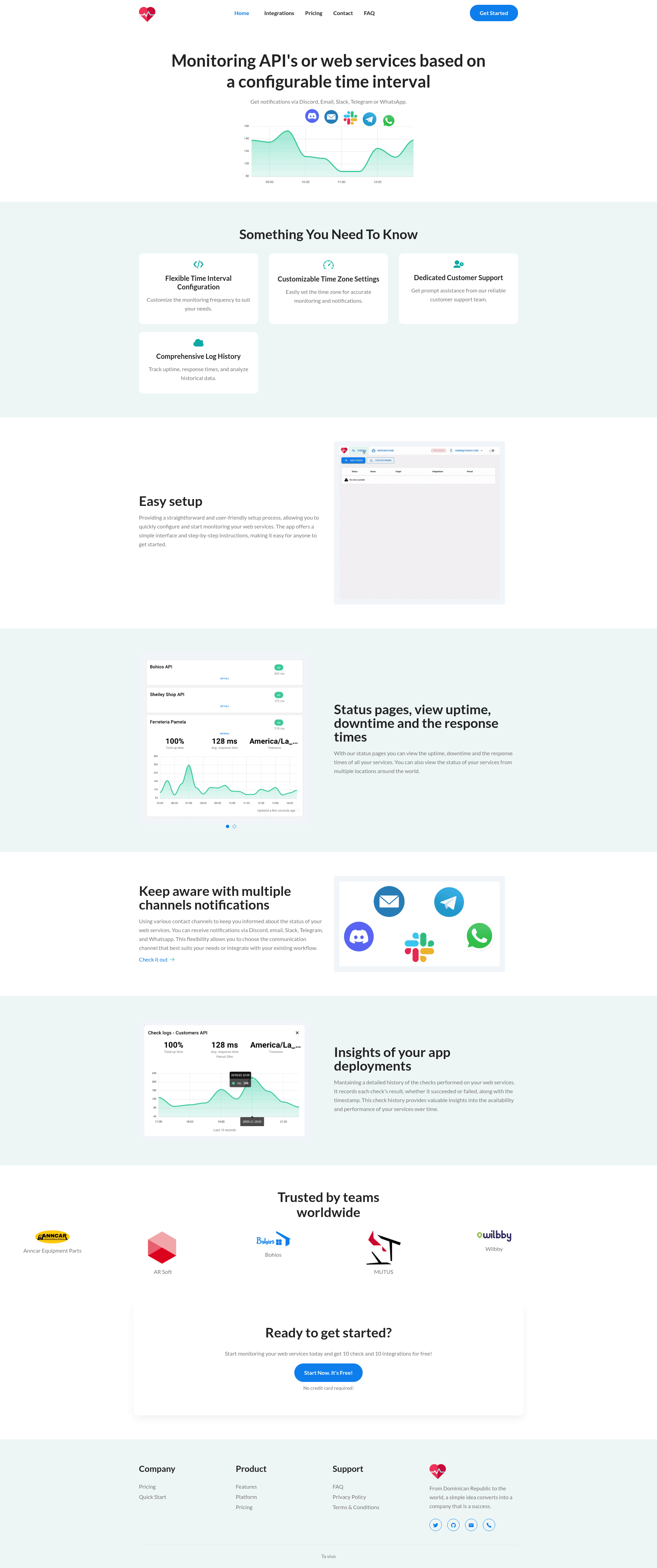
Next.js landing page template with 9+ pre-designed pages, SEO-friendly, and Google Page Speed score 100.
About this template
Ta Vivo Landing is a free Next.js landing page template that provides over 9 pre-designed pages for launching marketing and corporate websites. Built on Next.js 13.0, it is a minimal, responsive starter kit that runs on Node.js and uses yarn for dependency management and build commands.
What is Ta Vivo Landing page with Nextjs?
Ta Vivo Landing page with Nextjs is a pre-built website template that generates a multi-page marketing site. It takes project content such as blog posts, feature lists, FAQ items, and pricing plans and presents them through a structured set of pages. The template is built with Next.js 13.0, uses yarn as its package manager, and outputs a site that can be deployed to any Node.js hosting environment. The README does not name a specific author or company.
Key Features
- 9+ Pre-Designed Pages — Includes Home, Blog, Blog Single, Contact, Features, FAQ, Pricing, Privacy Policy, and Terms and Condition pages out of the box.
- Google Page Speed score 100 — The template reports a perfect desktop performance score, indicating lightweight and optimized assets.
- Fully Responsive — The layout adapts to mobile, tablet, and desktop screen sizes without custom breakpoints.
- Google Analytics support — A built-in analytics integration lets you add your tracking ID and monitor site traffic.
- Caching enabled — Caching is configured to improve page load times for repeat visitors.
- Contact Form — A ready-to-use contact page includes a form for capturing messages, though the README does not specify a backend service.
- SEO Friendly — Page structure and metadata are organized to help search engines index the site.
- Simple and Minimal design — The visual style is clean and uncluttered, relying on a lightweight CSS approach.
Who is it for?
- Startups and product teams — Use the pre-built Home, Features, Pricing, and FAQ pages to present a SaaS product without designing from scratch.
- Freelance web developers — Customize the minimal layout with your own copy and branding to deliver client landing pages quickly.
- Content publishers — Take advantage of the Blog and Blog Single templates to start a company blog or news section.
What can you do with Ta Vivo Landing page with Nextjs?
- Launch a corporate website — Assemble a complete site by filling in the Home, Features, Pricing, Contact, and legal pages.
- Publish a blog — The Blog and Blog Single pages give you a ready-made structure for listing posts and displaying full articles.
- Create a lead capture page — Use the Contact page and its form to collect enquiries from visitors.
How does the template work?
To get started, install Node.js LTS on your machine, then run yarn in the project root to install dependencies. Use yarn dev to launch a local development server with live reload, and yarn build to create a production-ready build after customization.
FAQ
What commands are needed to set up Ta Vivo Landing?
Install Node.js LTS, run yarn to install dependencies, yarn dev for local development, and yarn build to compile a production build.
Does the template work with Google Analytics?
Yes, Google Analytics support is listed as a key feature of the template, so you can add your tracking code to monitor visitor behavior.
How many pages are included in the template?
The template ships with 9+ pre-designed pages: Home, Blog, Blog Single, Contact, Features, FAQ, Pricing, Privacy Policy, and Terms and Condition.