Template details
Metis - Bootstrap 5 Admin Dashboard
Free MIT-licensed Bootstrap 5 admin dashboard template by Colorlib with 21 pages, Alpine.js, Vite, and zero third-party runtime requests.
About this template
Metis is a free, MIT-licensed Bootstrap 5 admin dashboard template by Colorlib that bundles 21 pre-built pages with a modern Vite and Alpine.js toolchain, and it loads zero third-party resources at runtime.
What is Metis?
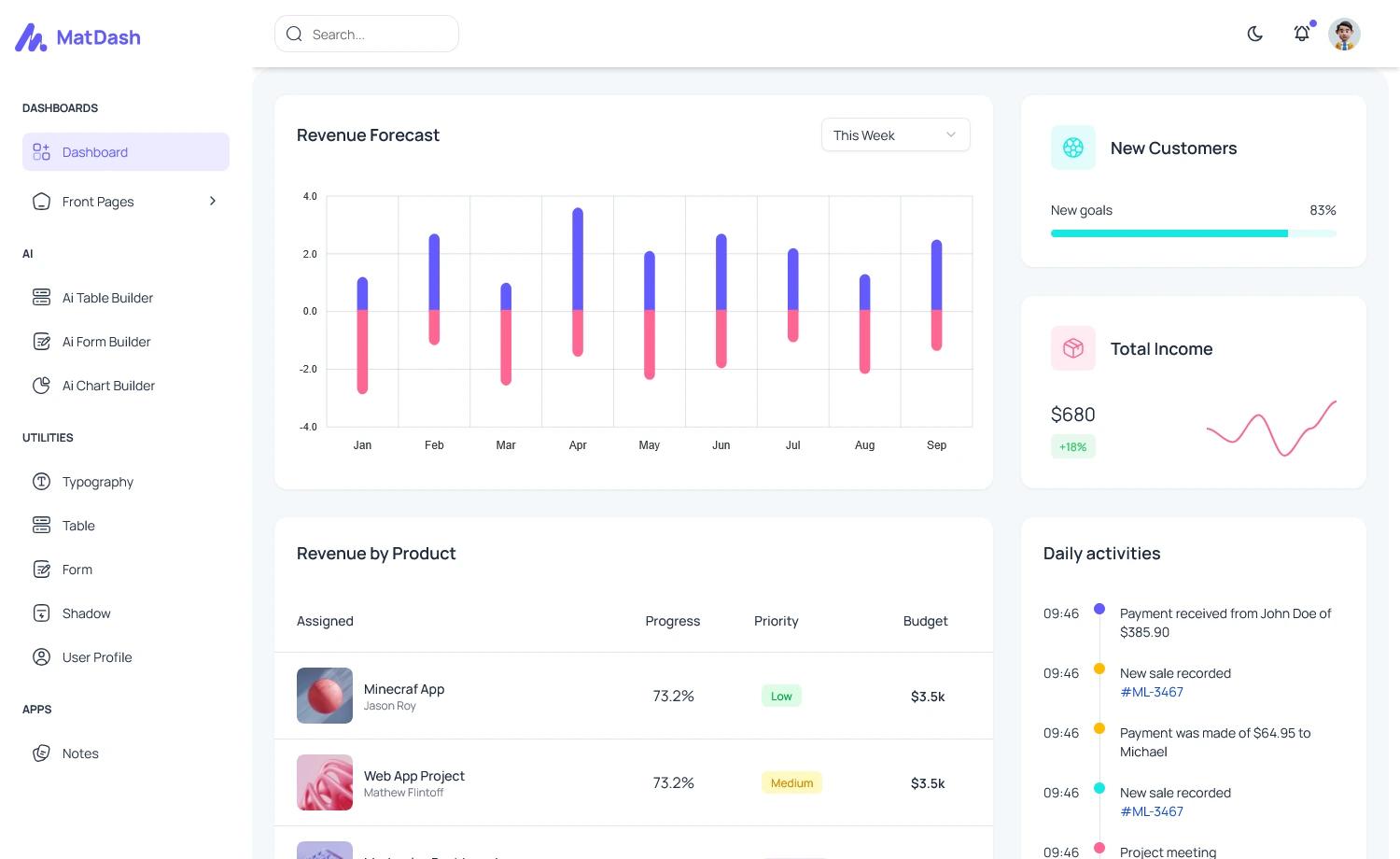
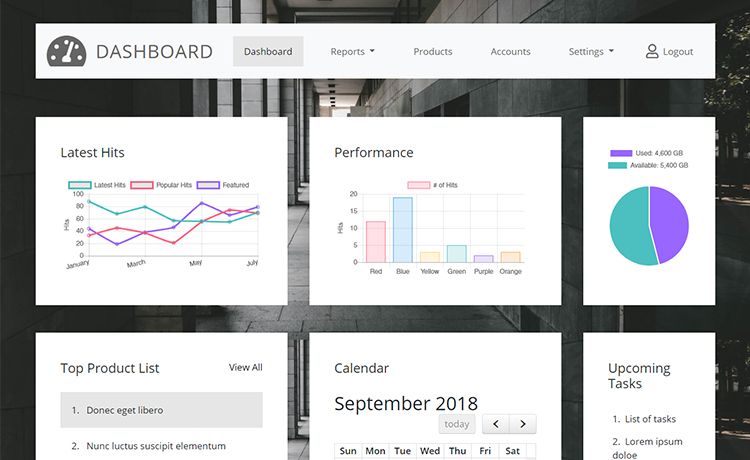
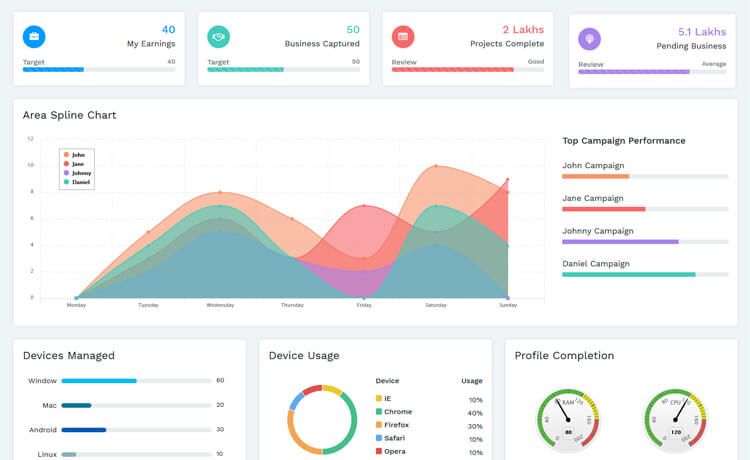
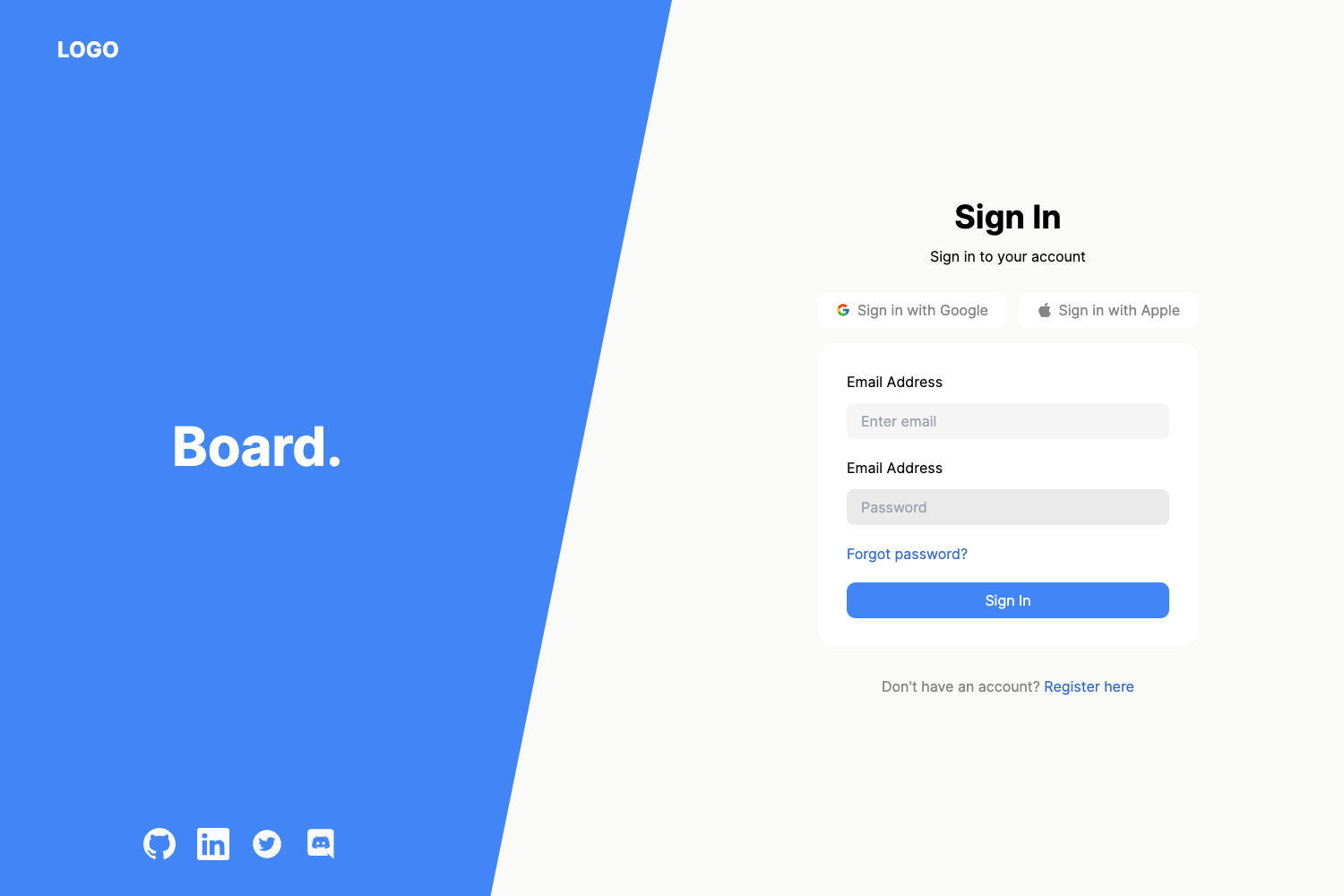
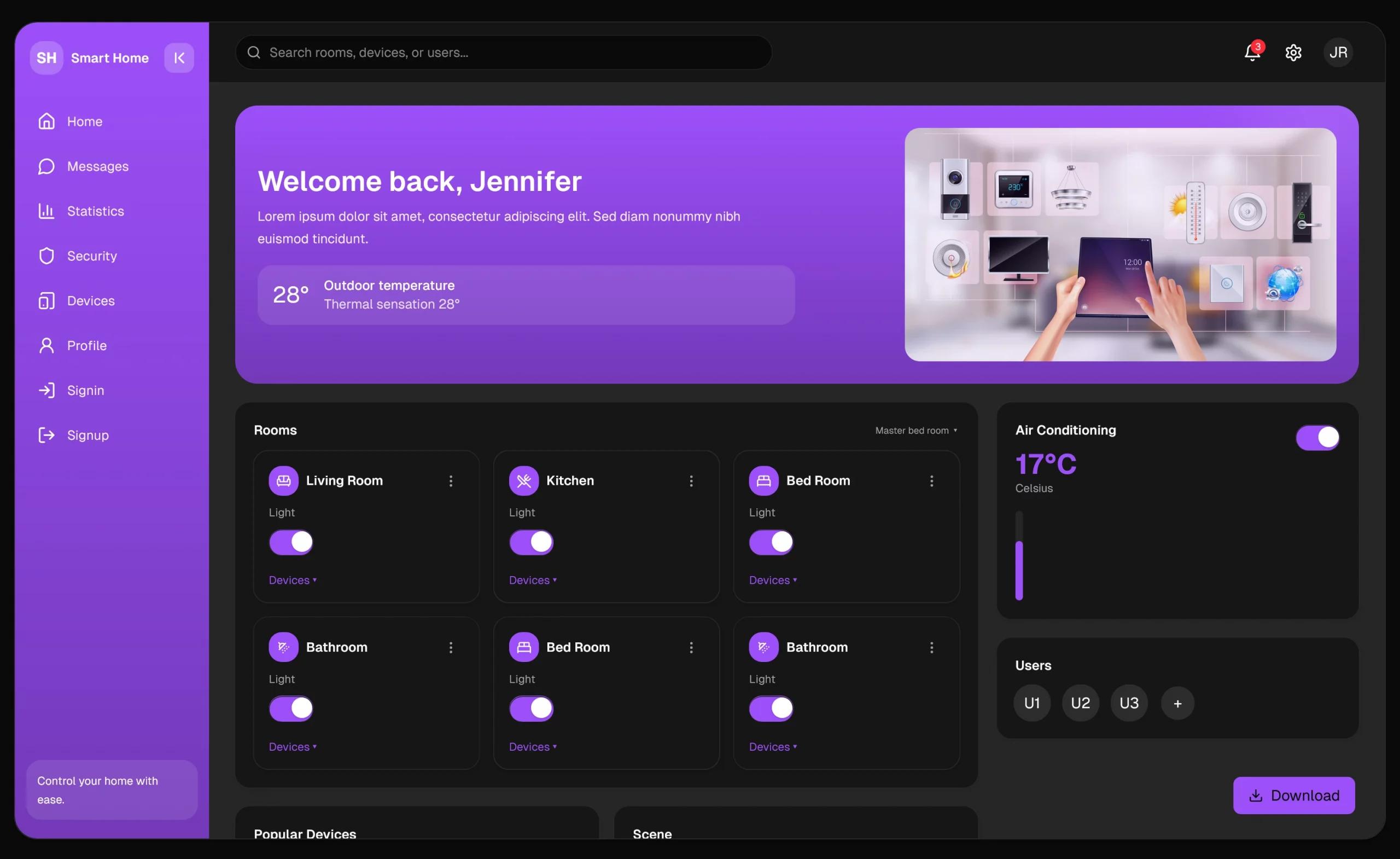
Metis is a free, open-source admin dashboard template built on Bootstrap 5.3.8, Alpine.js 3.15.12, and SCSS, produced by Aigars Silkalns and Colorlib. It takes HTML, SCSS, and ES6+ JavaScript source files under src-modern/ and builds them with Vite 8.2 into an optimized static bundle for any web server. The template includes complete admin modules: analytics dashboard, user management, product listings, order tracking, file manager, calendar, messages, reports, settings, security, and help/support pages.
Key Features
- Zero third-party runtime requests — Fonts (Inter), ApexCharts, Prism syntax highlighting, and images are all self-hosted, so production builds work offline, behind a strict Content-Security-Policy, and never disclose visitor IPs to a CDN.
- Versioned tech stack — Bootstrap 5.3.8, Alpine.js 3.15.12, Vite 8.2 (rolldown-powered), Sass 1.102, Bootstrap Icons 1.13.1, and ApexCharts 6.7 imported per chart type so unused charts stay out of the bundle.
- Dark/light mode — Theme switching uses CSS custom properties and persists the preference in
localStorage. - 21 pre-built pages — Covers analytics, user CRUD, product management, order status, file browser, calendar, chat, reports, settings, security, and FAQ/support.
- Developer experience — Hot Module Replacement, optional TypeScript support, ESLint and Prettier scripts, and an automated smoke test that loads every built page in headless Chromium and fails on console errors, failed requests, or missing charts.
- Performance work — Tree shaking, per-type ApexCharts imports, CSS minification via
lightningcss, Bootstrap Icons subsetting to about 158 shipped icons, and a 90%+ Lighthouse score target. - Accessibility — Skip-to-content links on every page,
:focus-visiblefocus rings,prefers-reduced-motionsupport, ARIA attributes on sidebar toggles and sortable table headers, and a single<h1>per page. - Security hardening — XSS-safe DOM rendering (no
innerHTMLinterpolation), zero inline JavaScript (62 inlineonclickhandlers replaced with delegateddata-*handlers),Referrer-PolicyandX-Content-Type-Optionsmeta tags, andconsole.*/debuggerstripped from production bundles.
Who is it for?
Admin interface developers who want a free, MIT-licensed starting point with a modern build pipeline instead of a jQuery-era dashboard. Freelancers and agencies can use the 21 pages and reusable Alpine.js components to ship client admin panels faster. SaaS teams can use the analytics, user, order, and settings pages as the UI foundation for a product backend.
What can you do with Metis?
- SaaS founders: stand up the admin side of a product using the analytics dashboard, user management CRUD, and settings pages, then customize colors with SCSS variables.
- Freelance developers: clone the repo, run
npm installandnpm run dev, and adapt the file manager, calendar, messages, and reports pages for a client's operations tool. - Product teams: use the built-in smoke test (
npm run test:build) to catch regressions across all 21 pages before each release, and the component architecture to add new pages consistently.
How does Metis work?
Metis uses a source folder (src-modern/) for HTML, SCSS, and JavaScript, and a Vite build produces a static dist-modern/ folder. After cloning the repo, run npm install then npm run dev for local development with HMR, npm run build for production, and npm run preview to test the production output. Adding a page means creating an HTML file, adding SCSS under styles/pages/, writing an Alpine.js component under scripts/components/, and registering it in main.js.
Pros and cons
- Pros: free under MIT; zero third-party runtime requests; no inline JavaScript;
npm auditreports zero vulnerabilities; automated smoke test and CI; dark/light mode built in. - Cons: IE11 is not supported; building requires Node.js 18+; the smoke test needs Playwright (not installed as a dependency); the current patch release focuses on form width and select formatting fixes.
Pricing
Metis is free and distributed under the MIT License, allowing commercial and personal use. The repo also promotes premium dashboard templates from DashboardPack (TailPanel, Admindek, Adminty, ArchitectUI, Kero, Cryptocurrency Dashboard), but those are separate paid products.
FAQ
Is Metis free?
Yes. Metis is released under the MIT License, so you can use, modify, and redistribute it freely, including in commercial projects. The copyright is held by Aigars Silkalns and Colorlib.
What do I need to build Metis?
You need Node.js 18 or newer and a package manager like npm or yarn. The README recommends installing Node through nvm. After that, npm install, npm run dev, and npm run build are the main commands.
Does Metis work offline?
Yes. Version history shows all third-party assets—ApexCharts, Prism, Google Fonts, flagcdn images—were removed and replaced with self-hosted copies, so a built site runs offline, behind a strict CSP, and without CDN requests.
What browsers are supported?
Chrome 90+, Firefox 88+, Safari 14+, and Edge 90+. Internet Explorer 11 is explicitly not supported.
How do I customize the theme colors?
Edit src-modern/styles/scss/abstracts/_variables.scss, which defines $primary, $secondary, $success, typography scale, border radius, and shadow values. Rebuild with npm run build to apply changes.