Template details
Next13 Horizon Admin Dashboard Ts Tailwind
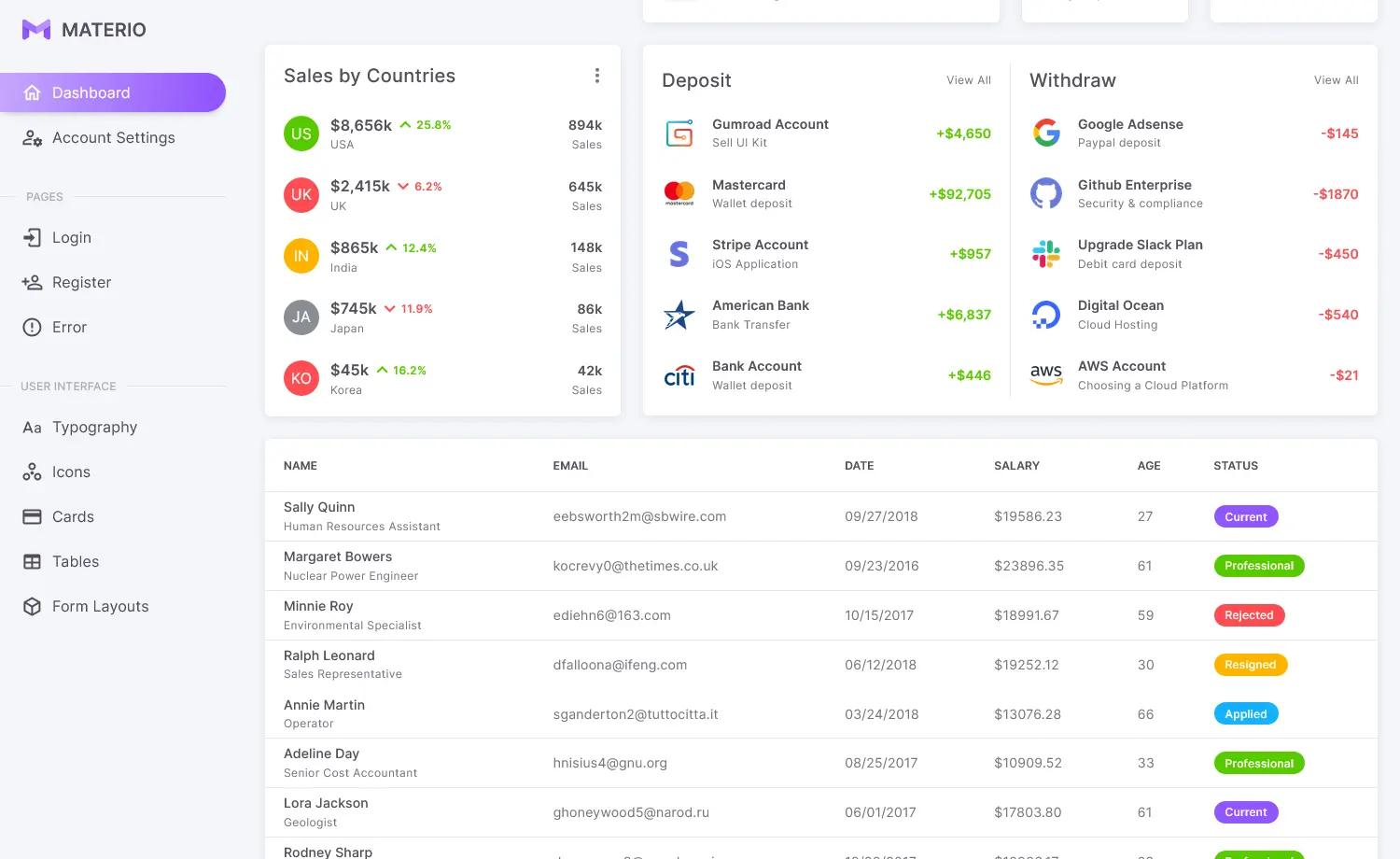
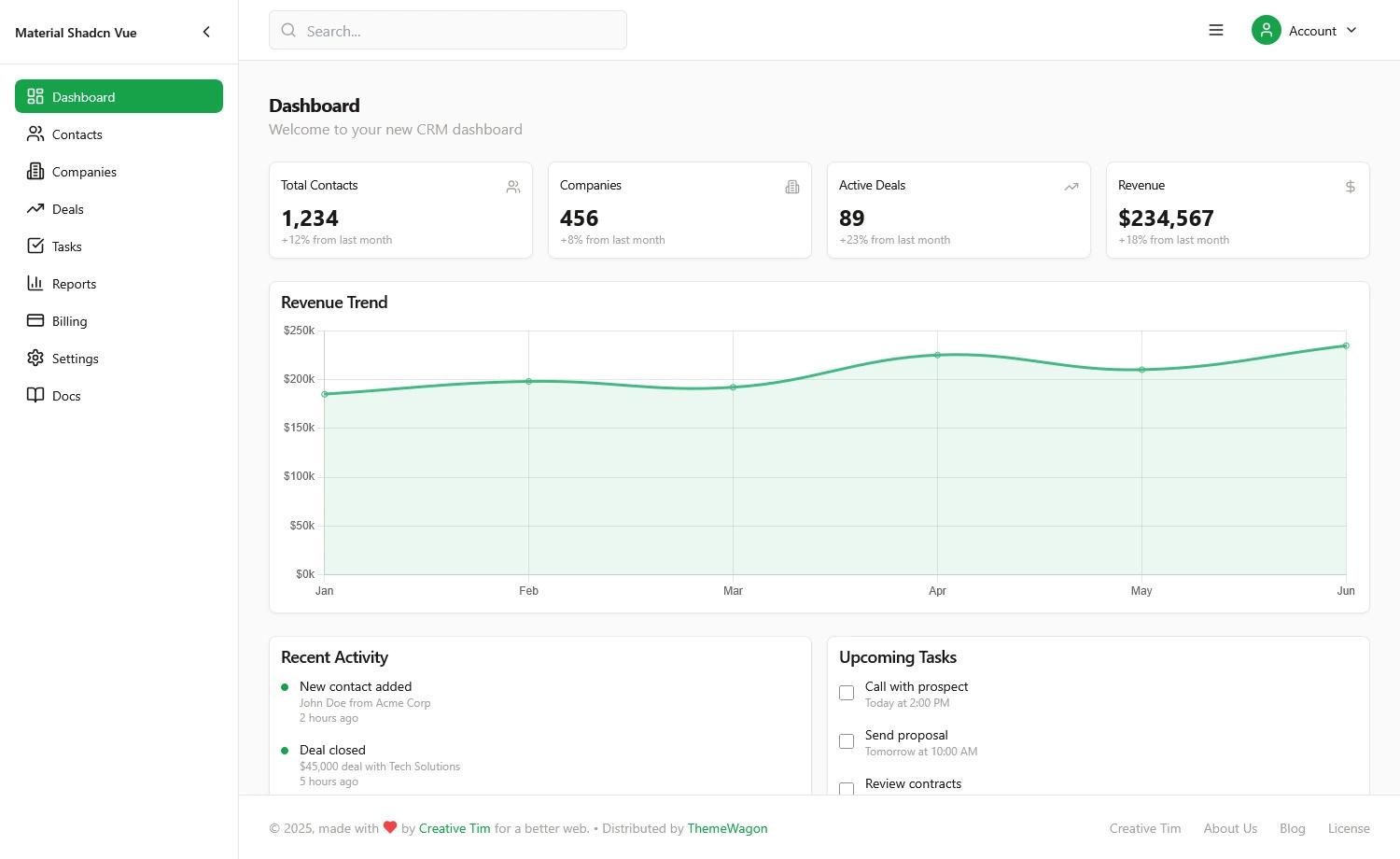
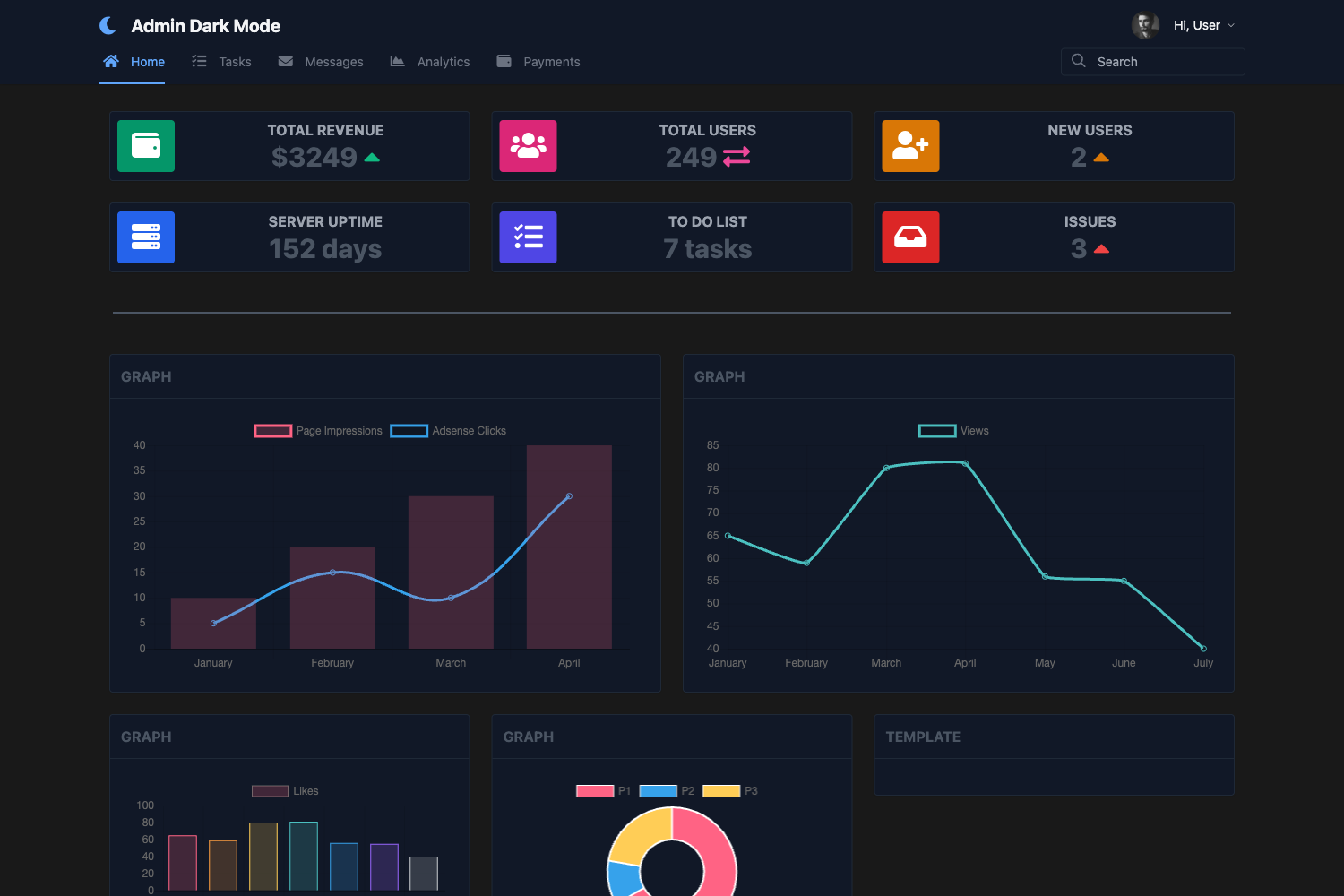
Next.js 13 App dir admin dashboard template with horizon ui, typescript, tailwindcss, etc.
About this template
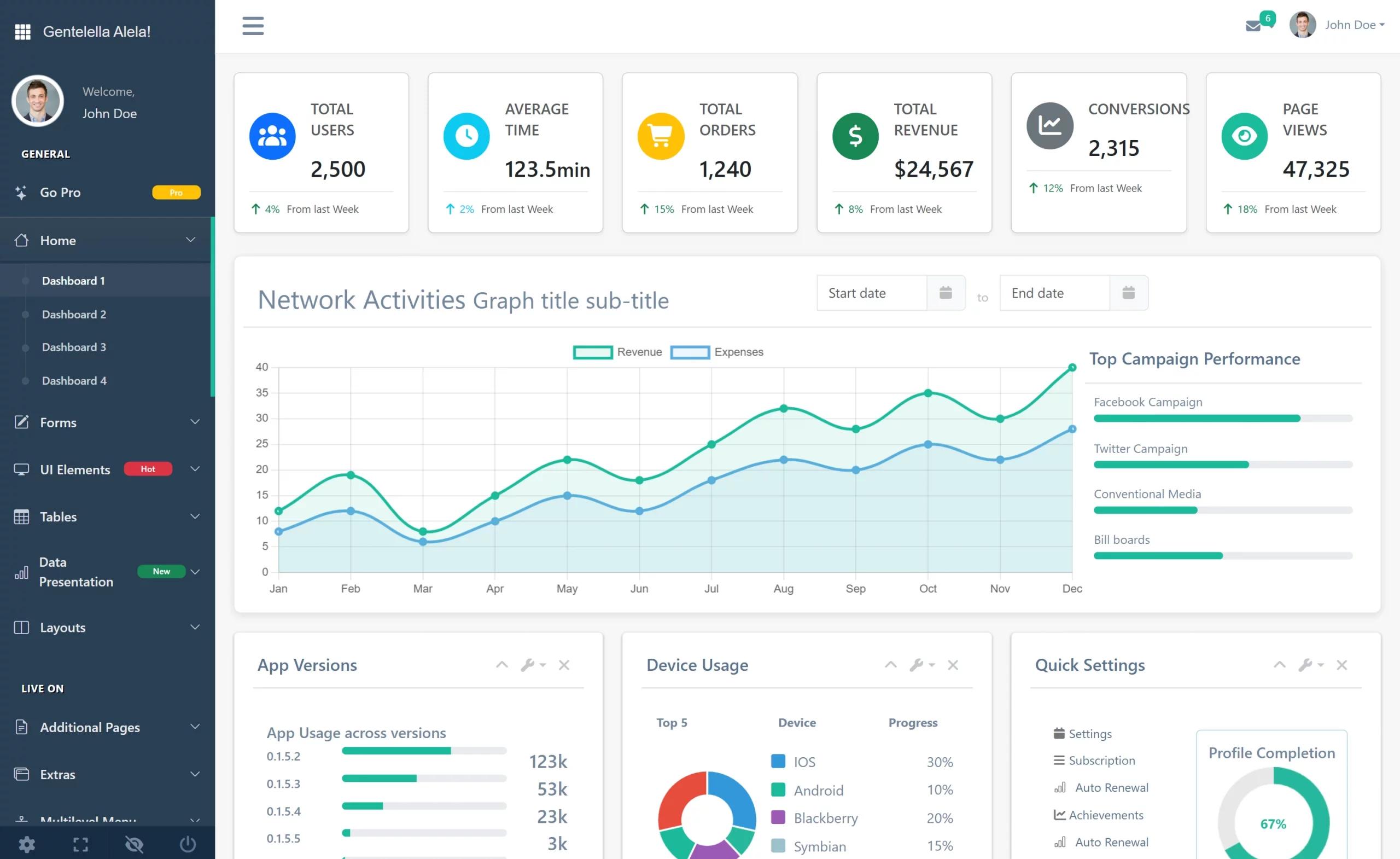
Next13 Horizon Admin Dashboard Ts Tailwind is an open-source admin dashboard template for Next.js 13, bootstrapped with create-next-app and built as an expansion of the Horizon UI design system, using TypeScript and Tailwind CSS.
What is Next13 Horizon Admin Dashboard Ts Tailwind?
This template is a Next.js 13 project that runs on the App Router architecture, with app/page.tsx as the main editable entry point. It combines the Horizon UI admin dashboard layout from horizon-ui.com with TypeScript typing and Tailwind CSS utility styling. The project produces a server-rendered dashboard interface that can be customized by editing the page component and refreshed automatically in the development browser. It is part of the Horizon UI ecosystem, which offers additional templates you can find in the Horizon GitHub organization.
Key Features
- Next.js 13 App Directory — Uses the modern
app/folder structure and theapp/page.tsxfile as the root page, with automatic page reload on save. - Horizon UI foundation — Extends the Horizon UI dashboard template, giving developers access to the component patterns and visual style from the Horizon template suite.
- TypeScript support — The project is written in TypeScript, providing type checking for props and state across pages and components.
- Tailwind CSS styling — Styling is handled with Tailwind CSS, so layout and component styling are defined with utility classes directly in the markup.
- Optimized font loading — Uses
next/fontto automatically optimize and load Inter, a custom Google Font, without extra layout shift. - Flexible package manager support — Development server can be started with npm, yarn, or pnpm (
npm run dev,yarn dev,pnpm dev), matching the commands in the README. - Vercel deployment ready — The README documents deployment to the Vercel Platform and links to the official Next.js deployment guide.
Who is it for?
- Developers building admin panels — With Next.js 13 App Router, TypeScript, and Tailwind preconfigured, you can start building a dashboard without configuring the toolchain yourself.
- Horizon UI users — Teams already familiar with Horizon UI can run this expansion as a Next.js 13 version, keeping the same design language while adopting the App Directory.
- Frontend developers learning Next.js — The bootstrapped structure and clear README steps make it a practical base for experimenting with Next.js features like
next/fontand App Router pages.
What can you do with Next13 Horizon Admin Dashboard Ts Tailwind?
- Prototype an admin interface — Start the dev server, edit
app/page.tsx, and see the dashboard change live in the browser at localhost:3000. - Customize the visual style — Use Tailwind CSS utility classes to adjust colors, spacing, typography, and responsive behavior across the dashboard.
- Deploy a production dashboard — Connect the repository to Vercel and follow the Next.js deployment documentation to publish the admin site.
How does it work?
The template runs like any standard Next.js app: install dependencies, launch a development server with npm, yarn, or pnpm, and open http://localhost:3000 to view the page. Editing app/page.tsx updates the rendered page automatically.
FAQ
How do I run the development server?
After installing dependencies, use npm run dev, yarn dev, or pnpm dev in the project root. Then open http://localhost:3000 in your browser to see the running dashboard.
Does this template use Tailwind CSS?
Yes, the repository metadata lists Tailwind CSS as one of its main topics, and the design is built with Tailwind utility classes alongside TypeScript and Horizon UI.
Can I deploy this project to Vercel?
The README says the easiest way to deploy a Next.js app is to use the Vercel Platform from the creators of Next.js, and it links to the official Next.js deployment documentation for more details.