Template details
TailAdmin Inertia
Dashboard theme and UI starter kit built with Laravel 12, TailwindCSS 3, Inertia.js, and Vue 3 via JetStream.
About this template
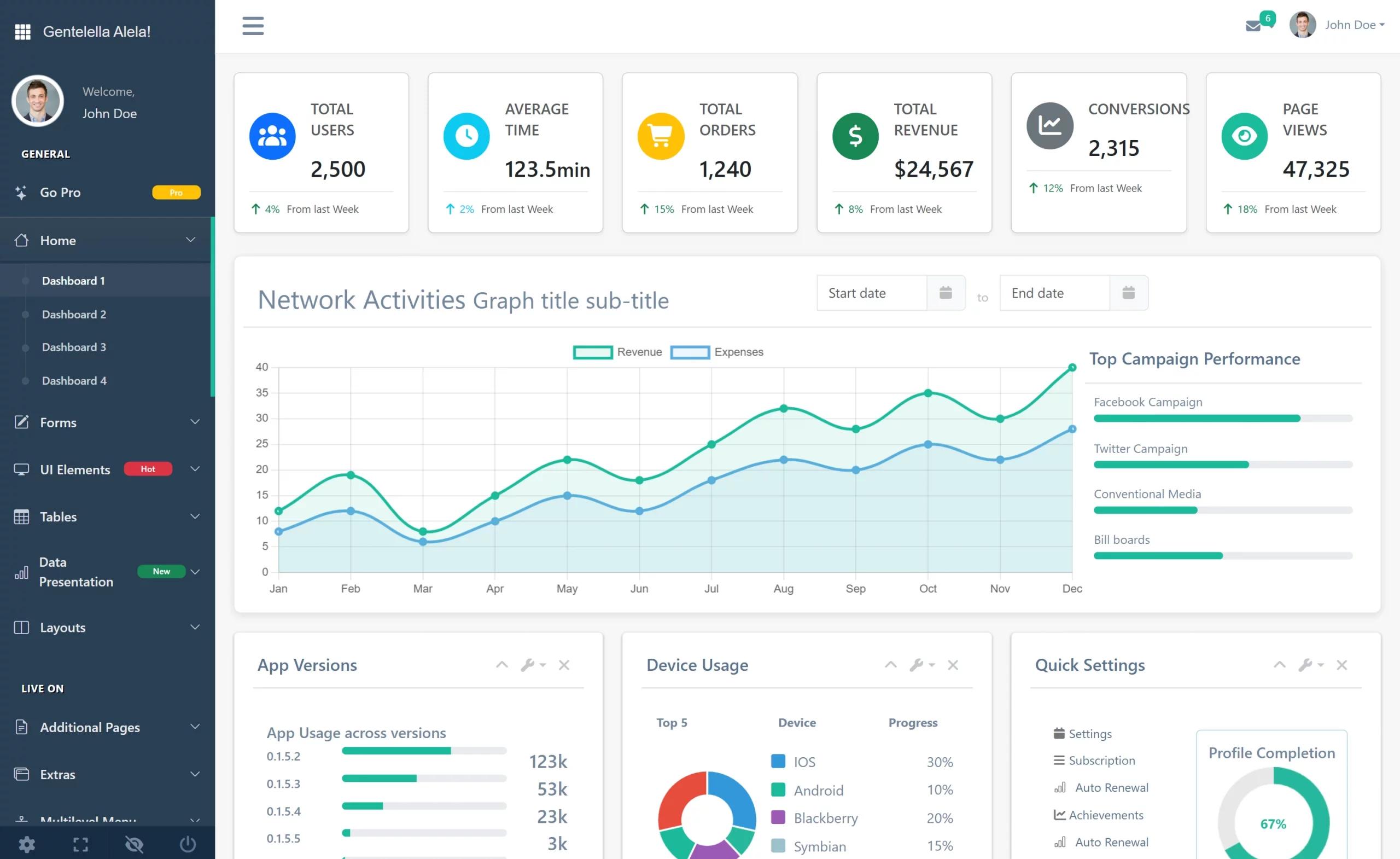
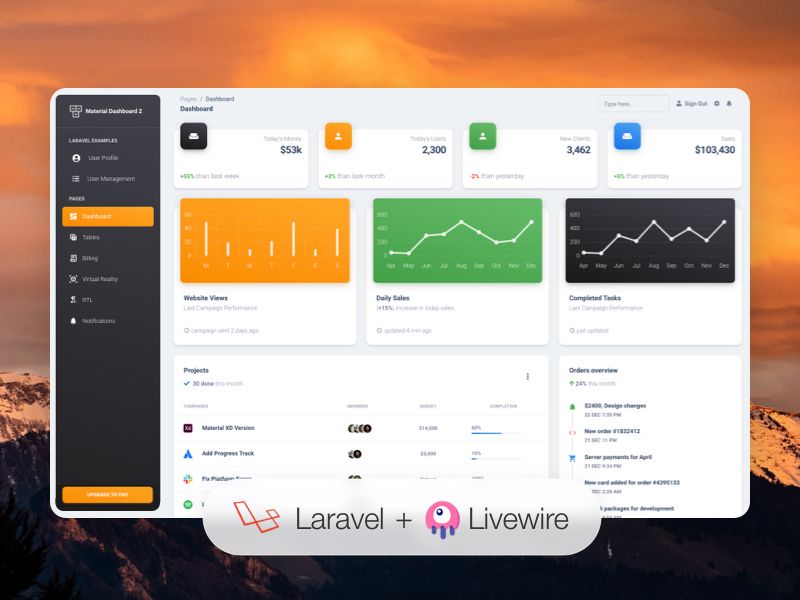
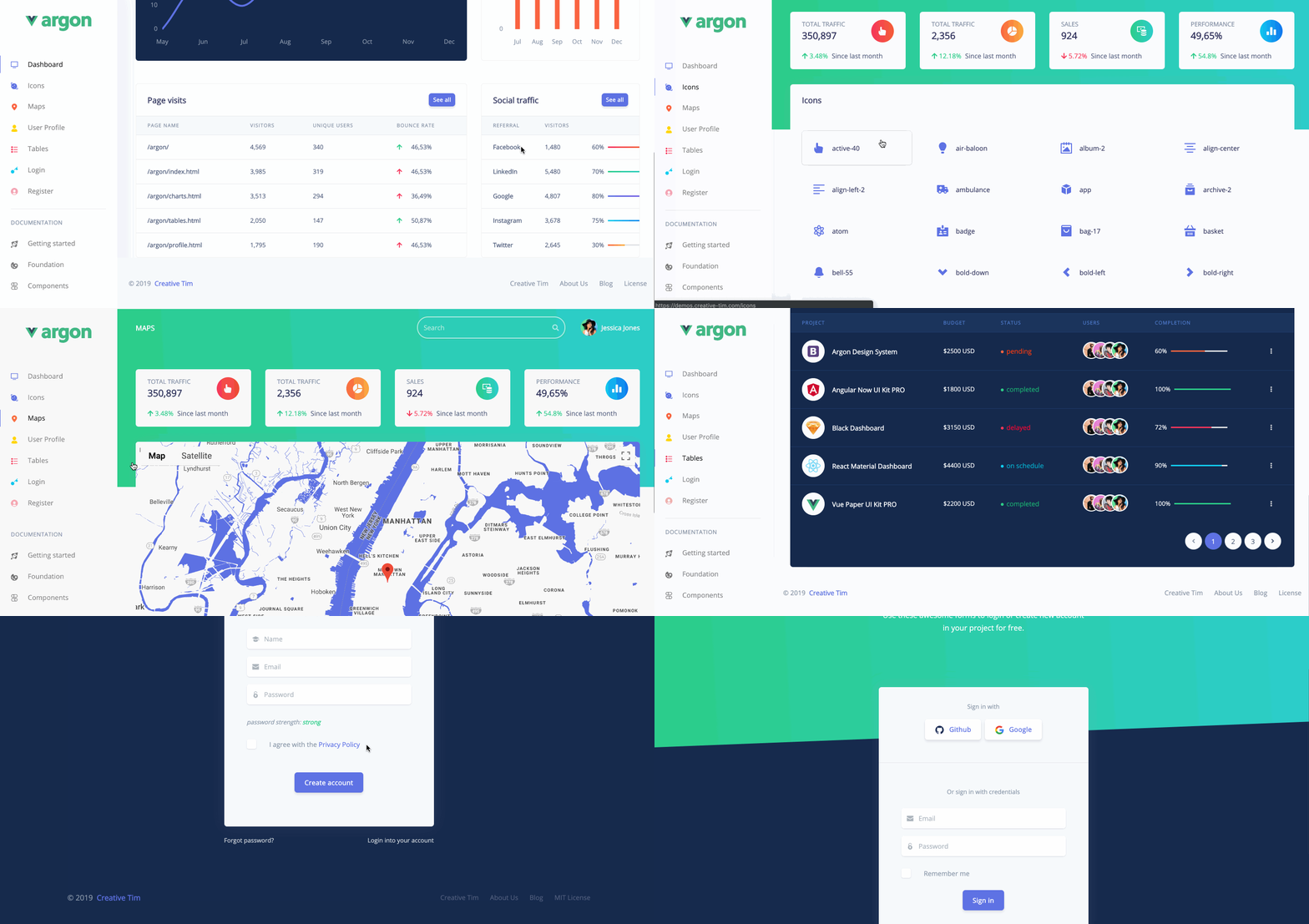
TailAdmin Inertia is an open-source dashboard theme and UI starter kit built on Laravel 12, TailwindCSS 3, Inertia.js, and Vue 3 via Laravel JetStream, designed to give you a pre-built admin backend with reusable components and authentication pages.
What is TailAdmin Inertia?
TailAdmin Inertia is a dashboard theme and UI starter kit that pairs a Laravel 12 backend with TailwindCSS 3 and Vue 3 frontend components, connected through Inertia.js so you avoid writing a separate API layer. It includes custom login, register, profile, and lock pages, plus a library of content and form components, statistic widgets, and a demo database seeded with sample data. The project is maintained by sinan-aydogan on GitHub and released under the MIT license.
What makes TailAdmin Inertia stand out?
- Laravel 12 + Inertia + Vue 3 (JetStream) — the stack runs on PHP 8.3, Node 20, and Composer 2, with all frontend state in Vue components and no separate API.
- Backend table with dynamic query builder — generates advanced search fields, sorting, and show/hide columns automatically from your model.
- Custom authentication pages — login, register, profile, and lock screens wired to Laravel's auth scaffold.
- Unique form inputs — repeatable fields, rich-content select, date/calendar input, and between input are ready to use.
- TailwindCSS 3 styling with FontAwesome — every component is utility-styled, and icons are included.
- Docker support via Laravel Sail — a containerized setup with PHP 8.3, MySQL, and Nginx that runs on a custom domain like tailadmin-laravel.test.
- MIT-licensed and free — the full source is on GitHub, and a live demo is available at tailadmin-demo.tailadmin.dev with the credentials admin@tailadmin.dev / admin.
Who should use TailAdmin Inertia?
Laravel developers building admin panels or dashboards get a pre-built UI kit with Vue components, tables, and auth pages they can extend. Full-stack teams already using JetStream's Inertia/Vue stack can drop these components into their project without a rewrite. Indie makers and startups can quickly launch an MVP admin area by following the documented install steps and seeding the demo data.
What can you do with TailAdmin Inertia?
- Admin panel developers: use the backend table's dynamic query builder to generate searchable, sortable, column-toggleable tables from a Laravel model.
- Rapid prototyping: follow the 10-step setup (or Docker via Sail) to get a login-ready dashboard with seeded data within minutes.
- Form-heavy applications: assemble complex inputs using the provided repeatable fields, between input, and rich select components instead of writing custom JS.
- Community help: join the Discord channel or the TailAdmin Tabbs page for troubleshooting install errors and npm issues.
How does TailAdmin Inertia work?
After cloning the repository, run npm install and composer install, then copy .env.example to .env and set your database details. Execute php artisan migrate --seed, php artisan storage:link, and php artisan key:generate, then start Vite with npm run dev and Laravel with php artisan serve, and visit http://localhost:8000. A separate Docker path uses Laravel Sail: add the sail alias, run sail up -d, add tailadmin-laravel.test to your hosts file, and open that domain.
FAQ
Is TailAdmin Inertia free?
Yes. TailAdmin Inertia is open-sourced under the MIT license, so you can use, modify, and redistribute it freely. The repository is public on GitHub and lists no paid tiers.
What is the demo login for TailAdmin Inertia?
The live demo is at https://tailadmin-demo.tailadmin.dev. Log in with email admin@tailadmin.dev and password admin to explore the dashboard UI and components.
What are the installation requirements?
You need PHP 8.3 or higher, a database server (MySQL recommended), Composer 2 or higher, and Node.js 20 or higher. Docker via Laravel Sail is also supported and provides PHP, MySQL, and Nginx in containers.
How do I run TailAdmin Inertia with Docker?
Clone the repository, install Composer dependencies via a Docker container, add the sail alias to your bashrc, then run sail up -d. Add 127.0.0.1 tailadmin-laravel.test to your hosts file and open http://tailadmin-laravel.test.
Does TailAdmin Inertia work with the Vue 2 version?
No, TailAdmin Inertia uses Vue 3 and Laravel 12. If you need the older Vue 2 version, download the v1.0.0 release from the GitHub releases page, which the repository links as TailAdmin v1.