Template details
Nextal
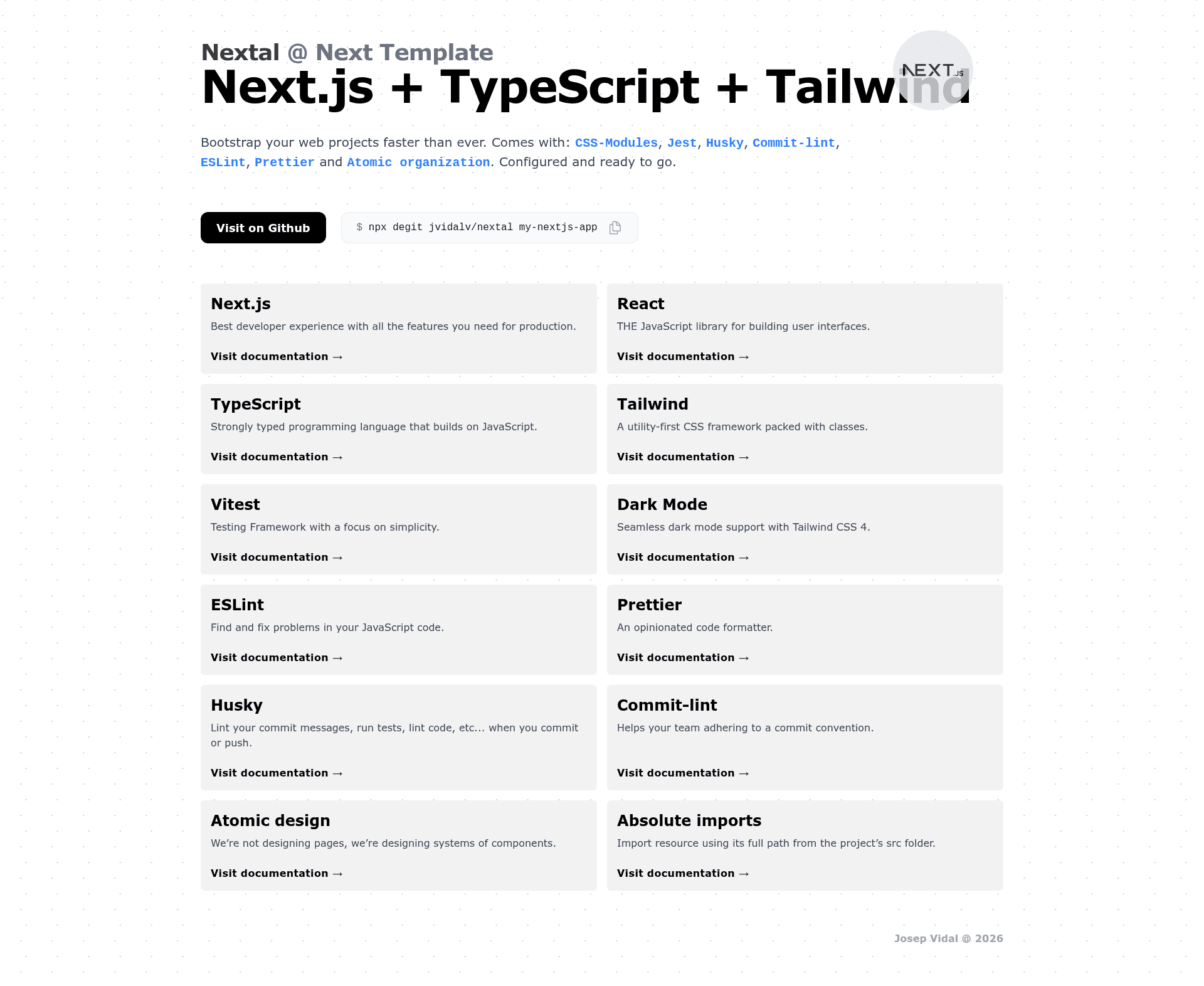
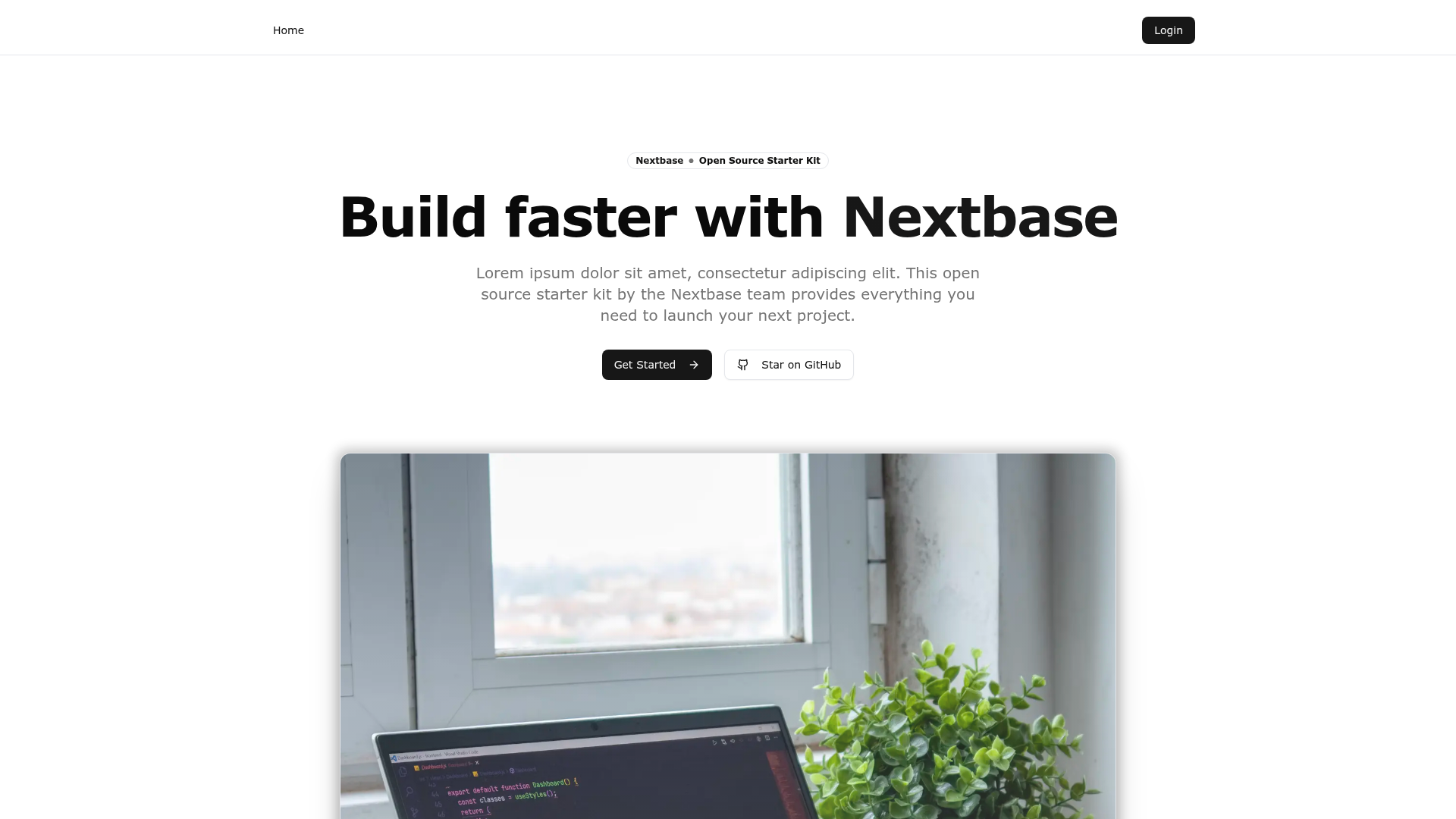
Nextal is a boilerplate for Next.js 16 apps with TypeScript, Tailwind CSS 4, Vitest, ESLint, Prettier, Husky, and Commitlint.
About this template
Nextal is a boilerplate template for starting Next.js 16 applications with TypeScript, Tailwind CSS 4, and a pre-configured toolchain for testing, linting, and deployment. It is a GitHub template that scaffolds a new project using the Next.js App Router (the /app folder) and React 19, with strict TypeScript mode enabled by default.
What is Nextal?
Nextal is a starter template created by jvidalv (Josep Vidal) to remove the setup bottleneck when building Next.js apps. It takes a GitHub template or a npx degit jvidalv/nextal my-nextjs-app command as input and produces a runnable Next.js project with testing, linting, and formatting already configured. The template runs locally via yarn dev and deploys zero-config to Vercel, which auto-detects Next.js 16 and sets up preview deployments for pull requests.
Key Features
- Next 16 with React 19 — Uses the
/appfolder and the current Next.js conventions for file-based routing and server components. - TypeScript strict mode — Type safety is enforced out of the box for all application code.
- Vitest — Unit testing framework pre-configured, along with
@react/testing-library, ready to run without manual wiring. - Tailwind CSS 4 — Utility-first styling with inline classes, including built-in dark mode support.
- Atomic Design organization — Component structure that separates atoms, molecules, organisms, templates, and pages, following Brad Frost's methodology.
- Absolute imports — Configured to avoid relative import chains.
- Heroicons — Icon set included for UI elements.
- ESLint and Prettier — Linting and formatting configured to keep code consistent.
- Husky and Commitlint — Git hooks enforce conventional commit messages on every commit.
- Vercel zero-config deployment — The template includes a "Deploy with Vercel" button and works with GitHub, GitLab, or Bitbucket imports.
Who is it for?
- Next.js developers who want a pre-built setup with the App Router, TypeScript, and Tailwind without spending time on configuration.
- Teams that need consistent code quality standards across projects, including ESLint, Prettier, Commitlint, and Husky hooks.
- Indie makers and product prototypes who want to ship a working web app quickly, using the included
yarn buildandyarn startcommands for production-like builds and one-click Vercel deployment.
What can you do with Nextal?
- Scaffold a new app — Create a Next.js 16 project with React 19, TypeScript, and Tailwind CSS 4 using the GitHub template or
npx degit jvidalv/nextal my-nextjs-app. - Write and run tests — Use the included Vitest and Testing Library setup to run unit tests without wiring them up manually.
- Deploy continuously — Push to a Git repository, import it into Vercel, and get automatic production and preview deployments with no configuration beyond optional environment variables.
- Maintain code quality — Rely on Husky pre-commit hooks and Commitlint to enforce conventional commit messages, and on ESLint/Prettier to keep the codebase uniform.
How does Nextal work?
- Either click "Create a repo from this template" on GitHub or run
npx degit jvidalv/nextal my-nextjs-appto clone with a clean git history. - Install dependencies with
yarn(ornpm install -g yarnfirst if not installed). - Run
yarn devto develop at http://localhost:3000, oryarn buildfollowed byyarn startfor a production build. - For deployment, push code to a Git provider and import the repo into Vercel, which detects Next.js automatically.
Pricing
Nextal is a free open-source template. The source is available on GitHub and the included LICENSE file can be edited to reflect your own authorship.
FAQ
Is Nextal free?
Yes, Nextal is a free open-source starter template. You can create a repository from the GitHub template or clone it with degit at no cost, and there are no paid tiers associated with the template itself.
What versions does Nextal use?
Nextal uses Next 16 with React 19, TypeScript with strict mode, Tailwind CSS 4, and Vitest for testing. It also includes ESLint, Prettier, Husky, and Commitlint.
How do I deploy Nextal to Vercel?
You can click the "Deploy with Vercel" button in the README, or push your code to GitHub, GitLab, or Bitbucket, import the repository at vercel.com, and Vercel will auto-detect Next.js and configure the build. No extra configuration is required.
Does Nextal include a testing setup?
Yes, Vitest is integrated for unit testing along with @react/testing-library, so you can write and run tests immediately after scaffolding the project.
Can I use Nextal without yarn?
The template's commands use yarn. If you don't have yarn, the README instructs you to run npm install -g yarn first. Alternatively, you can run the equivalent npm commands manually after installation.