Template details
web-app-template
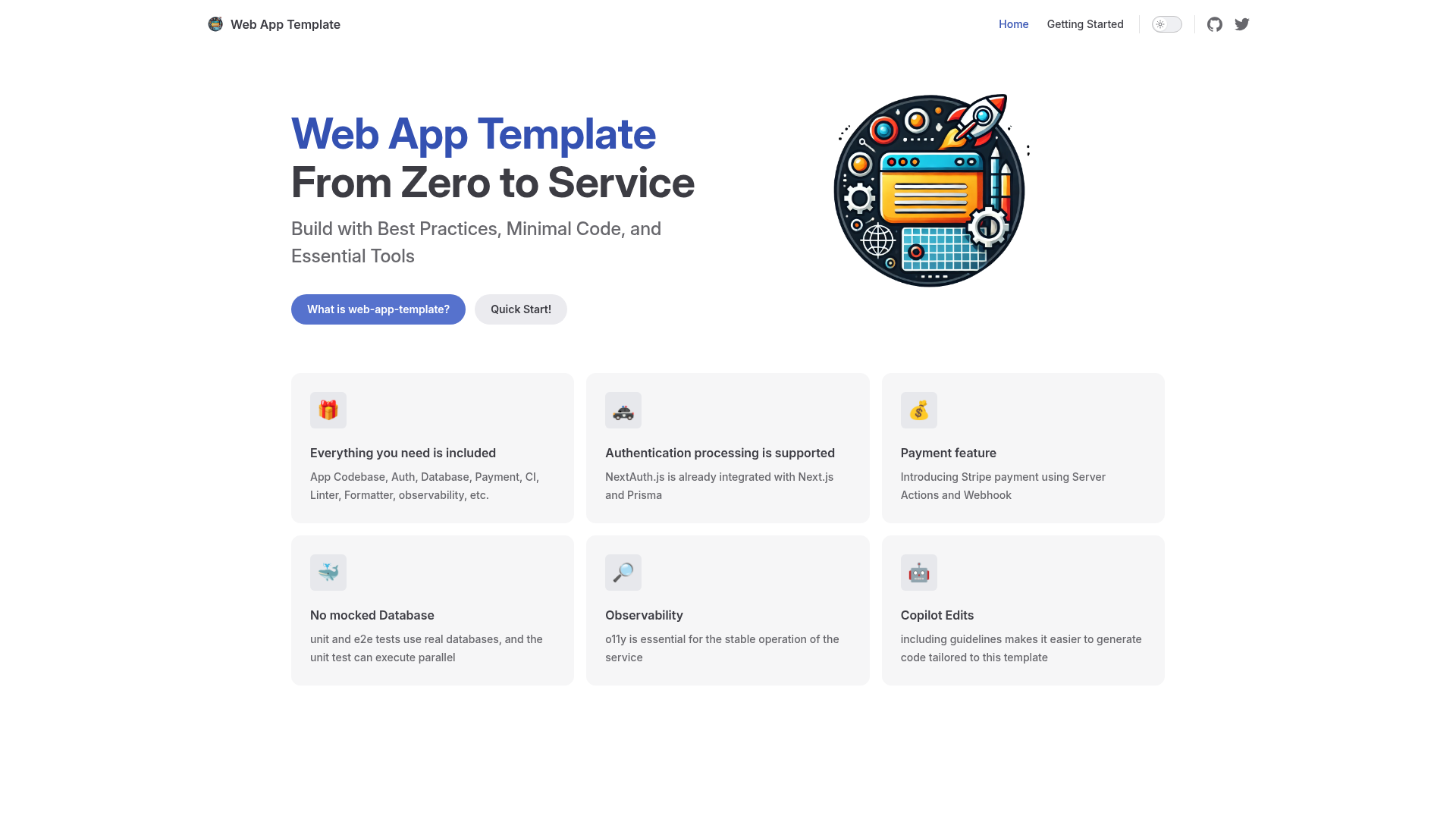
A minimal Next.js web service template with auth, payments, observability, testing, and a create-app-foundation CLI.
About this template
web-app-template is a minimal Next.js boilerplate for production-ready web services, scaffolded by the npx create-app-foundation@latest CLI or the GitHub 'Use this template' button, that preconfigures authentication, payments, observability, database, testing, and developer tooling so you can start writing product code immediately.
What is web-app-template?
web-app-template is a GitHub template repository maintained by hiroppy that generates a Next.js application pre-wired with a production-oriented stack. It takes your project name through the create-app-foundation CLI and outputs a fully configured project directory, or you can click 'Use this template' on GitHub and run node .internal/setup/init.mjs to finish setup. The generated app includes Next.js, Tailwind CSS, NextAuth.js, React Hook Form, Zod, Prisma, PostgreSQL, Stripe, OpenTelemetry, and TypeScript, with Vitest, Playwright, and Testcontainers for testing.
What makes web-app-template stand out?
- Next.js with Tailwind CSS — The app shell is a Next.js project styled with Tailwind CSS, ready for pages, API routes, and server-side rendering.
- Authentication via NextAuth.js — Session-based auth is configured out of the box; E2E tests run a build first to bypass JWT logic.
- Prisma and PostgreSQL data layer — Prisma ORM is set up against PostgreSQL with commands for migrating, resetting, and browsing the database.
- Stripe payments — A
/me/paymentpage demonstrates subscription payments, and apnpm dev:stripecommand runs the Stripe CLI for webhook testing. - OpenTelemetry with Jaeger — Tracing is wired through OpenTelemetry; locally, Jaeger is available at http://localhost:16686/.
- React Hook Form with Zod — Typed form validation is provided through React Hook Form schemas validated by Zod.
- Testing toolchain — Unit tests use Vitest and Testing Library; E2E uses Playwright; Testcontainers spins up dependencies for integration tests.
- Developer tooling — pnpm, Biome, Prettier, Knip, EditorConfig, lefthook, Docker, GitHub Actions, Renovate, and VSCode workspace settings are all preconfigured.
Who should use web-app-template?
Full-stack TypeScript developers who want a production-grade Next.js starter without assembling the toolchain manually, solo founders shipping a SaaS MVP that needs auth, payments, and a PostgreSQL database, and teams that want testing, CI, and dependency updates configured from day one. It also suits developers who prefer to opt out of extras: the init script asks whether to include sample application code, Dockerfile, E2E testing, observability, and Stripe.
What can you do with web-app-template?
- Solo founders: scaffold a SaaS with NextAuth sign-in, a Stripe subscription page, and a Prisma-backed PostgreSQL schema, then build and start in production with
pnpm db:up,pnpm build, andpnpm start. - Full-stack developers: use the React Hook Form and Zod patterns as a reference for typed forms and validated API payloads.
- Teams: run the preconfigured Vitest and Playwright pipelines and the included GitHub Actions workflows for continuous integration.
- Observability-minded developers: launch Jaeger locally and inspect OpenTelemetry traces before connecting an external trace exporter.
How does web-app-template work?
Run npx create-app-foundation@latest to create a project directory and automatically execute the internal init script. If you use the GitHub template route, clone the repo and run node .internal/setup/init.mjs to complete setup. The init script walks through optional components so you can include only what your project needs.
FAQ
Is web-app-template free?
The template is a public GitHub repository, so you can use it without a paid license. The only costs are your own infrastructure, such as hosting and a PostgreSQL instance.
What are the prerequisites to use web-app-template?
You need Node.js v20 or higher and Docker. Docker is required for the local PostgreSQL database and for Testcontainers during integration testing.
Can I remove parts I don't need?
Yes. When the project is initialized, the init script asks whether you want the sample application code, Dockerfile, E2E testing, observability feature, and Stripe. Each of these is optional and can be opted out.
How do I run E2E tests?
First install Chrome with pnpm exec playwright install chrome, then run pnpm build to bypass JWT logic. After that, run pnpm test:e2e for the suite or pnpm test:e2e:ui for the interactive Playwright UI.
Does the template include a database?
PostgreSQL is configured through Prisma. Use pnpm db:up to start the database container, pnpm db:migrate to apply schema migrations, and pnpm db:studio to view and edit records.