Template details
NextFeathers
nextJS + feathersJS = Perfect Javascript Full Stack!
About this template
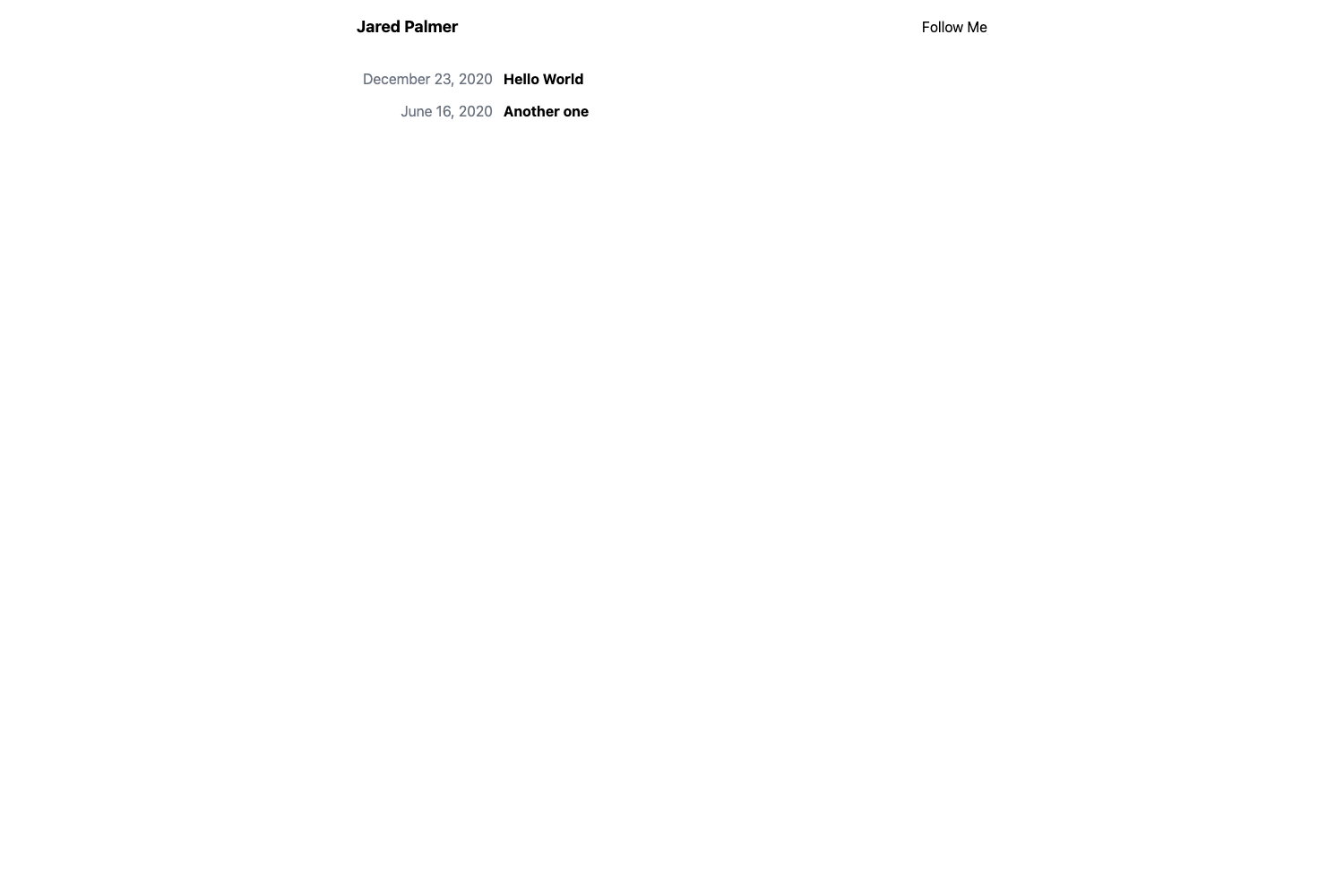
NextFeathers is a full-stack JavaScript boilerplate that combines a Next.js 12 frontend with a FeathersJS backend to deliver a working blog system (called DNA) on Node.js.
What is NextFeathers?
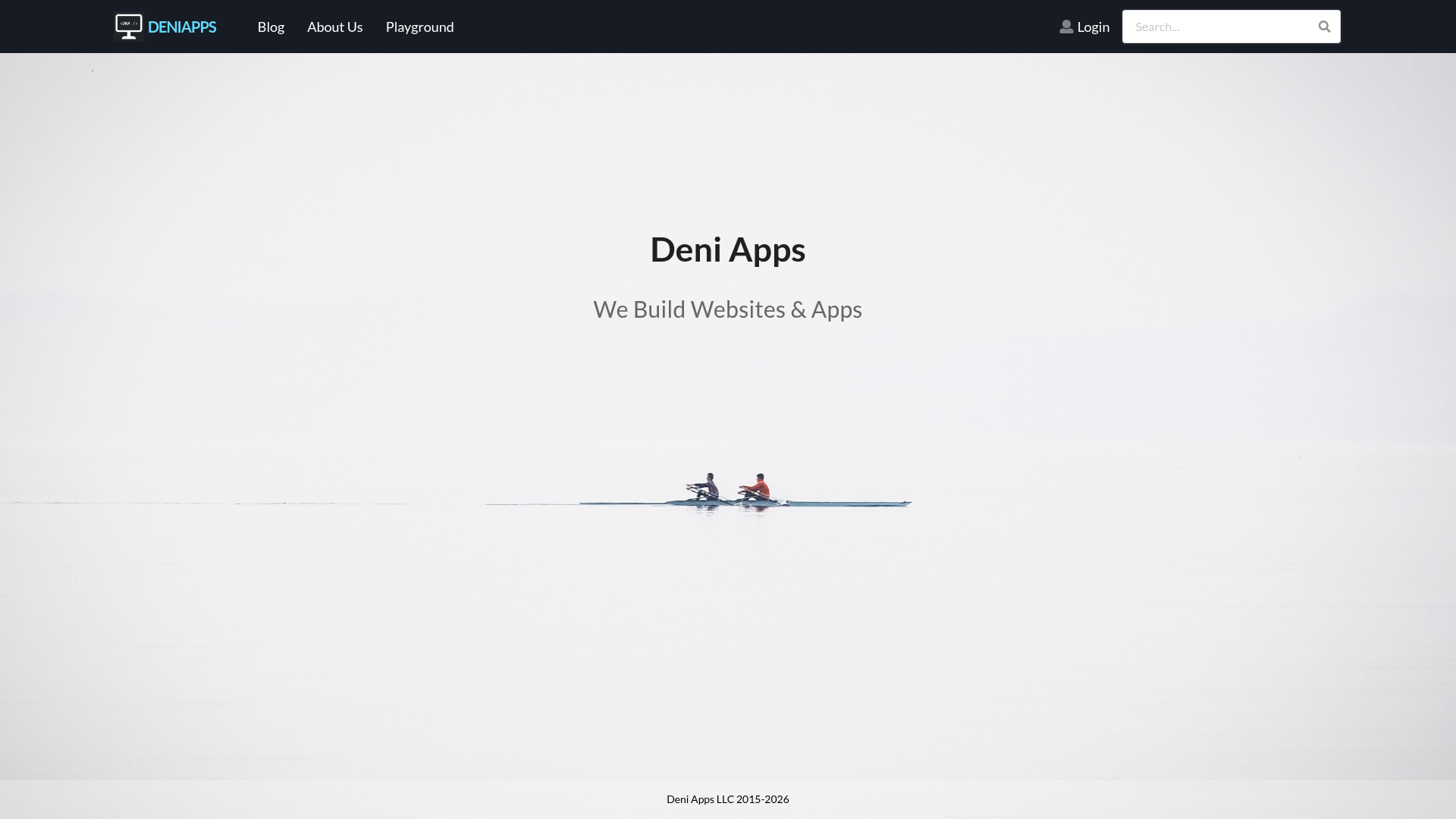
NextFeathers is a boilerplate repository that wires Next.js 12 (the frontend) and FeathersJS (the backend) into a single full-stack JavaScript project. It takes configuration for a MongoDB database and produces a REST API with JWT authentication, a real-time Feathers server, and a React blog interface named DNA. The project is maintained by DeNiApps and demonstrated live at deniapps.com.
What makes NextFeathers stand out?
- Next.js 12 frontend — The React frontend is pinned to Next.js v12, supporting pre-rendered pages, static websites, PWAs, and SEO-friendly sites; the IMPORTANT note states it does not work with other Next.js versions.
- FeathersJS backend — Feathers provides real-time REST APIs, and the template showcases the feathers-cli workflow for generating services quickly.
- DNA blog system — A complete blog engine is included, using MongoDB for storage and exposing user creation and authentication endpoints with Postman examples.
- MongoDB configuration — Database settings live in the feathers/config folder: default.json for development and production.json for production, with mongodb URI, mongoUser, and mongoPass fields.
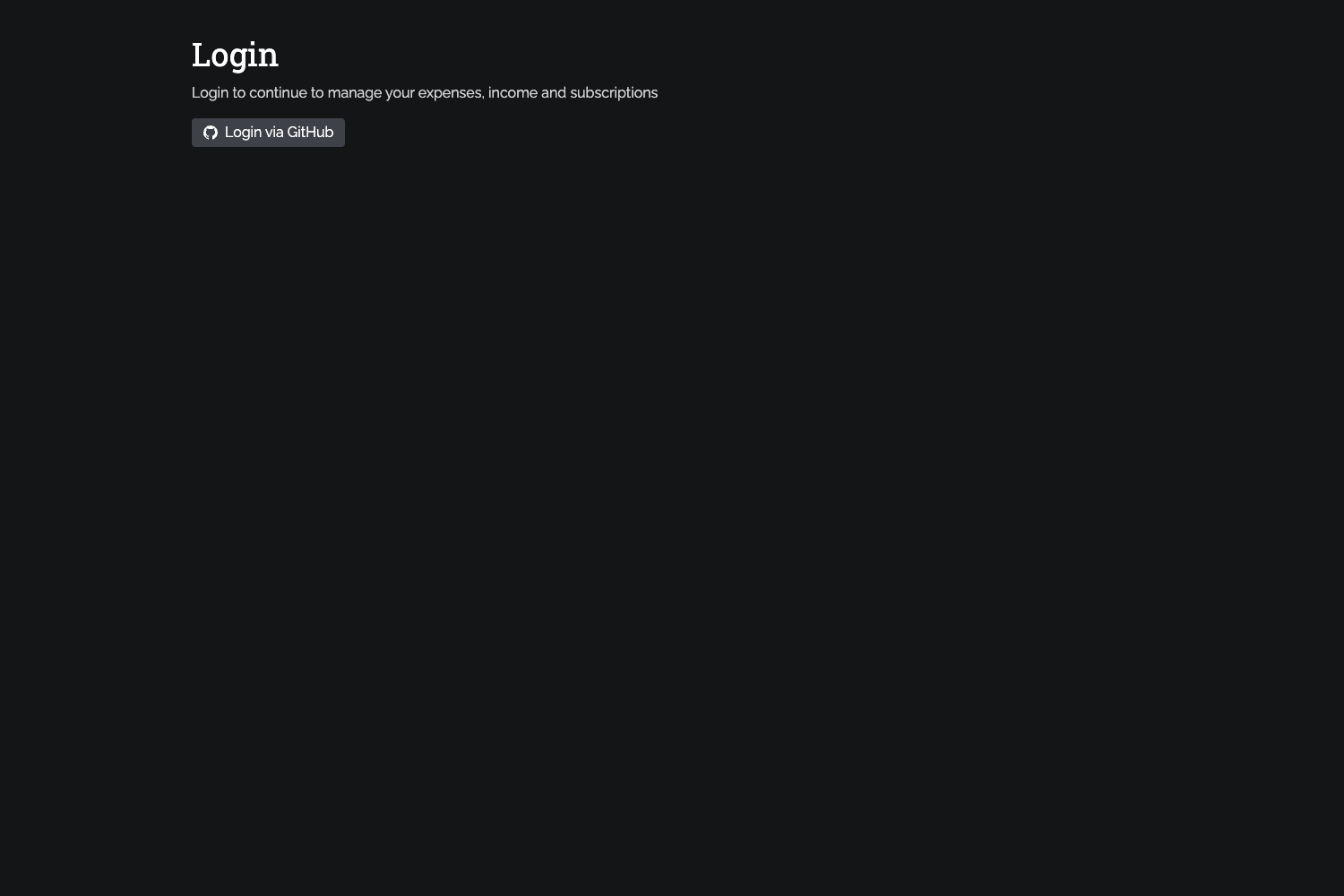
- JWT authentication flow — Documented steps create an admin user via POST to http://localhost:3030/user, then obtain a token from http://localhost:3030/authentication using a local strategy; service hooks apply authenticate("jwt") to protect routes.
- Semantic UI React + CKEditor 5 — The frontend includes Semantic UI React components and CKEditor 5 (specifically @ckeditor/ckeditor5-react v5) for rich-text editing, demonstrated in the Playground section at deniapps.com/playground.
- Dual-workspace development — Because Next.js and Feathers are separate frameworks, the README recommends opening two VSCode windows; an eslint.workingDirectories setting can also be added to the top-level .vscode/settings.json to make eslint work when opening one workspace.
Who should use NextFeathers?
- Full-stack JavaScript developers — who want a pre-configured Next.js + FeathersJS foundation to build REST APIs or real-time features without manually wiring the two frameworks together.
- Blog developers — who need a MongoDB-backed blog with JWT authentication, CKEditor rich-text editing, and Semantic UI styling; the DNA blog system provides the core scaffolding.
- Developers learning the stack — who can follow the included Postman examples and the Playground page to see how Next.js, FeathersJS, MongoDB, semantic-ui, and ckEditor fit together.
What can you do with NextFeathers?
- Launch a blog platform: configure MongoDB, create an admin user through a POST request, and use the DNA blog system to publish content.
- Prototype a real-time API: use Feathers service patterns and hooks to add authenticated REST endpoints backed by MongoDB.
- Build a JWT-secured app: follow the documented /user and /authentication endpoints to set up login and protected routes.
How does NextFeathers work?
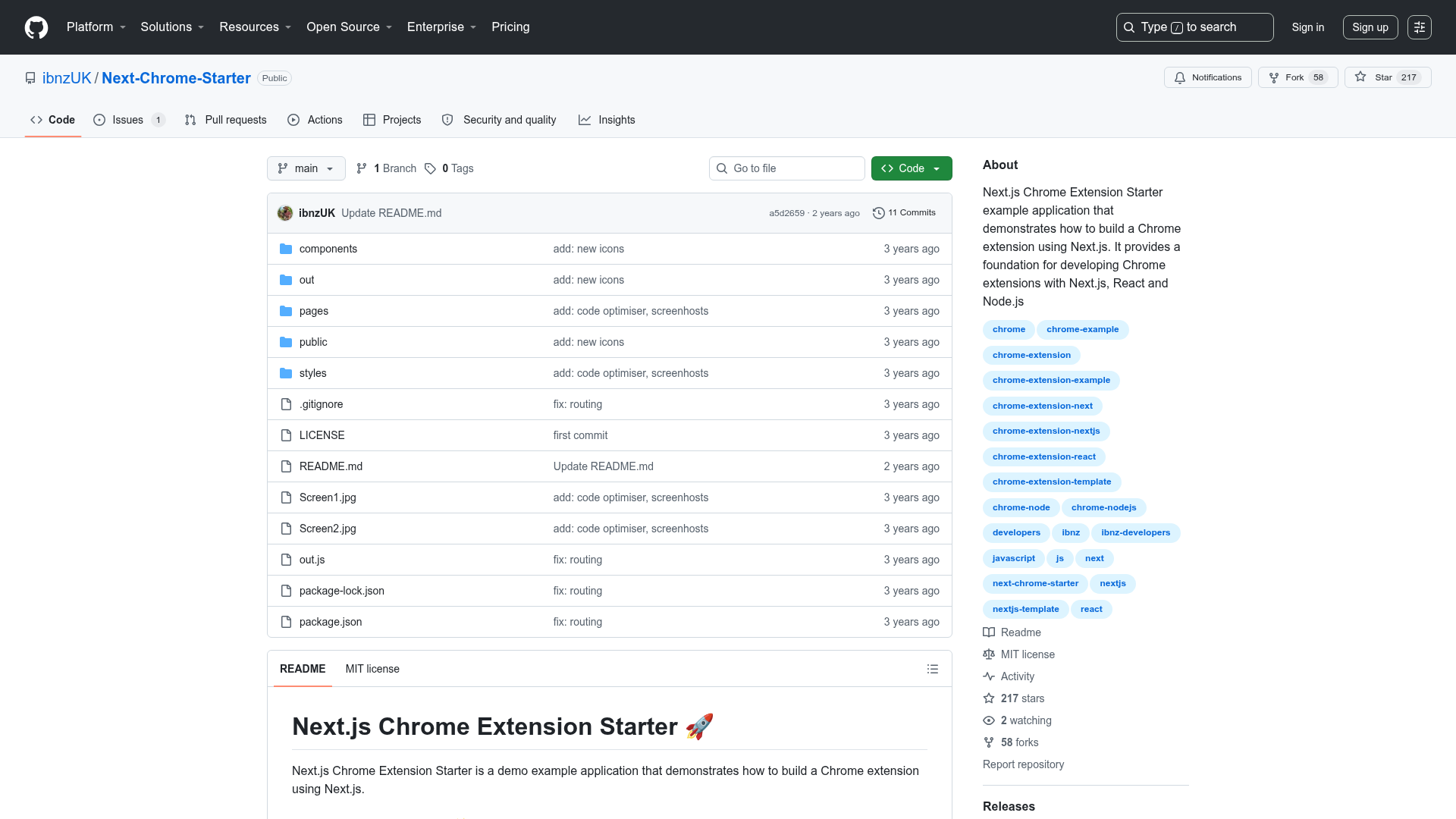
Clone the repository, then run npm install and npm run dev inside both the "next" and "feathers" folders to start each framework. Configure the MongoDB connection in the feathers config files, create an admin user via a POST to http://localhost:3030/user, and request a JWT at http://localhost:3030/authentication. The README also explains how to add authentication hooks to the users service so endpoints require a token.
Pros and cons
- Pros: Bundles Next.js and FeathersJS with a working blog engine; includes concrete Postman API examples; uses a documented MongoDB setup with separate dev and production configs.
- Cons: Not production ready (the author warns it is still being worked on); only compatible with Next.js v12 and @ckeditor/ckeditor5-react v5, so upgrading those packages will break the template.
FAQ
Is NextFeathers production-ready?
No. The README explicitly warns that the project is not production ready and that the author is still working on the DNA blog system. Use it for learning or prototyping, not for a live site.
Which versions of Next.js and CKEditor are required?
NextFeathers currently only works with Next.js v12 and @ckeditor/ckeditor5-react v5. The IMPORTANT note says newer versions are not supported.
How do I set up the database?
You need a MongoDB instance, then fill in the mongodb, mongoUser, and mongoPass values in the JSON config files inside the feathers/config directory. default.json is used in development and production.json in production.
How do I create a user and get a JWT token?
Send a POST request to http://localhost:3030/user with a JSON body containing email and password. Then POST to http://localhost:3030/authentication with the same credentials and strategy "local" to receive a JWT token.
How do I run the project?
Clone the repo, run npm install in both the next and feathers folders, then run npm run dev in each. The backend needs MongoDB and the config values set before the blog system works.