Template details
Nextra Blank Custom Theme
A forkable Next.js site with a blank custom Nextra theme and Tailwind CSS setup.
About this template
Nextra Blank Custom Theme is a forkable boilerplate that pairs a nearly blank custom Nextra theme with Tailwind CSS to scaffold a fast, MDX-driven static site on Next.js.
What is Nextra Blank Custom Theme?
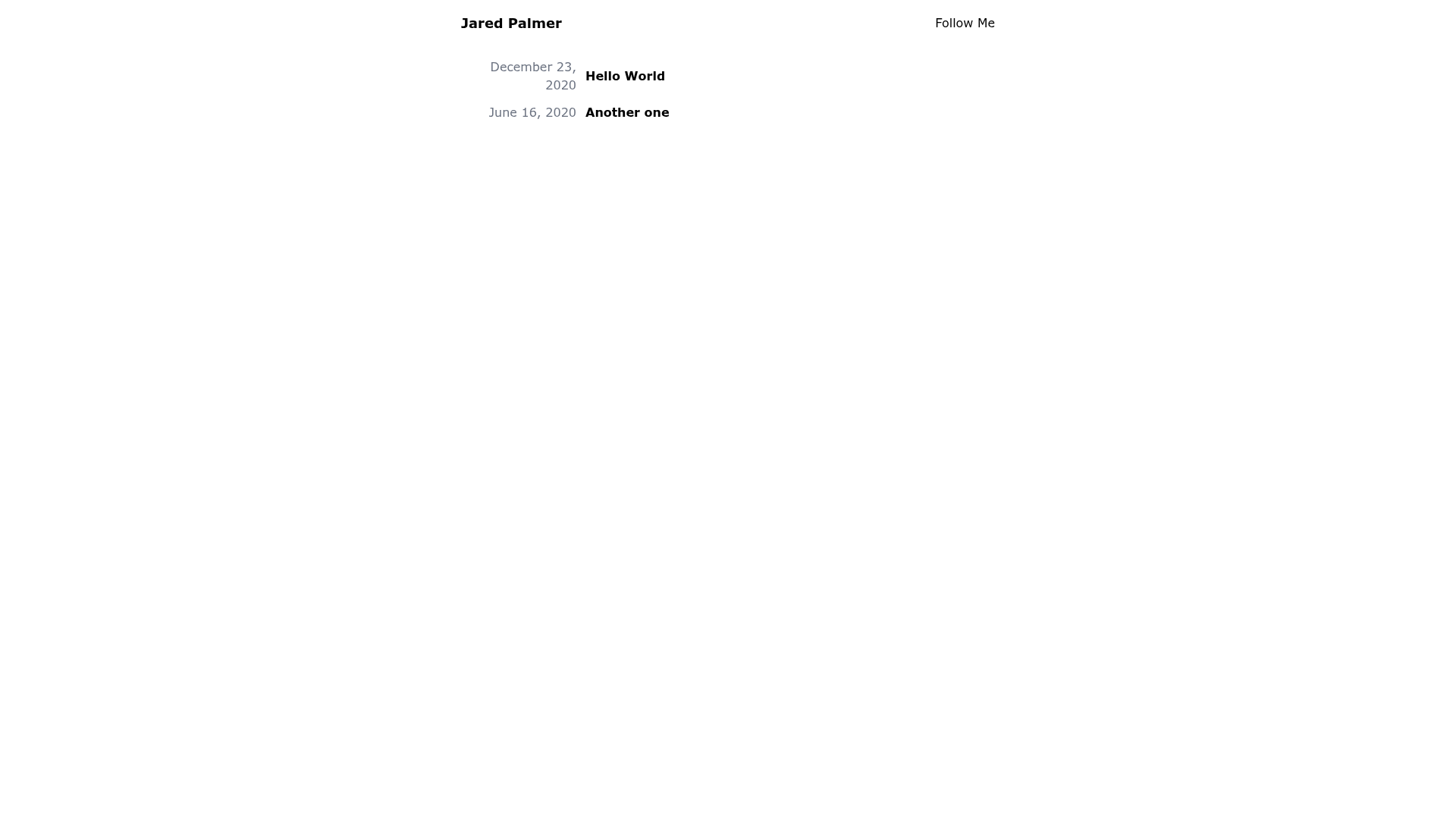
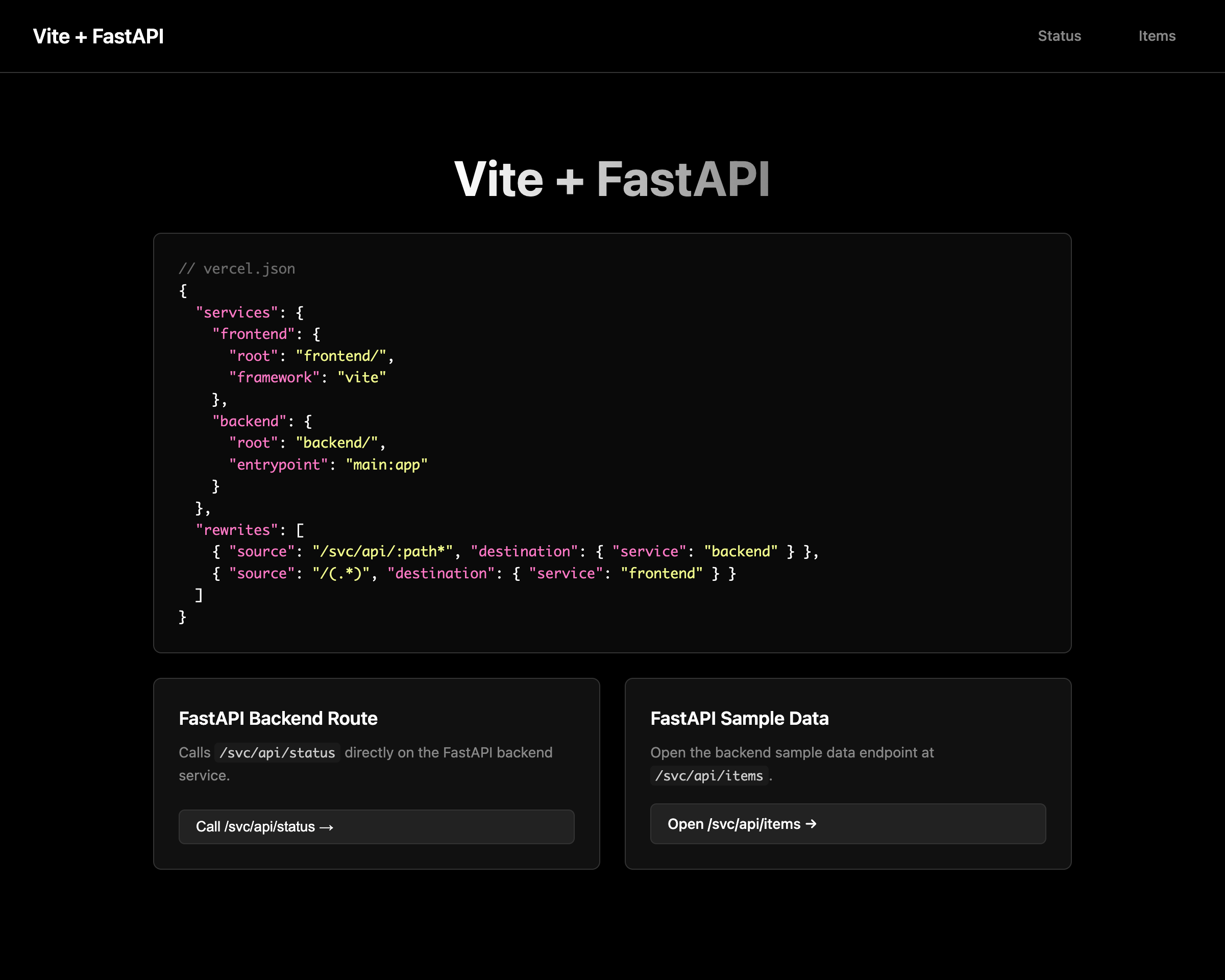
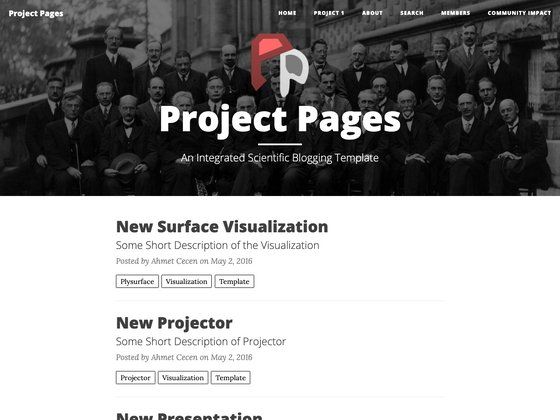
Nextra Blank Custom Theme is a minimal GitHub repository that demonstrates how to build a custom theme on top of the Nextra documentation framework. It takes a nearly blank MDX blog/content site and adds a custom layout component in components/layout.js, with Tailwind CSS already configured. The output is a static site where blog posts are written in Markdown/MDX and the index page lists posts from posts.json. It runs on Next.js and is meant to be forked as a starting point.
Key Features
- Custom Nextra theme — the theme is implemented as a layout component in components/layout.js rather than using Nextra's default theme, giving full control over how pages are rendered.
- Tailwind CSS preconfigured — Tailwind is already set up, so you can style components with utility classes immediately, and PostCSS is part of the build tooling.
- MDX blog/content site — write posts as Markdown/MDX files and Nextra's file-based routing turns them into static pages automatically.
- posts.json-driven blog index — the post list on the index page is generated from posts.json, a simple JSON file you can edit to control which posts appear.
- Forkable Next.js boilerplate — the repository is designed to be forked and used as the base for a new project, with a blank slate that avoids opinionated demo content.
- Nextra page map support — the README explains how to move the index page component into the layout and use Nextra's page map on the root route if you prefer that approach.
Who is it for?
- Developers building a custom Nextra theme — use this as a minimal reference to see how a custom layout is wired into Nextra without the default theme.
- Blog authors who want Tailwind styling — start from this boilerplate to build a Markdown/MDX blog with utility-first CSS already configured.
- Static site builders who prefer Next.js — use this to scaffold a content site where the blog index is controlled by posts.json instead of a CMS.
What can you do with Nextra Blank Custom Theme?
- Start a personal blog: clone the repo, write Markdown posts, and list them in posts.json to publish a static Next.js blog.
- Prototype a custom Nextra layout: use components/layout.js as a template for experimenting with different page-level layouts.
- Learn Nextra internals: study how the page map and route handling work by comparing this blank theme with Nextra's default theme.
How does Nextra Blank Custom Theme work?
The site uses Nextra's file-based routing. Pages are Markdown/MDX files, and the custom layout component wraps them. The blog index page is a React component that reads posts.json to render a list. The README notes you can instead create a blank pages/index.mdx and move that component into the layout if you check for route === '/' to use the page map on the index.