Template details
Next.js and Material-UI Template with Header and Footer
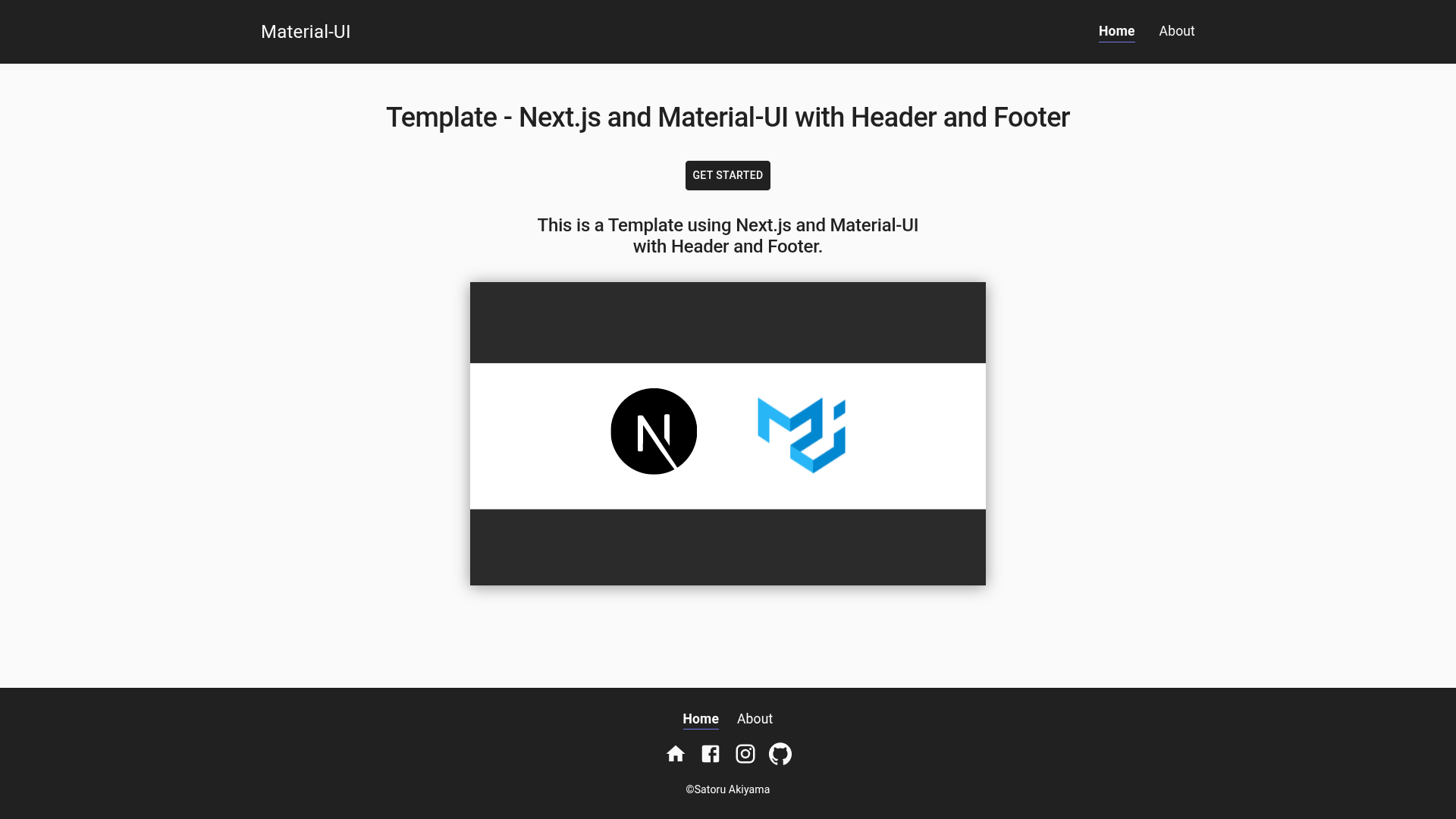
This is a Template using Next.js and Material-UI with Header and Footer.
About this template
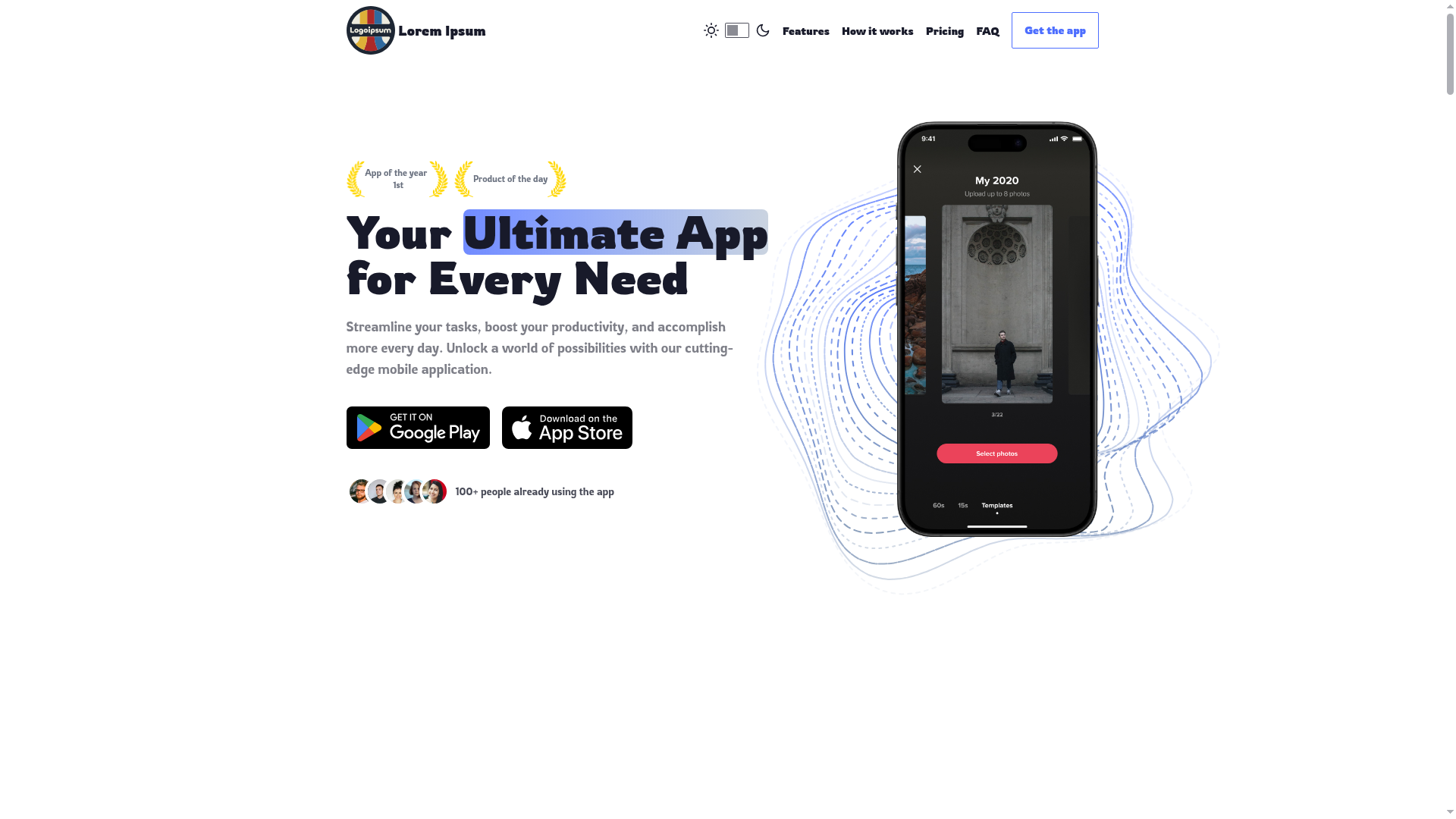
The Next.js and Material-UI Template with Header and Footer is a minimal Next.js starter boilerplate that bundles a pre-built Material-UI header and footer, configurable social links, and a home and about page for quickly scaffolding a React site.
What is the Next.js and Material-UI Template with Header and Footer?
This template is a minimal Next.js starter project (a boilerplate) that provides a pre-built header and footer styled with Material-UI (MUI), plus two pages: /pages/index.js (home) and /pages/about.js (about). As input, it takes social media URLs from /data/socialMedia.js and page title/description strings passed as props to /components/layout/Layout.js, and outputs a working React website with navigation, social links, and head metadata. It runs on Next.js and can be deployed to Vercel; the author is Satoru Akiyama, and it is released under the MIT license.
Key Features
- Next.js framework — Uses Next.js with file-based routing in the /pages directory, providing a React foundation that can be deployed to Vercel; the live demo is hosted at https://nextjs-and-material-ui-template-with-header-and-footer.vercel.app/.
- Material-UI styling — Styled with Material-UI components including Grid, and uses @material-ui/icons for social icons in the header and footer.
- Configurable social media links — Edit /data/socialMedia.js to replace the default Instagram, Facebook, GitHub, and homepage URLs, or add new ones such as Twitter.
- Header and footer layout — The Layout component at /components/layout/Layout.js receives title and description as props and injects them into the head tag for SEO.
- Two starter pages — Includes home and about pages with editable title and meta description fields in each page file.
- MIT licensed — Free to use, modify, and redistribute under the MIT license.
Who is it for?
- React developers starting a new project — They can clone the repository, run npm install, and begin with a working Next.js and Material-UI setup that already has a header, footer, and navigation.
- Developers building a personal portfolio or landing page — The included home and about pages, combined with customizable social links, fit simple personal sites or project showcases.
- Learners exploring Material-UI with Next.js — The template demonstrates how to integrate MUI Grid components, icons, and layout props in a Next.js app, making it a useful reference.
What can you do with it?
- Create a personal site: Replace the social URLs and page titles in /data/socialMedia.js and /pages/index.js to publish a personal page with links to Instagram, Facebook, GitHub, and a homepage.
- Build a project landing page: Use the two pages and the shared header/footer as a base, then add more pages under /pages to expand content.
- Add extra social networks: Follow the documented steps to add Twitter or other platforms by importing icons from @material-ui/icons and adding corresponding Grid items in /components/Social.js.
How does it work?
- Clone the repository from GitHub and run npm install in the project directory.
- Open /data/socialMedia.js and replace the default social URLs with your own; if adding networks, also edit /components/Social.js to import the matching Material-UI icon.
- Open /pages/index.js and /pages/about.js to set the page title and description that are passed to the Layout component.
- Deploy the Next.js application to a hosting service such as Vercel.
FAQ
Is this template free to use?
Yes, the template is released under the MIT license, meaning you can freely use, modify, and distribute it, including for commercial purposes.
Which UI library is used?
The template uses Material-UI (MUI) with components like Grid and icons from the @material-ui/icons package, as shown in the customization examples for social links.
Are there any built-in blog or CMS features?
No, the template only includes a home page and an about page with a header and footer. It does not include a blog, CMS, or database integration; the author has a separate blog-with-Next.js-and-Contentful repository referenced in the default GitHub URL.
How do I add a new social media link?
Edit /data/socialMedia.js to add a key-value pair, then edit /components/Social.js to import the corresponding Material-UI icon and add a new Grid item that uses the new value. The example in the documentation shows how to add Twitter.
Can I deploy this to Vercel?
Yes, because it is a standard Next.js application. The live demo is hosted on Vercel, and you can deploy your own clone using the Vercel dashboard or CLI.