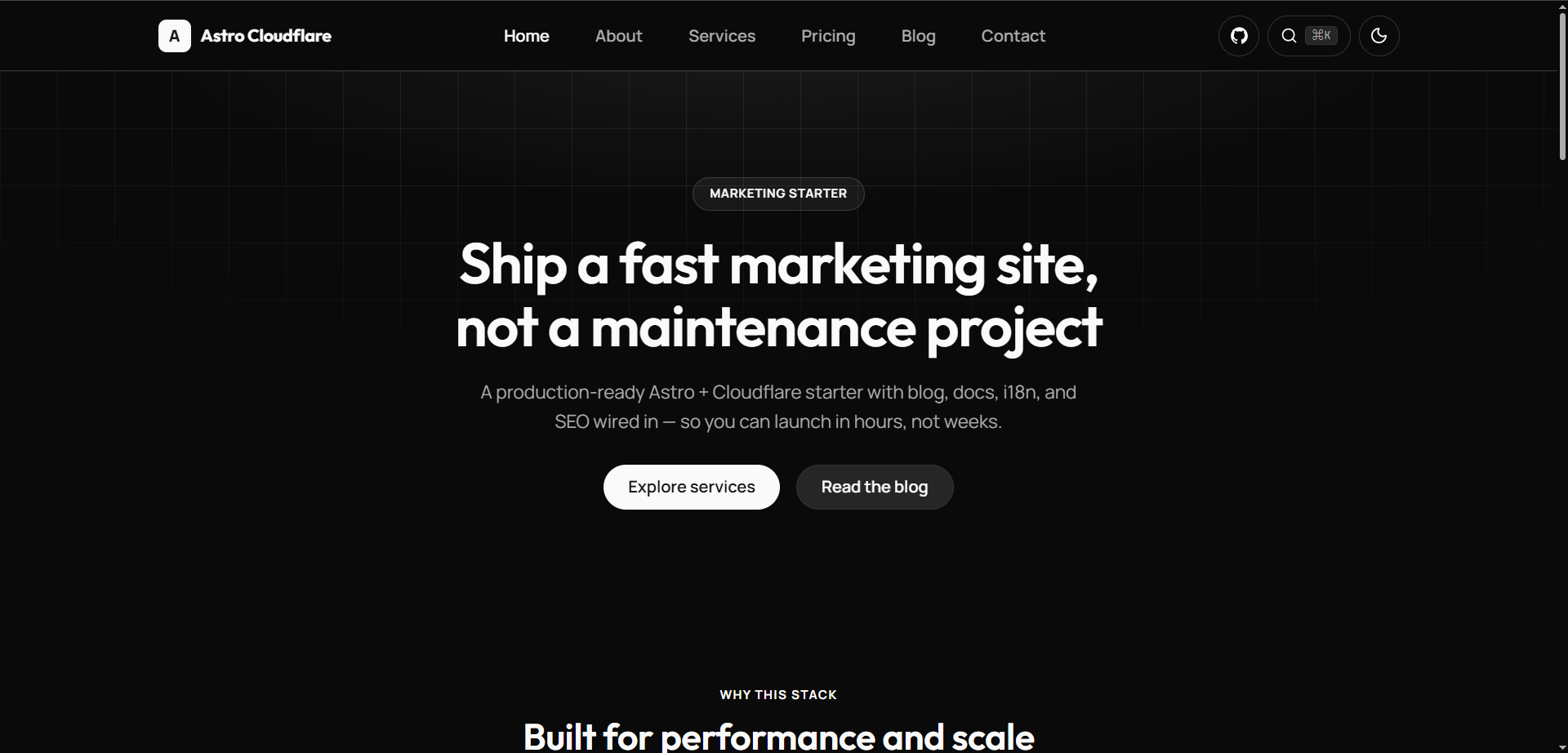
Template details
Next.js Bootstrap Starter
A Next.js Bootstrap 5 starter template featuring a basic setup with Bootstrap and components.
About this template
Next.js Bootstrap Starter is a minimal Next.js boilerplate that pre-installs Bootstrap 5 and the react-bootstrap component library, so you can build React pages with ready-made UI components instead of writing CSS from scratch.
What is Next.js Bootstrap Starter?
Next.js Bootstrap Starter is a starting-point repository for web development projects. It takes a standard Next.js application structure and adds Bootstrap 5 through the react-bootstrap library, which provides React components for the Bootstrap framework. The output is a runnable web app that serves a default page from pages/index.js on http://localhost:3000 when you start the development server. This project is hosted on GitHub under a public repository.
Key Features
- Next.js framework — Uses Next.js for server-side rendering, file-based routing, and React component development. The project is configured with the default Next.js tooling and can be run with either npm or Yarn.
- Bootstrap 5 integration — Includes Bootstrap 5 via the react-bootstrap library, which gives you ready-to-use React components for buttons, modals, forms, navigation, and other UI elements.
- React-Bootstrap components — The starter pre-installs react-bootstrap so you can import components directly and use them in JSX rather than writing Bootstrap class names by hand.
- Hot-reload development server — Running
npm run devoryarn devstarts a local development server with automatic page refreshing. Editingpages/index.jsupdates the page in the browser without a manual restart. - Simple file layout — The project follows the standard Next.js pages directory, with all the default page code located in
pages/index.js. You can replace or extend this file to build your site. - Screenshot documentation — The repository includes a screenshot in the
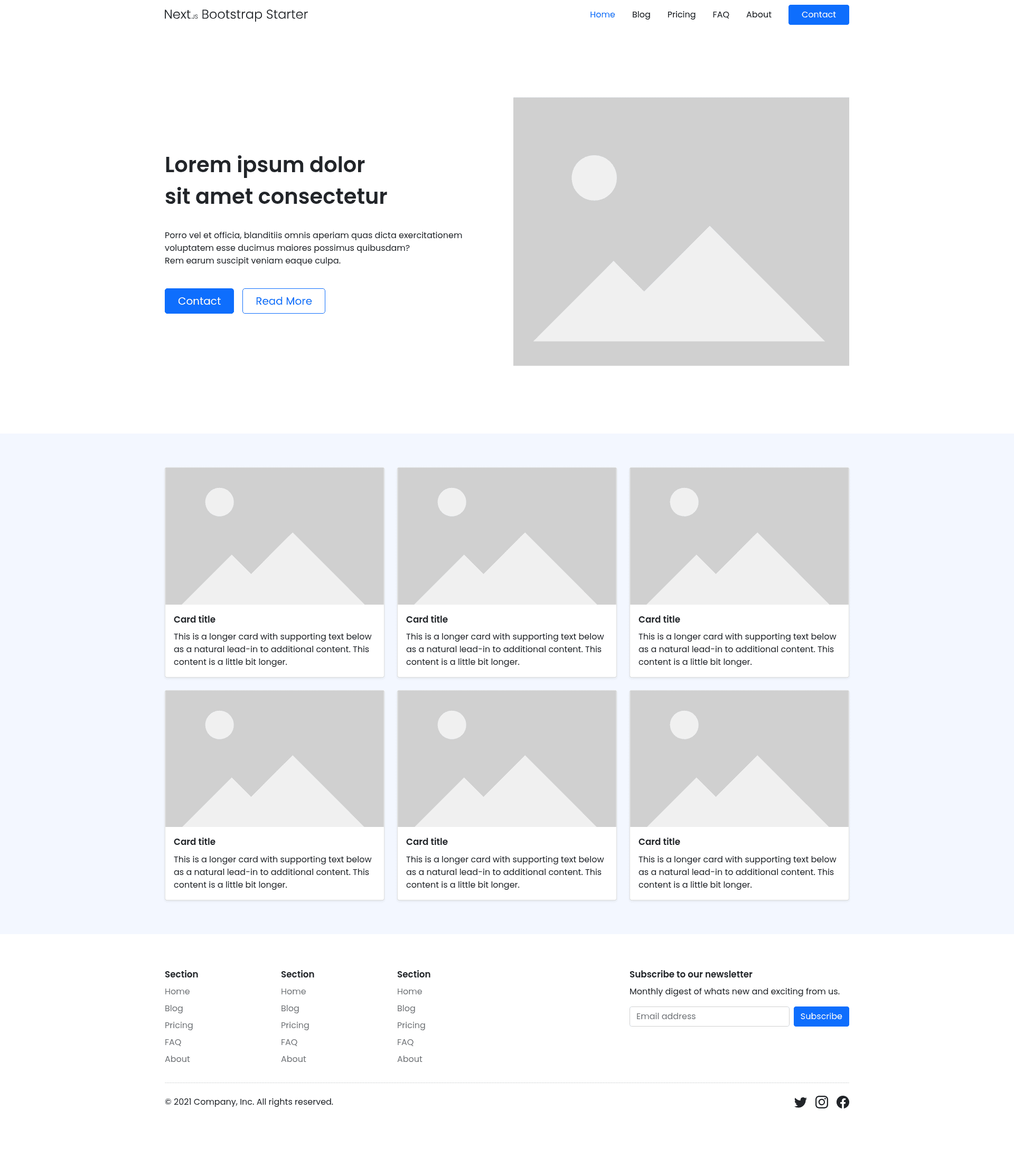
publicfolder that shows what the default starter page looks like, so you can preview the design before diving in.
Who Should Use Next.js Bootstrap Starter?
- React developers starting a new project — They can clone this repository and begin building on a Next.js setup that already handles Bootstrap styling, saving time on configuration.
- Developers who prefer react-bootstrap — Instead of manually crafting Bootstrap CSS classes, they can use the React component API from react-bootstrap and stay within JSX syntax.
- Anyone learning Next.js — The minimal code in
pages/index.jsserves as a clear example of how a Next.js page component works alongside Bootstrap's grid and utility classes.
What Can You Do with It?
- Build a quick landing page: Use the included Bootstrap 5 styles and components to create a visually decent page layout with minimal custom CSS.
- Create a prototype: Add new pages under the
pagesdirectory and use Next.js routing to link them together for a multi-page prototype. - Learn Bootstrap and Next.js integration: Study the project structure to see how react-bootstrap components are used inside a Next.js page.
How Does It Work?
The repository provides a complete project setup. To use it, clone or download the repository and install dependencies with npm install or yarn. Then run npm run dev or yarn dev to start the development server. Open http://localhost:3000 to view the default page, and edit pages/index.js to modify the content; the browser updates automatically thanks to Next.js's hot reloading.
FAQ
What is the Next.js Bootstrap Starter?
It is a starter template for Next.js that pre-installs Bootstrap 5 and the react-bootstrap component library. The project provides a minimal pages/index.js file that you can edit to build your own website.
How do I run the project locally?
Run npm run dev or yarn dev in the project directory, then open http://localhost:3000. The dev server reloads automatically when you edit source files.
Does this template include Bootstrap 5?
Yes. It uses the react-bootstrap library, which provides React components styled with Bootstrap 5, along with the global Bootstrap stylesheet.
What is react-bootstrap?
react-bootstrap is a library that rebuilds Bootstrap components as React components, letting you use elements like buttons, navigation bars, and forms directly inside JSX.