Template details
Nuxt Example
A minimal Nuxt 3 starter from Vercel with one-click deployment, local dev server, and production build scripts.
About this template
Nuxt Example is a minimal Nuxt 3 boilerplate from Vercel's examples repository that deploys to the Vercel platform with zero configuration.
What is Nuxt Example?
Nuxt Example is a minimal Nuxt 3 application template created by Vercel as part of its framework boilerplates. It provides a basic Nuxt project with default scripts for development, building, and previewing, and it is pre-configured to deploy to Vercel without any additional setup. The template's input is your source code or a quick clone via the Deploy button, and its output is a live Nuxt.js site hosted on Vercel.
Key Features
- One-click Vercel deployment — The Deploy with Vercel button creates a new project from the template and automatically builds and deploys it.
- Zero configuration required — No Vercel config files are needed; the Nuxt preset is handled automatically.
- Multiple package managers — Supports npm, yarn, and pnpm; the pnpm setup command includes
--shamefully-hoistfor dependency handling. - Development server —
npm run devstarts the local dev server at http://localhost:3000. - Production build —
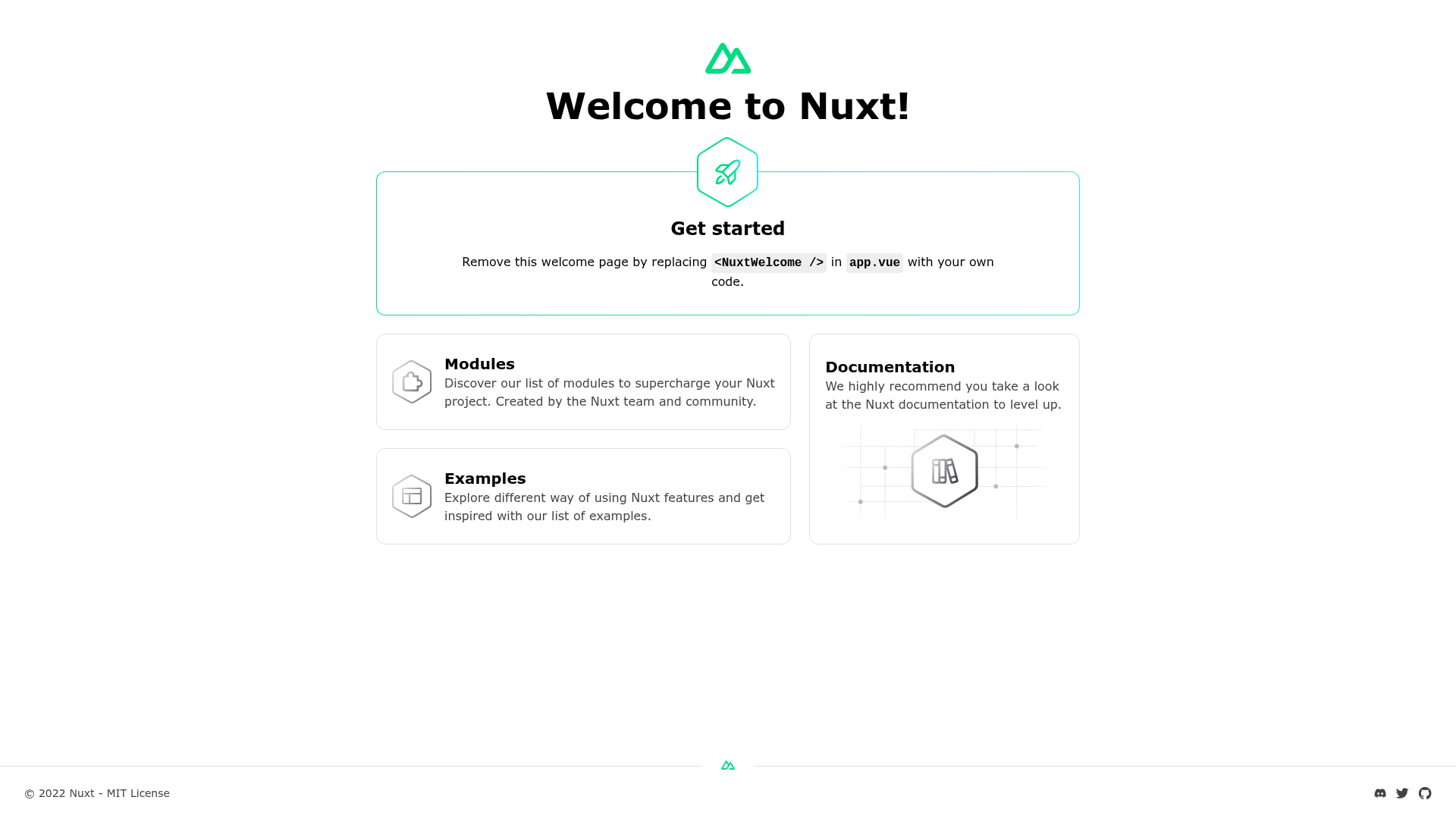
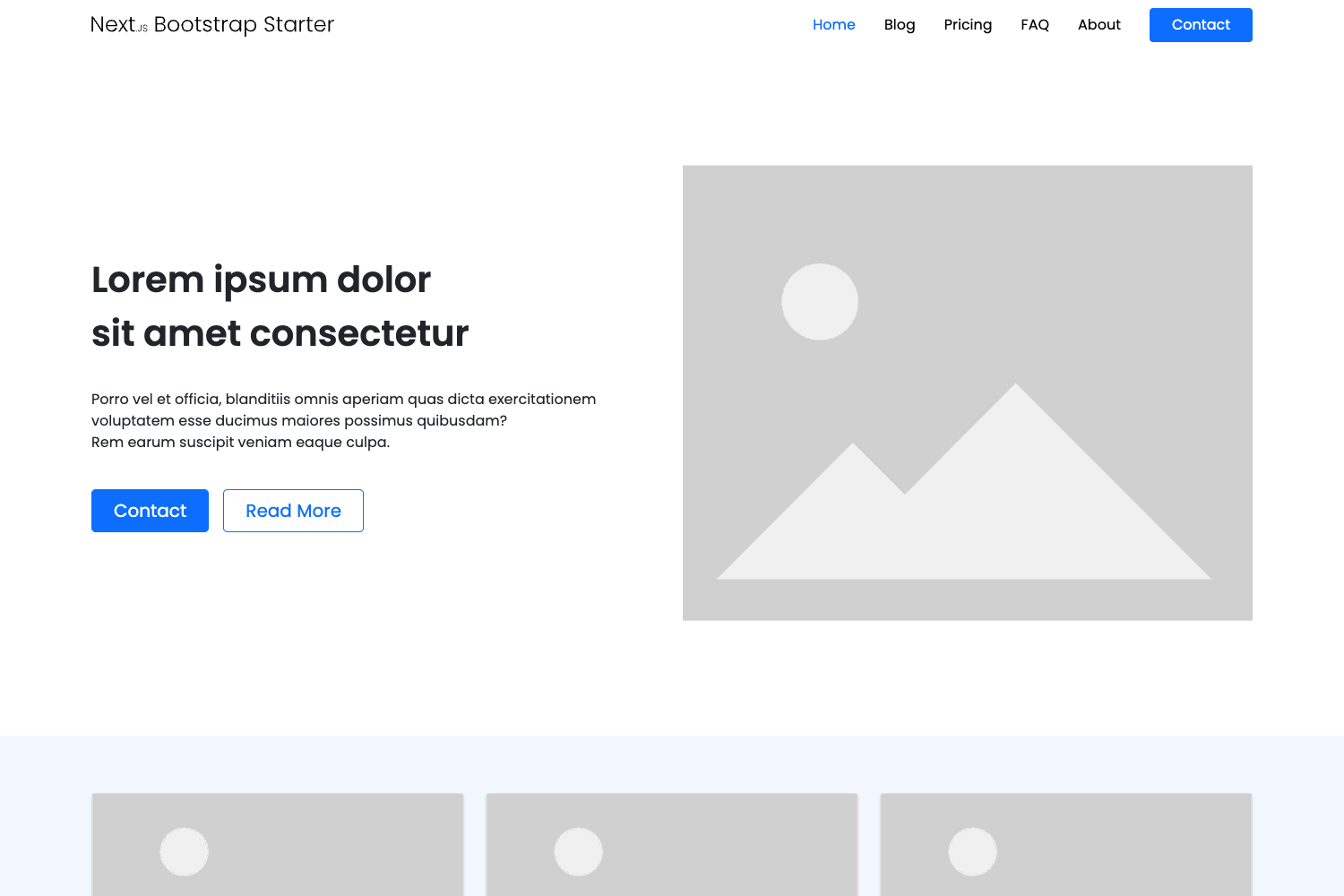
npm run buildproduces a production bundle, andnpm run previewserves it locally. - Live example — A running instance is available at https://nuxtjs-template.vercel.app, demonstrating the default output.
- Official documentation links — The README points to the Nuxt 3 docs and Vercel's deployment presets for further guidance.
Who is it for?
- New Nuxt developers — Use this template as a clean starting point to learn Nuxt 3 and deploy a simple app to Vercel in minutes.
- Teams evaluating Nuxt — Quickly spin up a working Nuxt 3 site on Vercel to assess the framework without writing boilerplate.
- Anyone needing a quick deployment — If you want a Nuxt app online fast, the one-click deploy flow saves configuration time.
What can you do with Nuxt Example?
- Rapid prototyping: Deploy a Nuxt 3 app to Vercel with one click and immediately get a public URL to share.
- Local iteration: Develop locally using the provided scripts, test production builds with
npm run preview, then push to trigger redeployment. - Learning Vercel + Nuxt integration: Study how a minimal Nuxt 3 project is structured for Vercel's automatic deployment pipeline.
How does Nuxt Example work?
- Click the Deploy with Vercel button or clone the repository from GitHub.
- Install dependencies using npm, yarn, or pnpm; the pnpm command requires
--shamefully-hoist. - Run
npm run devto start development on http://localhost:3000. - Run
npm run buildto compile for production, thennpm run previewto serve the build locally. - Commit and push changes to your repository — Vercel will automatically rebuild and deploy the update.
FAQ
Is Nuxt Example free to use?
Yes, this is an open-source example from Vercel's public repository. You can use it as a starting point for any project without cost.
What Nuxt version does this template use?
It targets Nuxt 3, as indicated by the links to the Nuxt 3 documentation in the README. The project structure follows Nuxt 3 conventions.
Do I need to configure anything on Vercel?
No. The template is designed for zero-configuration deployment. The Deploy button handles the setup, and Vercel detects Nuxt automatically.
How do I run the project locally?
Clone or download the repository, install dependencies with your preferred package manager, and run the default development script to start a local server.
Where is the live example hosted?
The live example is at https://nuxtjs-template.vercel.app, hosted on Vercel. You can visit it to see the default Nuxt page.