Template details
turborepo-shadcn-ui-tailwind-4
Turborepo monorepo template with shadcn/ui, Tailwind CSS v4, React 19, and Next.js 15.
About this template
Turborepo-shadcn-ui-tailwind-4 is a GitHub template for a Turborepo monorepo that combines shadcn/ui, Tailwind CSS v4, React 19, and Next.js 15, giving you a preconfigured workspace for building component-driven web applications.
What is turborepo-shadcn-ui-tailwind-4?
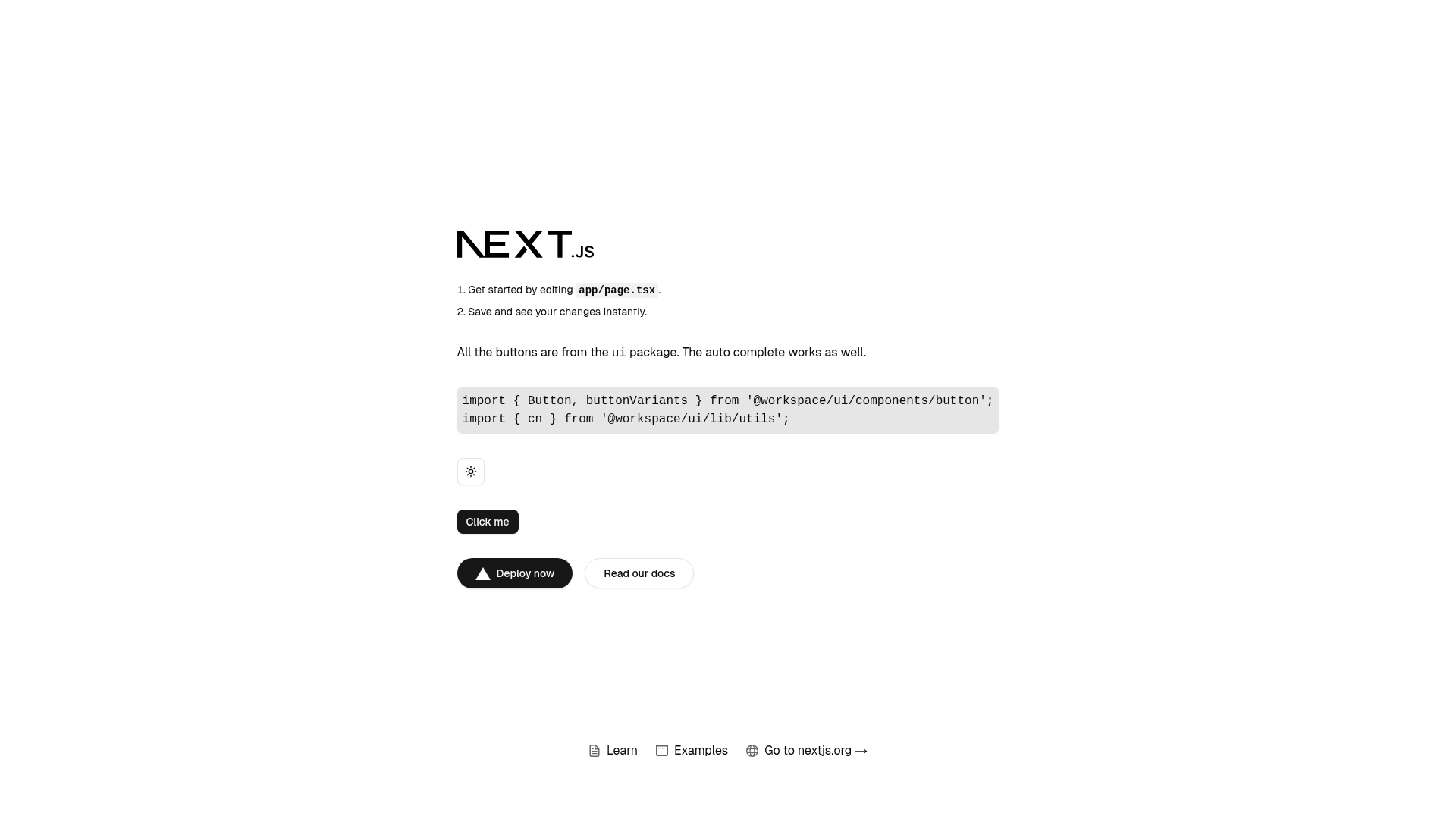
This template is a monorepo starter that wires together Turborepo build orchestration, a shared UI package based on shadcn/ui, Tailwind CSS v4 styling, and React 19. Its core function is to let you scaffold a web app with a reusable component library out of the box. Input is an empty repository cloned from the template; output is a working apps/web application plus a packages/ui package, both written in TypeScript and managed with pnpm. The repository is published by GitHub user linkb15 and supports one-click deployment to Vercel.
Key Features
- Turborepo monorepo — Uses Turborepo to manage builds across
apps/webandpackages/ui, with pnpm as the package manager. - shadcn/ui integration — Components are added via the shadcn CLI (
pnpm dlx shadcn@latest add button -c apps/web) and stored inpackages/ui/src/components, so they are shareable across apps. - Tailwind CSS v4 —
globals.cssis preconfigured to import styles from theuipackage, and the setup follows Tailwind v4's explicit source registration guidance. - React 19 and Next.js 15 — The web app runs on Next.js 15 with React 19, as reflected in the repository topics.
- TypeScript and ESLint — Both packages are typed with TypeScript and linted with ESLint, forming a consistent codebase.
- One-click Vercel deploy — A Deploy with Vercel button clones the repo, sets the build command to
cd ../../ && pnpm turbo build --filter=web..., and points the root directory toapps/web. - Workspace-aware imports — Components are imported from the
@workspace/uiscope, e.g.import { Button } from '@workspace/ui/components/ui/button';.
Who is it for?
Developers who maintain multiple applications or packages and want a single source of truth for UI components can use this template to avoid duplicating shadcn/ui setup. Teams adopting Tailwind CSS v4 with React 19 can start from a workspace where global styles and component styles are correctly wired. Anyone planning to deploy a Next.js app to Vercel can take advantage of the preconfigured one-click deployment.
What can you do with it?
- Scaffold a new monorepo app: Clone the template, run
pnpm installandpnpm devin the root, and get a running Next.js app with Tailwind CSS v4. - Add shadcn/ui components: Run the shadcn CLI command at the root of the
webapp to generate components into the shareduipackage, then import them anywhere. - Deploy to production: Use the Vercel deploy button to spin up an instance with the correct build command and root directory automatically.
How does it work?
The repository is structured as a Turborepo workspace. In the root directory you run pnpm install to install dependencies for all packages and pnpm dev to start the development servers. To extend the UI, you execute pnpm dlx shadcn@latest add <component> -c apps/web, which places the generated files in packages/ui/src/components; the web app then imports those components from the @workspace/ui package. For deployment, Vercel runs the Turborepo build for the web app and serves it from the apps/web directory.
FAQ
Is this template free to use?
Yes, it is an open-source GitHub template. You can clone or generate a repository from it without paying a license fee, and deploy it to any hosting service that supports Node.js and pnpm.
What versions of React and Next.js does it use?
The template targets React 19 and Next.js 15, based on the repository topics and the package dependencies referenced in the setup instructions.
How do I add a new shadcn/ui component?
Run pnpm dlx shadcn@latest add <component-name> -c apps/web from the root directory. The component will be created in the shared packages/ui/src/components folder and can then be imported in the web app.