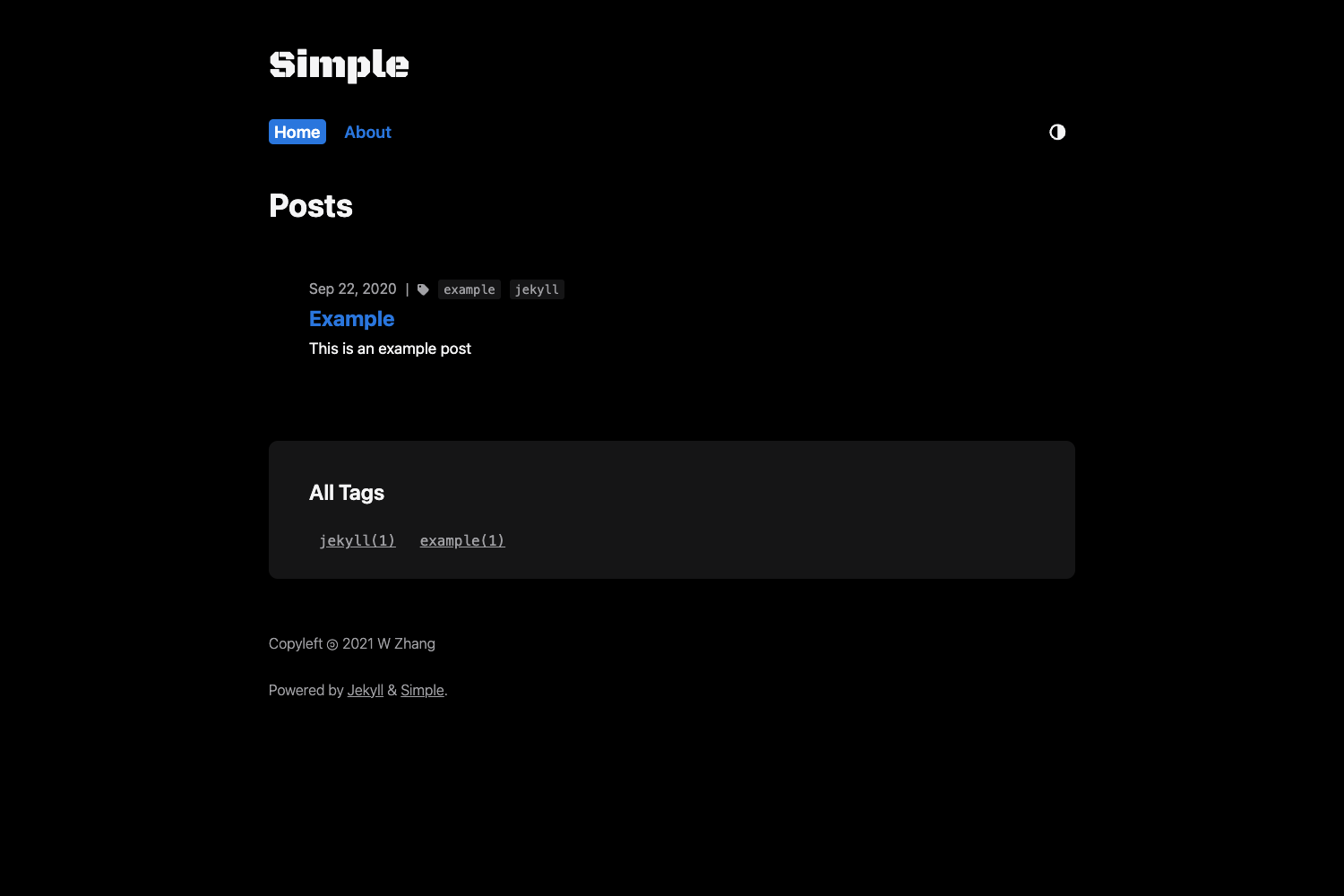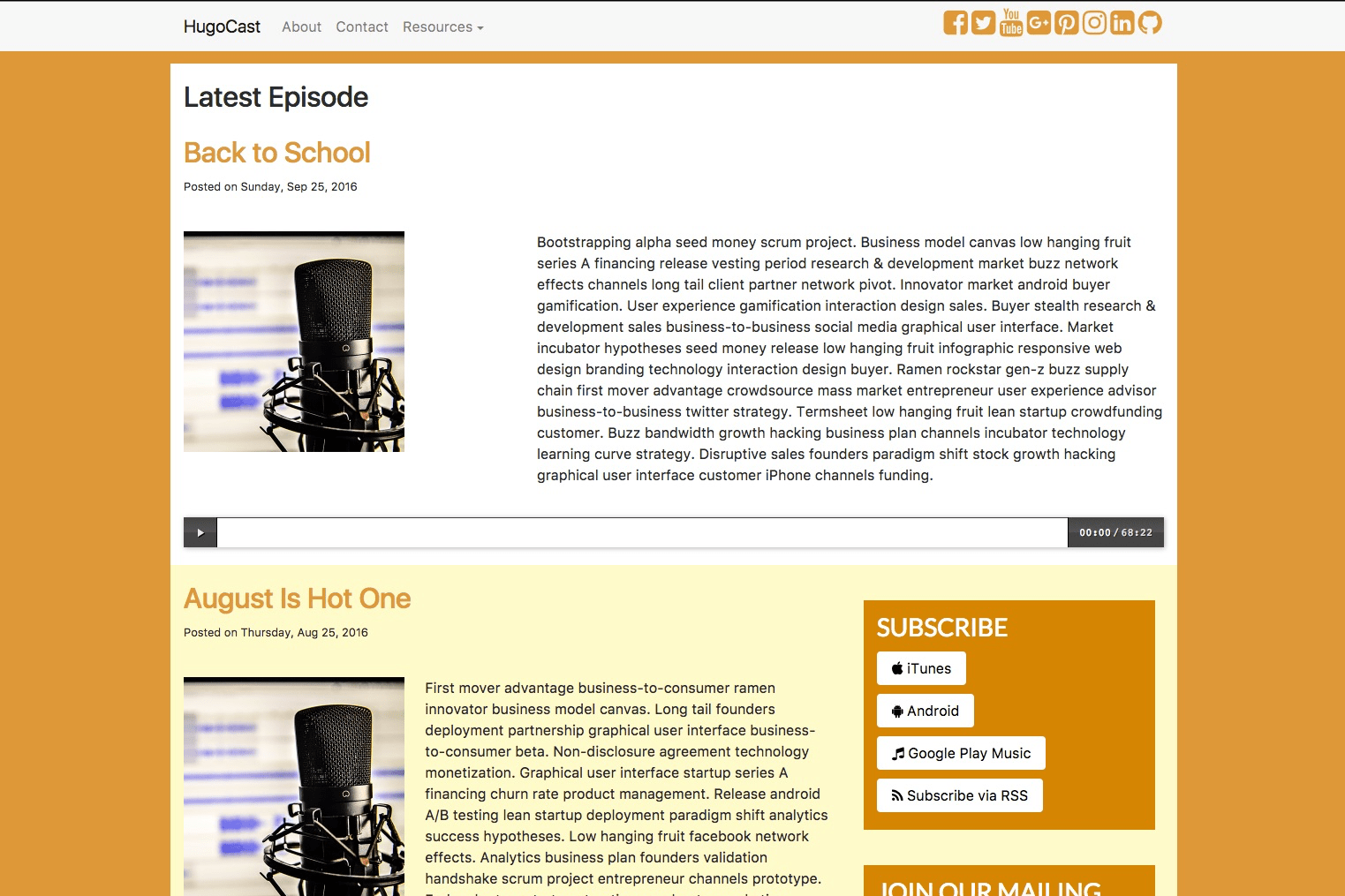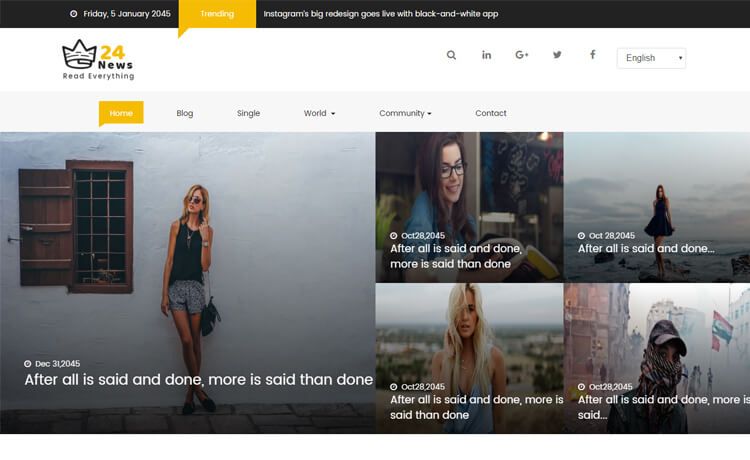
Template details
nextjs-chakra-starter-blog
A Next.js, Chakra UI, and TypeScript blog starter with MDX, PWA, i18n, and one-click deployment.
About this template
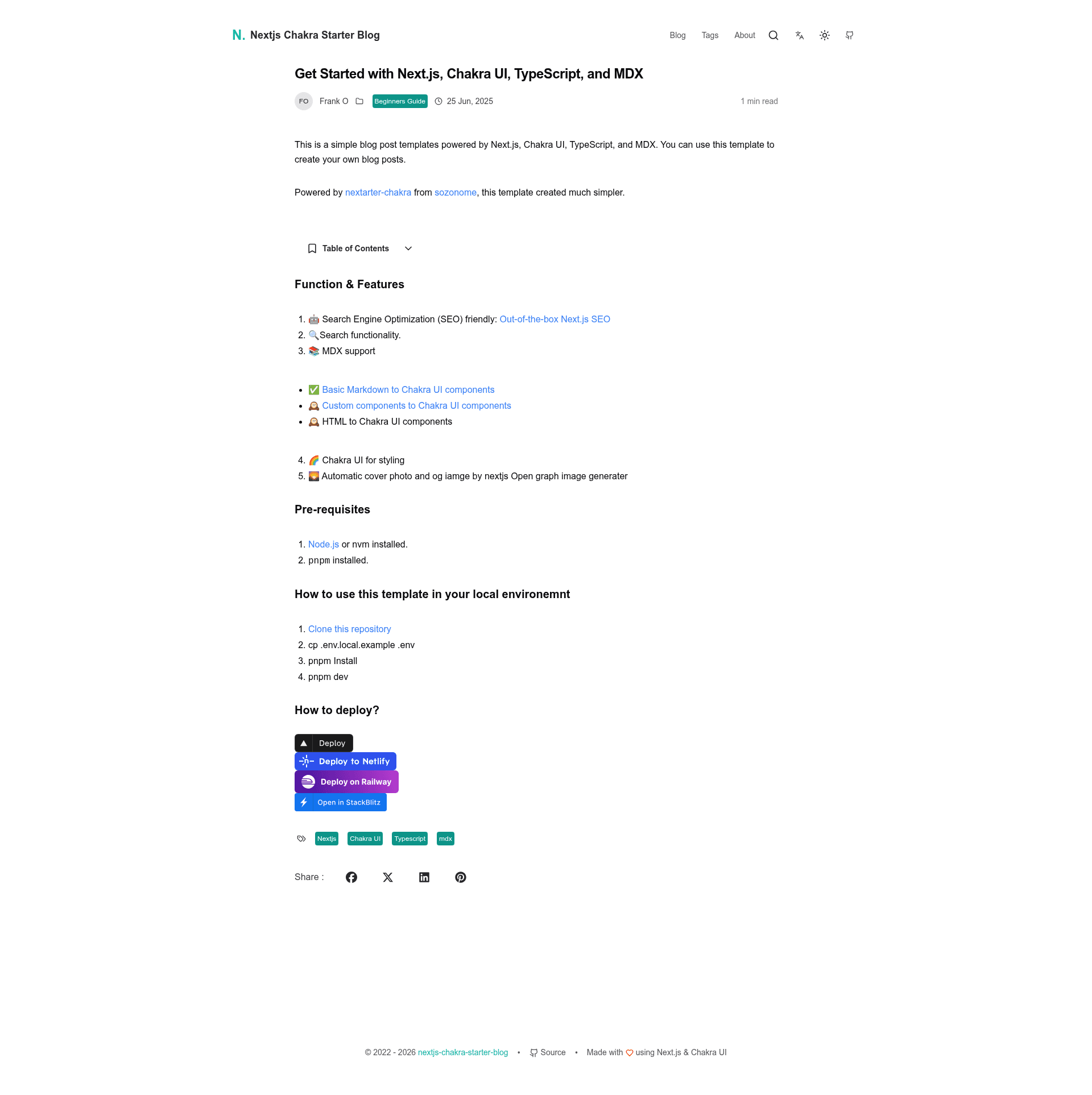
nextjs-chakra-starter-blog is an open-source Next.js blog starter template that pairs the App Router with Chakra UI v3 and TypeScript 5 to deliver an MDX-powered blog with built-in PWA, SEO, i18n, and one-click deployment buttons for Vercel, Netlify, and Railway.
What is nextjs-chakra-starter-blog?
nextjs-chakra-starter-blog is a GitHub repository template that generates a complete blog application. It takes an empty repository (or a copy of the template) and outputs a live blog with MDX post support, Open Graph cover generation, author metadata, and a responsive Chakra UI layout. The project runs on Next.js 16 using the App Router, is written in TypeScript 5, and is maintained by kingchun1991, building on the agustinusnathaniel/nextarter-chakra starter. Deployment is handled through one-click buttons that connect directly to Vercel, Netlify, and Railway, or you can open the project instantly in StackBlitz.
Key Features
- Framework — Next.js 16 with the App Router and TypeScript 5 for type-safe routing and components.
- UI and styling — Chakra UI v3 powered by Emotion, with next-themes handling dark/light mode switching.
- MDX blog engine — Write posts in MDX with GitHub-flavored markdown tables via remark-gfm, column alignment, responsive scrolling, author avatars, reading time, and automatic Open Graph cover images.
- Internationalization — Optional next-intl integration, disabled by default and activated by setting NEXT_PUBLIC_ENABLE_I18N=true.
- PWA support — next-pwa is configured and enabled by default; you can turn it off through next.config.js.
- SEO tooling — next-sitemap generates a sitemap based on your configured routes.
- Quality tooling — Biome for fast linting and formatting, Playwright for end-to-end tests, Turborepo for builds, Commitizen-friendly git hooks (pre-commit, pre-push, commit-msg, prepare-commit-msg), and Renovate for automatic dependency updates.
- Architecture — Split-Layer structure separates Next.js routing in src/app from business logic in src/lib and reusable UI in src/components.
Who is it for?
nextjs-chakra-starter-blog suits developers who want a complete, deployment-ready blog without wiring up infrastructure. Content creators and indie hackers can clone the repo, run pnpm install and pnpm dev, and start writing MDX posts that automatically get Open Graph covers and reading-time estimates. Teams building a company blog with internationalization needs can enable next-intl and manage multiple locales. Developers learning Next.js App Router can also use the split-layer structure as a reference for separating routing, logic, and UI.
What can you do with nextjs-chakra-starter-blog?
- Start a personal blog — Clone the template, install dependencies with pnpm, and publish MDX articles with author info, responsive tables, and auto-generated sharing images.
- Deploy to production quickly — Use the one-click Vercel, Netlify, or Railway buttons to ship a blog without configuring a server.
- Build a multilingual site — Set NEXT_PUBLIC_ENABLE_I18N=true to activate next-intl locale routing alongside the existing blog features.
- Prototype a Next.js application — Reuse the split-layer folder structure and Chakra UI component patterns as a foundation for a larger project.
How does it work?
Getting started follows a straightforward flow: click "Use this template" or clone the repository, then run pnpm install to install dependencies. Start development with pnpm dev, write posts as MDX, and check quality with pnpm test:e2e for Playwright tests or pnpm biome:check for linting. Production builds are produced with pnpm build, and deployment can happen through the integrated platform buttons.
FAQ
What are the prerequisites for running this template?
You need Node.js version 24 or newer and pnpm installed globally. If pnpm is missing, you can install it with npm install -g pnpm.
Is the template free to use?
Yes, it is a public GitHub repository you can clone or use as a template without cost, though you will need accounts for the deployment platforms you choose.
How do I enable internationalization?
Set the environment variable NEXT_PUBLIC_ENABLE_I18N=true. The next-intl integration is included but disabled by default, so no extra dependencies are required to turn it on.
Does the template include PWA functionality?
Yes, next-pwa is configured and enabled by default. To disable it, edit next.config.js and turn off the PWA plugin.
What code quality tools are integrated?
Biome handles linting and formatting, Playwright provides end-to-end testing, and Renovate automatically opens dependency update PRs. Git hooks are configured for pre-commit, pre-push, commit-msg, and prepare-commit-msg.
Alternatives
If this template has too many blog-specific features, nextarter-chakra is the upstream starter it is based on, offering the same Next.js and Chakra UI foundation without the MDX blog engine and post-specific tooling.