Template details
Simple Jekyll Theme
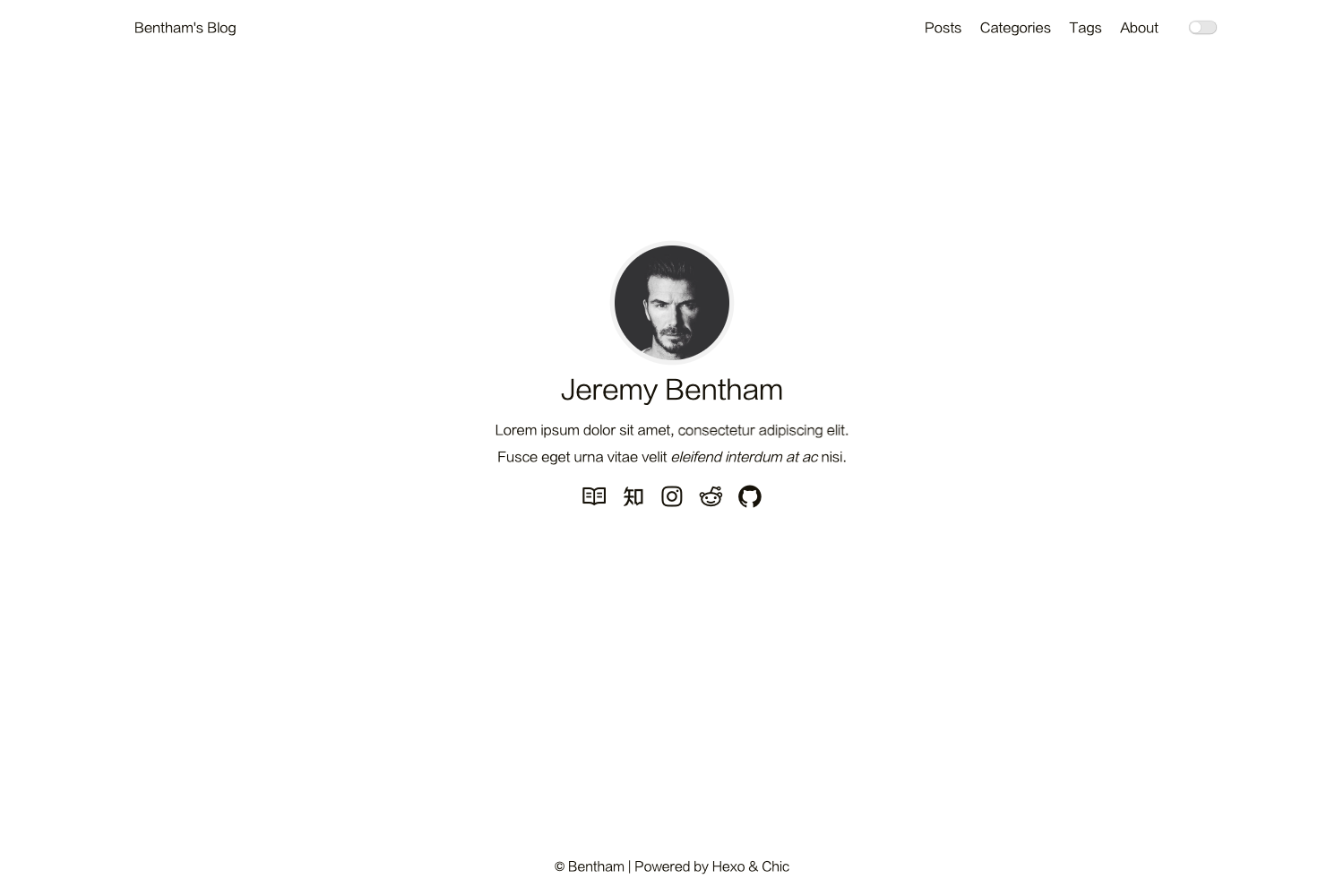
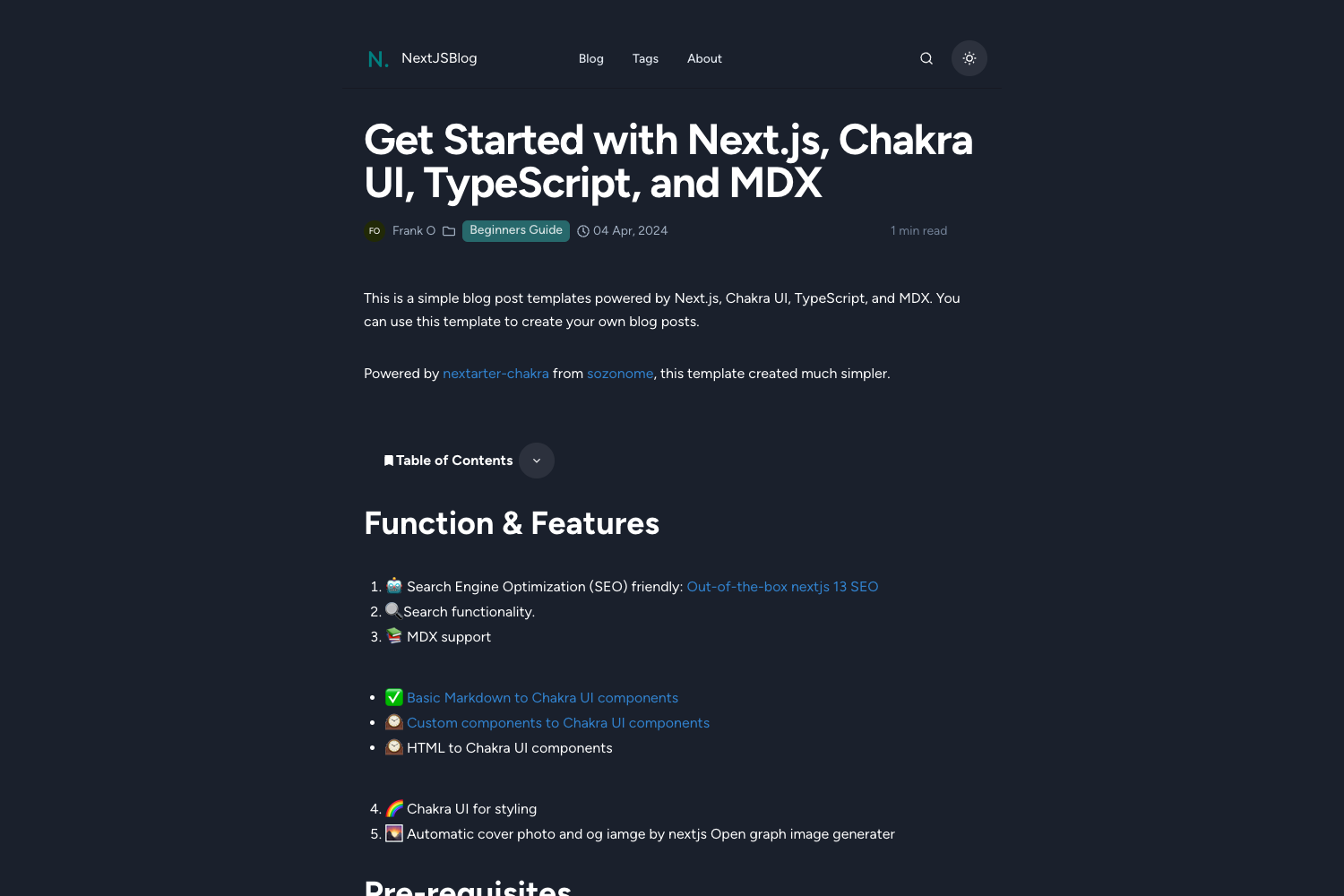
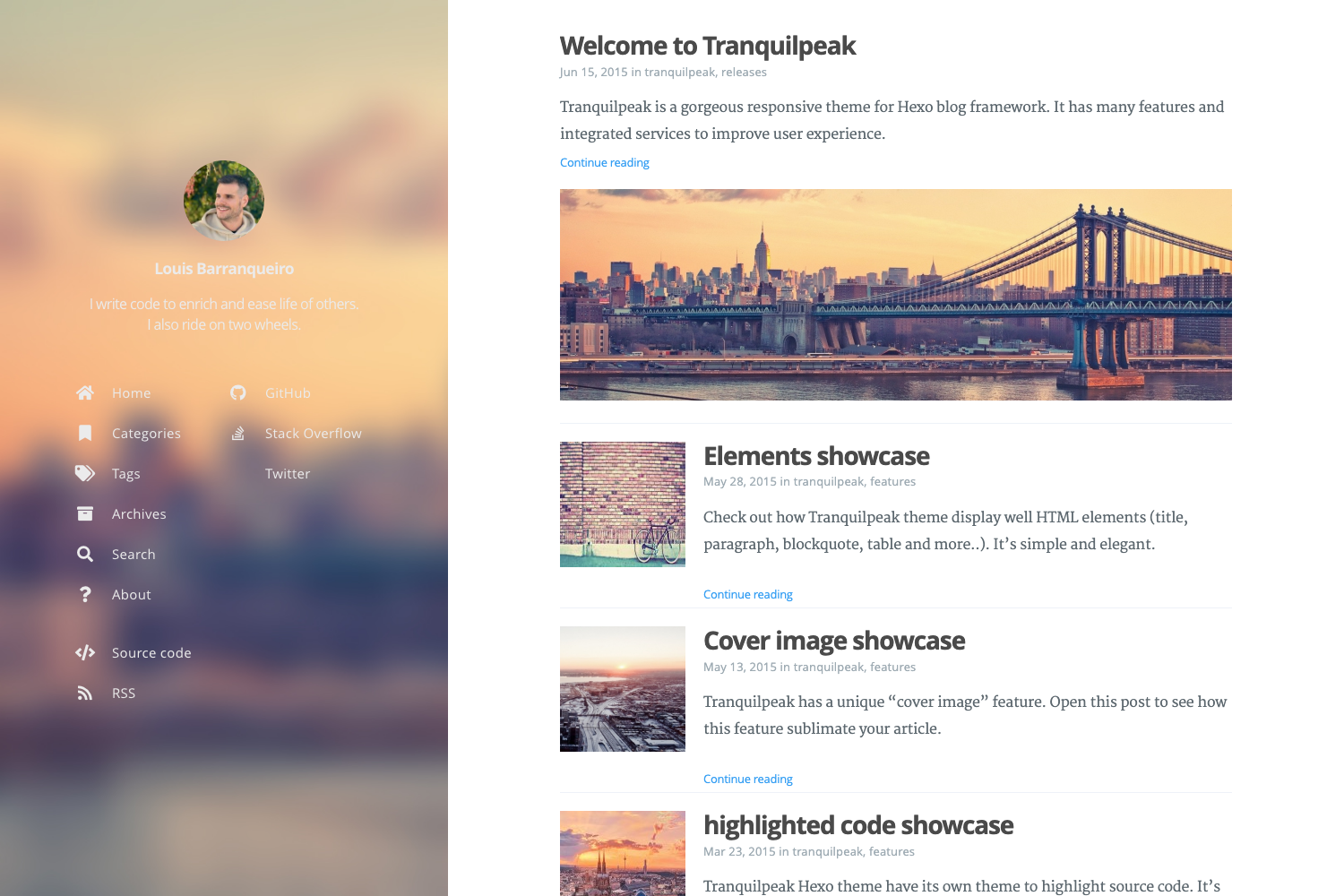
A minimal Jekyll theme for blogs with dark mode, tag system, and speed optimizations.
About this template
Simple Jekyll Theme is a minimal Jekyll theme for personal blogs, distributed as an open-source Ruby gem and designed for GitHub Pages compatibility.
What is Simple Jekyll Theme?
Simple Jekyll Theme is a minimal Jekyll theme built for personal blogs by Weixuan Zhang, originally created for his own site at https://weixuanz.github.io. It accepts standard Jekyll content—Markdown posts in the _posts folder, _config.yml settings, and front matter metadata—and outputs a static blog with a homepage post list, individual post pages, tag pages, and a dynamic table of contents. The theme runs on Jekyll and can be installed as a Ruby gem or used directly on GitHub Pages via the remote_theme mechanism.
Key Features
- Speed optimizations — The theme is engineered for performance: no jQuery, minified HTML/CSS/JS, asynchronous loading of non-critical CSS, and lazy-loading of images, earning a perfect PageSpeed Insights score.
- Dark mode — Built-in dark mode with an animated transition, toggleable by the reader.
- Tag system — Posts can be tagged, with generated tag pages and a sorted tag cloud; a Python script
tag_generator.pyautomates tag page creation. - Ajax pagination — The homepage loads additional posts without a full page reload.
- Dynamic TOC — Table of contents is generated for posts when
toc: trueis set in front matter. - Code copy button — Code blocks include a copy button powered by Clipboard.js for one-click copying.
- SEO and feeds — Includes RSS feed, sitemap, and SEO metadata via the
jekyll-seo-tag,jekyll-sitemap, andjekyll-feedplugins. - Google Tag Manager — Analytics can be added by setting a GTM ID in
_config.yml.
Who should use Simple Jekyll Theme?
- Personal bloggers — Writers who want a clean, fast, mobile-friendly blog with dark mode and tag organization without maintaining a complex custom theme.
- GitHub Pages users — Developers hosting a personal site or project page on GitHub Pages who want a theme that works out of the box by forking the repo or specifying
remote_theme: weixuanz/simple-jekyll-theme. - Jekyll developers — Those who want to customize a small, well-structured theme; the
_sasspartials and_includesare laid out for easy overriding.
What can you do with it?
- Bloggers: Publish Markdown posts with YAML front matter containing tags, author, description, and MathJax support, and the theme automatically generates tag pages and a dynamic TOC.
- Site owners: Add Google Analytics via Google Tag Manager by setting
google-tag-manager-idin_config.yml, and optionally use a Font Awesome Kit for more icons. - Customizers: Override any layout or style by copying files from the theme into your own
_includes,_sass, orassetsdirectories, following Jekyll's standard theme-override mechanism.
How does Simple Jekyll Theme work?
Installation is straightforward: add gem 'simple-jekyll-theme' to your Gemfile and run bundle (or use remote_theme on GitHub Pages). Set theme: simple-jekyll-theme in _config.yml, then place posts in _posts with names like yyyy-mm-dd-name.md. For tags, run the Python script or create tag/ pages manually; the theme also supports custom .hint and .danger blockquotes and lazy-loaded images via data-src.
Pros and cons
- Pros: Free and open source under MIT; extremely fast; no JavaScript framework; includes dark mode, tagging, Ajax pagination, and SEO.
- Cons: The
remote_themeapproach requires copying the entire default_config.ymlbecause key-value pairs only are supported; the commenting system is not included (the author recommends using the separate utterances repo); tag generation needs a Python utility that must be downloaded separately.
Pricing
Simple Jekyll Theme is free to use and modify under the MIT License.
Alternatives
Minimal Mistakes is another popular Jekyll theme with a wider selection of layout options.
FAQ
Is Simple Jekyll Theme free?
Yes, the theme is released under the MIT License, so it is completely free to use, modify, and redistribute. Attribution is requested if you overwrite the default footer.
Does Simple Jekyll Theme work with GitHub Pages?
Yes. You can fork the repository and rename it to your GitHub Pages username, or use remote_theme: weixuanz/simple-jekyll-theme with the whitelisted jekyll-remote-theme plugin. Remember to include the default _config.yml settings.
How do I add tags to my posts?
Add a tag or tags field in the front matter of a post. The theme provides a Python script scripts/tag_generator.py to generate tag pages automatically; alternatively, create .md files under tag/ with a tagpage layout.
Does the theme include a commenting system?
No, comments are intentionally not included. The author maintains a separate project, utterances, that can be integrated by editing the _includes/comment.html placeholder.