Template details
Next.js Commerce + Salesforce Commerce Cloud
Server-rendered Next.js App Router ecommerce starter integrated with Salesforce Commerce Cloud, using React Server Components and Server Actions.
About this template
Next.js Commerce + Salesforce Commerce Cloud is a server-rendered ecommerce starter template from Vercel that pairs the Next.js App Router with the Salesforce Commerce Cloud backend, producing a production-ready storefront with minimal configuration.
What is Next.js Commerce + Salesforce Commerce Cloud?
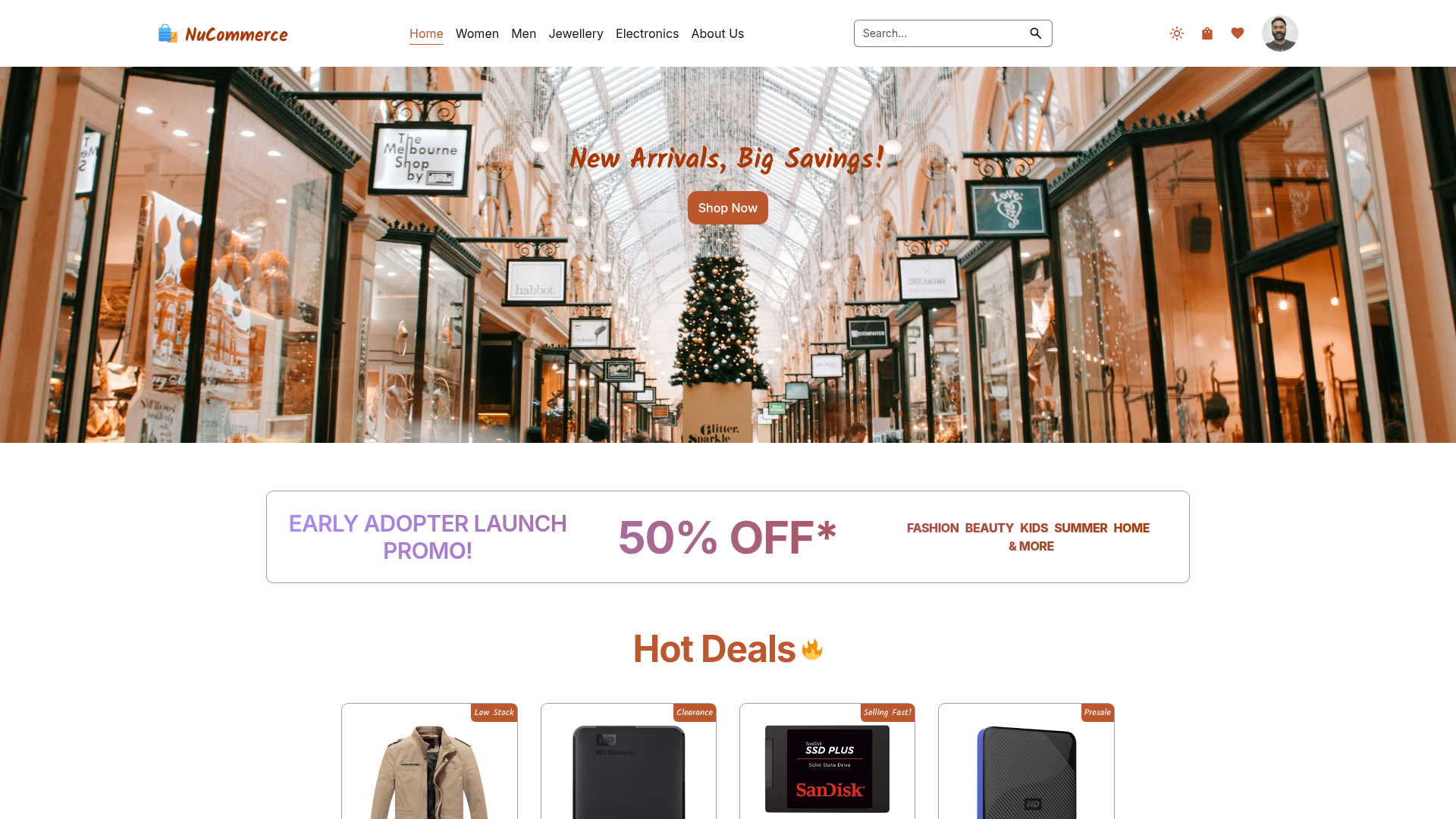
This is a high-performance, server-rendered ecommerce application built on the Next.js App Router. It takes a Salesforce Commerce Cloud instance as its backend and produces a full storefront with homepage carousel, featured products, and server-rendered pages. It is part of the official Next.js Commerce template family maintained by Vercel, with the Salesforce integration code isolated in the lib/sfcc directory.
Key Features
- Next.js App Router with React Server Components — The storefront is built on the App Router, leveraging React Server Components for server-side rendering and data fetching.
- Server Actions and useOptimistic — Mutations and optimistic UI updates are implemented with Server Actions and the
useOptimistichook. - Suspense and use cache — Uses Suspense for streaming and the experimental
use cachedirective for caching. - Salesforce Commerce Cloud integration — All SFCC API code lives in
lib/sfcc, using SLAS authentication (client ID/secret) and organization/site identifiers. - On-demand revalidation — A user-defined
SFCC_REVALIDATION_SECRETenables revalidation of cached pages. - Configurable store identity —
SITE_NAMEandCOMPANY_NAMEenvironment variables set the storefront name and company info. - One-click Vercel deployment — The included Deploy with Vercel button clones the repository and prompts for all required environment variables.
Who is it for?
Developers building headless commerce storefronts on Salesforce Commerce Cloud. Teams already using SFCC who want a modern React-based frontend. Vercel users who want to quickly prototype an ecommerce site with minimal setup.
What can you do with it?
- Storefront developers: Customize the homepage carousel and featured products by creating two SFCC categories (
hidden-homepage-carouselandhidden-homepage-featured-items) and assigning products. - SFCC merchants: Configure the store name and company name via environment variables without touching code.
- Frontend engineers: Extend the integration code in
lib/sfccto add custom SLAS-authenticated API calls.
How does it work?
The template connects to a Salesforce Commerce Cloud site via SLAS client credentials and an organization/site ID. After deploying, create the two expected product categories in Business Manager, populate them, and the homepage renders the carousel and featured items from that data. Running locally involves pulling environment variables with vercel env pull, then pnpm install and pnpm dev.
FAQ
What environment variables are required?
The template needs SFCC_ORGANIZATIONID, SFCC_SHORTCODE, SFCC_SITEID, SFCC_CLIENT_ID, SFCC_SECRET, SITE_NAME, and SFCC_REVALIDATION_SECRET. The deploy button also collects COMPANY_NAME and NEXT_PUBLIC_VERCEL_URL.
Does the homepage work immediately after deployment?
No — you must create the hidden-homepage-carousel and hidden-homepage-featured-items categories in Business Manager and assign products to them before the homepage carousel and featured sections display correctly.
How do I run this locally?
Install the Vercel CLI, link your local instance with vercel link, pull env vars with vercel env pull, then run pnpm install and pnpm dev. The app runs at localhost:3000.
Is this the same as the core Next.js Commerce template?
It's a specialized version of Next.js Commerce pre-integrated with Salesforce Commerce Cloud. The core repository supports other commerce providers, and integration code for this provider is in lib/sfcc.