Template details
Boundless Next.js Ecommerce Template
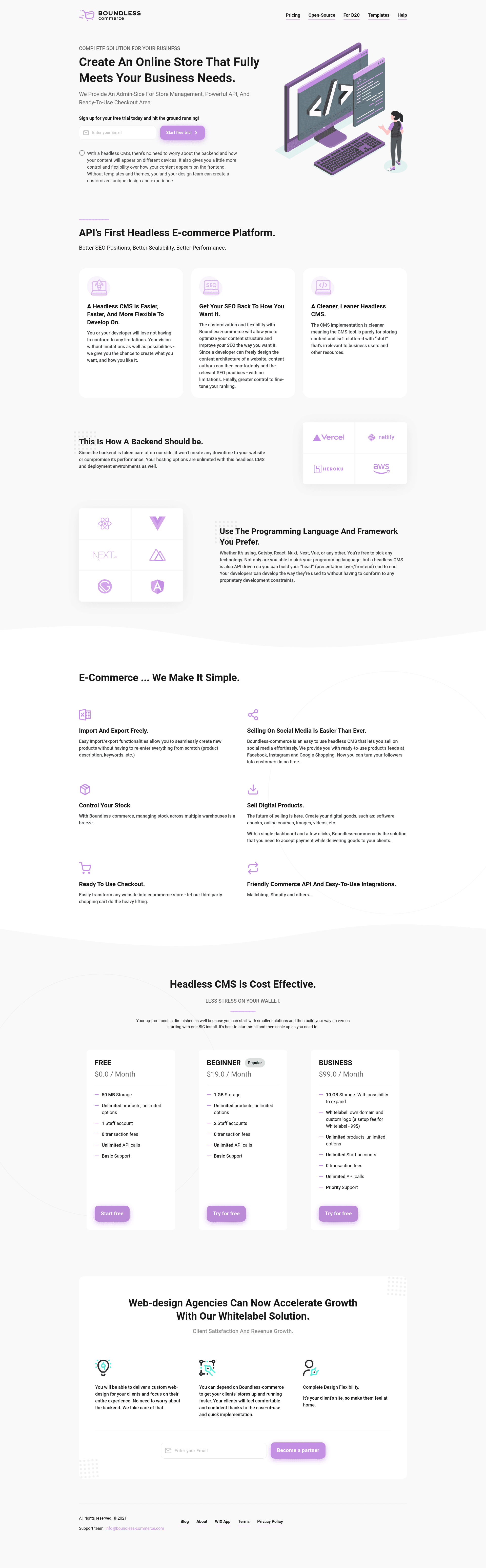
Free ready-to-use Next.js TypeScript starter for high-performance e-commerce sites, powered by Boundless Commerce headless CMS.
About this template
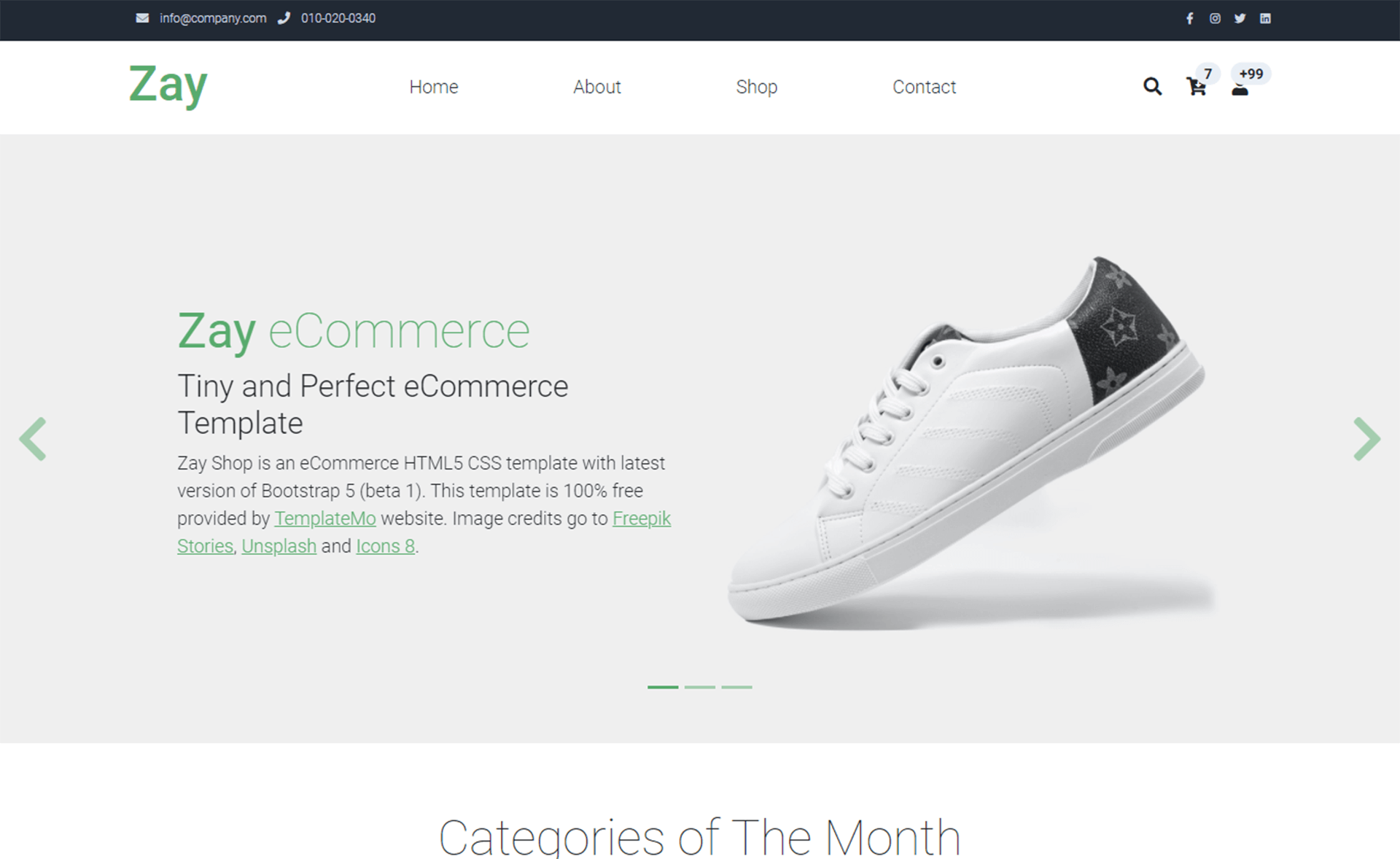
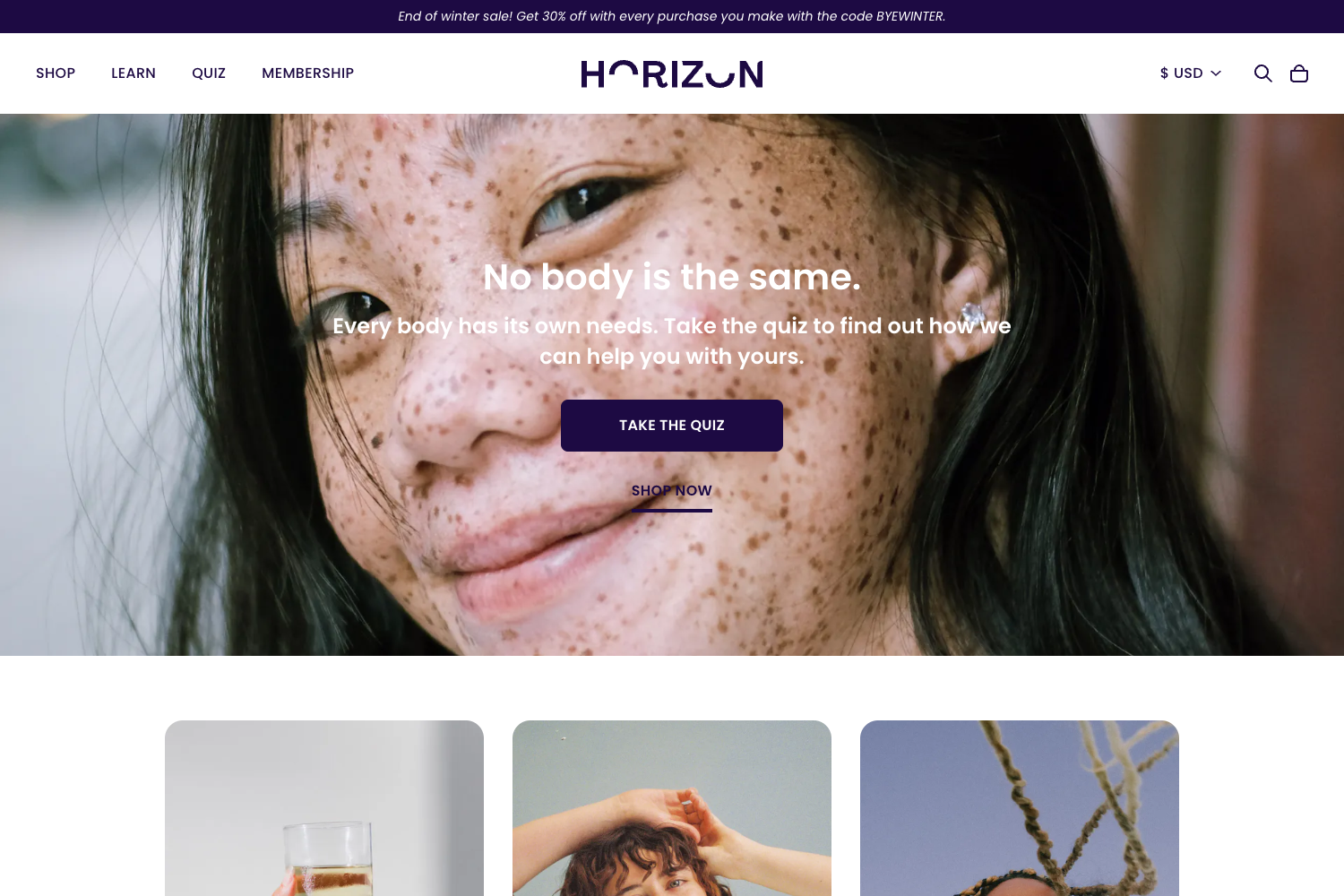
The Boundless Next.js E-commerce Template is a free, ready-to-use TypeScript starter kit from Boundless Commerce for launching high-performance e-commerce storefronts on Next.js.
What is the Boundless Next.js E-commerce Template?
It is a free, ready-to-use TypeScript starter kit for building high-performance e-commerce websites with Next.js. It connects to Boundless Commerce, an API-first headless e-commerce CMS that provides an admin side for store management, a powerful API, and a ready-to-use checkout area. The template takes store data from Boundless Commerce through API tokens and produces a complete storefront with catalog, product pages, filters, cart, and checkout.
Key Features
- Next.js + TypeScript — Built on Next.js with strong TypeScript, providing type safety and a modern React development experience.
- Headless Boundless Commerce integration — Uses BOUNDLESS_API_PERMANENT_TOKEN and BOUNDLESS_INSTANCE_ID to fetch products, categories, and other store data from the Boundless Commerce API.
- Fully customizable React checkout — Includes the boundless-checkout-react library for a fully customizable checkout experience.
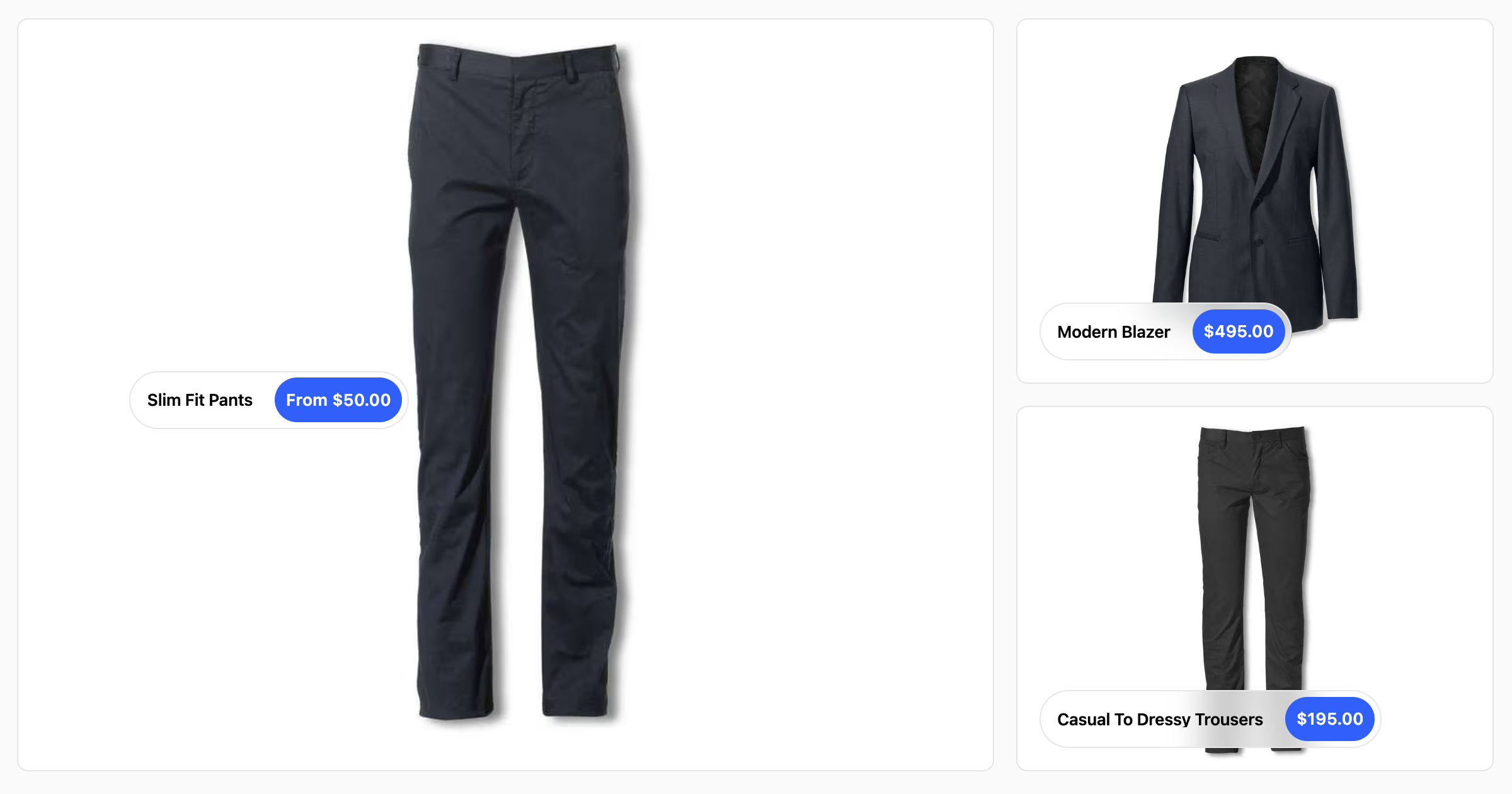
- Hierarchical catalog and product widgets — Displays products in a hierarchical catalog with widgets, filters, sliders, and carousels.
- SEO built in — Includes schema markup, sitemap generation, and all necessary meta-tags.
- Animated shopping cart — Features a nice animated cart widget for better user experience.
- Mobile-friendly — User-friendly mobile version included.
- Configurable product images — Set BOUNDLESS_PRODUCTS_IMAGE_PROPORTION to resize product images to a consistent aspect ratio (1-1, 2-3, 3-2, 4-5, 5-4, 3-4, 4-3, 16-9, 9-16).
- Absolute URL support — Optional BOUNDLESS_BASE_URL environment variable for absolute URLs in sitemap.xml and OpenGraph meta tags.
Who is it for?
- E-commerce developers who want a complete, production-ready storefront starting point without building from scratch.
- Startups and small businesses that need a headless commerce solution with an admin panel for managing products, orders, and content.
- Developers wanting to learn Next.js e-commerce through a working reference implementation with a video tutorial.
What can you do with it?
- Launch an online store — Create a Boundless Commerce account, plug in your API token and instance ID, and deploy a full storefront with catalog, cart, and checkout.
- Customize the checkout — Replace the default checkout with the included React checkout component to match your brand.
- Deploy to Netlify or other Node.js hosts — The demo is deployed to Netlify, and a video on deployment options is included.
- Self-host Boundless Commerce — For those who want control, Boundless Commerce offers an open-source self-hosted version, and the template works with it.
How does the template work?
- Create a free account at Boundless-commerce.com (no credit card required).
- In the control panel, go to Settings → Access tokens and create a new token.
- Copy
.env.exampleto.envand fill in BOUNDLESS_API_PERMANENT_TOKEN, BOUNDLESS_INSTANCE_ID, and optionally BOUNDLESS_BASE_URL and BOUNDLESS_PRODUCTS_IMAGE_PROPORTION. - Install dependencies with
yarn install. - Run
yarn devand openhttp://localhost:3000.
Pricing
The template itself is free. Boundless Commerce offers a free account tier that requires no credit card; the content does not specify paid plan details. Self-hosted open-source deployment is also listed as an option.
FAQ
Is the Boundless Next.js E-commerce Template free?
Yes, the template is free to clone and use. Just clone the repository, install dependencies, and deploy.
What do I need to get started?
You need a free Boundless Commerce account, an API permanent token, and your instance ID. These are provided in the control panel under Settings → Access tokens.
How do I get absolute URLs in sitemap and OpenGraph tags?
Set the BOUNDLESS_BASE_URL environment variable to your site's base URL. Without it, URLs are relative.
Can I use Boundless Commerce on my own server?
Yes, there is an open-source self-hosted version of Boundless Commerce described on their website. The template works with both the cloud and self-hosted versions.
What product image proportions are supported?
Set BOUNDLESS_PRODUCTS_IMAGE_PROPORTION to one of: 1-1, 2-3, 3-2, 4-5, 5-4, 3-4, 4-3, 16-9, or 9-16 to resize images consistently in product lists.