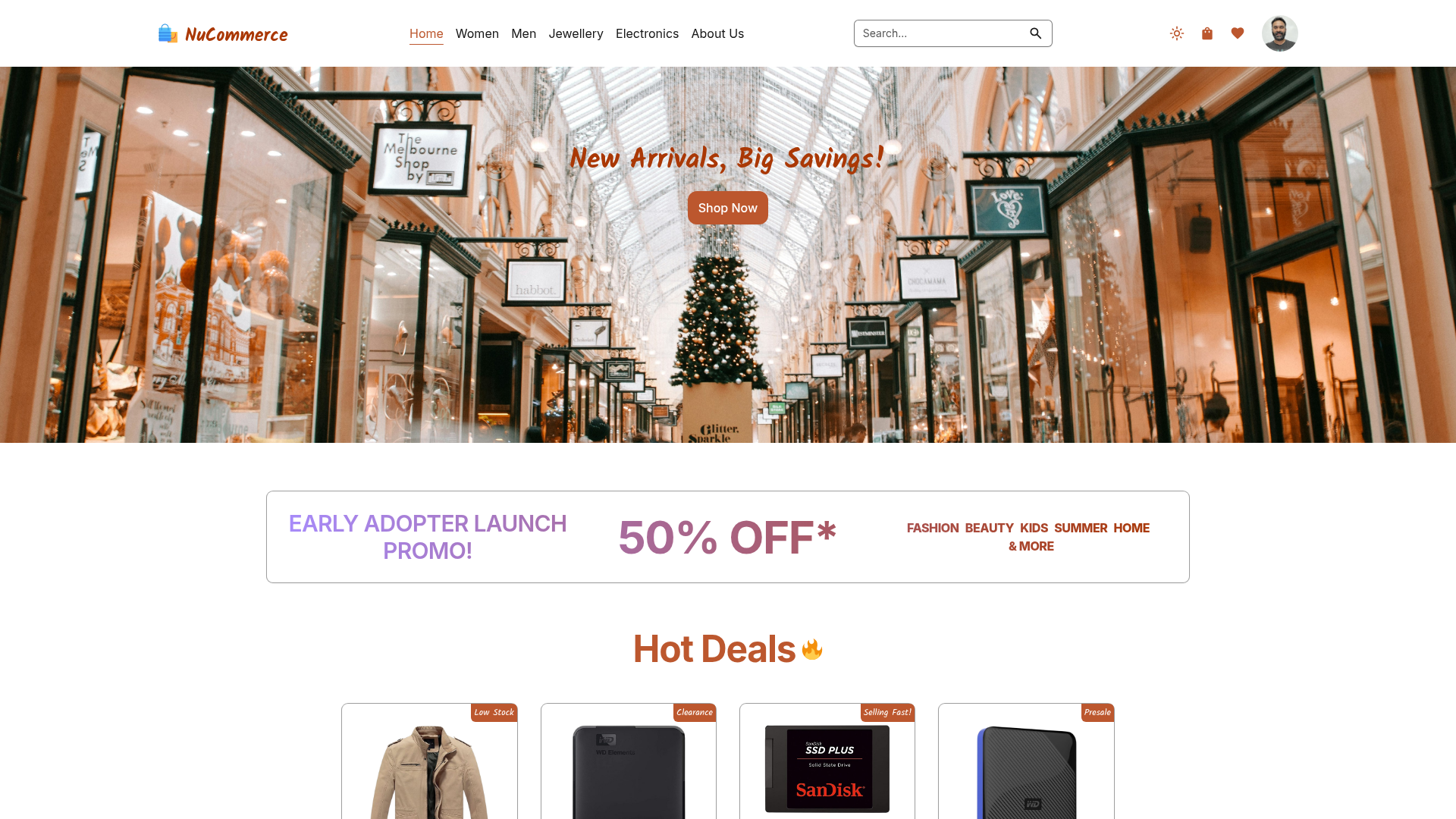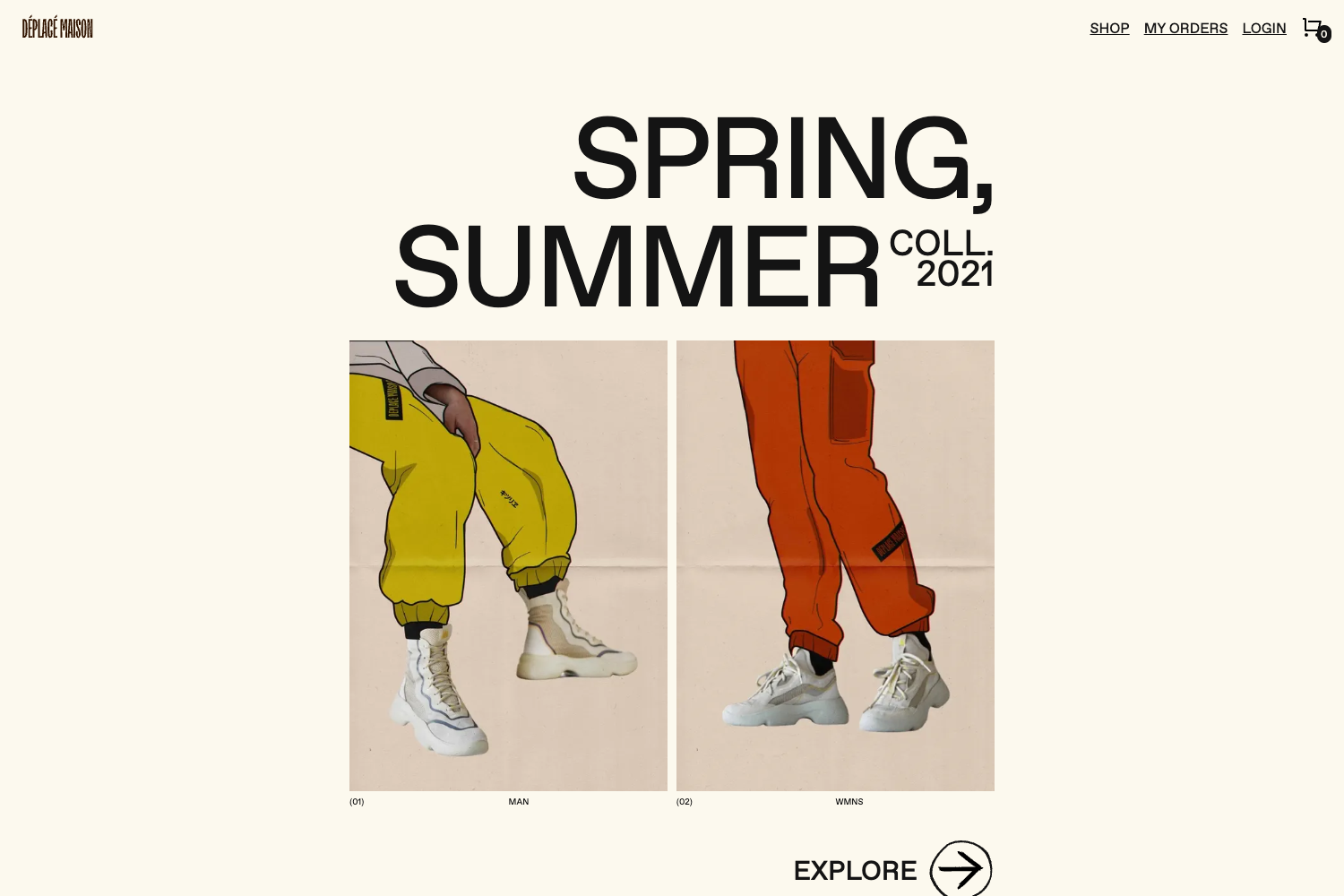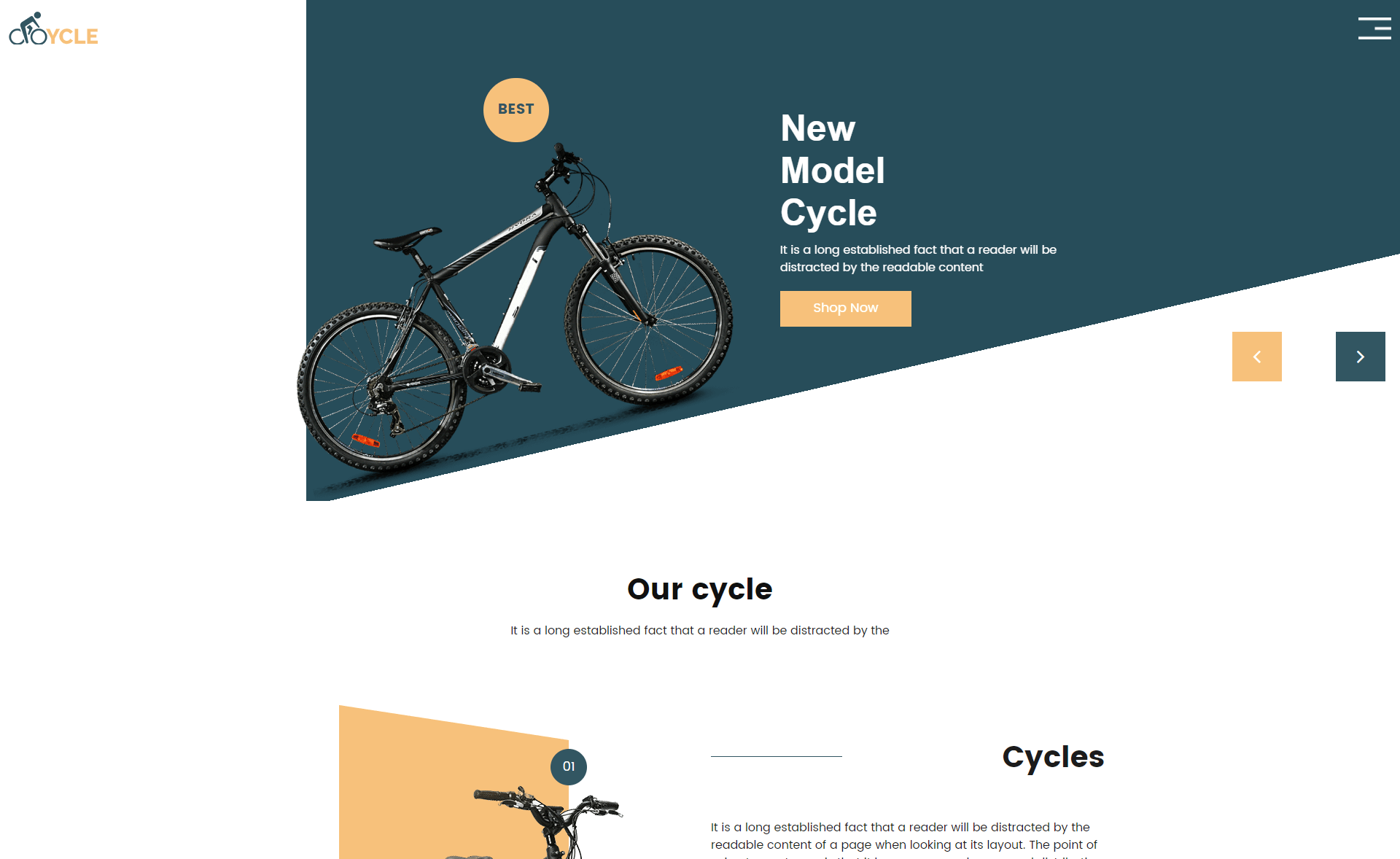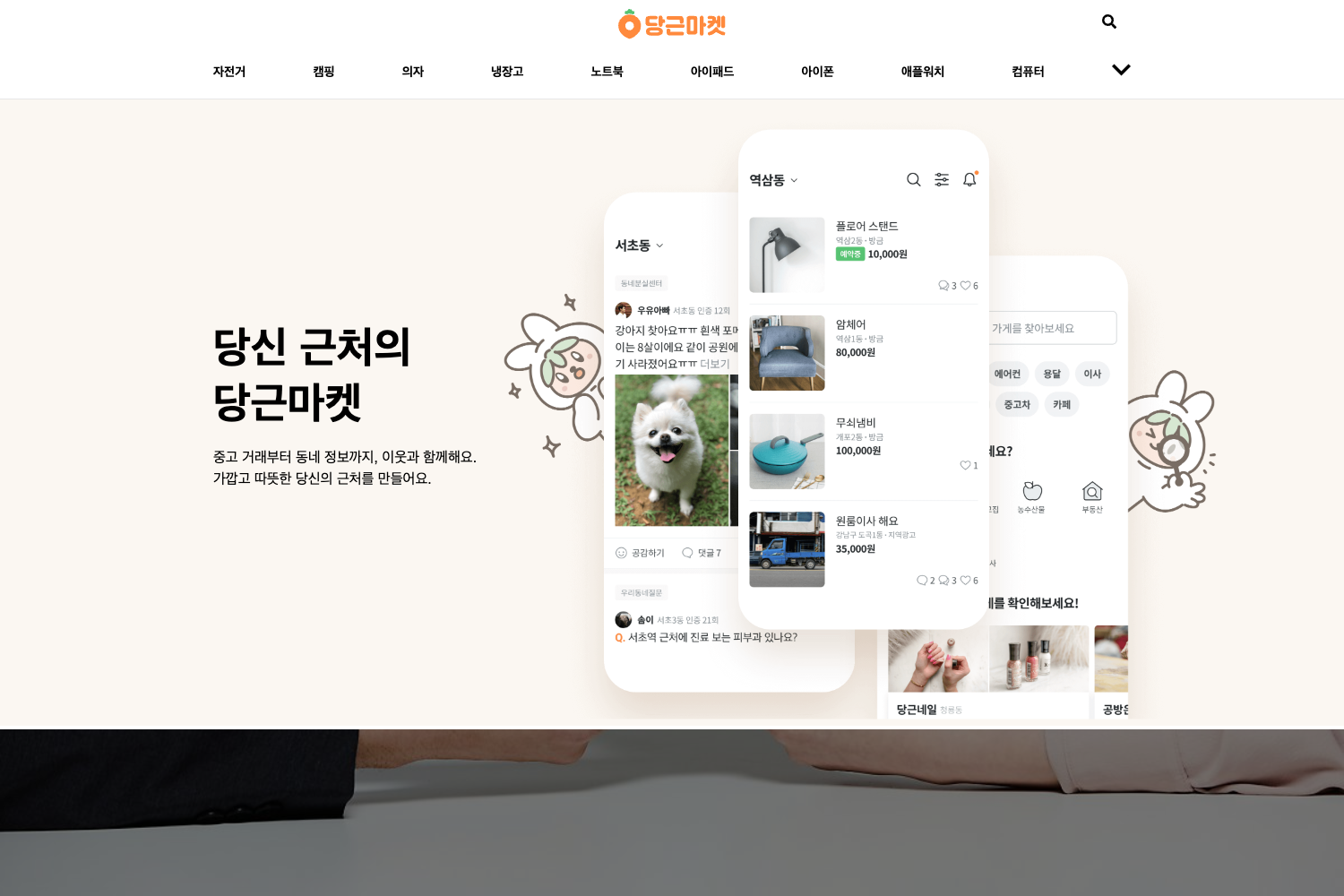
Template details
Shapes for Jekyll and Snipcart
A simple Jekyll theme for small e-commerce shops, integrating Snipcart for cart and checkout.
About this template
Shapes for Jekyll and Snipcart is an e-commerce Jekyll theme that adds a Snipcart-powered shopping cart to a static Jekyll site, designed for small shops with limited inventory.
What is Shapes for Jekyll and Snipcart?
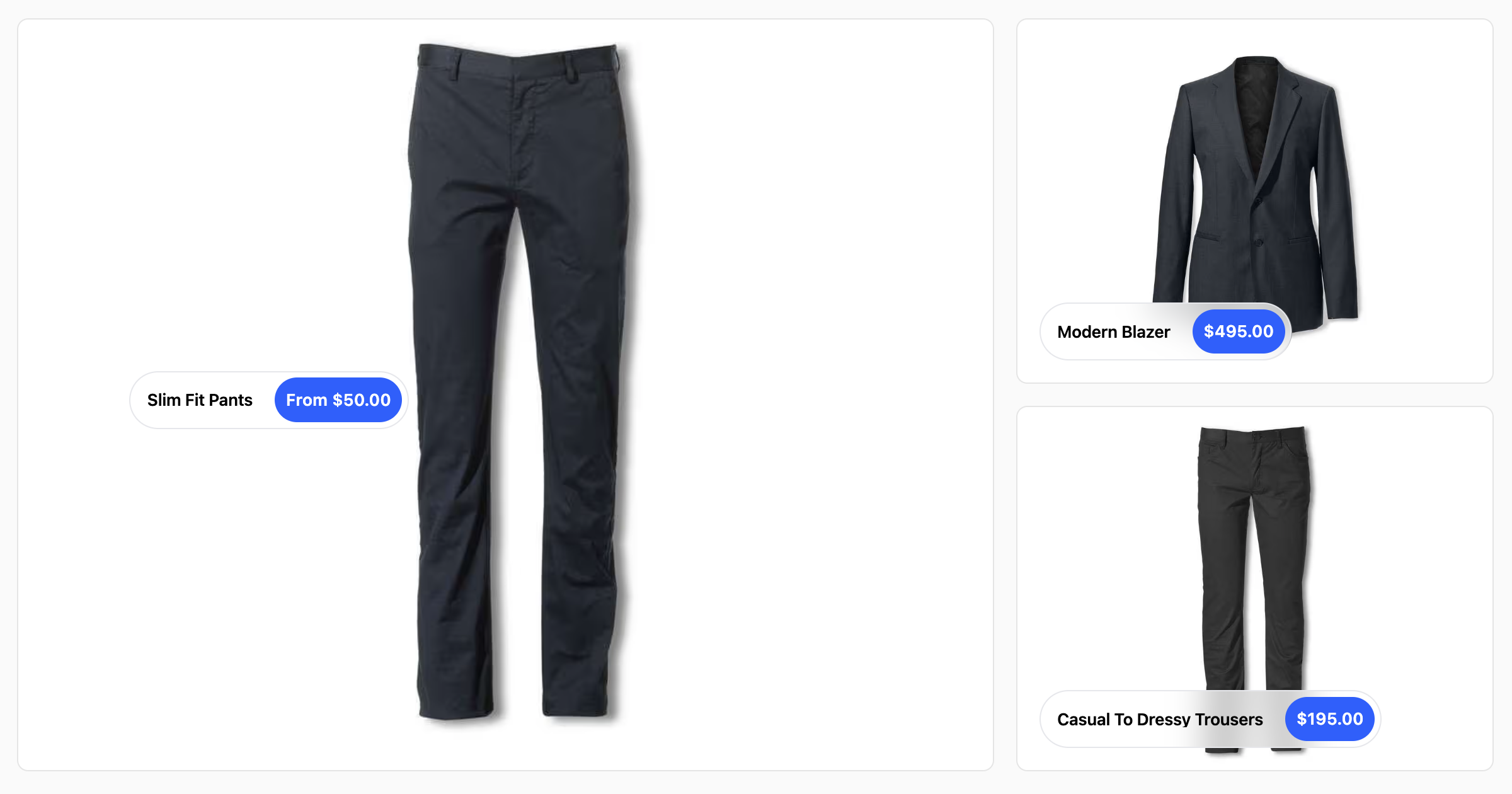
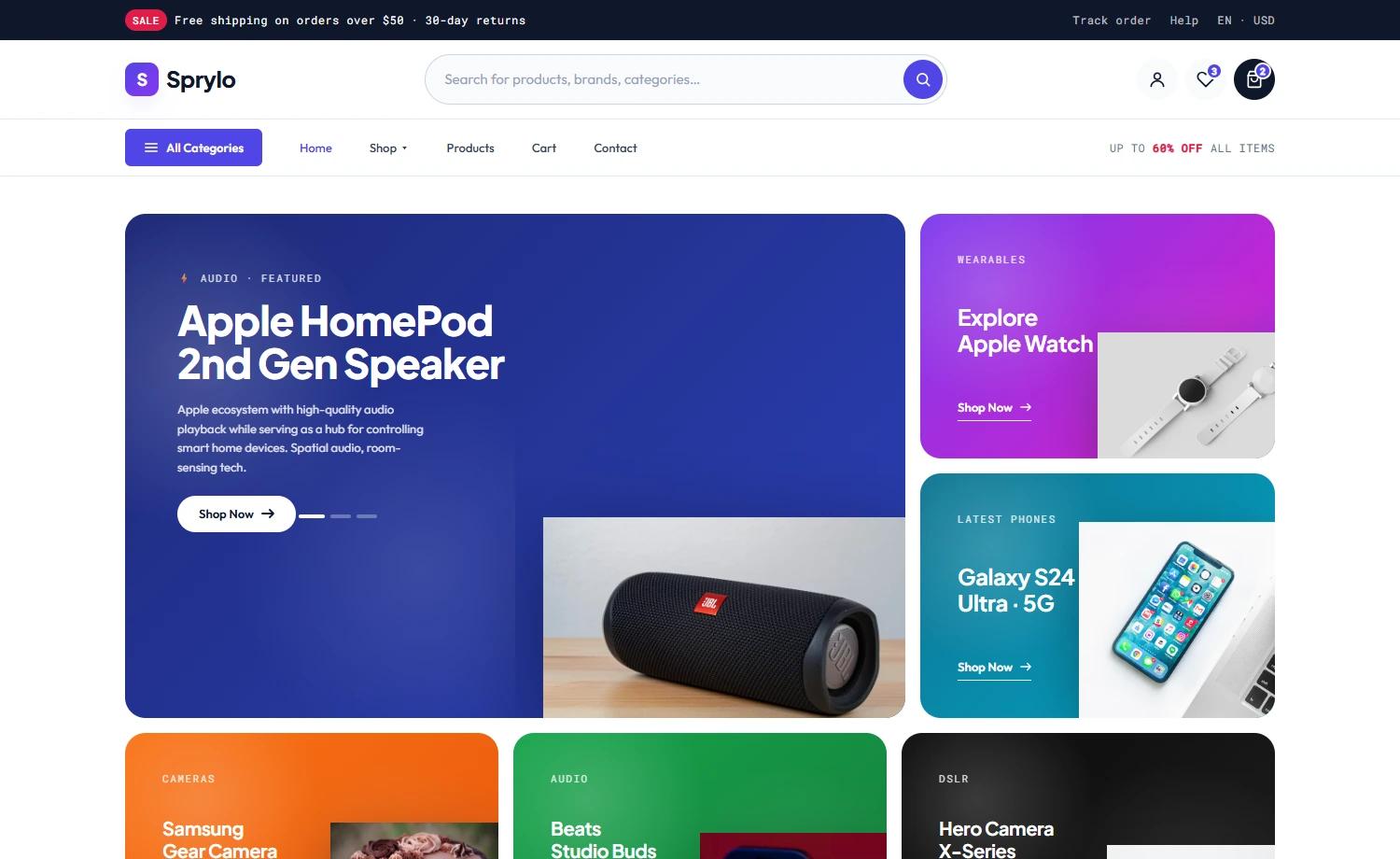
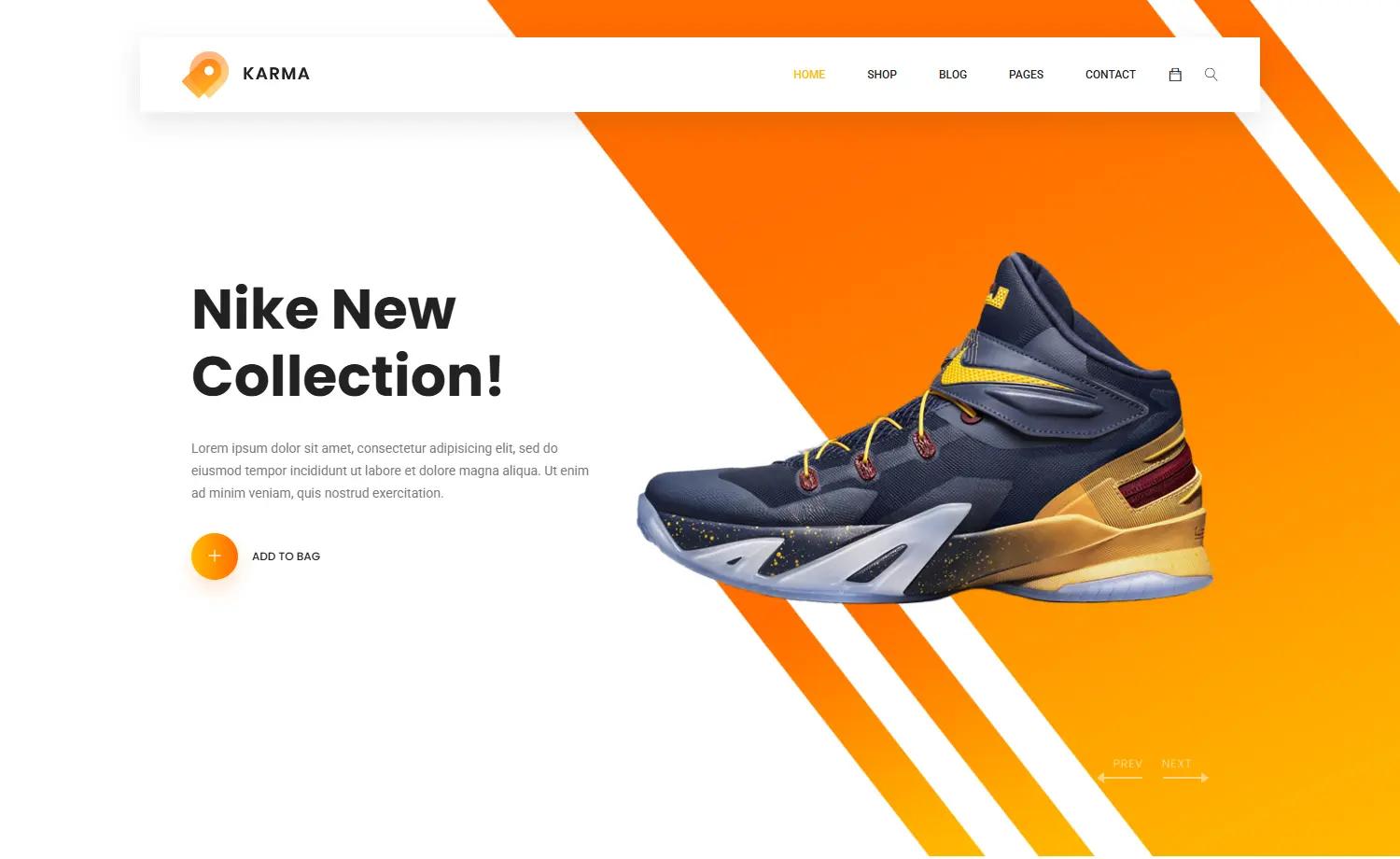
Shapes is a Jekyll theme that integrates the Snipcart shopping cart platform to turn a static Jekyll site into a simple e-commerce store. It takes a Jekyll site as input and produces a static e-commerce site with product pages that can add items to a Snipcart cart, and it requires a Snipcart account and API key to function. The theme is hosted on GitHub under the discoform project and includes a live demo on Netlify.
Key Features
- Snipcart integration — The theme is built to support adding items to the cart from product pages, using Snipcart's front-end cart and checkout system.
- Jekyll SEO Tag — Generates metadata tags for search engines and social networks to improve how your site is indexed and displayed.
- Jekyll Sitemap — Silently generates a sitemaps.org compliant sitemap for your Jekyll site.
- Jekyll Autoprefixer — Provides autoprefixer support for CSS, with the
execjsgem pinned to version 2.7.0 to work with the latest Jekyll. - Data-driven navigation — The
siteNavigation.ymlfile in the_datadirectory controls header and footer navigation. - Social media configuration — The
siteSocial.ymlfile configures social sharing and social following links. - Netlify-ready contact form — A simple HTML contact form with Netlify data attribution is included, working out of the box if you host on Netlify.
- Demo site — A live demo is available at
shapes-for-jekyll-and-snipcart.netlify.app.
Who is it for?
- Small shop owners — They can create a static e-commerce site with limited inventory, selling products directly from Jekyll product pages without a heavy backend.
- Jekyll developers — Developers can use this theme as a starting point for client projects needing a lightweight storefront, since it already handles cart integration and basic SEO.
- Netlify users — The theme includes a Netlify-ready contact form and the demo runs on Netlify, making it a good fit for people already hosting on Netlify.
What can you do with Shapes for Jekyll and Snipcart?
- Sell a small catalog — List products with add-to-cart buttons on Jekyll pages, and Snipcart handles the cart and checkout flow.
- Customize navigation and social links — Edit YAML data files to update header, footer, and social sharing links without touching layout files.
- Launch a fast storefront — Deploy a static, Jamstack storefront on Netlify with built-in SEO and sitemap generation.
How does Shapes for Jekyll and Snipcart work?
To start, add your Snipcart API Key to the _config.yml file and create your products. The theme will then render product pages with cart actions, and Snipcart takes care of the shopping cart and checkout process on the front end.
FAQ
Does Shapes require a Snipcart account?
Yes, you need a Snipcart account and API key to use this theme for cart and checkout functionality. The setup instructions require adding the Snipcart API Key to the _config.yml file.
What plugins does Shapes include?
Shapes includes Jekyll SEO Tag, Jekyll Sitemap, and Jekyll Autoprefixer. The execjs gem is pinned to version 2.7.0 to ensure compatibility with the latest Jekyll versions.
Is Shapes suitable for large shops?
No, it is best used for small shops with limited inventory. The theme is intentionally simple and does not target high-volume or complex catalogs.
Can I host Shapes on Netlify?
Yes, the theme includes a contact form with Netlify data attribution and the demo is hosted on Netlify, so it should work out of the box on Netlify hosting.
Where is the demo?
The demo is at shapes-for-jekyll-and-snipcart.netlify.app.