Template details
Next.js Dashboard
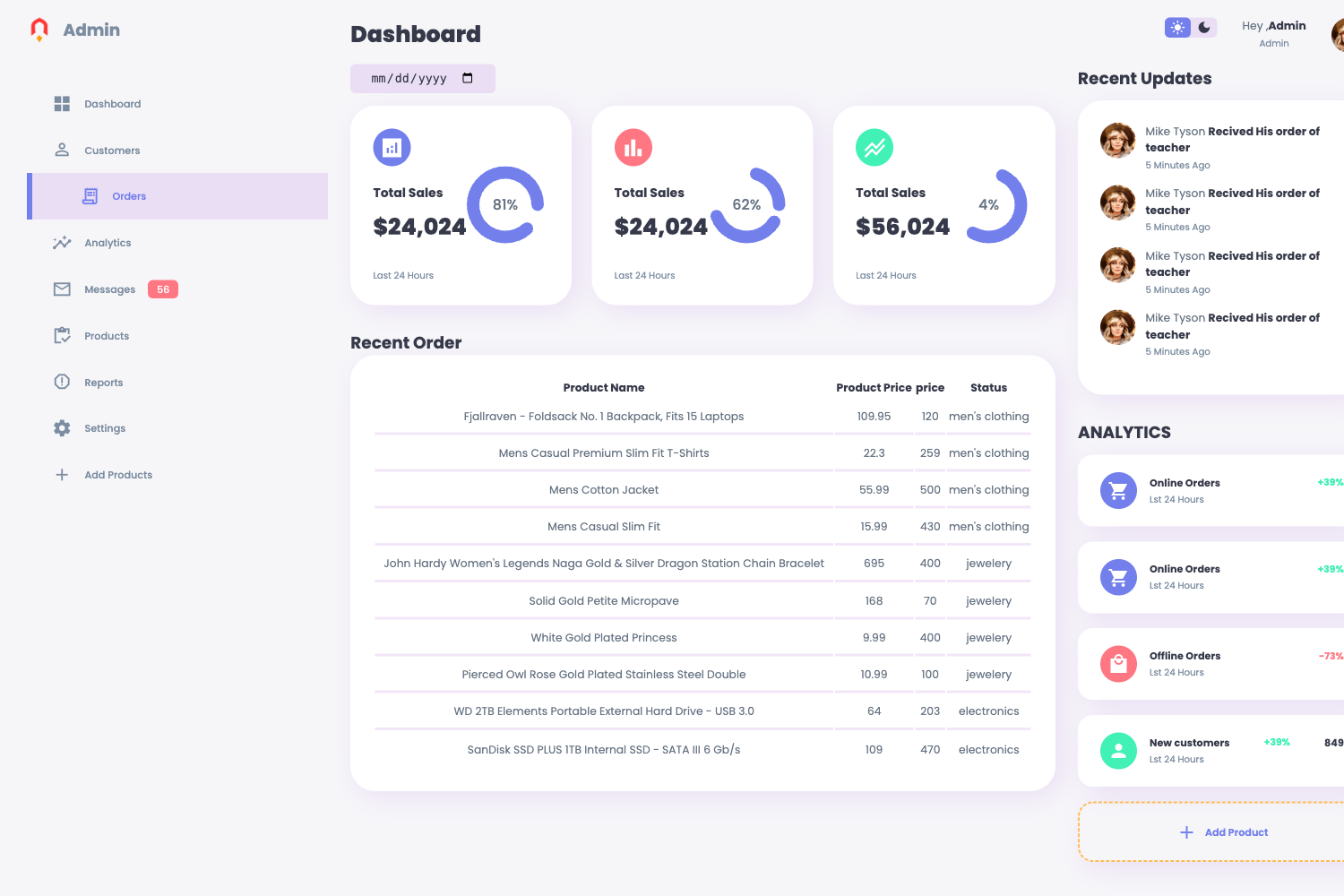
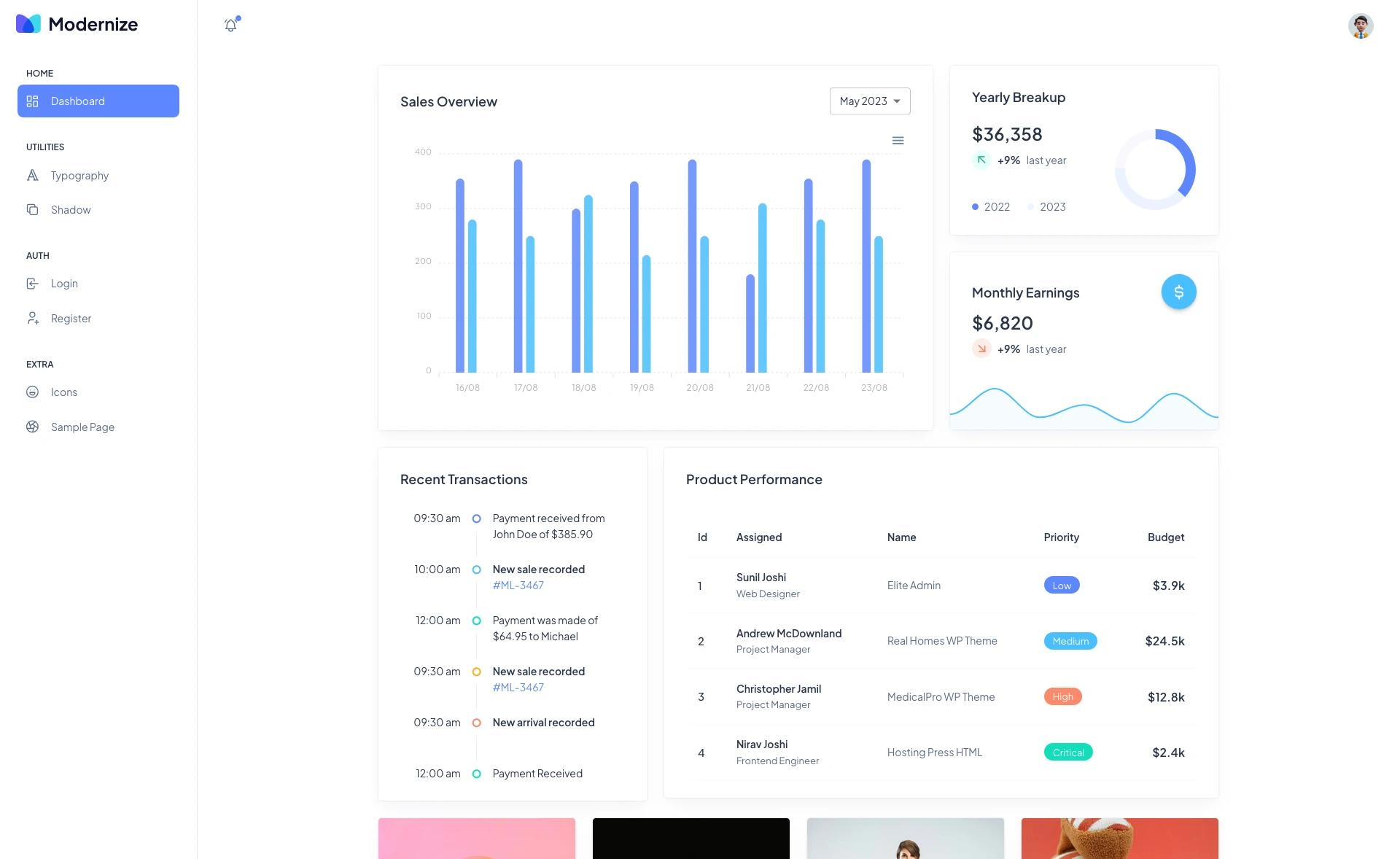
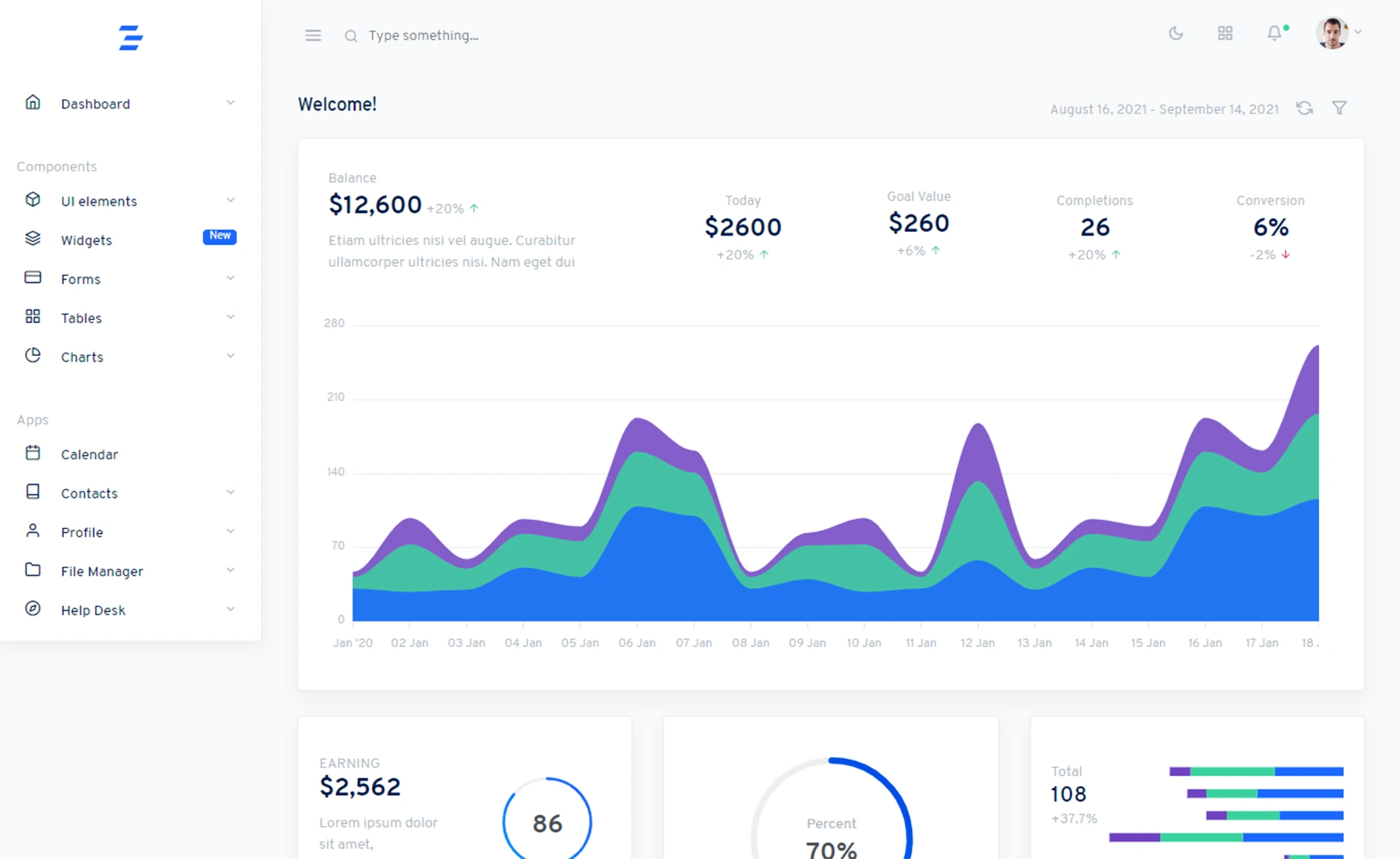
A high-performance, responsive web app template on Next.js, combining reactivity and server-side rendering for modern data-driven dashboards.
About this template
Next.js Dashboard is a React-based web dashboard template built on the Next.js framework that uses server-side rendering to deliver a responsive, data-driven admin interface. It is distributed as an open-source starter project under the MIT License, with a live demo hosted on Vercel at https://nextjs-dashboard-wheat-delta-84.vercel.app/ using the login 'admin' and password 'admin'.
What is Next.js Dashboard?
Next.js Dashboard is a starter template for building data-driven web dashboards. It takes a Next.js project skeleton and gives you a customizable dashboard layout, using React components and server-side rendering (SSR) for improved SEO and faster initial page loads. The template is built on Next.js and React, and can be deployed to any platform that supports Node.js, including Vercel, which hosts the provided demo instance. The project is open source under the MIT License, so you can freely use, modify, and redistribute the code.
Key Features
- Server-Side Rendering — Next.js Dashboard leverages SSR to generate pages on the server, improving search engine visibility and reducing the time to first meaningful paint.
- Responsive Design — The layout adapts to screen sizes, making the dashboard usable on desktop, tablet, and mobile devices.
- Customizable Components — Layouts, styles, and individual components can be modified to match your brand, with no proprietary build system.
- Data Visualization Ready — The template is designed to integrate charting libraries (such as Recharts or Chart.js) to render metrics and analytics.
- Simple Setup — Get started by cloning the repository, running 'yarn install', and then 'yarn run dev' to launch the development server.
- Live Demo — A working instance is hosted at the provided Vercel URL, complete with demo credentials (admin/admin) for immediate exploration.
- Documentation — Official Next.js documentation is linked from the repository to help you extend the template.
- MIT License — The template is free to use and modify, including for commercial projects.
Who is it for?
- Frontend developers — building a dashboard UI from scratch and wanting a Next.js foundation with SSR pre-configured.
- Startup teams — needing a quick admin interface for their web app to display metrics and manage internal data.
- Data analysts — who want to present key performance indicators in a clean, responsive web layout without designing from zero.
What can you do with Next.js Dashboard?
- Create an internal admin panel — set up user management, analytics overlays, and real-time data views on a responsive layout.
- Build a client-facing analytics dashboard — feed data from an API into chart components and render it with SSR for fast loads.
- Prototype a data product — rapidly spin up a dashboard MVP using the template's structure and the demo credentials to validate workflows.
How does Next.js Dashboard work?
The template is a standard Next.js application. After cloning the repository, you install dependencies with 'yarn install' and start the development server with 'yarn run dev'. The project is structured around React components and Next.js pages, so you customize it by editing those components, adding routing, and integrating data sources. For a production build, you can use the standard Next.js build and deployment process, for example deploying to Vercel.
Pricing
Next.js Dashboard is free and open source under the MIT License. There are no paid tiers or subscription requirements; you can use and modify the code for personal or commercial purposes without licensing fees.
FAQ
Is Next.js Dashboard free?
Yes, the template is licensed under the MIT License, which allows free use, modification, and distribution. You can also deploy it to any hosting service without paying a license fee.
What framework does Next.js Dashboard use?
It is built on Next.js, a React framework that supports server-side rendering, static site generation, and client-side rendering. The template specifically uses SSR and React to render dashboard pages.
How do I run the template locally?
Clone the repository, run 'yarn install' in the project directory, then run 'yarn run dev'. The development server will start, and you can view the dashboard in your browser. The repo also points to Next.js documentation for further configuration.
Does the template include a charting library?
The template is designed to integrate charting libraries, but it does not bundle a specific one. You can add a library like Recharts or Chart.js to visualize data, leveraging the existing component structure.
Can I deploy Next.js Dashboard to Vercel?
Yes, the live demo is hosted on Vercel, and the project follows standard Next.js deployment practices. You can connect the repository to Vercel and deploy it with minimal configuration.