Template details
Dashboard Portfolio
A creative admin dashboard panel with dark and light themes, built with HTML5, CSS3, and JavaScript.
About this template
Dashboard Portfolio is a creative admin dashboard panel by Mahdi Nazari, distributed as a GitHub repository, that provides a complete dashboard interface with both dark and light themes. The template is built with HTML5, CSS3, and vanilla JavaScript, so it runs directly in the browser without any build tools or server-side dependencies. Its single core function is to offer a ready-made admin dashboard layout that users can restyle and extend for their own projects.
What is Dashboard Portfolio?
Dashboard Portfolio is a front-end admin dashboard template that ships with a toggleable dark and light color theme. It takes static HTML, CSS, and JavaScript files as its source code and produces a standalone web page displaying charts, sidebar navigation, and dashboard card layouts (the exact components are visible in the preview screenshot). The project is hosted on GitHub under the repository name dashboard-portfolio and currently has 7 stars. No framework or library is required to run it.
Key Features
- Dark and Light Theme — The panel includes both a dark and a light color scheme, switchable through a built-in theme toggle.
- Vanilla JavaScript — All interactivity, including theme switching, is implemented with plain JavaScript; no jQuery or framework dependencies.
- HTML5 Markup — The page structure uses semantic HTML5 tags, making the markup readable and easy to modify.
- CSS3 Styling — Visual design is handled entirely with CSS3, including the layout and color palette.
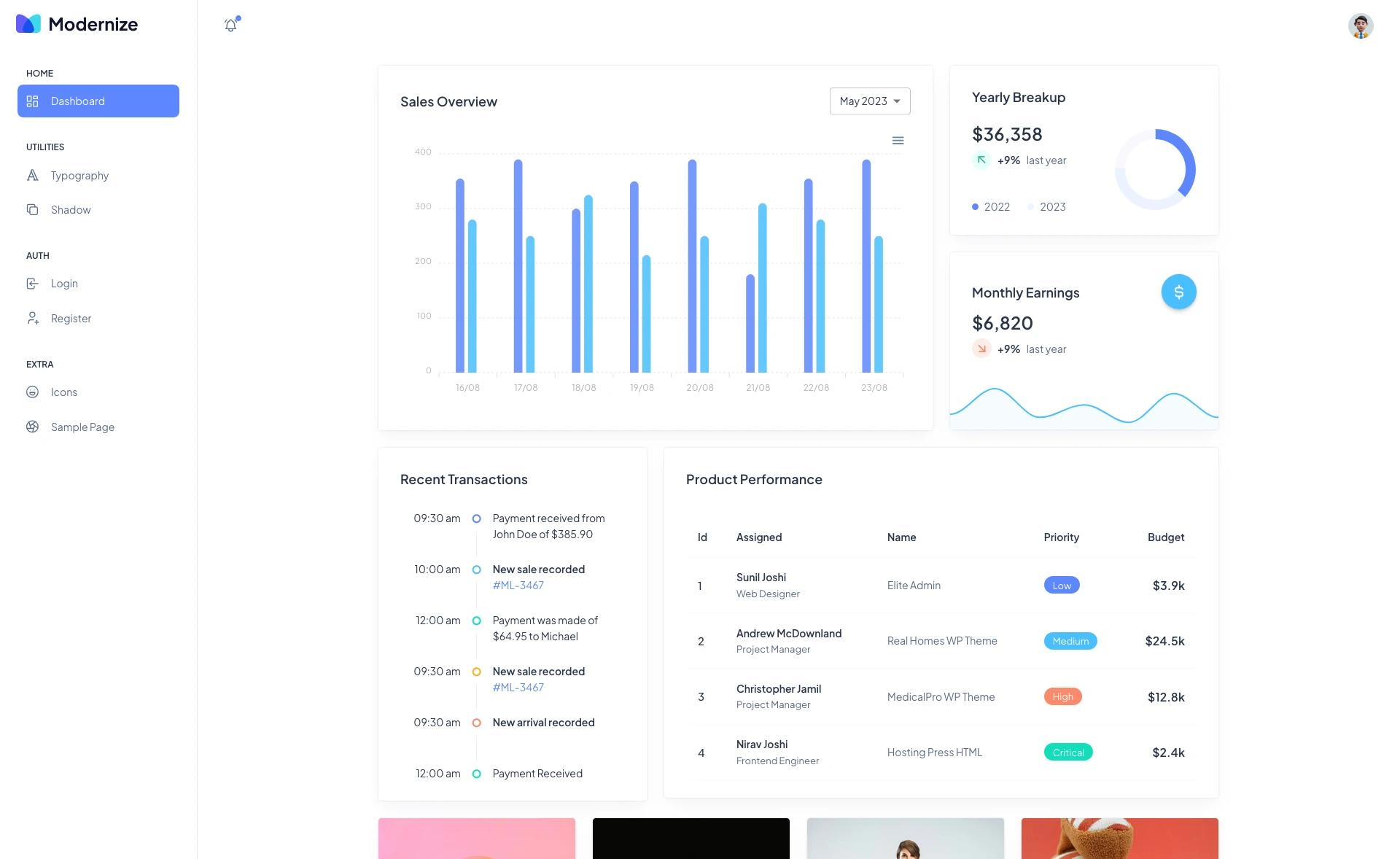
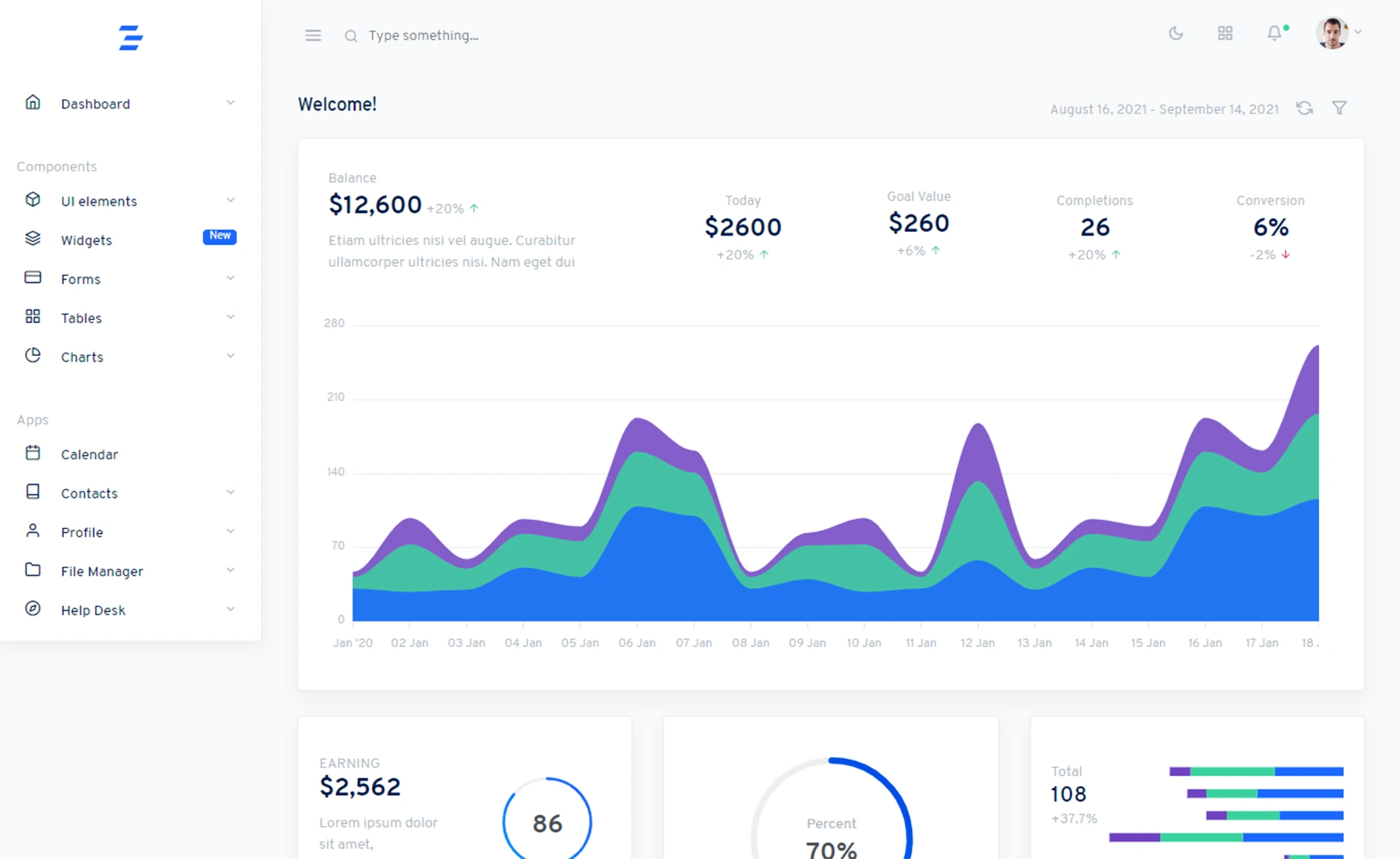
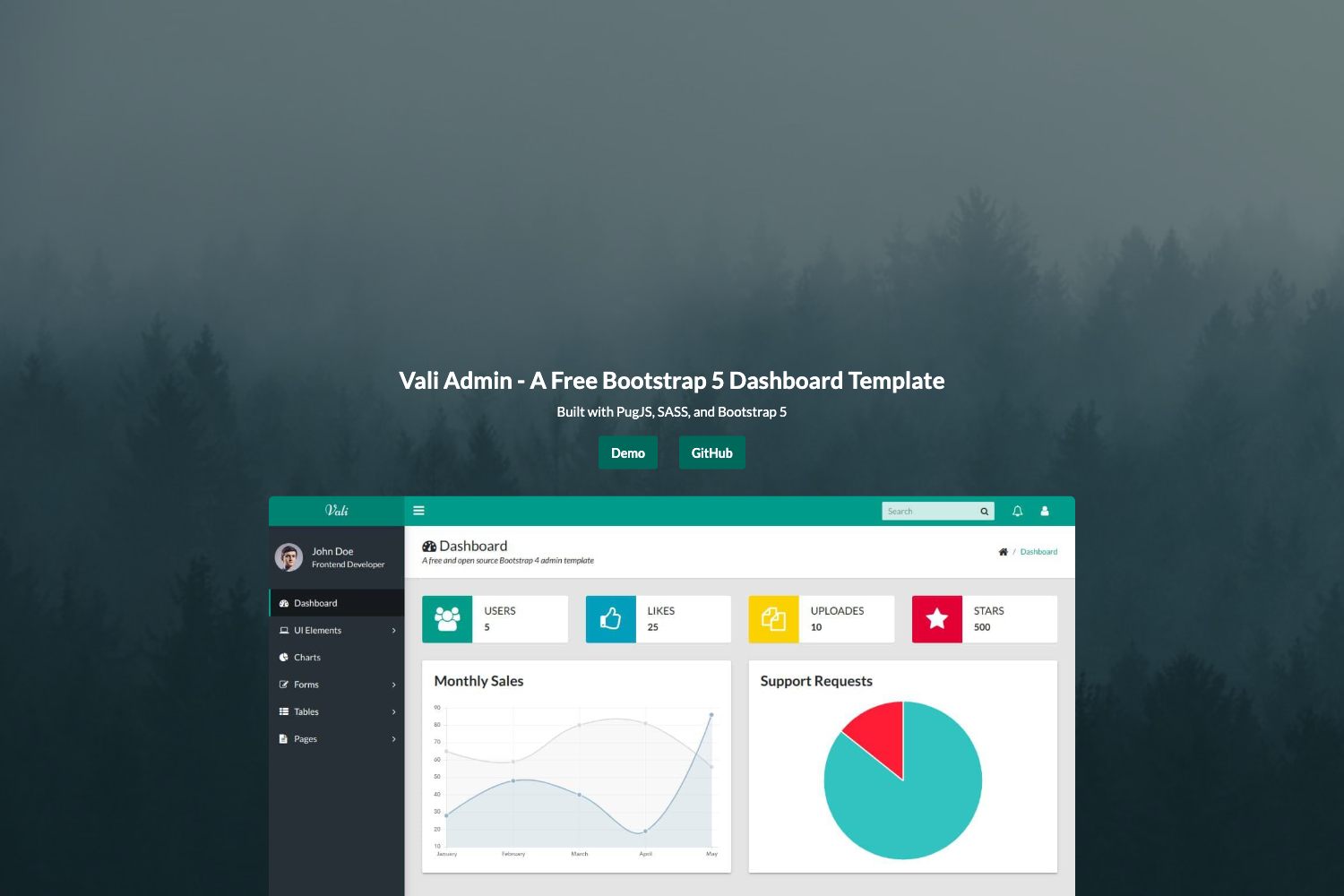
- Creative Admin Design — The layout follows a modern admin dashboard style, as shown in the light-mode preview image on the repository page.
Who is it for?
Front-end developers who need a lightweight admin dashboard shell without adopting a full framework can use this template as a starting point. Web designers interested in demonstrating dark and light theme toggling can study its implementation. Students learning HTML, CSS, and JavaScript can review the code to understand how a static dashboard page is assembled.
What can you do with Dashboard Portfolio?
- Front-end developers: Fork the repository and edit the HTML and CSS to build a custom admin panel for a client or side project.
- Designers: Use the dark/light theme switch as a reference for implementing theme toggles in other web projects.
- Portfolio builders: Host the dashboard as a live demo in a personal portfolio to showcase UI development and styling skills.
Alternatives
AdminLTE is a comparable admin dashboard template that is built with Bootstrap and has a larger ecosystem of plugins.