Template details
Next.js Ecommerce Template
An ecommerce template built with NextJS 16, TypeScript and TailwindCSS
About this template
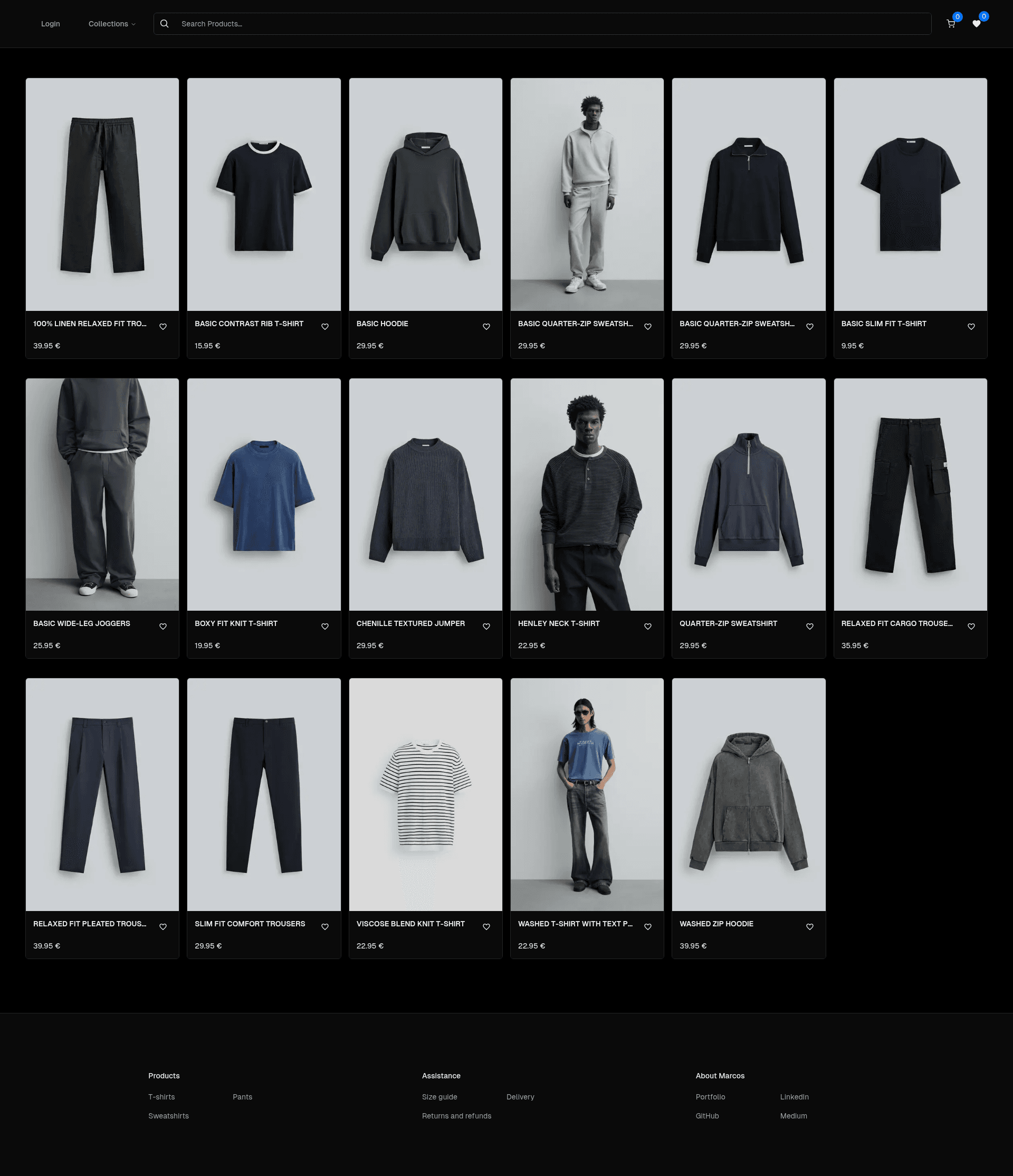
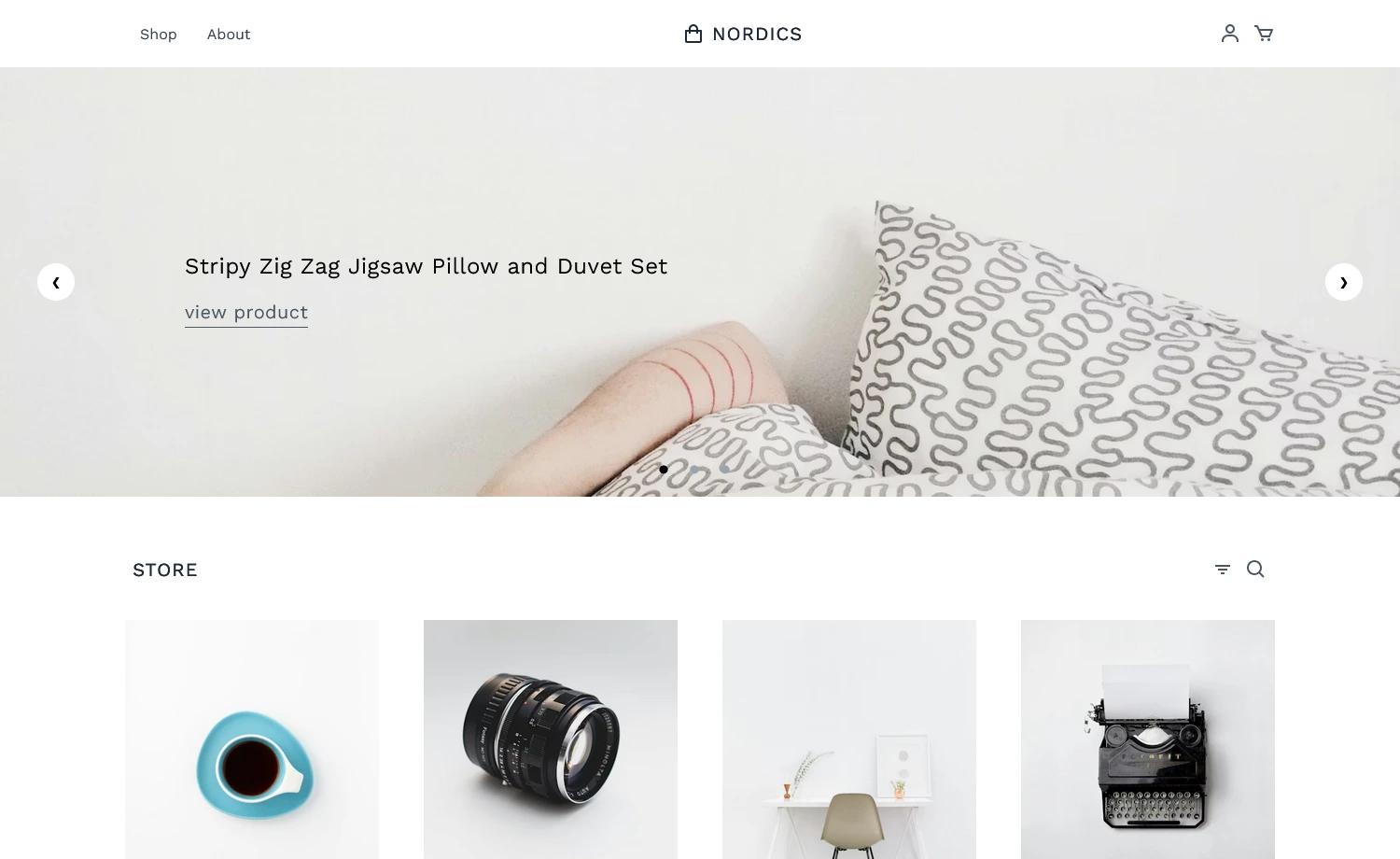
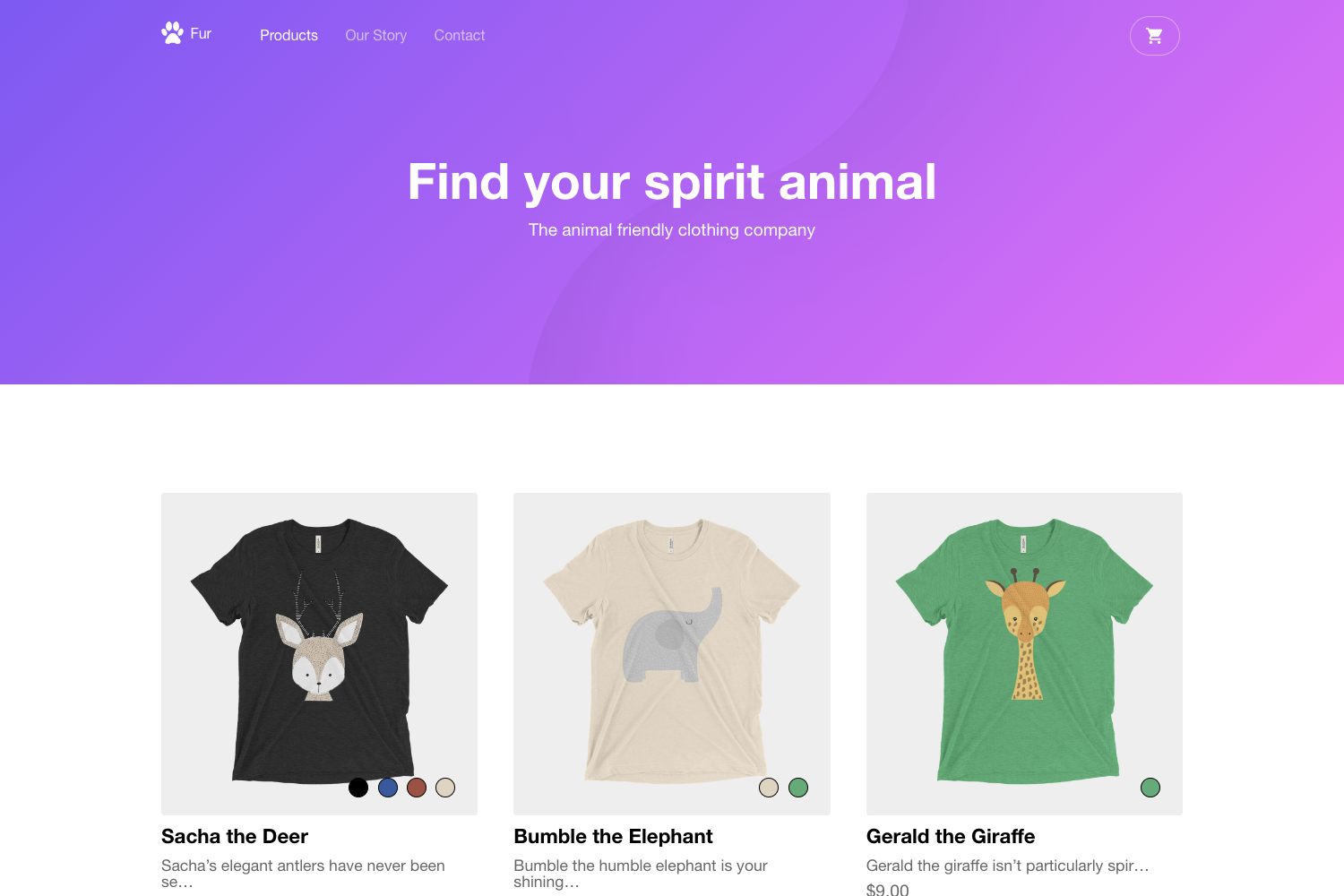
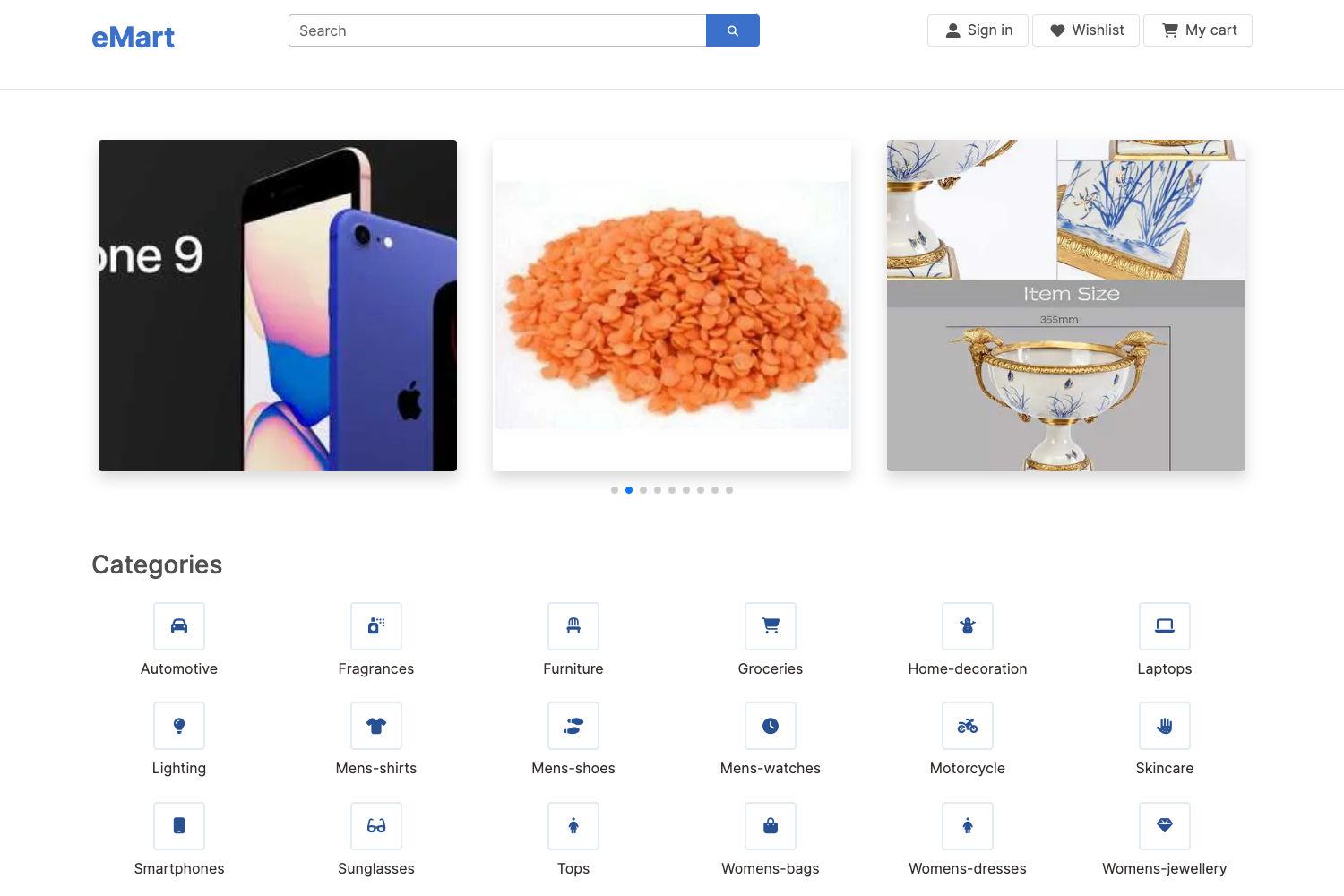
Next.js Ecommerce Template is a full-stack ecommerce boilerplate built on Next.js 16 and React 19 that gives developers a working storefront with product management, cart, wishlist, and Stripe Checkout out of the box.
What is the Next.js Ecommerce Template?
The Next.js Ecommerce Template is a production-oriented starter kit for building online stores. It uses the Next.js App Router with Cache Components, TypeScript in strict mode, and Tailwind CSS for styling. The template connects to a Supabase PostgreSQL database through Drizzle ORM, handles authentication with Better Auth, processes payments via Stripe Checkout, and sends email notifications through Nodemailer. It generates a complete ecommerce application, including storefront pages, an admin area, and API route handlers.
Key Features
- Product catalog — Supports categories, variants, and product details, with a structured database model managed through Drizzle ORM.
- Shopping cart and wishlist — Client-side state managed with TanStack Query for a responsive cart and wishlist experience.
- Stripe Checkout — Integrated payment processing that redirects customers to Stripe's hosted checkout for secure transactions.
- Order history — Customers can view their past orders, with data stored in Supabase and linked to authenticated users.
- Admin product management — An admin interface to add, edit, and remove products, with changes persisted to the database.
- Email notifications — Nodemailer sends transactional emails such as order confirmations using configurable SMTP settings.
- Type-safe data access — Zod schemas validate input on the frontend and backend, while TypeScript strict mode enforces type safety across the codebase.
- Authentication — Better Auth provides sign-up, sign-in, and session management with database-backed user records.
Who is it for?
- Full-stack developers — Build a custom ecommerce site without wiring up the core plumbing of auth, database, and payments from scratch.
- Startups and small businesses — Launch a functional online store quickly, with product management and Stripe payments included.
- Agencies and freelancers — Use the template as a base for client projects, leveraging the prebuilt data layer and admin panel to accelerate delivery.
What can you do with the Next.js Ecommerce Template?
- Launch a store in minutes — After installing dependencies, setting environment variables, and running database migrations, you get a working shop with catalog, cart, and checkout.
- Extend it with custom features — The project structure cleanly separates app routes, components, hooks, lib, schemas, services, and utils, making it easy to add new functionality.
- Learn a modern Next.js stack — The codebase demonstrates patterns for App Router, React Server Components, TanStack Query, Drizzle ORM, and middleware integration.
How does the Next.js Ecommerce Template work?
The setup process is documented in the README: install dependencies with npm, create a local .env file from the example, run database migrations and push commands, then start the development server. The template relies on external services for its backend — Supabase for PostgreSQL, Stripe for payments, and an SMTP server for email — so the required environment variables must be configured before running.
Pros and cons
- Pros — MIT license allows free commercial use; built with current versions of Next.js, React, and TypeScript; includes an admin panel and many ecommerce features out of the box.
- Cons — Requires setting up three external services (Supabase, Stripe, and SMTP) and configuring their credentials in environment variables before the application becomes fully functional.
Pricing
The template is open-source and licensed under MIT, meaning it is free to use, modify, and redistribute, including for commercial projects.
FAQ
Is the Next.js Ecommerce Template free?
Yes, the template is distributed under the MIT license, so you can use it without cost, modify it, and include it in commercial products.
What technologies does the Next.js Ecommerce Template use?
It uses Next.js 16 with App Router, React 19, TypeScript strict mode, Tailwind CSS, TanStack Query, Drizzle ORM, Supabase PostgreSQL, Better Auth, Stripe Checkout, Zod, and Nodemailer.
How do I set up the Next.js Ecommerce Template?
You need to install dependencies with npm, create a .env file based on the example, run database migration and push scripts, and start the development server. You also need to supply real credentials for Supabase, Stripe, and an SMTP email service.
Does the template include an admin panel?
Yes, it includes admin product management functionality, allowing you to add, edit, and remove products from a backend interface.