Template details
Shopware Frontends
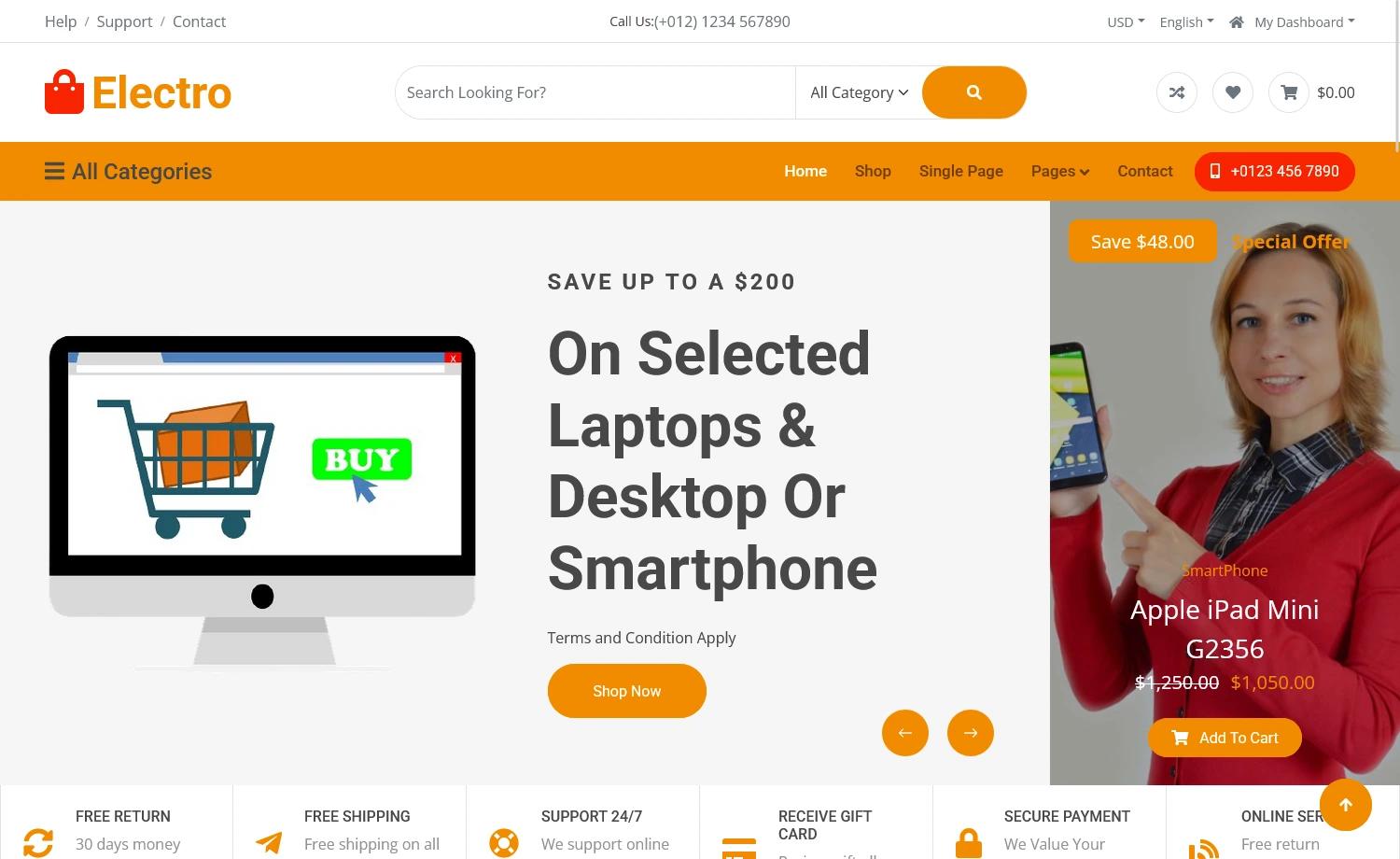
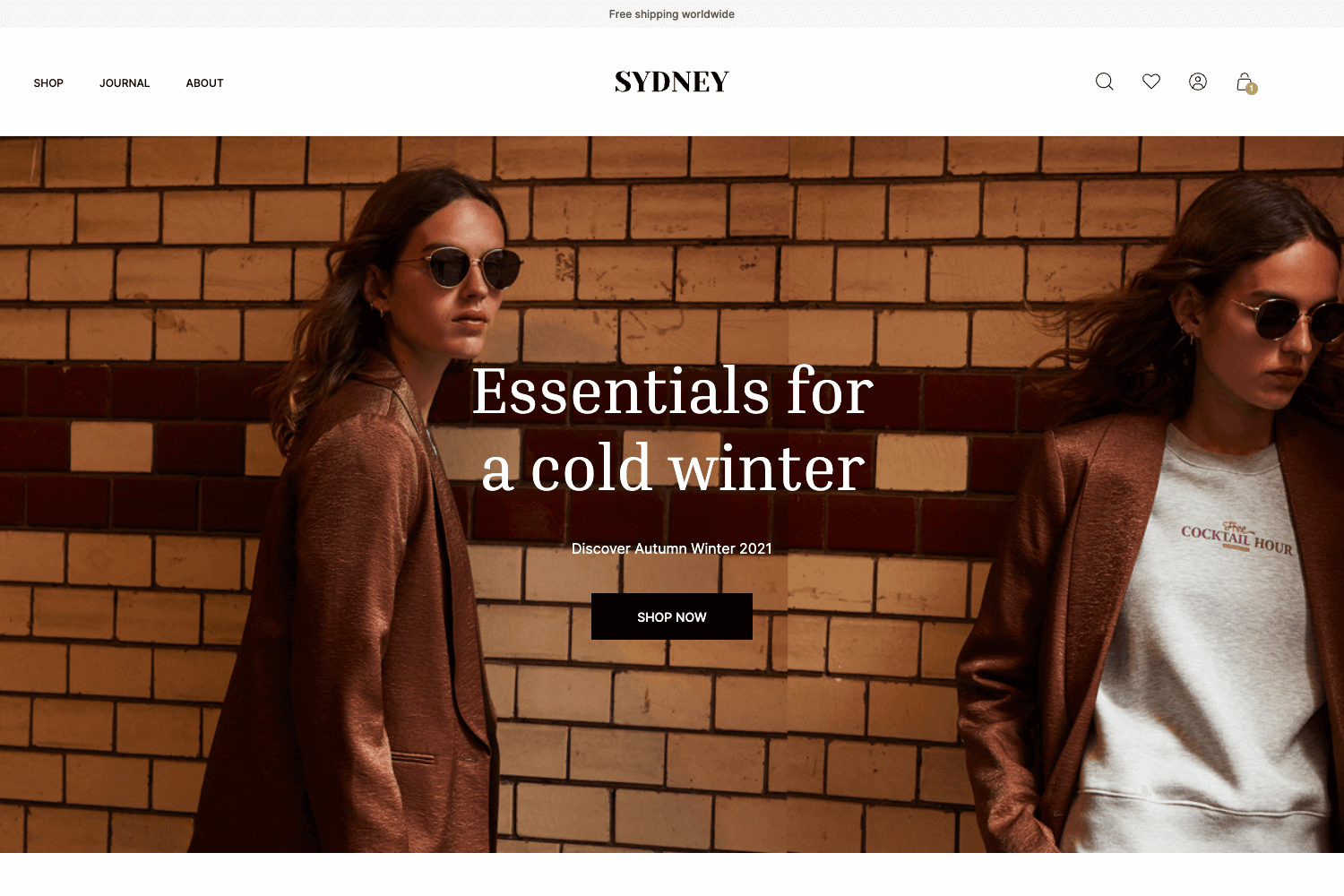
Shopware Frontends is a framework for building custom, headless storefronts with Shopware 6.
About this template
Shopware Frontends is Shopware's Vue.js framework for building custom, headless storefronts that connect to Shopware 6 via its Store API.
What is Shopware Frontends?
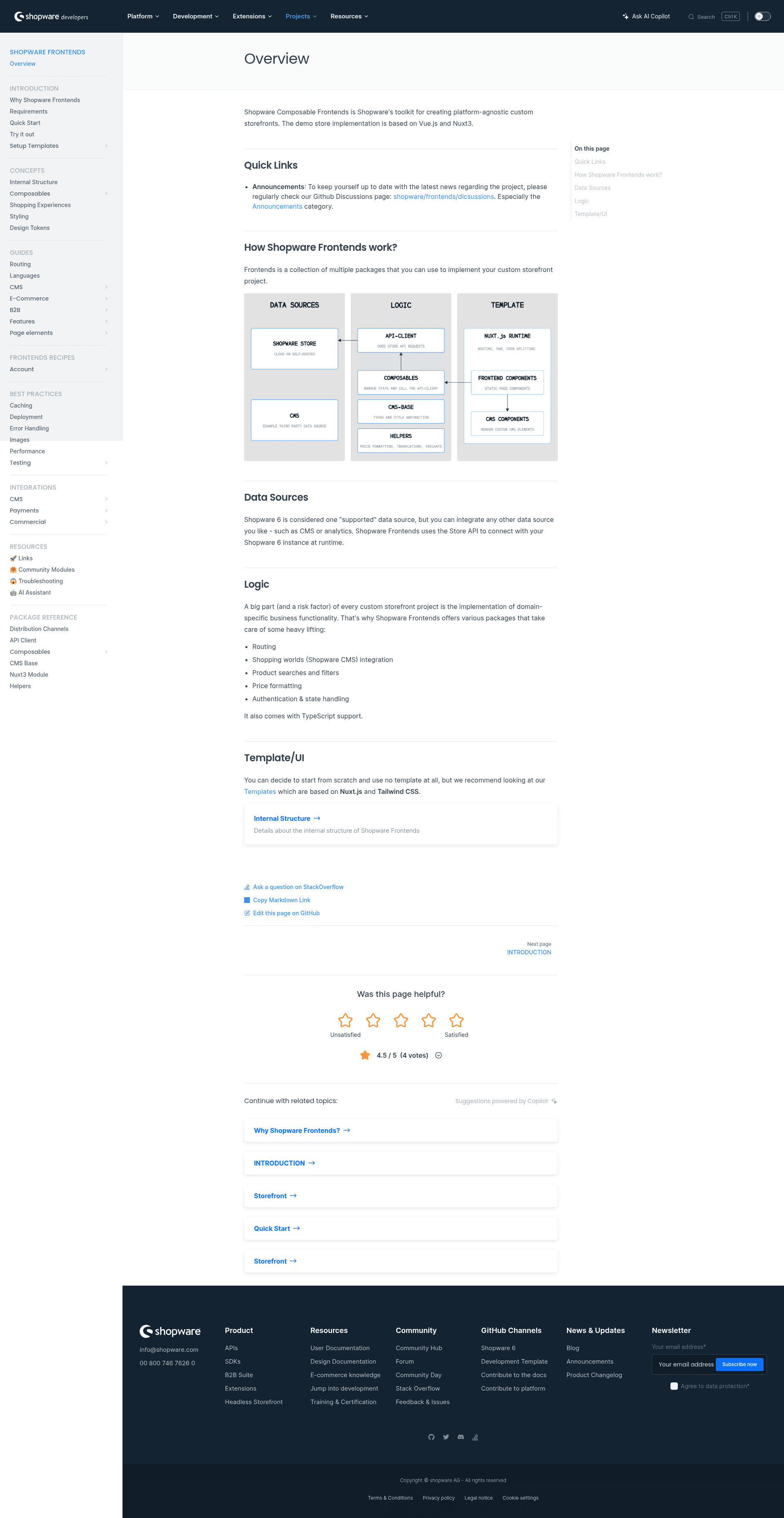
Shopware Frontends is a modular framework maintained by Shopware, the company behind the Shopware 6 ecommerce platform. It takes a Shopware 6 backend as its input and produces a headless storefront that can be deployed on any hosting environment, including serverless platforms. The framework is divided into separate packages that can be used independently: an API Client that abstracts the Store API and manages authentication, a set of Vue.js composables like useProduct and useCustomer, a CMS Base implementation of all default Shopware Sections, Blocks, and Elements in Tailwind.css, and Helpers for price formatting, translation, UI state, and URL handling.
Key Features
- Shopware native — Deeply integrated with Shopware 6 core concepts such as content management, checkout, and payment, with no generic or simplified implementations.
- Cloud first — Works purely through HTTP APIs available in Shopware Cloud; no themes, plugins, or server access are required, and even a developer IDE can be started in the cloud.
- Stable — Avoids Shopware's volatile internal APIs (Twig blocks, DAL, Events), which reduces the complexity of platform updates compared to traditional Twig Storefront themes.
- Efficient — Ships with a smart default toolchain: Vue 3, Vite, Nuxt, and UnoCSS (Tailwind.css), each of which has a rich ecosystem and can be replaced or extended.
- Flexible — Uses no theming system, so there is no inheritance magic, compatibility issues, or update efforts; sites can be built in a lego-block manner using prepared templates or custom Tailwind.css features.
- Fast — Applies server-side rendering wherever possible and includes code splitting, below-the-fold rendering, and lazy-loading; page speed and Lighthouse scores are continuously monitored.
Who is it for?
- Shopware 6 merchants and agencies: Build custom storefronts that match exact brand and UX requirements without being limited by Twig themes or plugin constraints.
- Vue.js developers: Use the opinionated composables like
useProductanduseCustomerfor business logic and state management, and leverage the CMS Base for rendering Shopware content in Tailwind.css. - Teams on Shopware Cloud: Start from the Vue Starter Template, a production-ready foundation based on Nuxt 4 and Tailwind.css, and deploy directly to Vercel with the one-click deploy button in the repository.
What can you do with it?
- Launch a headless storefront: Use the Vue Starter Template as a starting point and connect it to a Shopware 6 backend, then deploy to any hosting platform.
- Extend with composables: Integrate the provided Vue.js composables into any Vue.js project to reuse Shopware business logic and state management.
- Customize the frontend freely: Because there is no theming system, you can build your site with prepared templates or create a fully custom design using Tailwind.css.
FAQ
What is the Vue Starter Template?
The Vue Starter Template is a production-ready project template included in Shopware Frontends. It is based on Nuxt 4 and Tailwind.css, and acts as a foundation for building custom Shopware storefronts. The repository also contains an extended demo showing more features.
Does Shopware Frontends support server-side rendering?
Yes, Shopware Frontends applies server-side rendering wherever possible. Code splitting, below-the-fold rendering, and lazy-loading are built in, and performance metrics like page speed and Lighthouse scores are regularly monitored.
What is the tech stack of Shopware Frontends?
The default tech stack includes Vue 3, Vite, Nuxt 3 (and now Nuxt 4 in the starter template), and UnoCSS, which is compatible with Tailwind.css. Each component can be replaced or extended with other tools from their ecosystems.
How do I get started with Shopware Frontends?
The repository requires Node.js current LTS and pnpm. After installing dependencies with pnpm i, you build the packages with pnpm run build --filter='./packages/*' and run the project base with pnpm run dev --filter=vue-starter-template. Documentation is available in the docs folder and on the developer site.