Template details
Next.js Firebase Boilerplate
Next.js boilerplate using Firebase Realtime Database, Firestore and Firebase Auth, styled with Chakra UI.
About this template
The Next.js Firebase Boilerplate is a starter template that combines Next.js with Firebase Auth, Realtime Database, and Firestore, all styled with Chakra UI.
What is the Next.js Firebase Boilerplate?
This boilerplate gives you a pre-built authentication flow and two user-management implementations so you can build on top of them instead of starting from scratch. The project is authored by GitHub user adedaniel and is publicly available on GitHub. A live demo is hosted at next-js-firebase-boilerplate.vercel.app, showing the app in production.
Key Features
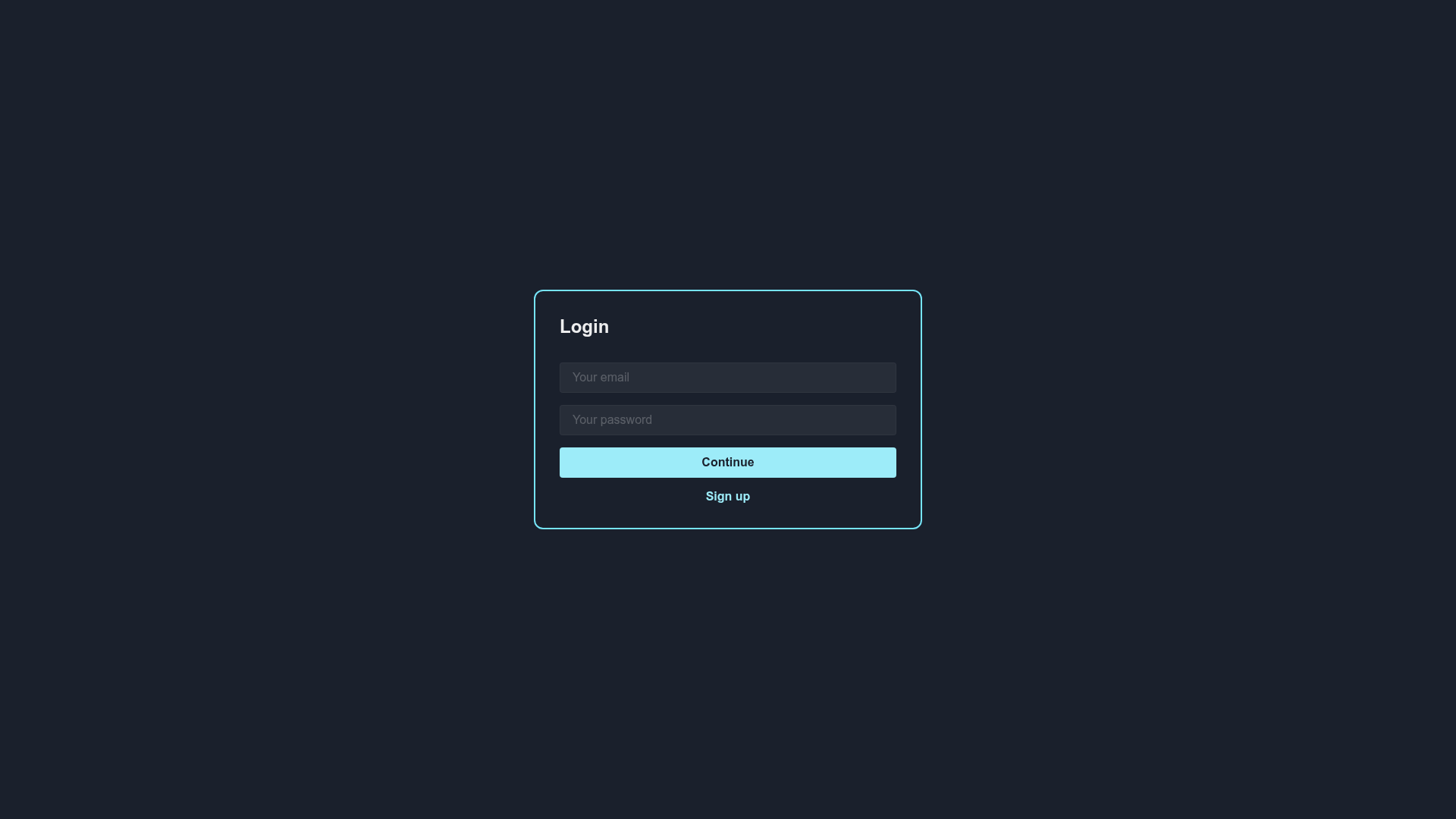
- Firebase Auth signup and login — Ready-to-use /signup and /login pages that let users register and sign in with Firebase Authentication.
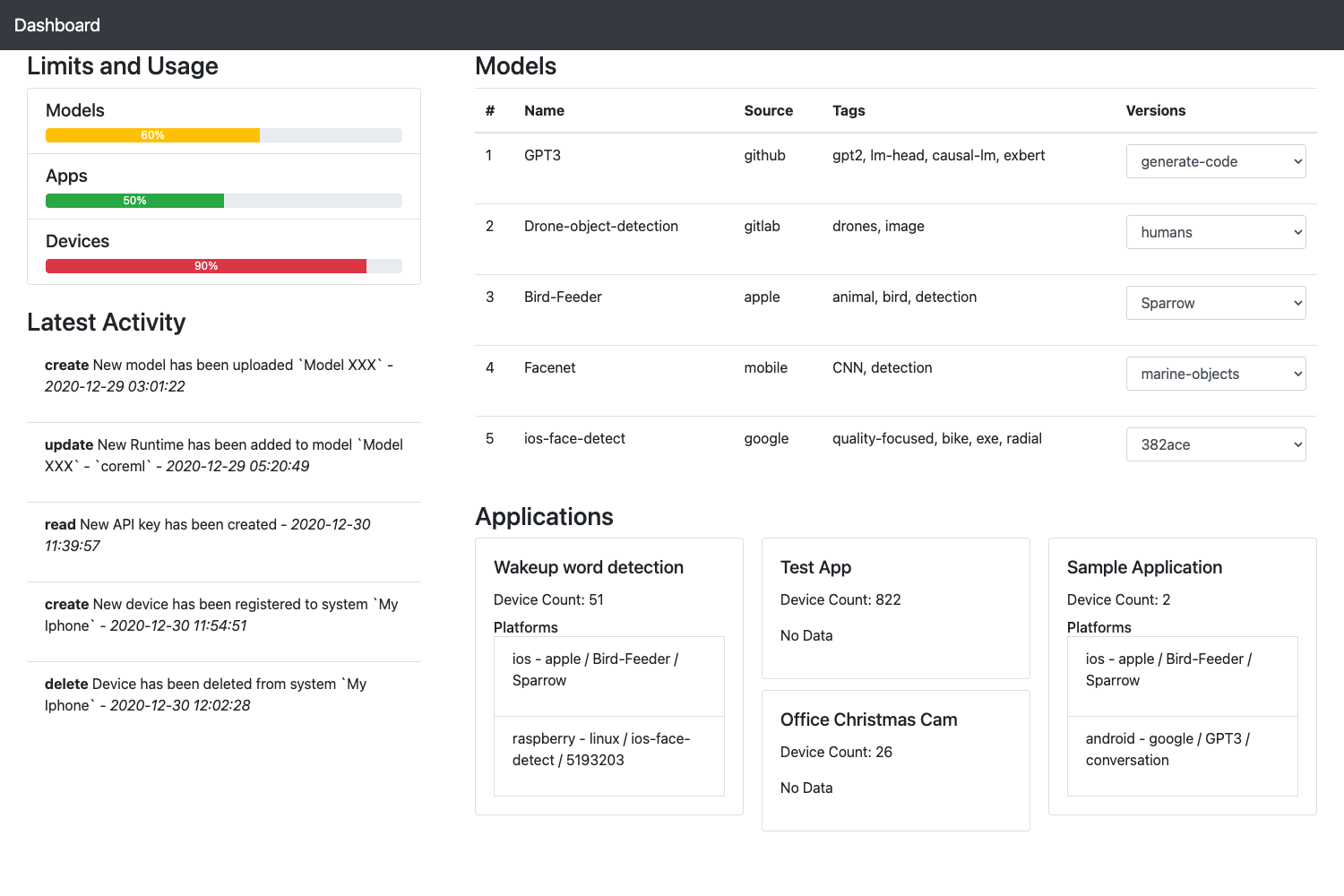
- Realtime Database integration — The homepage ( / ) stores and displays user records in Firebase Realtime Database, updating in real time.
- Firestore integration — A separate /users page demonstrates the same user-management workflow using Cloud Firestore instead of the Realtime Database.
- Chakra UI components — All UI elements are built with Chakra UI, so you get consistent, accessible React components and a themeable design system.
- Next.js framework — The project runs on Next.js, giving you file-based routing, React components, and a Vercel-ready build.
- Live demo — A deployed version at Vercel showcases the boilerplate's default behavior and serves as a reference for production setup.
Who is it for?
- Web developers starting Firebase projects — Clone the repo and immediately have user authentication and database code wired into a Next.js app.
- Next.js learners — The project is a compact example of integrating Firebase client-side with Next.js pages and routing.
- Prototype builders — You can validate an authenticated app concept quickly because the boilerplate already handles signup, login, and user persistence.
What can you do with the Next.js Firebase Boilerplate?
- Launch a basic authenticated app: Set up your Firebase project, deploy, and users can sign up, log in, and be saved to either Firebase database.
- Compare Realtime Database and Firestore: Use the / and /users pages to test the query APIs and data-shape differences of both databases.
- Extend into a full product: Add your own pages, components, and data models while keeping the auth and user-management foundation intact.
How does it work?
The boilerplate is distributed as a GitHub repository and can be bootstrapped with create-next-app. After installing dependencies with yarn, you run yarn dev to start the development server locally. Firebase configuration requires your own project credentials, which you add to the app before deploying.
FAQ
Does this boilerplate include both Firebase Realtime Database and Firestore?
Yes. It includes two user-management routes: the homepage uses Firebase Realtime Database, and the /users page uses Cloud Firestore. Both operate on user records but demonstrate the differently structured APIs.
Do I need a Firebase account to use it?
Yes. To run the app locally or deploy it, you need to create a Firebase project, enable Authentication, Realtime Database, and Firestore, and add your Firebase config to the project.
Can I run it without Yarn?
The documented install commands use Yarn (yarn and yarn dev). You could use npm equivalents, but the page only supplies the Yarn workflow.