Template details
Refined-X
Astro and Starlight personal publishing starter that exports one Markdown/YAML corpus as a website, llms.txt, JSON APIs, and optional MCP endpoints.
About this template
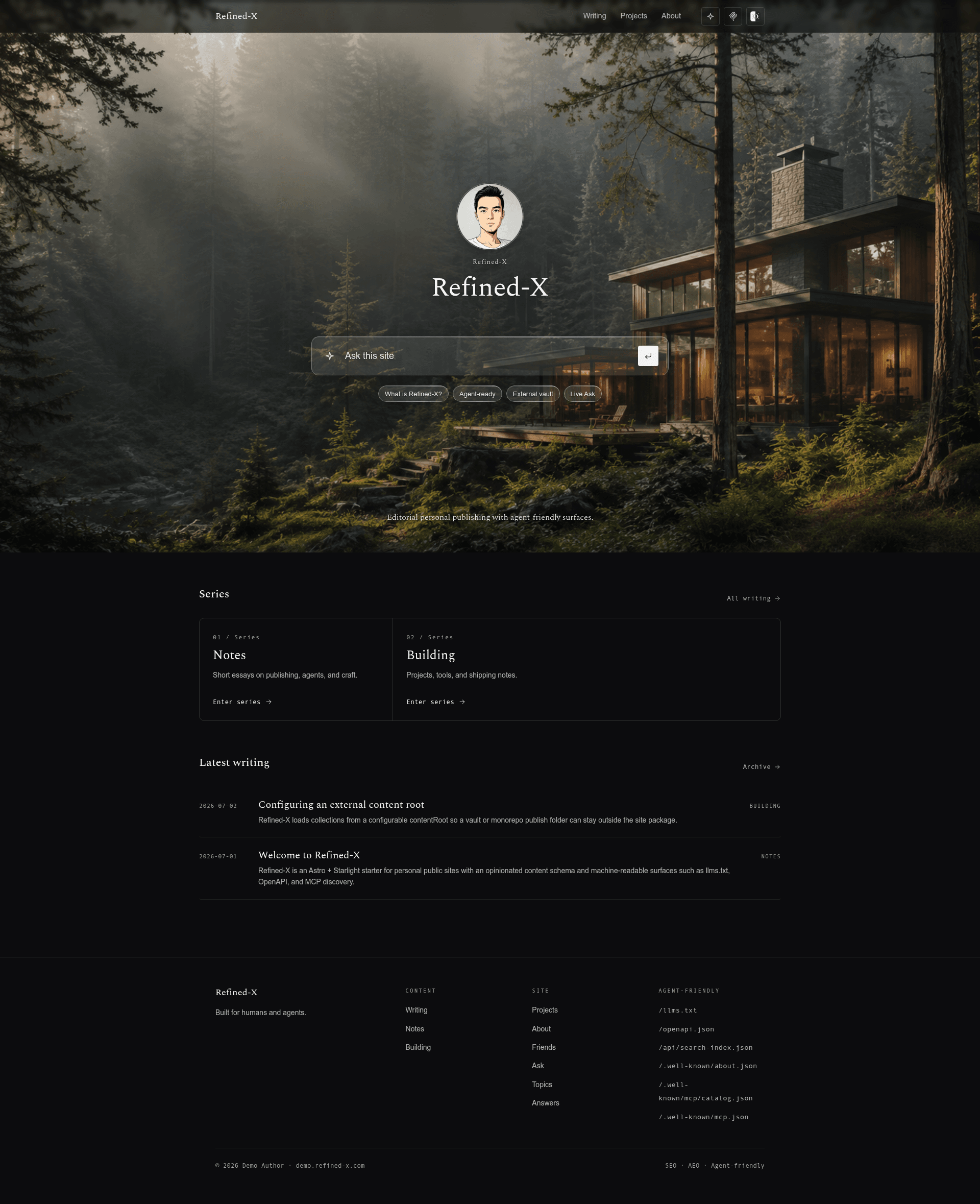
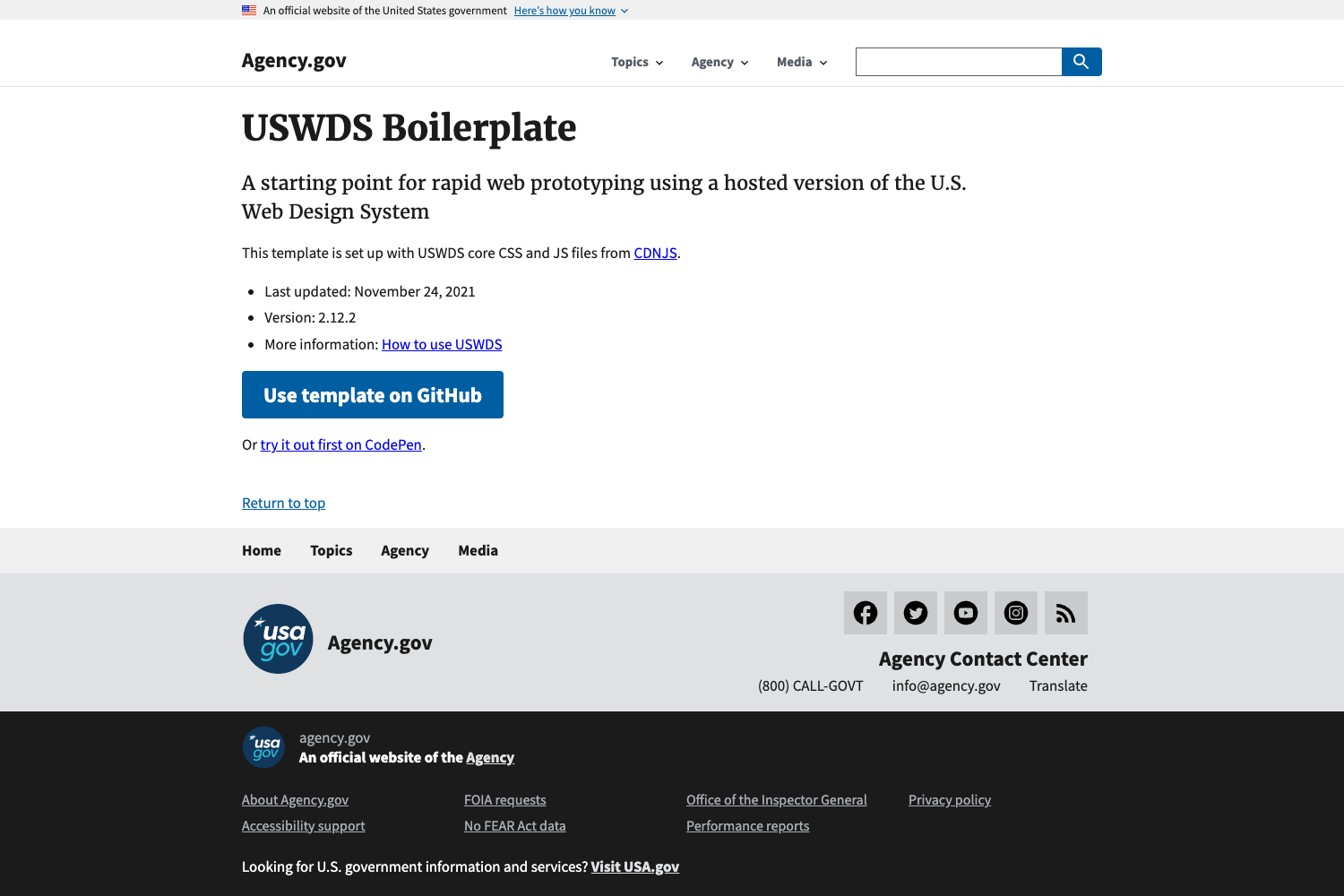
Refined-X is an Astro and Starlight-based personal publishing starter that turns one Markdown-and-YAML corpus into a human-readable website, machine-readable surfaces like llms.txt and JSON APIs, and an optional agent-queryable Ask service.
What is Refined-X?
Refined-X is an open-source, opinionated personal publishing starter built with Astro and Starlight, maintained by tower1229 under the MIT license. It takes Markdown and YAML as input and produces a static editorial website with light/dark themes, per-page Markdown mirrors, llms.txt and llms-full.txt, structured JSON endpoints such as /api/articles.json and /api/search-index.json, an OpenAPI contract, and discovery metadata under /.well-known/. The AI-powered Ask service is optional; the default site is fully static.
Key Features
- One corpus, multiple outputs — Articles, answers, projects, series, and profile data follow an explicit content schema; the build generates the website,
llms.txt,llms-full.txt, JSON APIs, and OpenAPI from the same source of truth. - Content independent from the theme —
contentRoot,publicDir, andoutDirare configurable, so you can keep a personal vault or monorepo outside the template and use Refined-X only as the publishing layer. - Useful without an AI backend — The default site runs entirely static; the
/askendpoint searches curated answers and public articles without a model, database, or runtime bill. - Live Q&A when you want it — The optional Public Ask Worker adds grounded retrieval and summarization through an NLWeb v0.55-compatible
/askendpoint and a Streamable HTTP MCP server, with quotas, rate limits, browser verification, source links, and explicit capability boundaries. - Engineered for reading — The design keeps an editorial, monochrome visual system with restrained motion and accessible light/dark themes, rather than turning the site into a dashboard.
- Schema validation at build time — The content schema validates required dates, slugs, summaries, answer fields, and content types, so broken frontmatter fails the build.
Who is it for?
- Independent writers and researchers who want to publish Markdown articles and answers while also exposing machine-readable versions for AI agents without building custom infrastructure.
- Developers building agent-ready personal sites who need predictable public endpoints like
/llms.txt,/api/profile.json, and/.well-known/mcp/catalog.jsonfor their own projects. - Knowledge-vault owners who maintain content in an external directory or monorepo and want a publishing layer that doesn't force content into the template folder.
What can you do with Refined-X?
- Publish one corpus to three surfaces: Write Markdown and YAML once; get an editorial website, per-page Markdown mirrors and JSON APIs, and agent-queryable endpoints like
/ask. - Deploy as a fully static site: Host on GitHub Pages, Cloudflare Pages, Netlify, or any static host with no server-side costs; GitHub Pages users copy
deploy/user-github-pages.yml, Cloudflare Pages users set build commandnpm run buildwith outputdistand Node 24. - Add optional Live Ask: Deploy the reference Cloudflare Worker to give visitors grounded browser answers, an NLWeb
/askendpoint, and an MCPasktool, configured through theaskobject ininstance.config.mjs. - Keep content external: Point
contentRootat another directory or add Refined-X as a git submodule inside a personal data repo;instance.config.mjsoverrides keep your identity and content safe from upstream updates.
How does Refined-X work?
- Create a repository from the GitHub template or run
npm create astro@latest -- --template tower1229/Refined-X. - Install dependencies with
npm installand start the dev server withnpm run dev. - Add content to
content/— articles, answers, pages, profile YAML, and projects — following the frontmatter schema. - Run
npm run check,npm run test:public-ask,npm run test:related,npm run build, andnpm run verifybefore deploying.