Template details
Next.js + Gel + Gel Auth Template
A minimal Next.js + Gel starter with authentication, schema, and UI to get you up and running quickly.
About this template
The Next.js + Gel + Gel Auth template is a boilerplate starter that pairs the Next.js App Router with the Gel database and Gel Auth, giving developers a full-stack application with email/password authentication, a default schema, and a working dashboard UI out of the box. It is published by Gel (geldata.com) and can be deployed directly to Vercel using the included one-click button.
What is the Next.js + Gel + Gel Auth template?
This template is a minimal starting point for building a web application with Next.js as the React framework, Gel as the database, and Gel Auth for authentication. It takes the starter code, which includes an app/ directory with pages for auth and a dashboard, Gel schema definitions in dbschema/default.gel, and utility scripts, and produces a runnable project after you run three setup commands. The project runs on Node.js via pnpm and targets Vercel for deployment, with the database expected to be hosted on Gel Cloud or locally via the Gel CLI.
Key Features
- Preconfigured Next.js App Router — Uses the current
app/directory structure with layout, page, and auth route handlers, plus favicon and global CSS files. - Gel schema with access policies — Defines
UserandItemtypes indbschema/default.gel, including role-based access policies so admins get full control, creators can modify their own items, and other users are read-only. - Built-in Gel Auth — Includes
auth-setup.tsandpassword-auth-setup.tsscripts that configure Gel Auth with email/password by default, and supports adding OAuth providers later through the Gel UI. - Tailwind CSS styling — The UI is styled with Tailwind CSS, configured in
tailwind.config.tsandpostcss.config.js, withglobals.cssfor global styles. - TypeScript type generation — A
generate:allscript creates TypeScript types from the Gel schema, and agel.tsclient is provided to query the database safely. - One-click Vercel deployment — The included Vercel deploy button clones the repo and sets up the Gel integration automatically.
- Gel UI integration — Running
npx gel uiopens a visual interface to manage auth providers, SMTP settings, and the database.
Who is it for?
- Full-stack developers who want a working Next.js + Gel app with authentication already wired up, so they can focus on business logic instead of boilerplate.
- Startup teams prototyping a multi-user SaaS will benefit from the role enum and access policies for admins and regular users.
- Developers learning Gel will find a minimal schema and query examples that show how to use Gel's edge database with authorization.
- Hobbyists who deploy quickly to Vercel can clone the template, run three commands, and have a deployed app with sign-up, login, and a dashboard.
What can you do with the template?
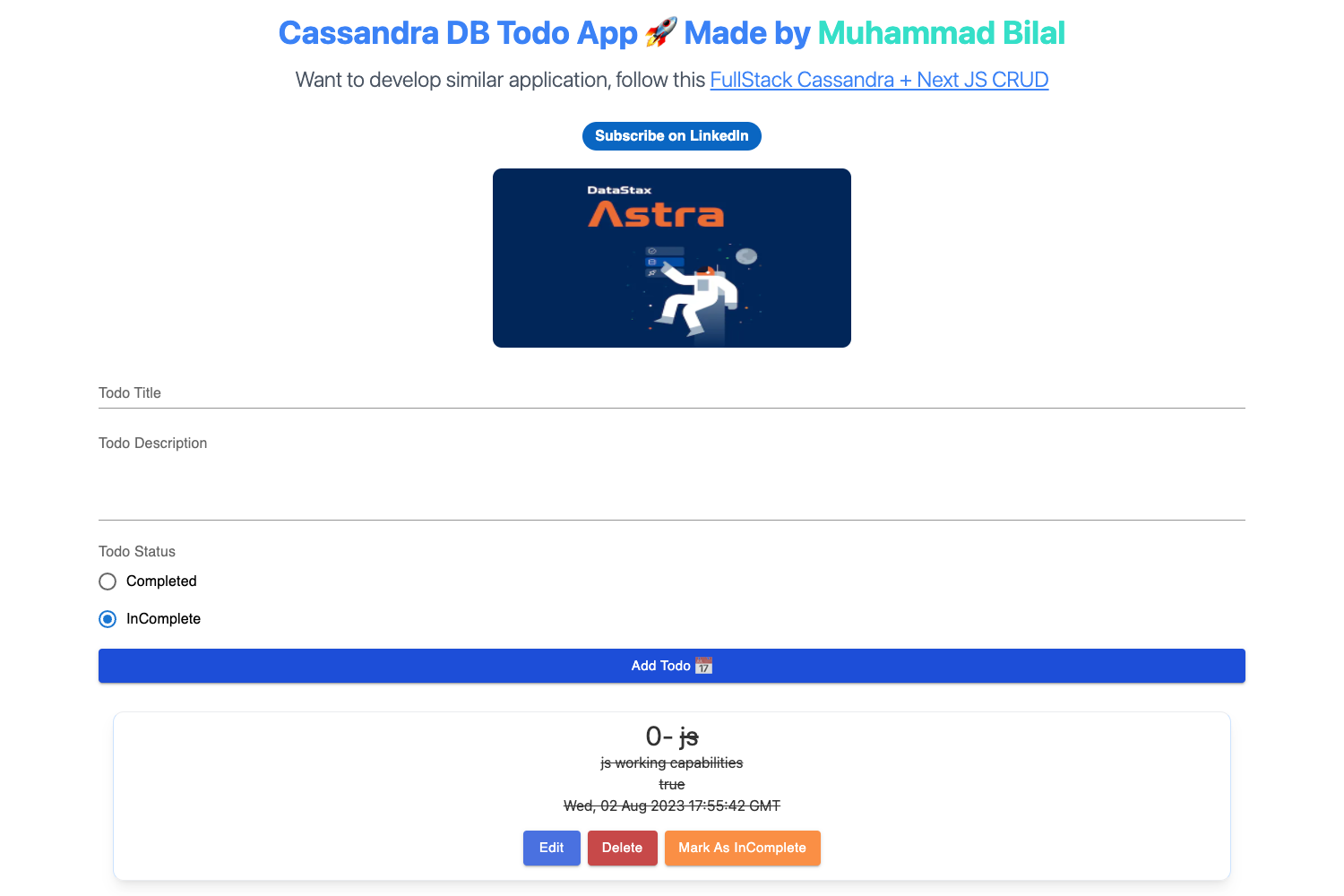
- Prototype a multi-user app: Create accounts, log in, and manage items with ownership-based permissions using the built-in
Itemtype and access policies. - Customize the schema: Open
dbschema/default.gel, add fields toItemor define new types, then regenerate types and update the dashboard query inapp/dashboard/page.tsx. - Add authentication providers: Use
npx gel uito go to the Auth tab and add OAuth providers like Google or GitHub following the on-screen instructions. - Test password reset: Configure the SMTP settings in Gel UI (host
localhost, port1025) and use the Mailpit tool to test the reset-password flow locally.
How does the template work?
The template requires you to init a Gel project with npx gel project init, set up Gel Auth by running pnpm auth:setup, generate types with pnpm generate:all, and then start the dev server with pnpm dev. The included scripts write the necessary configuration and extension into the Gel schema; after that, the app's sign-up, log-in, and dashboard routes work against the local Gel instance. The Gel UI (npx gel ui) lets you manage auth providers and SMTP settings without editing files.
FAQ
Do I need the Gel CLI installed?
No — the README recommends using npx gel, which auto-installs and runs the Gel CLI for you. If you prefer a manual install, the README provides a curl command for the official installer.
What does the template cost?
The template itself is free and open source via the GitHub repository. You will pay only for the hosting and database services you choose, such as Vercel and Gel Cloud.
Can I use a provider other than email/password for authentication?
Yes. After setup, open the Gel UI, navigate to the Auth tab, and use the “Add Provider” button to add an OAuth provider. The template leaves provider configuration to the Gel UI.
Does the template include a way to delete items I don't own?
The schema includes an access policy that prevents non-creators from deleting items. The README suggests you can conditionally render the delete button based on user permissions as a next step, but the template itself demonstrates the database-level rule.