Template details
Gatsby Starter Santa Fe
A Gatsby starter theme for artists and designers to display their creations, using styled-components and web font loading.
About this template
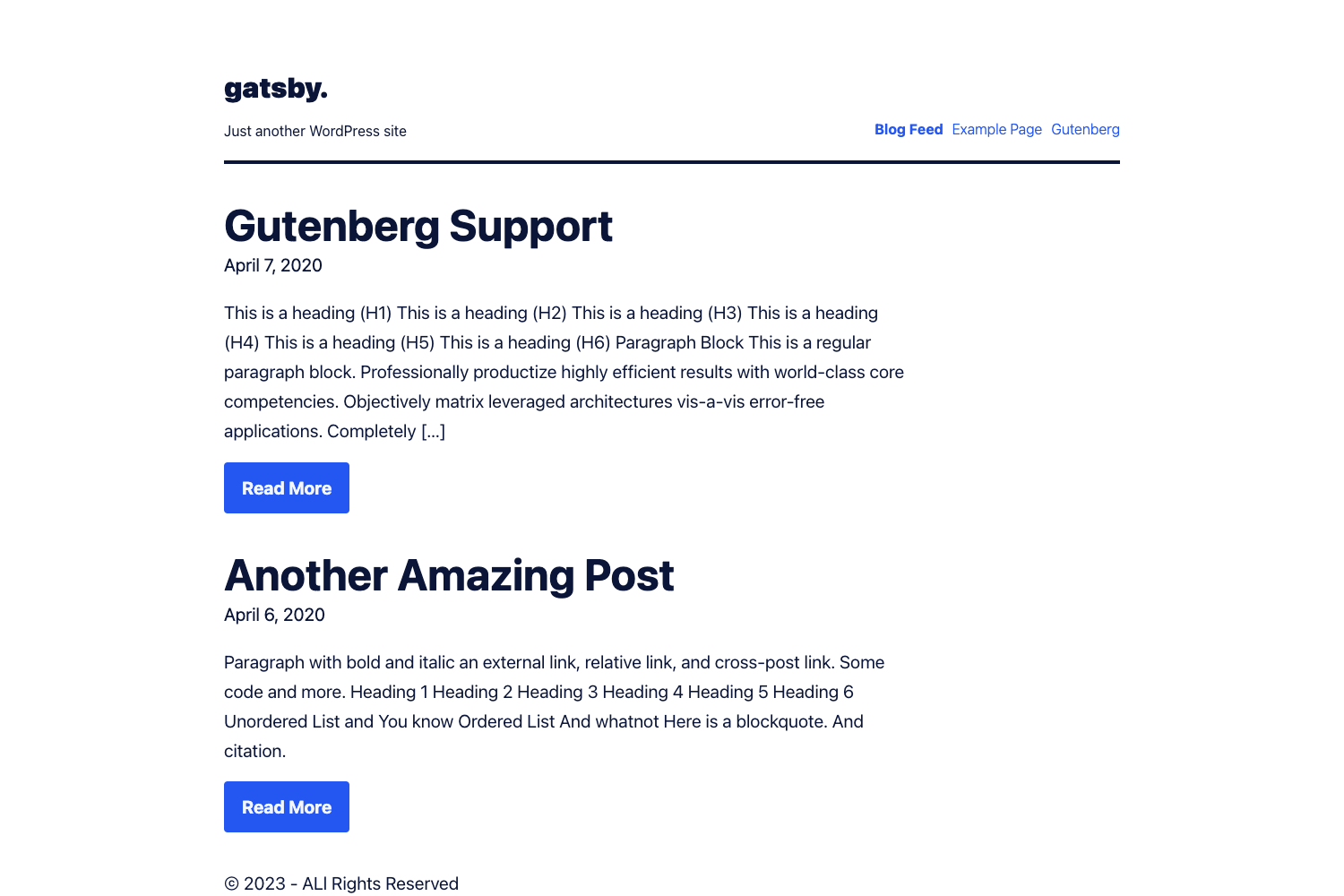
Gatsby Starter Santa Fe is a Gatsby boilerplate starter aimed at artists and designers who want to display their creations, and it comes pre-configured with the styled-components and web font loader plugins.
What is Gatsby Starter Santa Fe?
Gatsby Starter Santa Fe is a starter template for the Gatsby static site generator, providing a pre-built project skeleton with the main Gatsby configuration files. It runs on Gatsby, which is a React-based framework, and produces a static website. The theme derives its name from one of the included fonts, called "Santa Fe," and is described as a simple, elegant theme. The starter is intended for artists or designers to display their creations, and it includes the standard Gatsby file structure such as src, gatsby-config.js, gatsby-node.js, gatsby-browser.js, gatsby-ssr.js, and package.json.
Key Features
- Gatsby framework — The starter is built on Gatsby and includes the default configuration files (gatsby-config.js, gatsby-node.js, gatsby-browser.js, gatsby-ssr.js) so you can start developing immediately.
- Styled-components integration — It ships with gatsby-plugin-styled-components, allowing you to write component-scoped CSS-in-JS styles using styled-components.
- Web font loading — It includes gatsby-plugin-web-font-loader as well as an included font called "Santa Fe" that gives the theme its name.
- Netlify deployment — A one-click "Deploy to Netlify" button is provided in the README, so you can deploy the generated Gatsby site to Netlify by connecting a Git repository.
- Standard Gatsby structure — The project includes common directories and files: node_modules, src, .gitignore, .prettierrc, package-lock.json, package.json, README.md, and a MIT-licensed LICENSE file.
Who is it for?
- Artists — Artists who want a simple, elegant website to showcase their creations without starting from a blank project.
- Designers — Designers who need a typography-focused template that already integrates styled-components and web font loading, so they can focus on design.
- Gatsby beginners — Developers new to Gatsby who want a minimal, working boilerplate to learn how a Gatsby project is organized and how to customize it.
What can you do with Gatsby Starter Santa Fe?
- Build a portfolio site — Use the starter as a base for an artist or designer portfolio; it runs on Gatsby and can be deployed to Netlify or any static host.
- Learn Gatsby project structure — Inspect the default configuration files and directories to see how Gatsby projects are laid out.
- Customize styles with styled-components — Use the gatsby-plugin-styled-components setup to add component-scoped styling to your pages.
- Load custom web fonts — Take advantage of gatsby-plugin-web-font-loader to include the Santa Fe font or other web fonts in your site.
How does Gatsby Starter Santa Fe work?
The README outlines a standard Gatsby workflow: create a new site with the Gatsby CLI using npx gatsby new my-default-starter https://github.com/gatsbyjs/gatsby-starter-default, then run gatsby develop to start a development server at localhost:8000. You can edit src/pages/index.js and see changes in real time, and a GraphiQL tool is available at localhost:8000/___graphql. The starter can be deployed to Netlify using the provided deploy button.
FAQ
Is Gatsby Starter Santa Fe free?
Gatsby is open source and the starter is available as a free boilerplate; the project includes a MIT-licensed LICENSE file. There is no mention of any paid version.
What does Gatsby Starter Santa Fe include?
The starter includes the main Gatsby configuration files (gatsby-config.js, gatsby-node.js, gatsby-browser.js, gatsby-ssr.js), a src directory for front-end code, and the gatsby-plugin-styled-components and gatsby-plugin-web-font-loader plugins.
Can I deploy Gatsby Starter Santa Fe to Netlify?
Yes, the README includes a "Deploy to Netlify" button that lets you connect a Git repository and deploy the site to Netlify with one click. Since Gatsby produces static sites, you can also host it on other platforms.
What is the purpose of the Santa Fe font?
The template takes its name from the "Santa Fe" font, one of the fonts included via the web font loader plugin. It gives the theme its distinctive typography, making it suitable for design-focused portfolios.