Template details
Astra DB Todo App Crud
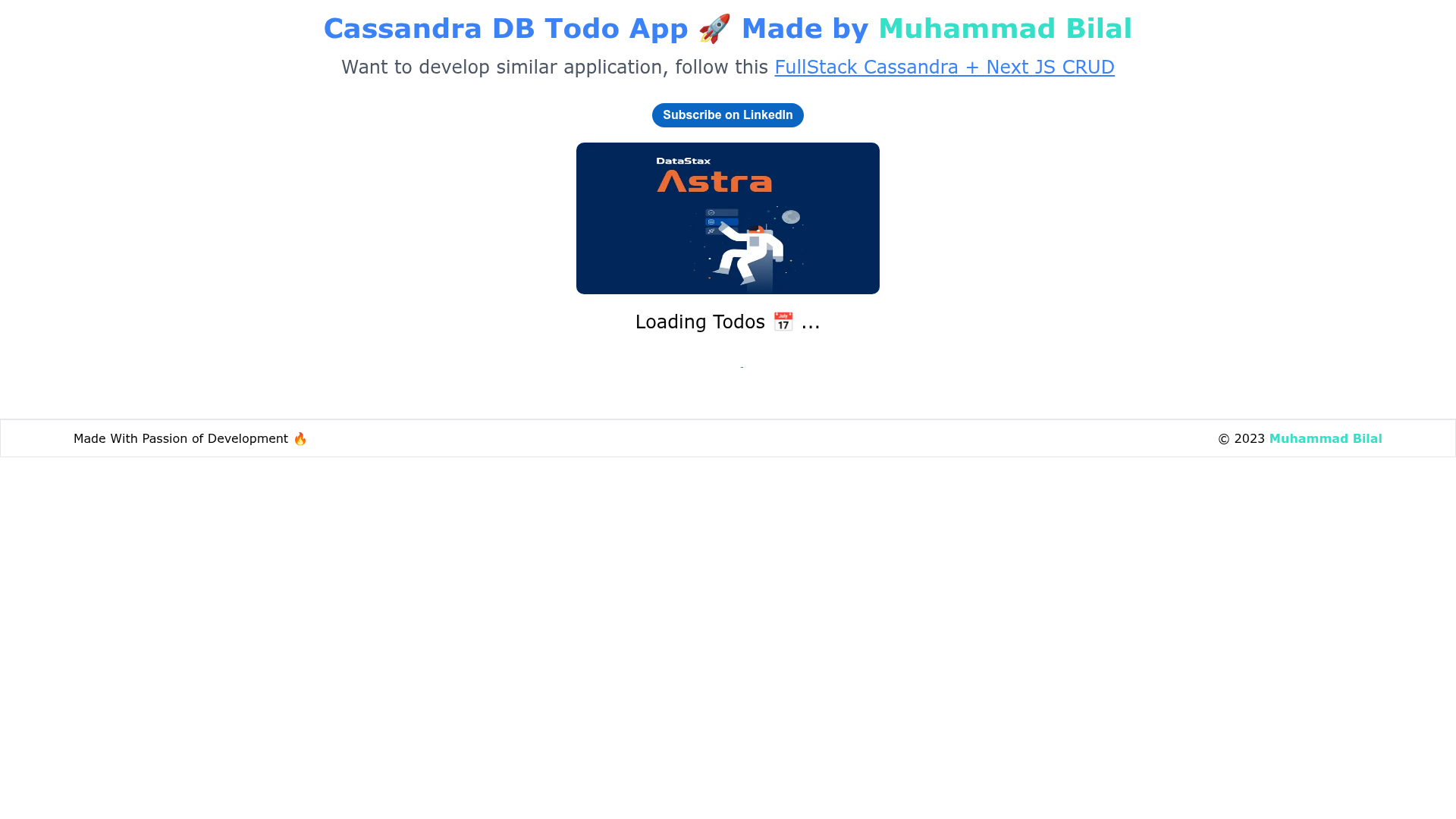
Todo app performing CRUD operations with AstraDB(Cassandra DB) APIS. Used Next JS APIS.
About this template
This is a full-stack boilerplate project that combines a Next.js 13 front end with a serverless DataStax Astra DB (Apache Cassandra) backend, demonstrating every CRUD operation through Next.js API routes.
What is the Astra DB Todo App Crud?
The Astra DB Todo App Crud is an open-source sample application, written in TypeScript, that shows how to build a todo list connected to a managed Cassandra database. It accepts todo items through a Material UI and Tailwind CSS interface, stores them in a todos table inside an Astra DB keyspace, and exposes GET, POST, PUT, and DELETE endpoints via Next.js API routes. The project was created by Muhammad Bilal and is available on GitHub with a live demo at astratodo.vercel.app.
Key Features
- Next.js 13 API routes — The project implements GET, POST, PUT, and DELETE endpoints for todo CRUD operations against Astra DB.
- Serverless Astra DB integration — Uses DataStax Astra DB, a serverless hosted Cassandra database, configured with environment variables for database ID, region, keyspace, and token.
- Cassandra data model — Includes a
todostable created with the CQL console and sample data inserted using CQL commands. - Material UI and Tailwind CSS — The front-end combines Material UI components with Tailwind utility classes for styling.
- Typed TypeScript code — Both the API layer and UI components include explicit types, such as a dedicated type definition for todo items.
- Reusable components — The UI is split into TodoList, SnackBar, and Footer components under a typed component folder.
- Environment-based configuration — All Astra DB credentials live in a
.env.localfile usingREACT_APP_ASTRA_DB_prefixed variables.
Who is it for?
- Full-stack developers — who want a working reference for connecting Next.js to a managed Cassandra database without maintaining their own backend.
- Cassandra beginners — the README includes a full introduction to Cassandra concepts like data distribution, replication, and wide-column storage before the code walkthrough.
- Developers evaluating Astra DB — this project shows how to create a database, open the CQL console, run schema commands, and wire the database into a front-end app.
- Tutorial readers — the repository is written as a step-by-step guide with a table of contents, prerequisites, and installation instructions.
What can you do with the Astra DB Todo App Crud?
- Experiment with NoSQL CRUD: use the todo app as a sandbox to practice create, read, update, and delete operations against Cassandra through a familiar REST-style API.
- Start a serverless side project: clone the repository as a base for any application that needs a managed database with no backend server to maintain.
- Teach a workshop: the structured sections covering Cassandra theory, database setup, API code, and front-end components form a ready-made lesson plan.
How does it work?
Clone the repository, run npm install, create a .env.local file with your Astra DB credentials, and start the development server with npm run dev. The Next.js API routes then handle CRUD requests to the todos table, while the front-end components render the list and send mutations.
FAQ
What do I need to run this project?
You need Node.js, a package manager like npm, yarn, or pnpm, and an active Astra DB database. You also need your database ID, region, keyspace, and a token, which you paste into a .env.local file following the README's setup section.
Is this project free to use?
The source code is publicly available on GitHub and can be cloned, modified, and deployed without restrictions. The underlying Astra DB service is hosted by DataStax, and the project code itself contains no paid components.
Does the app use Cassandra or Astra DB?
Both. Apache Cassandra is the open-source NoSQL database technology, and Astra DB is DataStax's serverless managed version. The todo data is stored in a Cassandra table accessed through the Astra DB platform.
How do I create the todos table?
The README instructs you to open the CQL console in your Astra DB database, then run CQL commands to create the todos table and insert sample rows before running the Next.js app.
What credentials do the environment variables need?
The .env.local file requires REACT_APP_ASTRA_DB_ID, REACT_APP_ASTRA_DB_REGION, REACT_APP_ASTRA_DB_KEYSPACE, and REACT_APP_ASTRA_DB_TOKEN. The README shows example values for a demo database; you must replace them with your own to connect safely.