Template details
Next.js on Rails
Opinionated full-stack template pairing Next.js frontend with Ruby on Rails API backend, featuring JWT auth, Docker support, and prebuilt components.
About this template
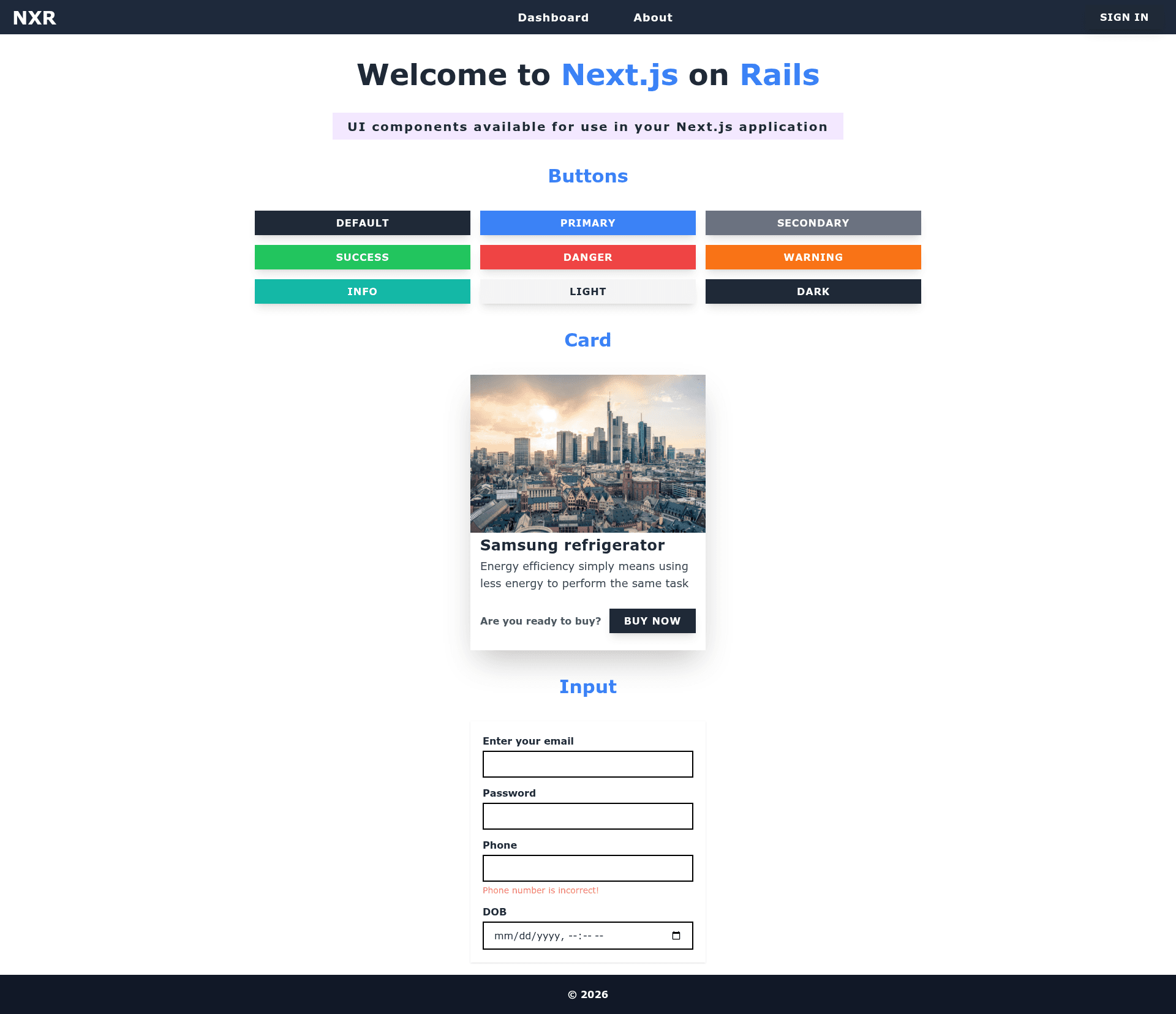
Next.js on Rails is an opinionated full-stack boilerplate template that pairs a Next.js frontend with a Ruby on Rails API backend, delivering prebuilt authentication, authorization, Docker support, and testing tooling for new project startups.
What is Next.js on Rails?
Next.js on Rails is an opinionated template for setting up a project with Next.js as the frontend and Ruby on Rails as the backend API. It follows the best practices of both Next.js and Ruby on Rails, is actively maintained, and includes Docker support. The template ships with user authentication, user authorization, and a structured setup for frontend and backend services, making it a ready-to-start scaffold for new projects, described by its author as crafted for pet projects but suitable as a general starting point.
Key Features
- JWT authentication — Backend user authentication using JSON Web Tokens, paired with frontend signup and login flows.
- Pundit authorization — Policy-based user authorization enforced on the Rails API side.
- Interactor pattern — Business logic is organized in service objects via the interactor gem.
- Email styling — premailer-rails inlines CSS stylesheets into outgoing emails.
- Fast pagination — pagy delivers efficient pagination for API endpoints.
- JSON building — The jb gem provides a fast JSON API template builder.
- Testing and coverage — MiniTest is configured for test writing and SimpleCov for code coverage reports.
- Frontend stack — User signup, login, and profile pages come ready alongside shared components under components/shared, built with DaisyUI and @headlessui/react for accessible modal and dialog components.
- State and SSR tokens — zustand handles minimal state management while react-cookie shares tokens during server-side rendering.
- Docker support — A Dockerfile in the docker directory and a docker-compose.yml allow startup with a single docker-compose up command.
Who should use Next.js on Rails?
- Full-stack developers — Start a new project with both Next.js frontend and Rails API preconfigured, saving days of setup.
- Rails developers — Jumpstart a modern React frontend without leaving the Rails ecosystem, using JWT auth and familiar Rails tooling.
- Solo builders and pet-project creators — Quickly scaffold a production-like boilerplate with auth, testing, pagination, and Docker for side projects.
- Teams adopting best practices — Use the template as a reference for Next.js and Rails conventions, including the interactor pattern and JSON builders.
Use cases
- Prototyping an MVP: Launch a full-stack application with authentication, user profiles, and pagination already wired end-to-end, reducing initial scaffolding work.
- Learning full-stack architecture: Study how Next.js and Ruby on Rails communicate via a JSON API, with JWT auth, policy-based authorization, and SSR token sharing implemented.
- Containerized development: Use the provided Docker configuration to run both frontend and backend containers together with docker-compose, ideal for consistent local environments.
- Email-triggering features: Take advantage of premailer-rails to send styled transactional emails from the Rails API without a separate styling step.
How does Next.js on Rails work?
The template runs the Rails server as an API and the Next.js app as a separate frontend process. For manual setup, run bundle install in the root, then rails db:prepare to create, migrate, and seed the database, install frontend packages with cd frontend && npm install, and launch both services with foreman start using the Procfile. Alternatively, run docker-compose up in the root directory to start everything via Docker.
FAQ
What Ruby and Node versions are required?
Manual setup requires Ruby 3.0.3 and Node.js version 16 or higher. The Docker setup builds its own environment, so these versions only apply to manual installs.
Does Next.js on Rails include Docker support?
Yes, a Dockerfile lives in the docker directory and a docker-compose.yml is provided at the root. Running docker-compose up starts both the Rails API and the Next.js frontend.
What database does the template use?
The README instructs rails db:prepare to create, migrate, and seed the database, but it does not name a specific database engine, so it follows whatever is configured in the Rails database.yml.
Is the template free to use?
This is a public GitHub repository, so you can clone and use it freely. The author welcomes contributions, including simple typo fixes, and encourages creating issues for any difficulties encountered.