Template details
Nextkit Admin Starter Kit
Open-source Next.js admin starter kit with Tailwind CSS, Supabase, MongoDB, and Prisma for rapid dashboard development.
About this template
Nextkit Admin Starter Kit is an open-source Next.js admin dashboard template from Wrappixel that bundles Supabase, MongoDB, and Prisma ORM to give developers a pre-wired frontend-to-backend foundation for building dashboards and internal tools.
What is Nextkit Admin Starter Kit?
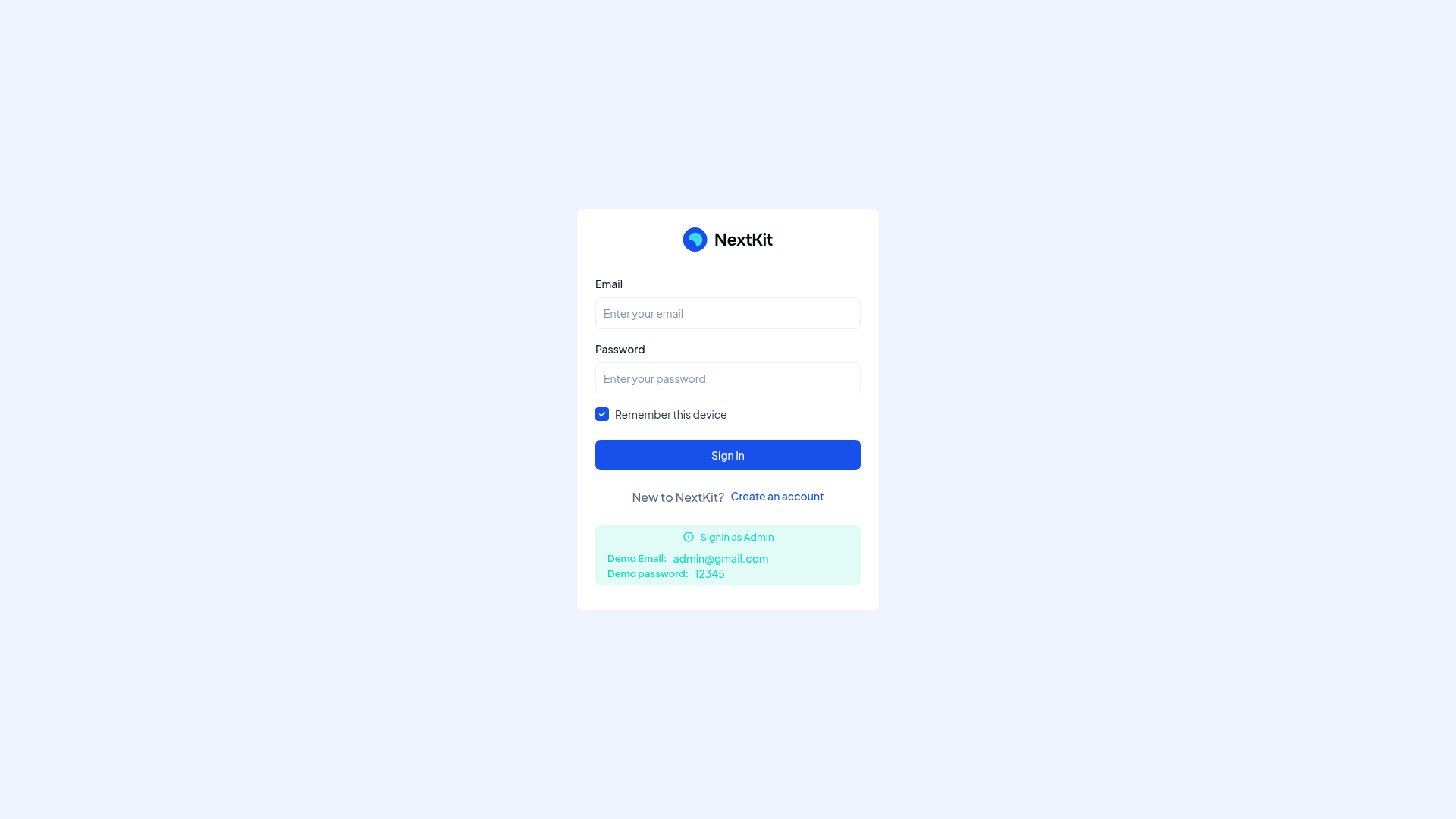
Nextkit Admin Starter Kit is a free, open-source admin template built with Next.js and Tailwind CSS. It includes two packages in the repository—one powered by Supabase, and another powered by MongoDB—both using Prisma as the ORM for database access. The template ships with pre-designed pages like dashboards, login, user profiles, and error pages, plus Flowbite UI components and ApexCharts for data visualization.
Key Features
- Responsive Design — The layout adapts to desktops, tablets, and mobile devices without additional configuration.
- Ready-to-use Authentication — Choose between Supabase-powered authentication or a custom Next.js API backend using JSON Web Tokens (JWT).
- Complete Prisma Setup — Prisma ORM is pre-configured for instant database connection with type-safe queries and schema syncing.
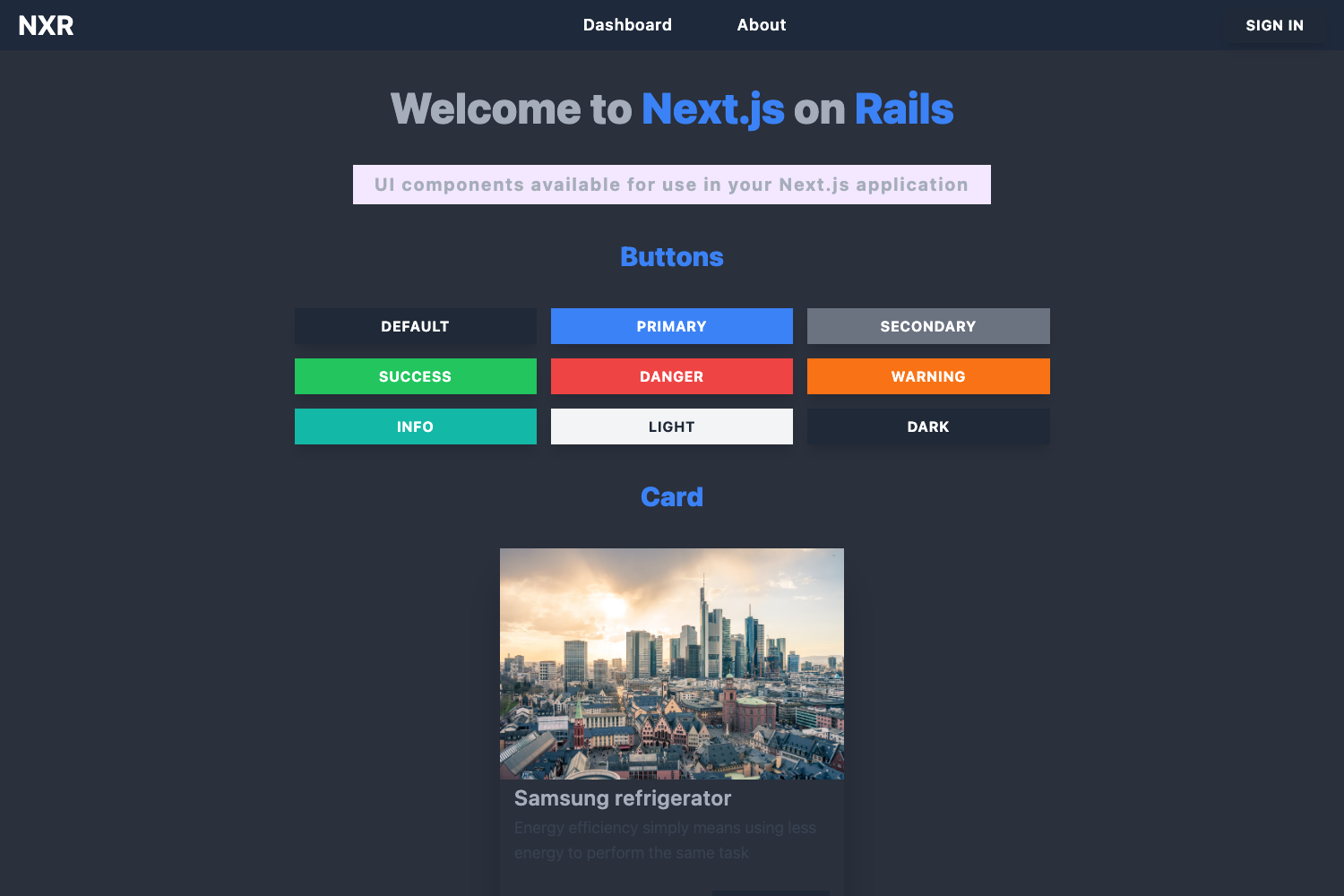
- Flowbite Integration — A library of prebuilt Tailwind CSS components such as modals, dropdowns, navbars, and tabs speeds up UI development.
- Pre-designed Pages — Essential admin pages include a dashboard, login, user profiles, and error pages out of the box.
- ApexCharts Integration — Interactive and customizable charts are available for visualizing data effectively.
- Tabler Icons — Lightweight, simple icons are included for building clean interfaces.
Who should use Nextkit Admin Starter Kit?
Full-stack developers and frontend engineers who want a jump-started admin dashboard with real database connectivity will find this template useful. It's also a good fit for SaaS teams building internal panels, CMS backends, or analytics dashboards. Because the kit provides both Supabase and MongoDB versions, developers can choose the backend that matches their production stack.
What can you do with Nextkit Admin Starter Kit?
- Full-stack developers: Set up an admin dashboard with Supabase authentication and PostgreSQL in minutes, then customize the Prisma schema for custom data models.
- SaaS founders: Use the MongoDB variant to prototype an internal tool that connects directly to an Atlas cluster, with charts for monitoring metrics.
- UI-focused developers: Modify the Tailwind and Flowbite components to create a branded admin experience without writing CSS from scratch.
How does Nextkit Admin Starter Kit work?
Start by cloning the repository and choosing the package that matches your backend. Install dependencies with npm install, then overwrite the environment variables with real database credentials. Finally, run npm run dev to launch the development server. Detailed documentation is available via the official Wrappixel documentation link.
FAQ
Is Nextkit Admin Starter Kit free?
Yes, the template is open-source and distributed freely under Wrappixel's GitHub repository. You can clone it, modify it, and use it in commercial projects.
Does it support both Supabase and MongoDB?
Yes. The repository contains two separate packages: one configured with Supabase (PostgreSQL) and one with MongoDB. Each includes the appropriate database setup and environment variables.
What UI libraries are included?
The kit uses Tailwind CSS for utility-first styling, Flowbite for prebuilt UI components, ApexCharts for charts, and Tabler Icons for iconography.
How do I set up the project?
Clone the repository, switch to your preferred package folder, run npm install, set the environment variables with your real credentials, and start the development server with npm run dev.
Can I deploy Nextkit Admin Starter Kit to Vercel?
Yes, the repository includes a "Deploy with Vercel" button that clones the Supabase package directly, making it easy to deploy a live admin dashboard on Vercel.