Template details
Next.js starter with TypeScript and daisyUI
A Next.js 13 boilerplate with TypeScript, Tailwind CSS, daisyUI themes, linting, and formatting preconfigured.
About this template
The Next.js starter with TypeScript and daisyUI is a boilerplate template that configures a Next.js 13 project with TypeScript, Tailwind CSS, and the daisyUI component library, so developers can skip repetitive setup and start building immediately.
What is the Next.js starter with TypeScript and daisyUI?
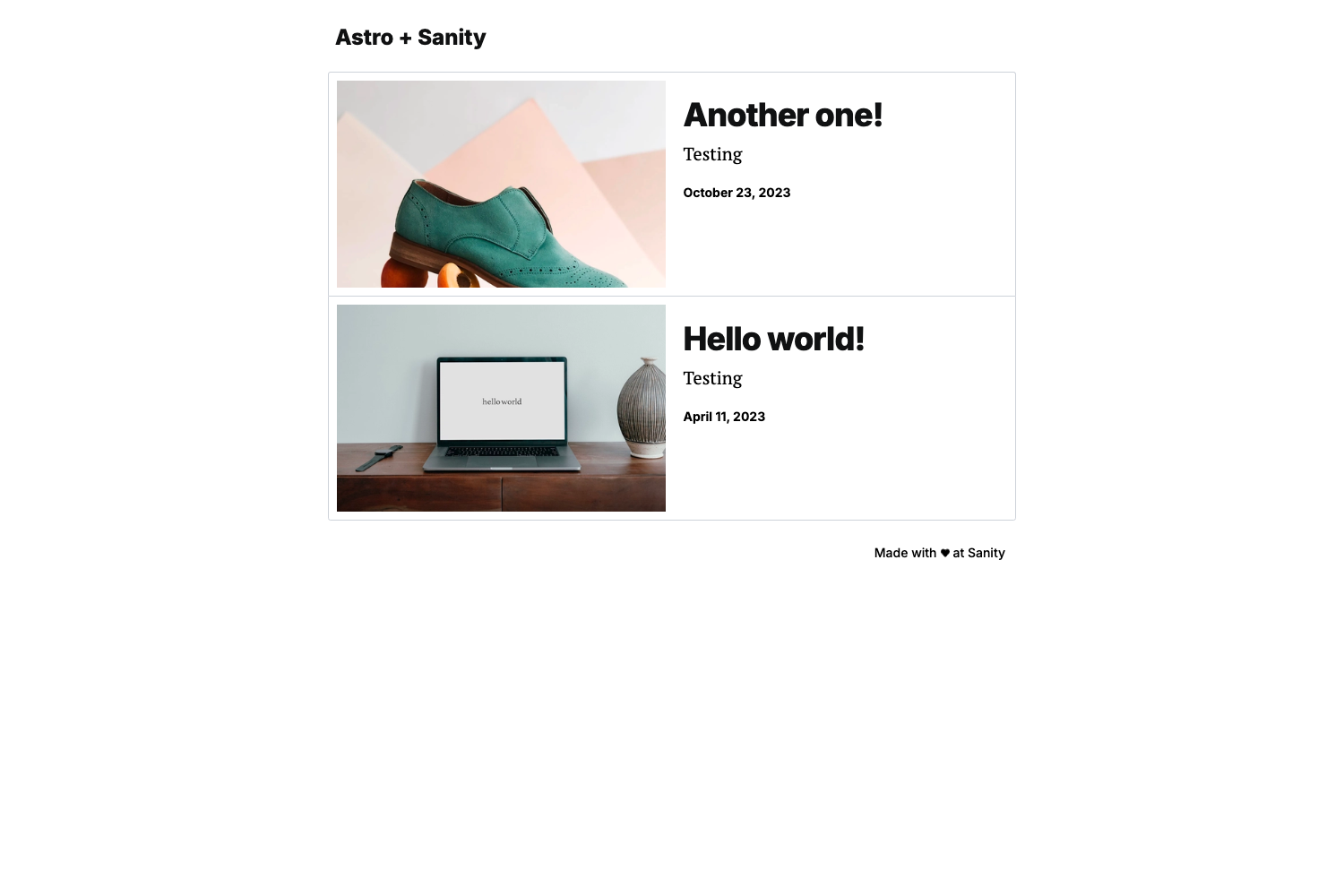
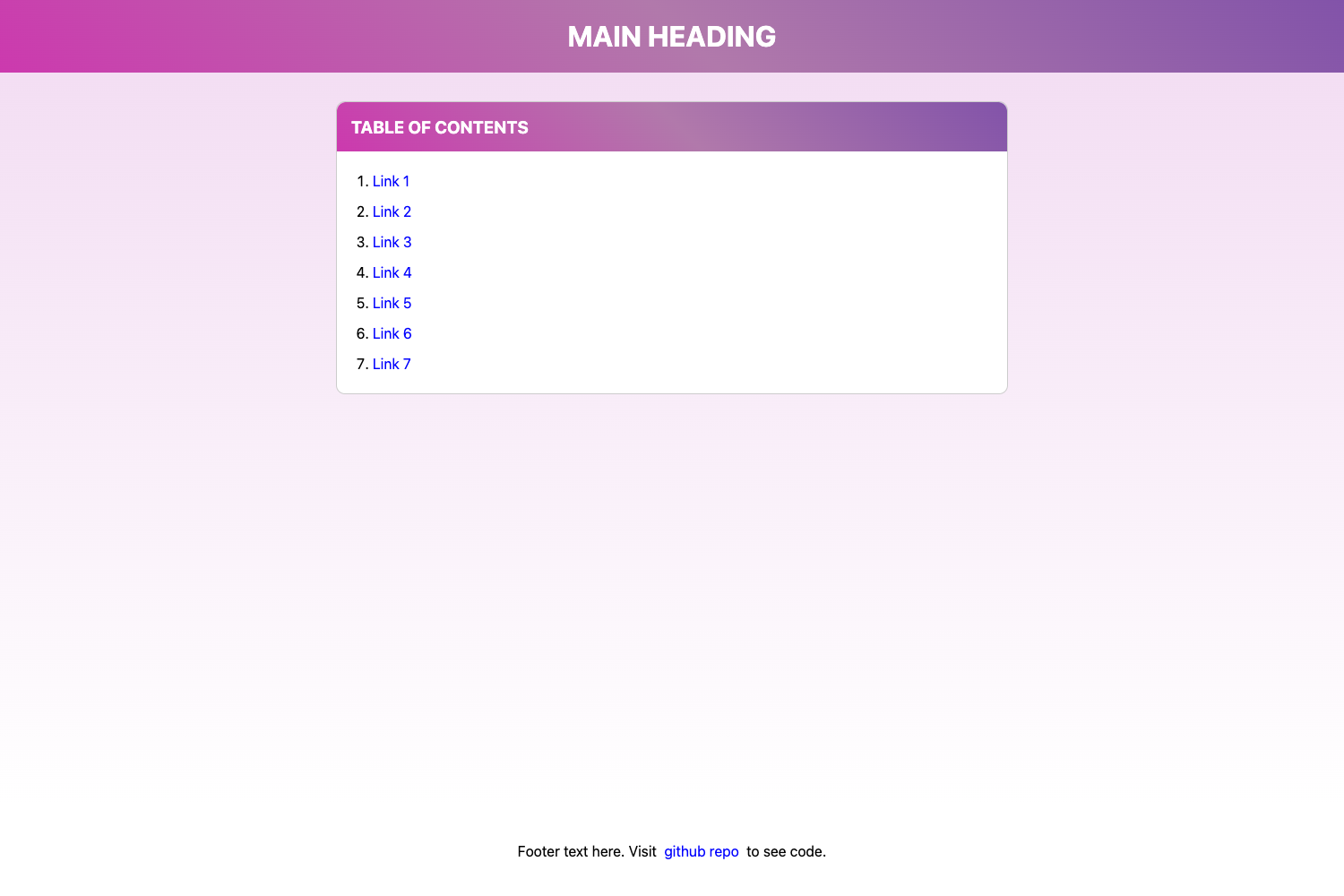
This starter is a project template for web applications built on Next.js 13. It takes a plain Next.js project and layers on TypeScript for static typing, Tailwind CSS with PostCSS nesting for styling, and daisyUI for ready-made UI components with theme support. The output is a runnable application skeleton that also includes ESLint, Prettier with the Tailwind plugin, three fonts (Inter, Alpino, Satoshi), and optional VS Code workspace settings. It was published by an individual developer for personal use, and the README states that anyone who finds it useful is free to use it. A live preview is available at https://next.toph.cc.
Key Features
- Next.js 13 — The foundation is the Next.js 13 framework, giving you React-based server rendering and routing out of the box.
- TypeScript — TypeScript is configured so all source files can use static type checking.
- Tailwind CSS with PostCSS nesting — Tailwind's utility classes work with nested CSS syntax via the PostCSS nesting plugin.
- daisyUI with themes — The daisyUI component library is installed and set up with theme support; you can apply different color themes.
- theme-change — The theme-change package is included to let users switch between daisyUI themes in the browser.
- SVGr — SVGr is part of the configuration for handling SVG assets in the project.
- ESLint — ESLint is set up as the linter, catching common code issues during development.
- Prettier with prettier-plugin-tailwindcss — Prettier formats code, and the Tailwind plugin sorts utility classes automatically.
- Fonts: Inter, Alpino, Satoshi — Three font families are bundled, usable via CSS.
- .vscode configs — The repository includes VS Code settings such as recommended extensions or editor preferences; these can be deleted if you don't want them.
Who is it for?
- Frontend developers who want to start a new Next.js project without spending time configuring Tailwind, TypeScript, and linting tools.
- Developers using daisyUI who want a prebuilt setup with themes and the theme-change library for runtime theme switching.
- Learners who want a small, well-configured codebase to study how Next.js, Tailwind, and daisyUI work together.
What can you do with this starter?
- Scaffold a new web app: Clone the repository, run the package manager install, and start the dev server to get a working Next.js app with Tailwind and daisyUI already active.
- Create a themed interface: Use daisyUI's component classes and the included theme-change library to offer multiple color themes to site visitors.
- Maintain code quality: Rely on the provided ESLint and Prettier setup to keep code consistent, including automatic sorting of Tailwind utility classes.