Template details
NextJs Tutorial
This is a nextJs Tutorial, with a simple nextjs website created, explains all basic nextjs functionalities to get started using nextjs
About this template
NextJs Tutorial is a minimal Next.js starter project bootstrapped with create-next-app, designed to teach the basic functionalities of the Next.js framework through a simple working website.
What is NextJs Tutorial?
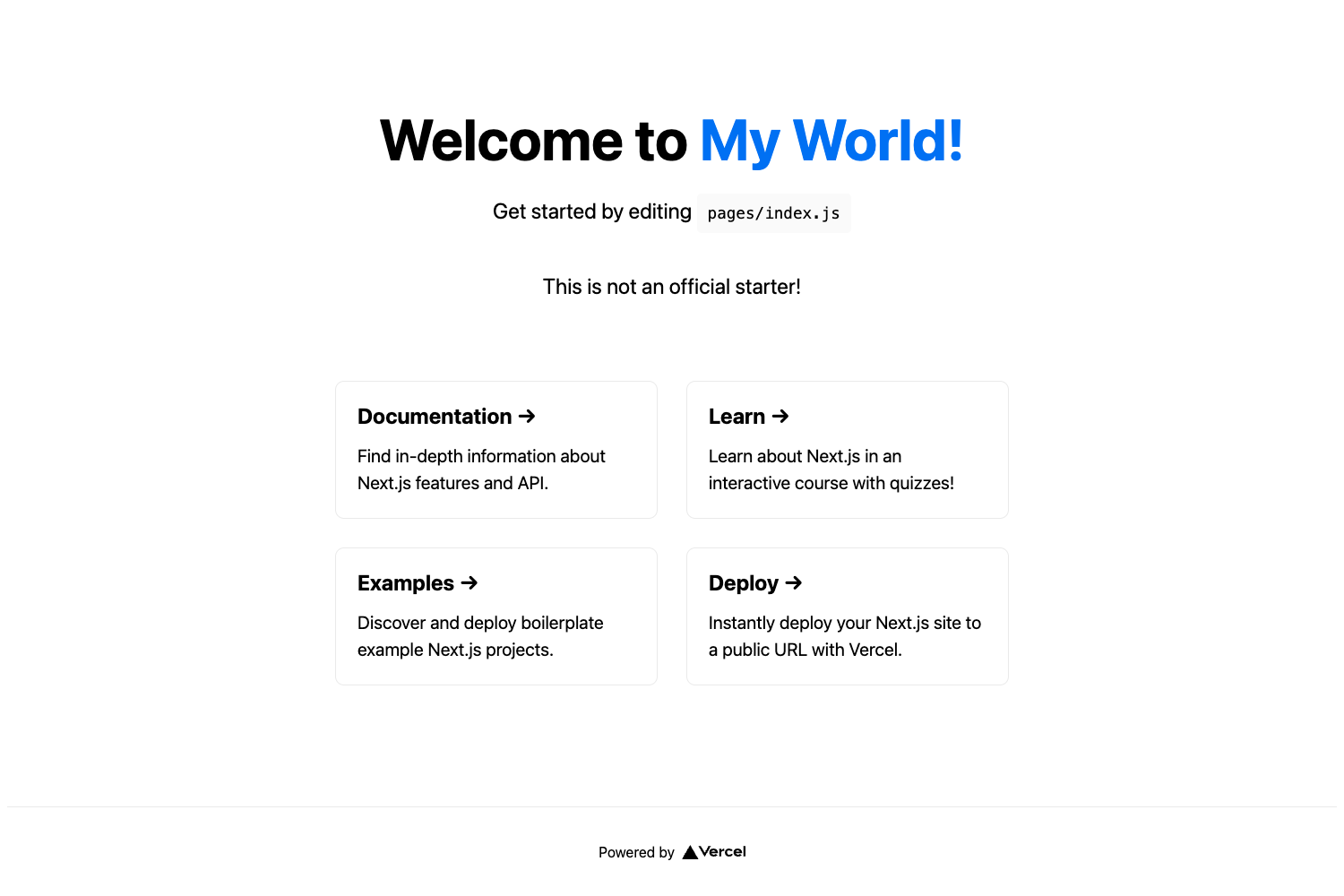
NextJs Tutorial is a starter repository created with create-next-app, the official scaffold for Next.js projects. It takes a basic Next.js project structure and produces a runnable website with one page and one API route, running on Node.js via npm or yarn. The project is available on GitHub and serves as a hands-on introduction to Next.js concepts such as file-based routing, API routes, and hot reloading.
Key Features
- Create Next App bootstrap — Initialized with create-next-app, the standard tool for scaffolding new Next.js applications.
- Development server — Run
npm run devoryarn devto start a local server athttp://localhost:3000with automatic page reloads. - File-based page editing — Modify
pages/index.jsto change the homepage content, and the browser updates instantly. - Built-in API route — A pre-configured
/api/helloendpoint inpages/api/hello.jsdemonstrates serverless functions. - Automatic API mapping — Files in the
pages/apidirectory are automatically treated as API routes under/api/*. - Vercel deployment — The README points to the Vercel Platform for one-click deployment, with official Next.js deployment documentation linked.
- Learning resources — Links to the Next.js Documentation, the interactive Learn Next.js tutorial, and the Next.js GitHub repository.
Who is it for?
NextJs Tutorial is for developers who are new to Next.js and want a minimal, working codebase to experiment with. It suits frontend developers who need a bare-bones starting point for learning routing and API routes, as well as educators who want a simple example to demonstrate in classes or workshops. Hobbyists can also use it to quickly spin up a small site with a backend API endpoint.
What can you do with NextJs Tutorial?
- New developers: Run the project locally, edit
pages/index.js, and observe hot reload behavior to understand how Next.js renders pages. - Instructors: Use the starter as a teaching tool to show how the
pages/apidirectory maps to API endpoints. - Hobbyists: Deploy the starter to Vercel to create a live website with a working
/api/helloendpoint.
How does NextJs Tutorial work?
To work with the project, install dependencies with npm install or yarn, then start the development server using npm run dev or yarn dev. Open http://localhost:3000 to view the site; edits to pages/index.js appear automatically. API routes are editable in pages/api/hello.js and are accessible at /api/hello. For production, the README recommends deploying through the Vercel Platform.
FAQ
How do I start the development server?
Run npm run dev or yarn dev in the project root, then open http://localhost:3000 in your browser. The page will auto-reload when you edit files.
What is the pages/api directory used for?
Files in pages/api are treated as API routes instead of React pages. This means each file maps to a serverless endpoint under /api/* , such as /api/hello from pages/api/hello.js.
How do I edit the homepage?
Open pages/index.js in an editor and make changes. The development server updates the page automatically, so you can see your edits immediately in the browser.
How can I deploy this project?
The README recommends using the Vercel Platform for the easiest deployment. You can also follow the official Next.js deployment documentation linked in the project's README.