Template details
TypeScript Next.js Starter
A TypeScript starter for Next.js with ESLint, Prettier, Husky, Commitizen, and more.
About this template
TypeScript Next.js Starter is an open-source boilerplate that scaffolds a Next.js project with TypeScript and a pre-configured set of code-quality tools, letting you skip repetitive setup and start building immediately. It is maintained by João Pedro Schmitz, published on GitHub under the MIT License, and designed for developers who want a consistent, linted, and formatted Next.js codebase from the first commit.
What is the TypeScript Next.js Starter?
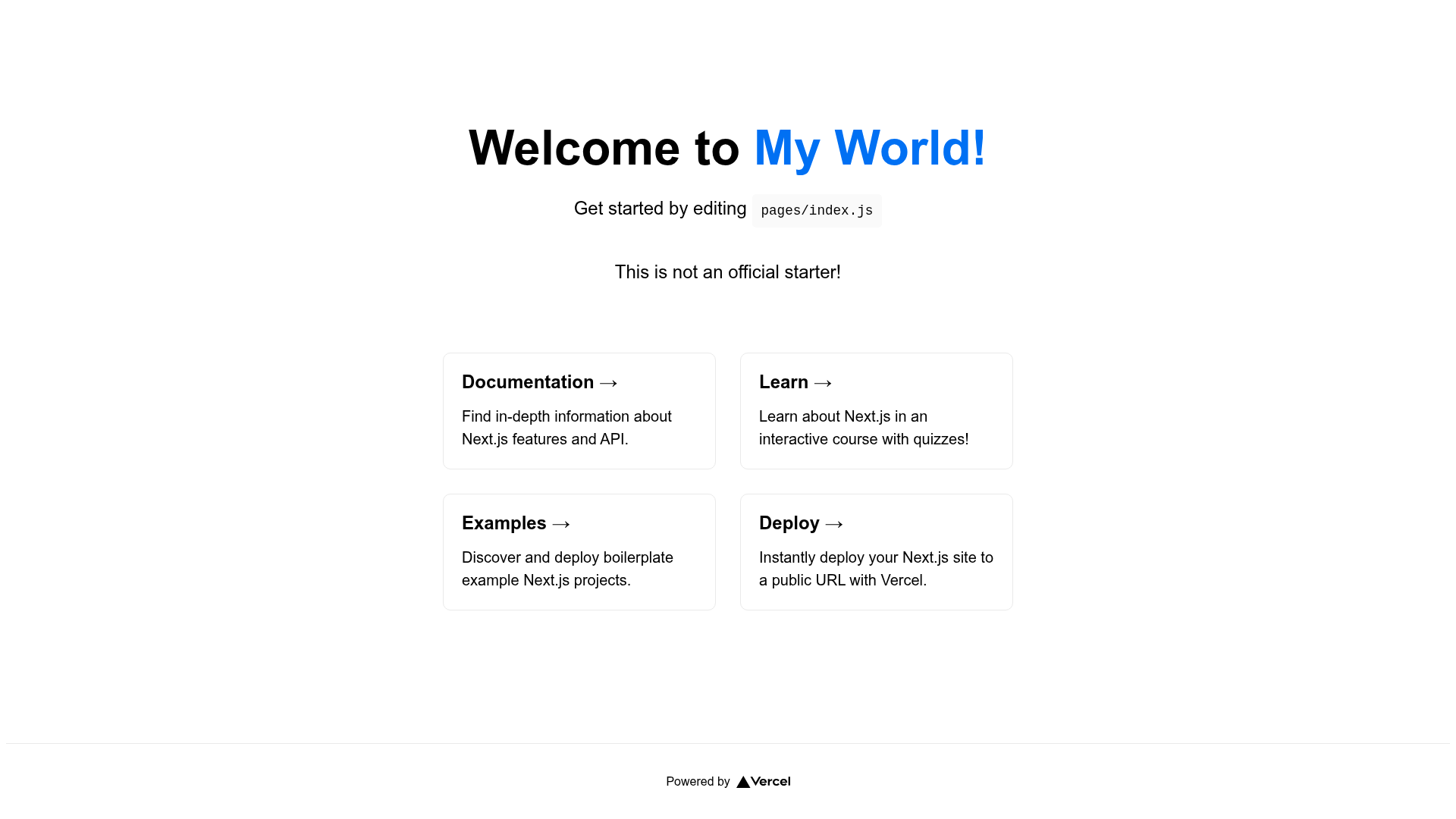
This template is a GitHub repository that acts as a starting point for Next.js applications. It takes the Next.js framework, adds TypeScript for type safety, and wires together ESLint, Prettier, Husky, Commitizen, Commitlint, Renovate, and lint-staged so that every project created from it has the same developer experience. The output is a local development server running at http://localhost:3000 with a ready-to-edit application structure. The project's author, João Pedro Schmitz, distributes it for free and accepts contributions via pull requests.
Key Features
- ESLint — Pluggable JavaScript linter pre-configured to catch code issues as you edit.
- Prettier — Opinionated code formatter that enforces a consistent style across all files.
- Husky — Git hooks that run tasks automatically before commits or pushes.
- Commitizen — Command-line tool that prompts for conventional commit messages.
- Commitlint — Lints commit messages to ensure they follow the conventional format.
- Renovate — Automated dependency update tool that keeps packages current.
- lint-staged — Runs linters only against staged git files, speeding up checks.
- Absolute imports — Import folders and files using the
@prefix instead of relative paths.
Who is it for?
- Next.js developers who want a TypeScript setup without spending time configuring ESLint, Prettier, and git hooks.
- Open-source maintainers who need a consistent, community-ready base for their own libraries or starters.
- Freelancers and agencies that scaffold multiple projects and want the same quality checks in every codebase.
- Learners who want to see a professional Next.js project structure with modern tooling already integrated.
Use cases
- Rapid prototyping: Create a new Next.js app with
npx create-next-app ts-next -e https://github.com/jpedroschmitz/typescript-nextjs-starterand immediately have linting, formatting, and commit conventions. - Building a portfolio site: Use the starter's TypeScript and Next.js foundation to build a personal portfolio, as indicated by the repository's portfolio topic tag.
- Starting a library or component project: Leverage the pre-configured toolchain to publish a package with clean code and automated dependency updates.
How does it work?
The simplest path is to run npx create-next-app ts-next -e https://github.com/jpedroschmitz/typescript-nextjs-starter. You can also clone the repository directly and run npm install or yarn, then start the development server with yarn dev. The app opens at http://localhost:3000.
Pricing
The template is free to use and modify under the MIT License. There are no paid tiers or hidden costs—the entire repository is public on GitHub.
FAQ
Is the TypeScript Next.js Starter free?
Yes. The project is distributed under the MIT License, meaning you can use, copy, modify, merge, publish, and sell copies without paying anything. The full license text is included in the repository's LICENSE.md file.
How do I create a new project with this template?
Run npx create-next-app ts-next -e https://github.com/jpedroschmitz/typescript-nextjs-starter in your terminal. Alternatively, clone the GitHub repository, run npm install or yarn, and then start with yarn dev.
Does it include TypeScript?
Yes. TypeScript is a core part of the starter. The entire setup uses .ts and .tsx files, and the template includes TypeScript configuration out of the box.
What commit tools are configured?
The starter includes Commitizen for interactive conventional commit messages, Commitlint to validate message syntax, and Husky to run git hooks such as lint-staged before each commit.
Can I contribute to the repository?
Yes. The repository explicitly welcomes contributions via pull requests. The README outlines a simple workflow: fork, create a branch, commit changes, push, and open a pull request.