Template details
Handcash Connect Nextjs Example
A Next.js starter template for integrating HandCash Connect authentication and Bitcoin Cash payments.
About this template
Handcash Connect Nextjs Example is a Next.js boilerplate that demonstrates how to integrate HandCash Connect for Bitcoin Cash payments and user authentication.
What is Handcash Connect Nextjs Example?
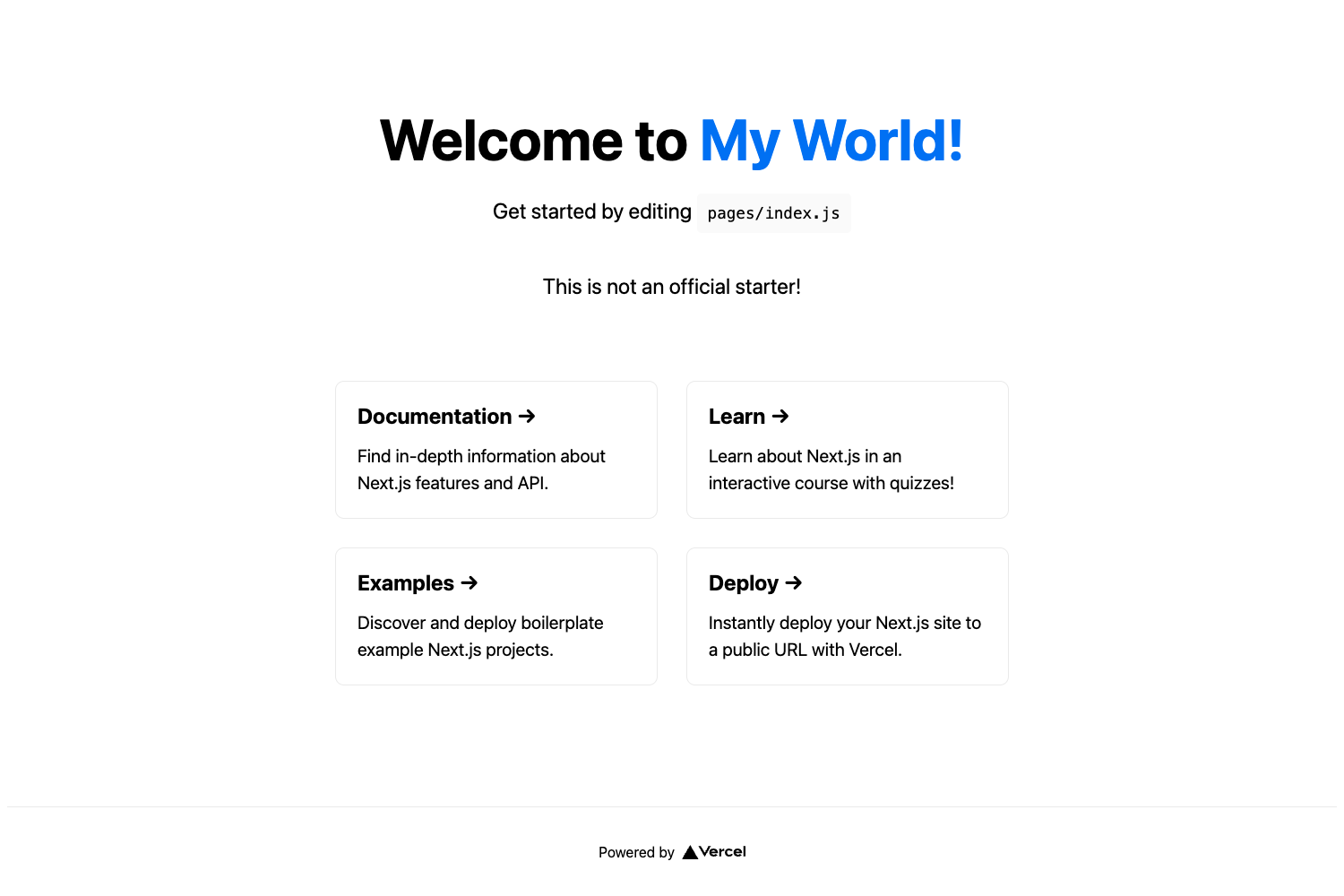
This template is a complete Next.js application that implements the HandCash Connect authentication flow: it redirects a user to HandCash, receives an authentication token back via a success URL, stores that token securely on the server, and issues a JWT-based session token for the client. It takes HandCash app credentials as input (app ID and app secret) and produces a working web app with authenticated payment requests. The stack is Next.js with API routes, React, and Tailwind CSS, and it is ready to deploy to Vercel. A live demo is available at the Vercel-hosted URL linked in the README.
Key Features
- HandCash Connect SDK integration — Uses the
@handcash/handcash-connectpackage to generate redirection URLs, fetch user profiles, and send payments through thewallet.paymethod. - Server-side token storage —
AuthTokenRepositorykeeps HandCashauthTokenvalues in memory, whileSessionTokenRepositorycreates and verifies JWT session tokens, so the raw auth token is never exposed to the browser. - Complete login flow — The API endpoint
/api/auth/handcash/successcaptures theauthTokenfrom the query string, builds a session payload with the user's handle and display name, and redirects home with asessionTokenparameter. - Payment API endpoint —
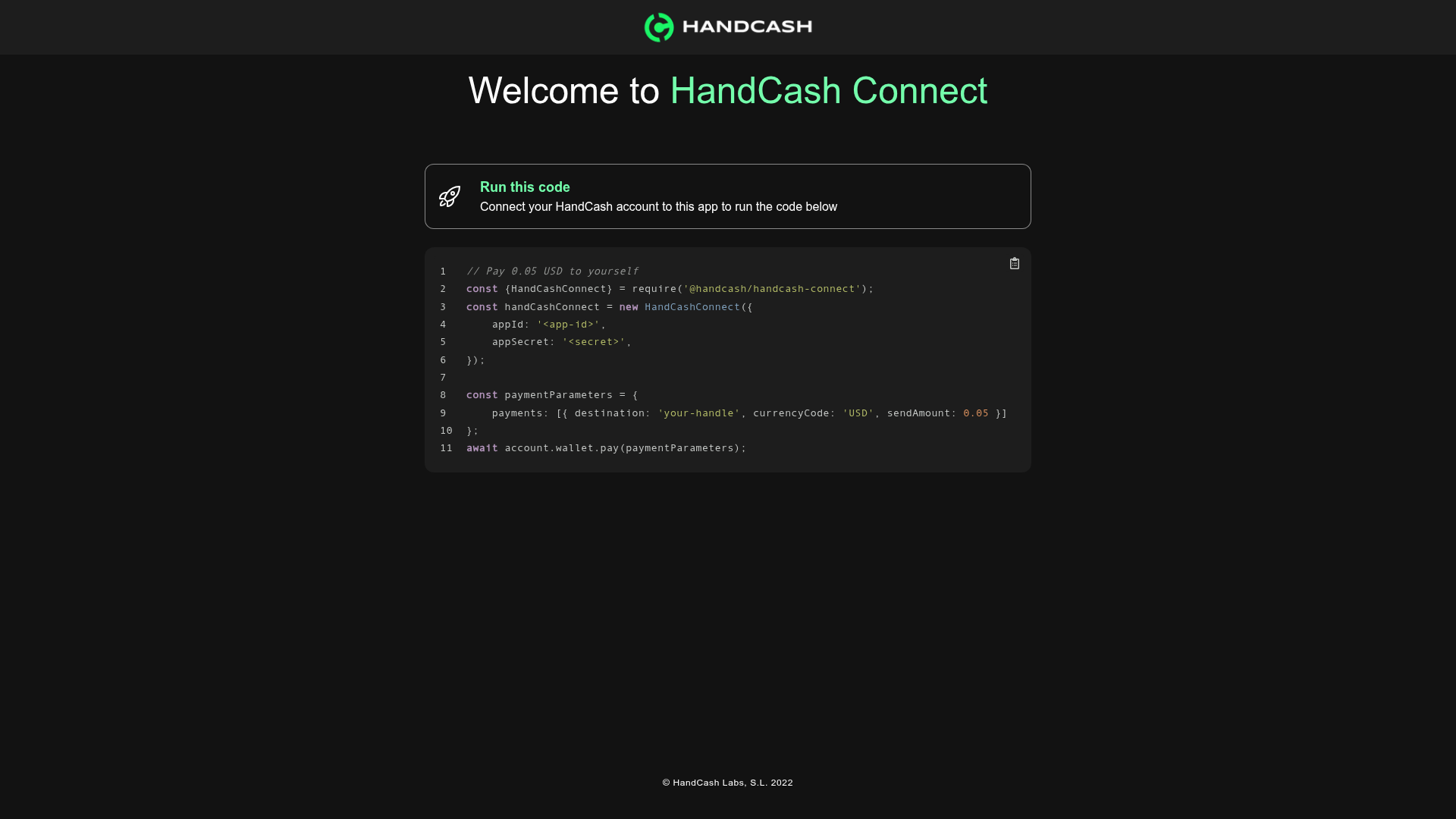
/api/payvalidates a Bearer session token, looks up the stored authToken, and executes a payment to the user's own HandCash handle for a fixed amount (0.05 USD in the demo). - Tailwind CSS styling — The frontend pages use Tailwind utility classes, including custom brand colors like
text-brandLight. - Environment-based configuration — Credentials are loaded from
.env.local(handcash_app_id,handcash_app_secret,jwt_secret) with a clear placeholder for replacement. - Vercel deployment ready — The README explicitly links to the Vercel platform and Next.js deployment docs, and the demo itself runs on Vercel.
Who is it for?
- Next.js developers who want a working reference for integrating HandCash Connect into their own app, including the exact API routes and service class structure.
- Bitcoin Cash application builders looking to accept BCH payments: the template shows how to send a payment request from the server using the HandCash wallet SDK.
- Developers exploring alternative authentication providers — HandCash acts as an external identity service, and the template demonstrates how to keep it decoupled from your own session management via JWT.
What can you do with the template?
- Add HandCash login to your app: Redirect users to HandCash and let them authenticate with their BCH wallet; the template handles the callback and session creation for you.
- Trigger on-demand payments: After authentication, clicking "Run this code" sends a POST request with the session token and pays 0.05 USD back to the user's own handle.
- Protect features behind authentication: The demo gates the payment action behind a valid session token, showing how to secure API routes with the Bearer token pattern.
- Customize the payment amount and currency: The
paymethod acceptsdestination,amount, andcurrencyCode, so you can change the demo's fixed 0.05 USD to any value and currency supported by HandCash.
How does the template work?
The authentication flow is a four-step redirect cycle: (1) the user is redirected from your app to HandCash; (2) HandCash redirects back with an authToken query parameter; (3) the /api/auth/handcash/success endpoint stores the authToken and generates a JWT sessionToken; (4) the user lands on the home page with that session token. Payments follow a separate server-side path: the client sends the session token as a Bearer header to /api/pay, which verifies it, retrieves the stored authToken, and calls the HandCash SDK to execute the payment.
FAQ
What credentials do I need to run this example?
Create an app at dashboard.handcash.io, then copy your app ID and app secret into .env.local along with a jwt_secret value. The README marks all three as "replace-me" placeholders and notes you should change the JWT secret before production.
Is the authentication token storage production-ready?
No. The README explicitly states that AuthTokenRepository keeps handCash authTokens in memory and calls it "good enough for this demo." For production, you would need to replace it with a persistent and secure store.
What does the payment endpoint do?
The /api/pay route validates the Bearer session token, checks that an authToken exists for the session, and then calls the HandCash wallet's pay method with the destination set to the user's own handle, an amount of 0.05, and currency code USD. It returns a transaction ID on success.