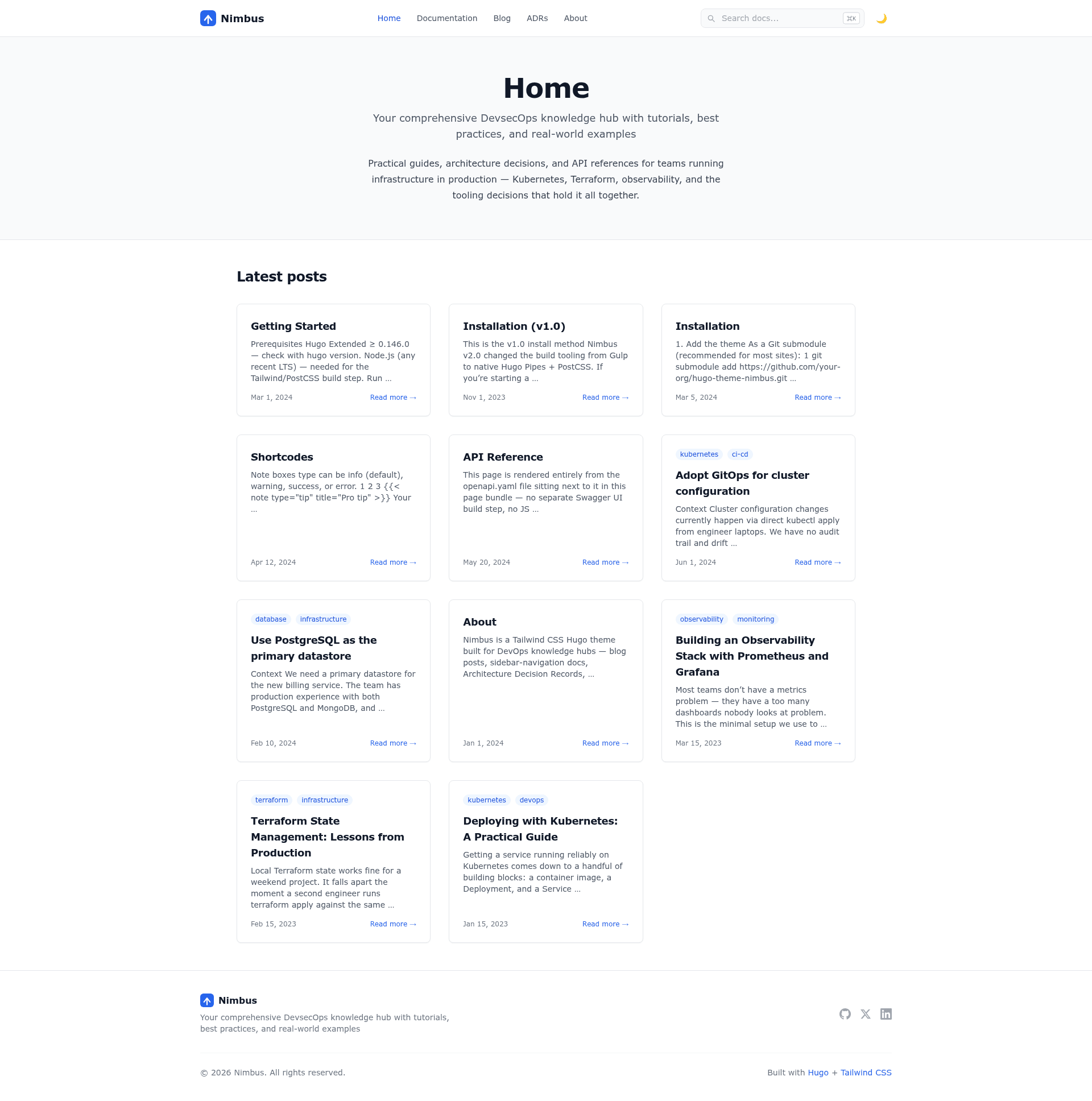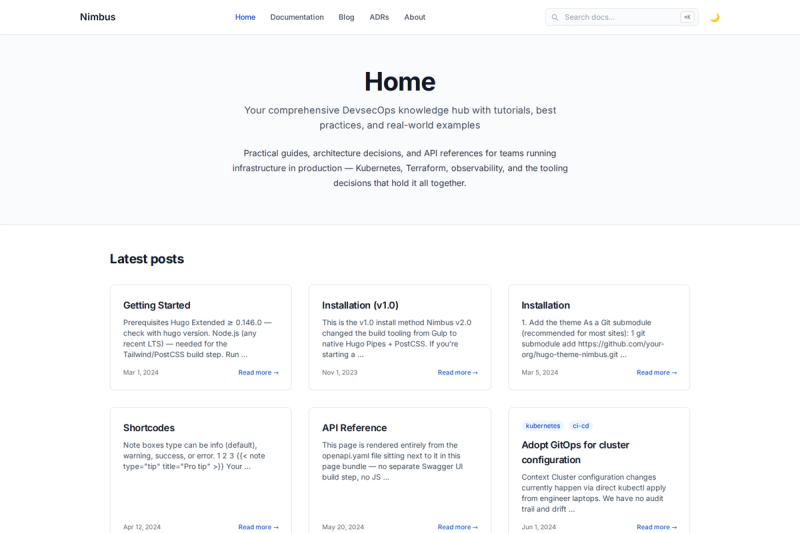
Nimbus is an open-source Hugo theme built with Tailwind CSS that combines blog posts, sidebar-navigation reference docs, and runbooks into a single DevOps knowledge hub. The theme renders Markdown content into a static site and adds specialized features for API references, architecture decision records (ADRs), and code diffs.
What is Nimbus?
Nimbus is a Hugo (Extended) theme that takes Markdown pages, YAML/JSON OpenAPI spec files, and shortcode-driven content as input, and outputs a responsive static documentation site. The repository hugo-nimbus by k-s-pavan-kumar requires Hugo Extended 0.146.0 or newer and styles everything with Tailwind CSS. Because Tailwind is precompiled into a committed CSS file, regular Hugo builds have no Node.js dependency.
What makes Nimbus stand out?
- Native OpenAPI spec rendering — drop an OpenAPI YAML or JSON file into a Hugo page bundle and Nimbus generates collapsible endpoint docs with method badges, parameters, and request/response schemas, all rendered at build time without a JavaScript widget.
- Architecture Decision Records — a first-class ADR section with status badges (proposed, accepted, deprecated, superseded), a timeline index, and an archetype that scaffolds the Context/Decision/Consequences structure via
hugo new adr/000x-title.md. - Real diff shortcode — a dedicated
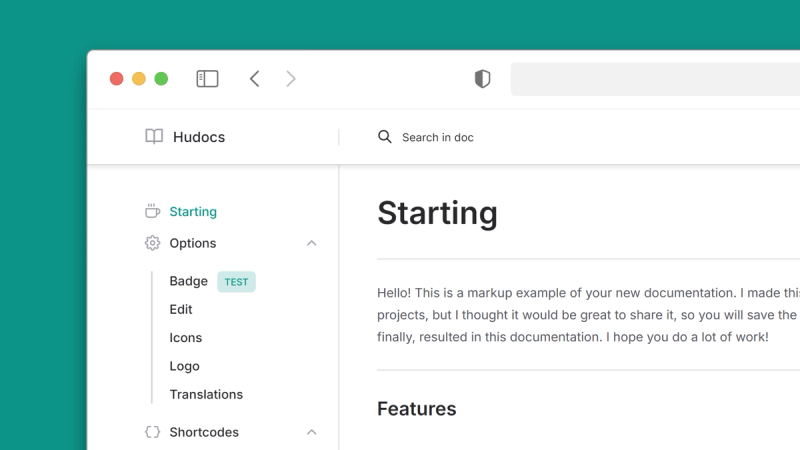
diffshortcode wraps Chroma's diff lexer with a file-name header and full-row red/green backgrounds, producing genuine unified-diff syntax. - Sidebar-navigation docs — the documentation layout includes a left sidebar, auto table-of-contents, and prev/next page links for reference material.
- Client-side search — Lunr.js is vendored locally, so search keeps working with no CDN call; invoke it with Cmd/Ctrl+K or / and navigate results with arrow keys and Enter.
- Working dark mode — a light-first design defaults to light, then persists dark-mode choice in localStorage and respects system preference on first visit with no flash of wrong theme.
- Shortcodes for technical content — callouts (note/warning/tip), a terminal frame, badges, and Mermaid diagrams are built in; Mermaid loads its JS from a CDN only on pages that actually contain a diagram.
- Taxonomies and SEO — tags, categories, authors, and technologies are supported, and Open Graph, Twitter Card, and JSON-LD structured data are generated by default.
Who should use Nimbus?
- DevOps and platform engineers — build an internal documentation hub that holds service runbooks, architecture decisions, and operational guides alongside API reference pages.
- Technical writers — manage documentation as code in Markdown and Git, using the built-in docs sidebar and ADR archetype to organize releases and decision logs.
- API teams — keep OpenAPI specs in the same repo as site content; Nimbus generates interactive endpoint docs at compile time so the docs always match the spec files.
- Hugo site owners — publish a blog with the same theme while maintaining separate documentation sections, all in one Tailwind-styled design.
What can you do with Nimbus?
- Runbook publishing: write operations runbooks in Markdown, add a note/warning callout and a Mermaid diagram for architecture flow, and they appear with sidebar navigation and search.
- API reference site: add an OpenAPI spec to a page bundle and edits to the spec rebuild the endpoint reference on every
hugorun. - ADR tracking: use
hugo new adr/000x-title.mdto create new decision records with the required Context/Decision/Consequences sections, and review the timeline index to see statuses at a glance. - Multi-language examples: use tabbed code blocks to show the same command or configuration across languages or tools, with Chroma syntax highlighting in light and dark colors.
How does Nimbus work?
To run the theme locally, clone the repository, enter the exampleSite directory, run npm install, then start hugo server -D and open http://localhost:1313. That example site embeds a working copy of the theme in exampleSite/themes/nimbus, so no extra theme flags are needed. When you only need to serve or build without changing styles, the committed tailwind.built.css lets Hugo operate without Node; run npm run watch-css alongside the server when you edit styles or Tailwind content sources.
FAQ
What Hugo version does Nimbus require?
Hugo Extended version 0.146.0 or newer is listed as the theme requirement. The standard Hugo build is not sufficient because Nimbus relies on Extended-only capabilities such as Hugo's built-in YAML/JSON parsing for OpenAPI rendering.
Does Nimbus require Node.js to build a site?
No. Once the precompiled tailwind.built.css is present, hugo server -D and hugo --minify run without any Node dependency. Node is only needed when you change Tailwind styles or content sources and must recompile the CSS.
Is Nimbus free?
Yes. The theme is published under the MIT license, which permits free use, modification, and redistribution.
Does Nimbus use external CDNs?
Only Mermaid diagrams depend on a CDN: a page that contains the Mermaid shortcode loads mermaid.min.js from jsdelivr. Search, fonts, syntax highlighting, and CSS are self-hosted with no other CDN calls.
How do I create a new Architecture Decision Record?
Use the built-in archetype with a command like hugo new adr/000x-title.md. The generated file follows the Context, Decision, and Consequences format and is listed in the ADR timeline index with its status badge.