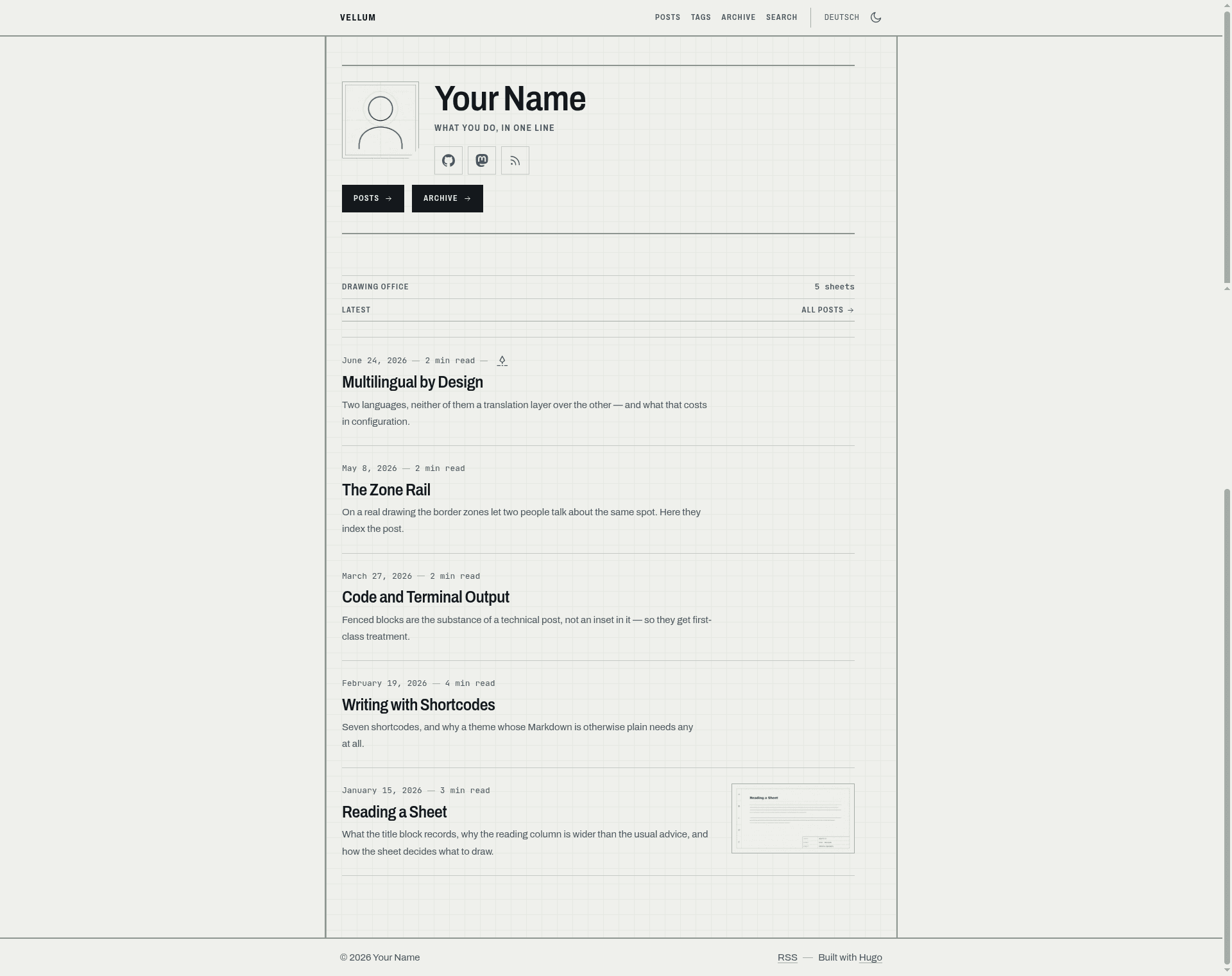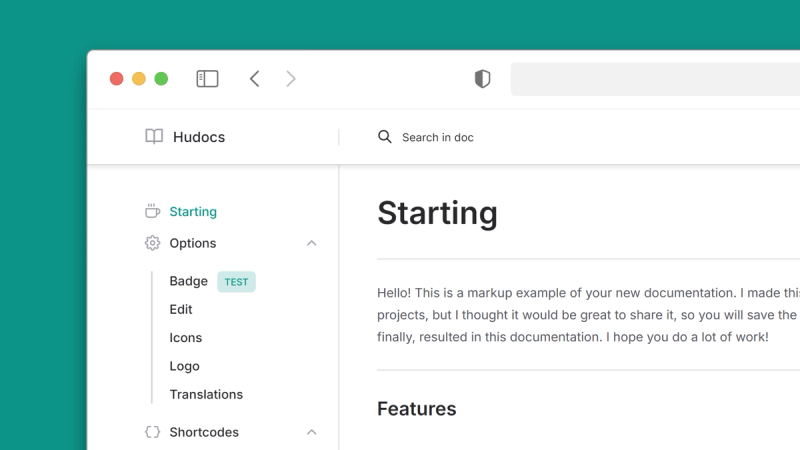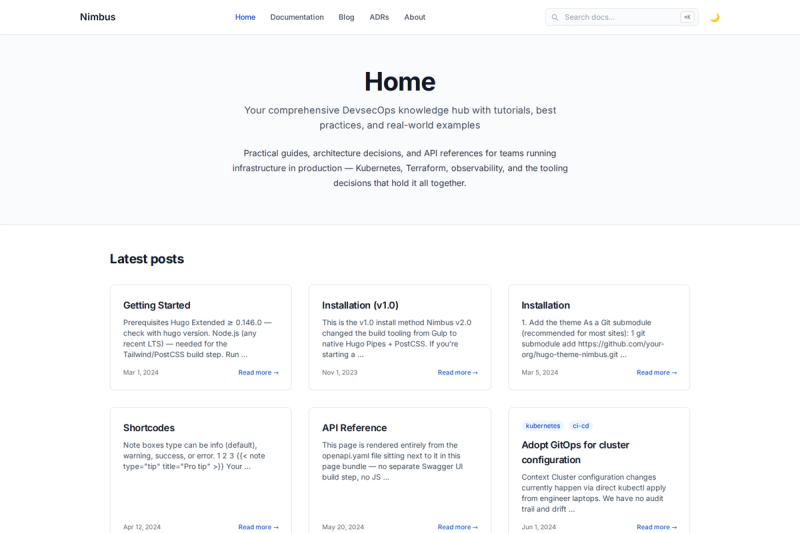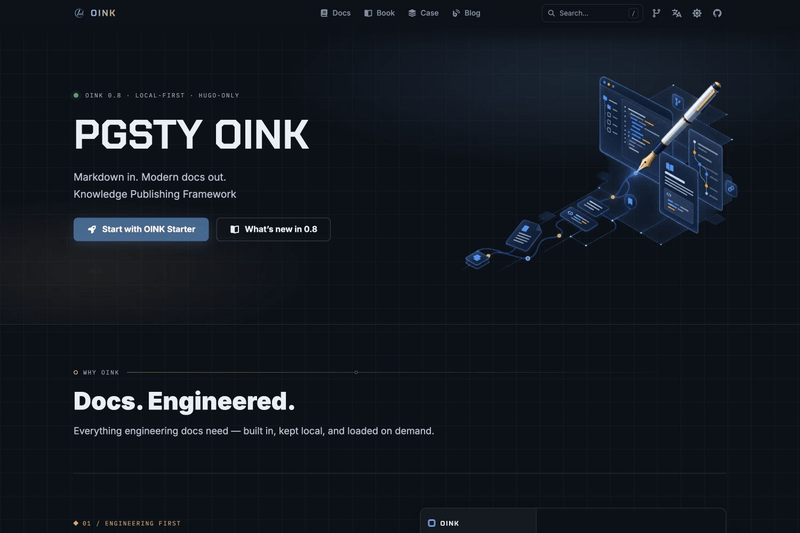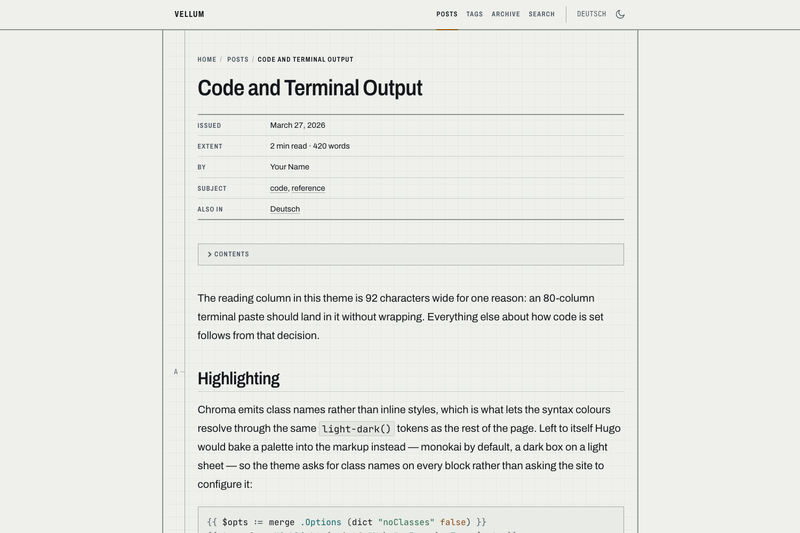
Vellum is a multilingual Hugo theme that presents each page as an engineering drawing sheet: a drawn frame, a lettered zone rail down the left edge, and a ruled title block carrying the metadata a grey caption line normally hides. It is maintained on GitHub as cebor/vellum and is designed for technical writing that is mostly code.
What is Vellum?
Vellum runs on a flat Hugo template layout — templates in layouts/, partials in layouts/_partials/, render hooks in layouts/_markup/, shortcodes in layouts/_shortcodes/. There is no layouts/_default/ or layouts/partials/ directory; files in those locations silently do nothing. It accepts standard Hugo content files and produces HTML, RSS, JSON-for-search, and print-friendly output. Its reading column is 800 px wide, about 92 characters at 20 px body size, with generous line-height to keep long command lines manageable.
What makes Vellum stand out?
- Drawing-sheet layout — Every page renders inside a frame with a zone rail and a ruled title block for metadata such as title, date, reading time, word count, breadcrumbs and tags; display toggles in front matter control each piece.
- Multilingual output — Content, menus, profiles, feeds and search indexes are generated per language;
displayFullLangNameshows localized names in the switcher andDateFormatcan be set per language. - Client-side search — The site's own home JSON output is the search index, queried by Fuse.js entirely in the browser; options such as threshold and keys are configurable in
params.fuseOpts. - Responsive image pipeline — Images in page bundles are resized to a 480/800/1600 WebP ladder with intrinsic dimensions, avoiding layout shift and oversized downloads; images referenced outside bundles pass through untouched.
- CSS-first theming — Colours use CSS
light-dark(), so the default palette follows the OS even with JavaScript disabled; every text token is contrast-checked to at least 4.5:1 against its surface. - Self-hosted fonts — Archivo and JetBrains Mono variable fonts are subset, preloaded and served from the site with
font-display: swap, totalling about 121 KB and making no third-party requests. - Shortcode set for safe Markdown — Goldmark's
unsafemode stays off; alerts, figures, video, audio, inline images, collapsible log blocks and a deliberaterawhtmlescape hatch all have dedicated shortcodes. - AI disclosure built in — Front matter
ai = "assisted"or"generated"stamps a post beside its title and in indexes; theaishortcode adds dashed change-bars with linked revision notes to individual passages.
Who should use Vellum?
- Technical writers and developer advocates who publish code-heavy tutorials need the wide column and print stylesheet for terminal output, command blocks and long reference material.
- Multilingual site owners who want per-language menus, feeds, dates and search results without maintaining separate themes or site builds.
- Self-hosted bloggers who want a distinctive documentation-style design with no third-party font or image CDN requests on page load.
- Accessibility-conscious maintainers who want contrast-checked palettes, CSS default themes without JavaScript, and a print stylesheet that is not an afterthought.
What can you do with Vellum?
- Publish code-first tutorials: Chroma code highlighting with class-based colors follows the light and dark theme; collapsible output keeps long logs readable and searchable.
- Build a multilingual personal site: The landing profile section, year/month archive, tag pages, RSS and per-language search index are generated from ordinary Hugo content.
- Document a project with AI provenance:
aifront matter and shortcodes record assist level, note and model, and render them as a stamp or revision-note rows at both post and passage level. - Distribute a fast static site: No images shipped at source resolution and no external font requests; everything is generated statically by Hugo.
What are Vellum's requirements?
Vellum requires Hugo extended 0.158 or newer; older versions fail at render time. It targets browsers supporting CSS light-dark(): Chrome 123+, Safari 17.5+ and Firefox 120+; older browsers receive a plain light palette through an @supports fallback rather than a broken page.
How does Vellum work?
Create a new Hugo site, import github.com/cebor/vellum as a Hugo module, and include JSON in the home outputs — that JSON is the search index. Add a content/search.md file with layout = "search", then run hugo server -D to get a working site with search and syntax highlighting. Vellum checks for the two settings a theme cannot set for itself and prints the exact TOML to paste at build time. A full worked two-language exampleSite/hugo.toml ships with the repository.
FAQ
Is Vellum free?
Vellum is open source under the MIT licence. Bundled third-party assets include Archivo and JetBrains Mono under the SIL Open Font Licence and Fuse.js under Apache-2.0; Simple Icons paths in the icon set are CC0.
Does Vellum work without JavaScript?
Yes. The default auto theme follows the operating system through CSS light-dark() and works with JavaScript disabled; a manual light/dark toggle is available as well. JavaScript-based enhancements such as the copy-code buttons and share row are additive.
How do I enable search?
Two pieces are required: the home outputs in the site config must include JSON, because the JSON output is the search index, and the site must have a content/search.md file with layout = "search" and hidemeta = true. Without either, the /search/ page finds nothing.
Which browser versions are supported?
The theme targets Chrome 123+, Safari 17.5+ and Firefox 120+ because of CSS light-dark(). Older browsers fall back to a plain light palette via an @supports block instead of rendering incorrectly.
What Hugo version does Vellum need?
Hugo extended 0.158 or newer. Lower versions fail at render time without a friendly message.