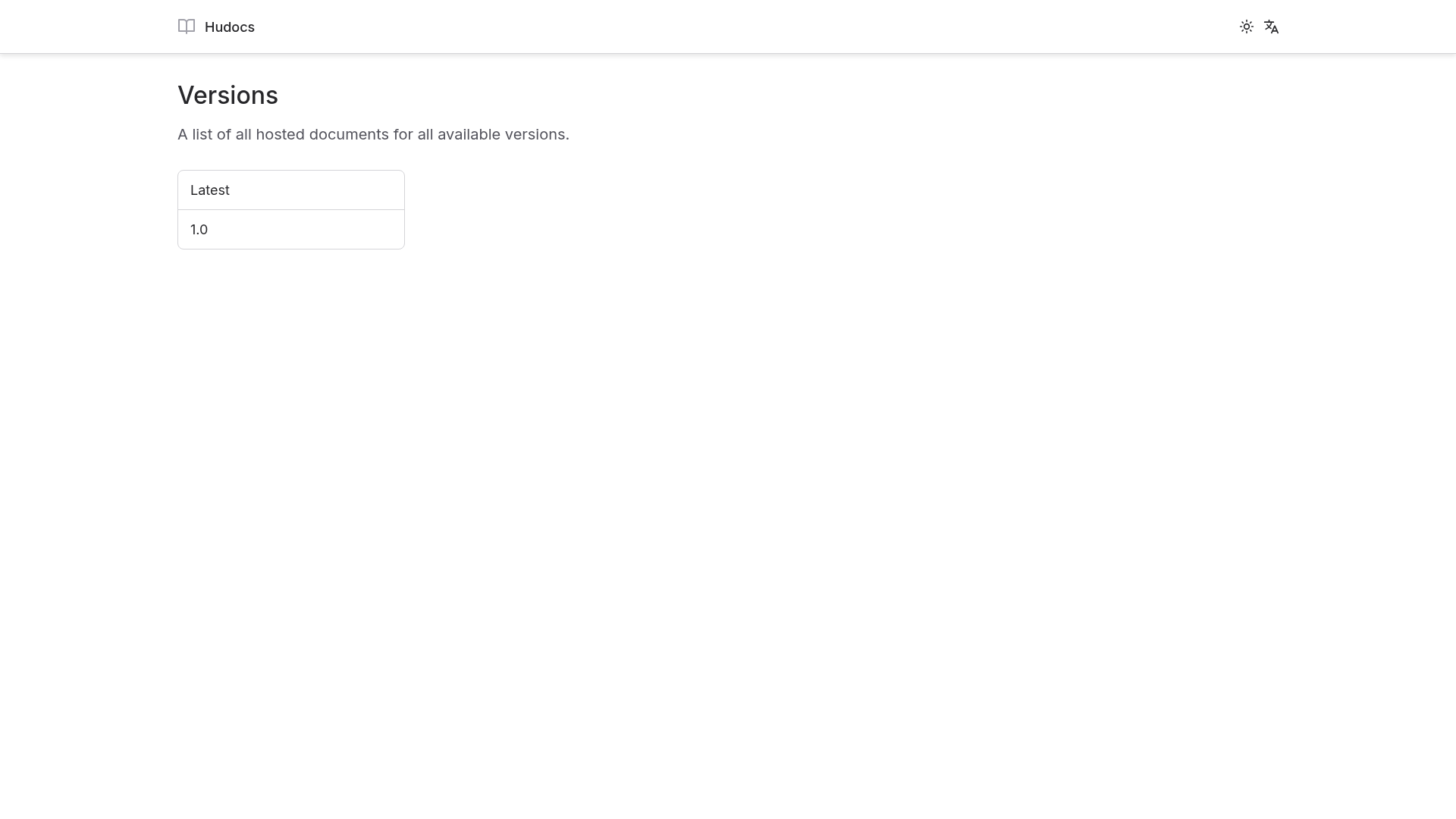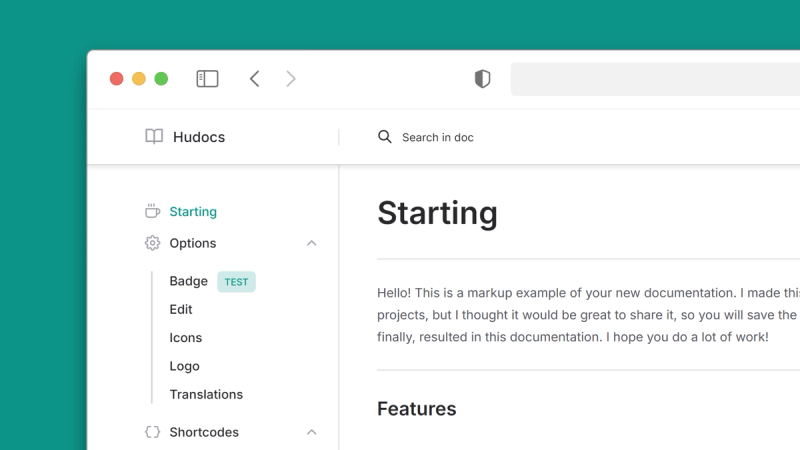
Hudocs is an MIT-licensed Hugo documentation theme that turns Markdown files organized into version folders into multilingual, searchable documentation sites with zero initial configuration.
What is Hudocs?
Hudocs is a documentation theme for the Hugo static site generator, made by developer zkreations. It takes Markdown content and outputs a static documentation website with advanced search, light/dark themes, and version selection. The theme requires Hugo 0.164.0 or higher in its extended version, plus Git for installation as a submodule.
Key Features
Hudocs packs documentation-oriented features into a single Hugo theme; the list below reflects the capabilities stated on its project page.
- Core Web Vitals optimized - The live demo at hudocs.com is used to report PageSpeed Insights scores.
- A+ security level - The demo passes Mozilla Observatory security audits.
- Zero initial configuration - The theme works right after adding the submodule, without editing settings first.
- Multi-language support - Provide documentation and interface labels in multiple languages.
- Advanced automated searcher - Built-in search that fully indexes your content without an external service.
- Light and dark themes - Users can switch between built-in themes with no plugin.
- Documentation shortcodes - Ready-made shortcodes for alerts, notes, tables, and other typical docs blocks.
- Advanced code blocks - Enhanced syntax rendering for code examples.
- High customization - Users can override styles and options; contribution rules ask for CSS-based changes rather than JavaScript.
Who is it for?
Hudocs targets anyone publishing Markdown-based documentation with Hugo, but three audiences benefit most.
- Solo open-source developers who want a polished documentation site for their GitHub repository without building a theme from scratch.
- Software teams that maintain user manuals or API guides and need separate doc sets for each product release.
- Technical writers who already work with Hugo and Markdown and want shortcodes for alerts, notes, and tables.
What can you do with Hudocs?
Multi-version publishing is the most distinctive workflow, but Hudocs also supports ordinary documentation sites.
- Project maintainers can place each release's docs in a folder like
content/1.0/index.mdand let readers choose their version. - Documentation authors can copy the packaged exampleSite content and config, then run
hugo serveto start a local site. - Multilingual teams can localize content using Hugo's own i18n system without adding heavy external tooling.
How does Hudocs work?
Installation relies on Git submodules. Users run git submodule add https://github.com/zkreations/hudocs themes/hudocs to add the theme, copy the example content with cp -R themes/hudocs/exampleSite/content ., and replace the sample hugo.toml values with their own. Running hugo serve then starts the documentation locally.
FAQ
Below are answers to common questions about Hudocs licensing, setup, search, and versioning.
Is Hudocs free?
Yes. Hudocs is published under the MIT License, so you can use, modify, and redistribute it freely, including in commercial projects.
What are the requirements to run Hudocs?
You need Hugo 0.164.0 or higher, specifically the extended version, and Git. The theme's final note also lists a desire to document, but the practical dependencies are those two tools.
Does Hudocs include built-in search?
Yes, Hudocs has an advanced automated searcher as a listed feature, so readers can search documentation content without connecting a third-party search engine.
How do I start a local documentation site after installing?
From a Hugo project root, add the theme as a submodule, copy themes/hudocs/exampleSite/content into your content folder, copy and adjust hugo.toml from the exampleSite, and run hugo serve.
Can I create multiple documentation versions with Hudocs?
Yes, the recommended structure is to store each version in its own top-level folder under content, such as content/1.0/index.md. This lets you keep every release, such as 1.0, alongside future versions.