Template details
Niya
A free, open-source Next.js 15 SaaS starter template with Supabase auth, Tailwind CSS 4, and a prebuilt dashboard.
About this template
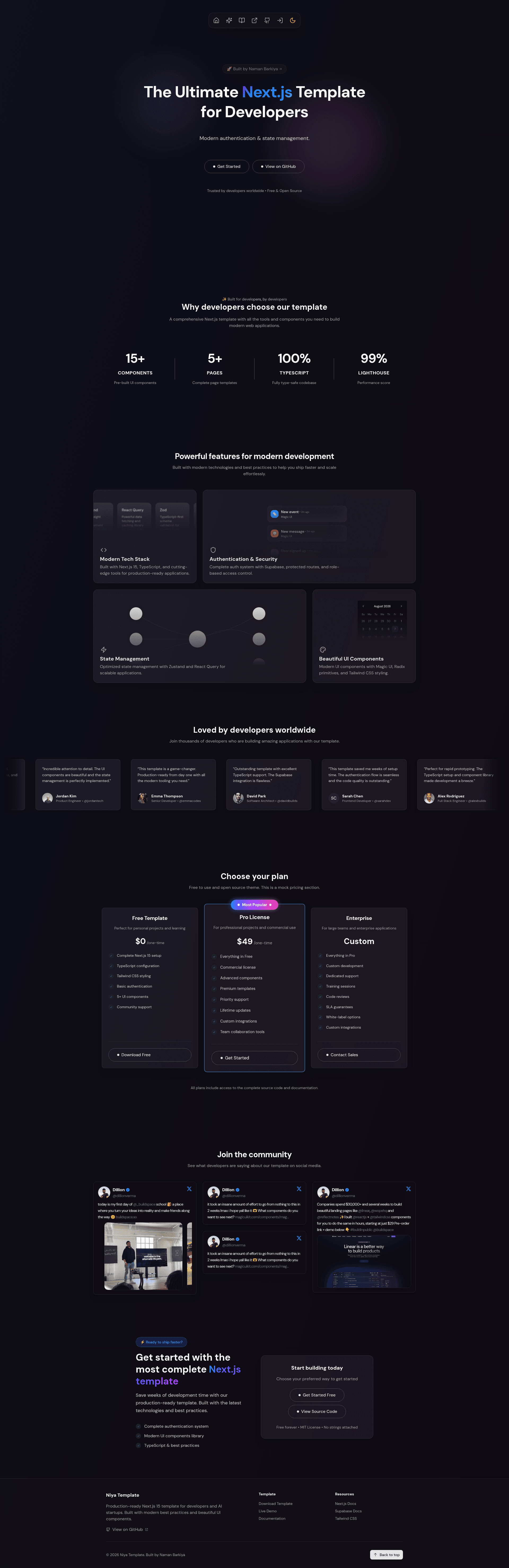
Niya is a free, open-source Next.js 15 SaaS starter template that combines Supabase authentication, Tailwind CSS 4 styling, and a prebuilt dashboard for developers building production-ready web apps.
What is Niya?
Niya is a production-ready Next.js 15 template for developers and AI startups, maintained by Naman Barkiya and published under the MIT License. It uses the App Router with TypeScript strict mode and ships with authentication, protected routes, a dashboard, and landing page components. To get started, you clone the repository, install dependencies, and add your Supabase project URL and anon key to a .env.local file. The result is a running application with signup and login flows, a protected dashboard, and API routes scaffolded.
Key Features
- Next.js 15 App Router — Built with TypeScript strict mode, hot reload via Turbopack, SEO metadata support, image optimization, error boundaries, and loading states.
- Supabase integration — Handles authentication (email confirmation, password reset), database, and real-time features; the client is configured in lib/supabase/.
- Tailwind CSS 4 — Utility-first styling with dark mode support and an extendable theme in tailwind.config.js.
- Zustand and React Query — Zustand manages lightweight client state, while React Query handles server state, with configurations in lib/store/ and lib/query/.
- Zod validation — Runtime type validation paired with React Hook Form to keep forms type-safe.
- Magic UI and Radix UI — Animated components from Magic UI, accessible primitives from Radix UI, and Framer Motion for smooth animations.
- Developer experience — Zero-config setup, preconfigured ESLint and Prettier, and a responsive layout.
- Prebuilt pages — Includes landing, login, signup, and dashboard pages under app/, with modular components in components/.
Who is it for?
- Solo developers — build MVPs and side projects quickly on a foundation that already handles authentication and state.
- AI startups — use the template as the frontend for AI-powered applications, with real-time Supabase data and a dashboard.
- Teams — maintain a consistent, type-safe codebase with standardized patterns across projects.
- Learners — study how App Router, server state, client state, and form validation work together in a full-stack Next.js project.
What can you do with Niya?
- Rapid prototyping: Scaffold a SaaS product with authentication and a dashboard in minutes after cloning.
- Portfolio projects: Present a professional template that demonstrates full-stack development skills.
- Real-time applications: Use Supabase's real-time capabilities to build collaborative or live-data dashboards.
- Learning: Trace the integration of authentication, state management, validation, and UI components in a Next.js 15 App Router codebase.
How does Niya work?
The quick start involves six steps: clone the repository, install dependencies with npm, yarn, pnpm, or bun, copy env-example.env to .env.local, create a Supabase project and add its URL and anon key, run the development server, and open http://localhost:3000. The included project structure separates app/, components/, lib/, and public/ directories to keep concerns organized.
Pricing
Niya is free and open-source under the MIT License. There are no paid tiers or premium features; the entire template is available on GitHub.
FAQ
Is Niya free?
Yes, Niya is completely free and open-source. It is licensed under the MIT License, so you can use it for personal and commercial projects without paying a fee.
Does Niya include authentication?
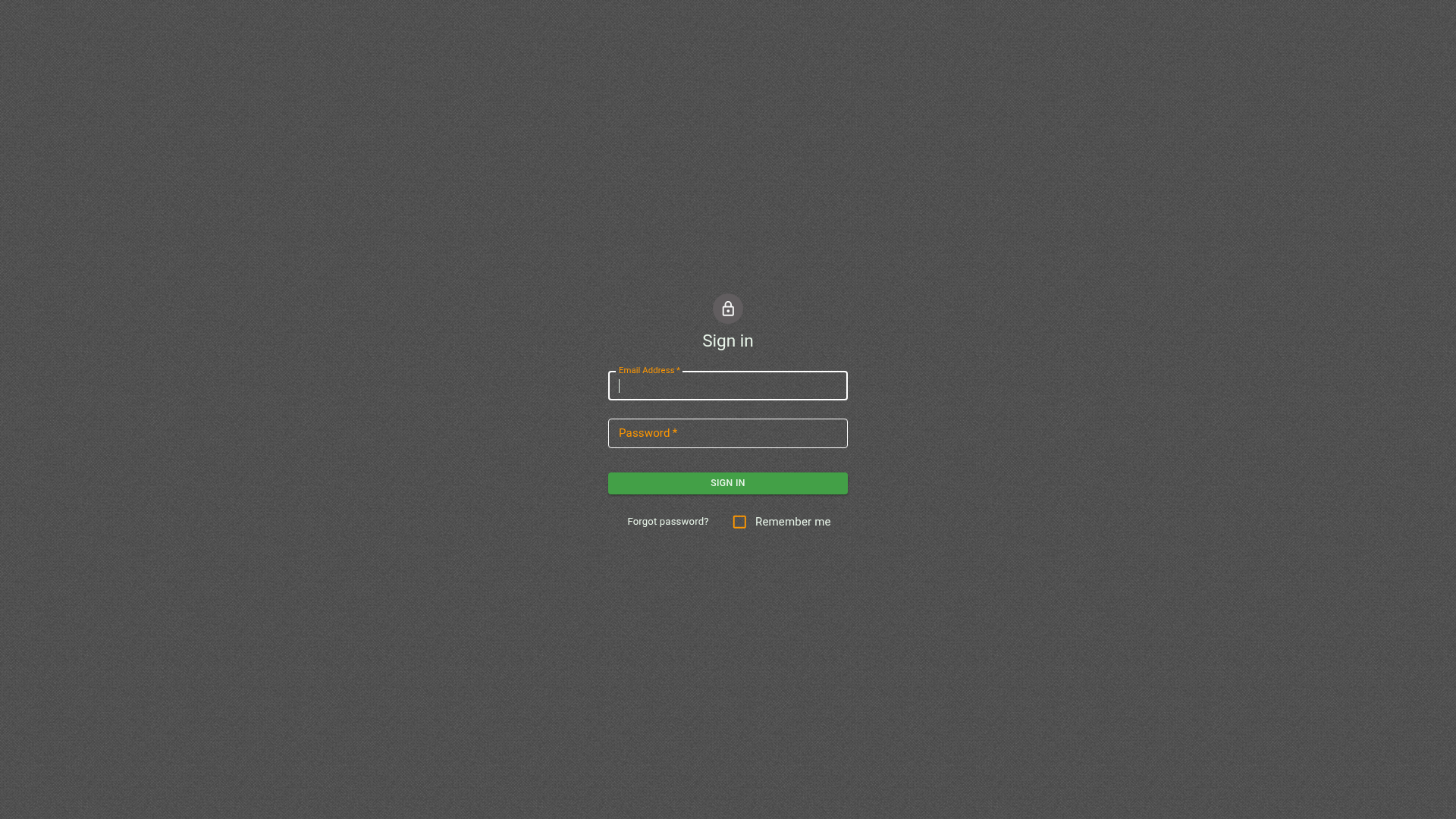
Yes, Niya includes a full authentication system built with Supabase Auth. It provides email confirmation, password reset, protected routes, and role-based access control.
What tech stack does Niya use?
Niya uses Next.js 15 with the App Router, TypeScript, Tailwind CSS 4, Supabase, Zustand, React Query, Zod, Magic UI, Radix UI, and Framer Motion. The styling is utility-first with dark mode support.
How do I set up Supabase?
Clone the repo, copy env-example.env to .env.local, then create a project at supabase.com. Copy your project URL and anon key into that file, then start the development server with npm run dev.
Can I customize the styling?
Yes, the template uses Tailwind CSS. You can modify the color palette and font family in tailwind.config.js. All components are modular inside components/ for easy customization.