Template details
njx-store
Free MIT-licensed Astro 5 + Tailwind CSS v4 ecommerce storefront theme with mock data and a Shopify Storefront API switch.
About this template
njx-store (astro-njx-store) is a free, MIT-licensed ecommerce storefront template for Astro 5 that builds every page as static HTML at build time and runs on the bundled mock catalog or a live Shopify store. Product data comes from a pluggable provider layer, so the same pages ship from JSON files or from Shopify's Storefront API with Shopify's hosted checkout handling payments.
What is njx-store?
njx-store is a static storefront theme built with Astro 5 and Tailwind CSS v4. Astro renders every page to plain HTML at build time, so the output is a static site deployable to Cloudflare Pages or any static host. It takes product data as input — either a bundled JSON catalog or your Shopify store over the Storefront API — and produces a complete storefront of 18 pages. It is made by njX (njxui.dev) and licensed under MIT.
What makes njx-store stand out?
- Two data providers, one switch — set
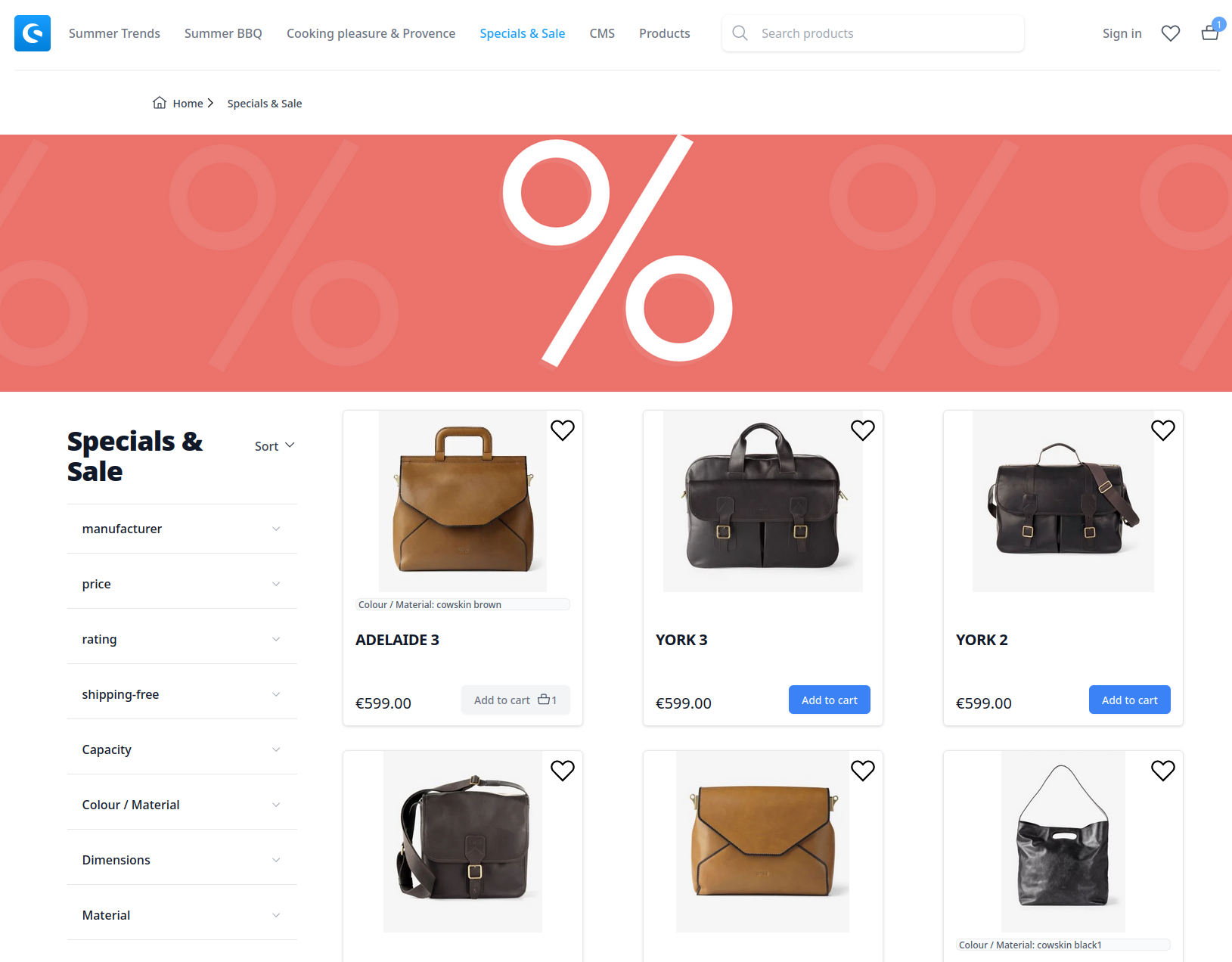
COMMERCE_PROVIDER=mockto build from the bundled JSON catalog with no accounts, orshopifyto pull live products from the Storefront API; the provider interface lives insrc/lib/commerce/. - Full store flow — home, collections with client-side filters and sorting, product pages with variants, gallery plus lightbox, and related products.
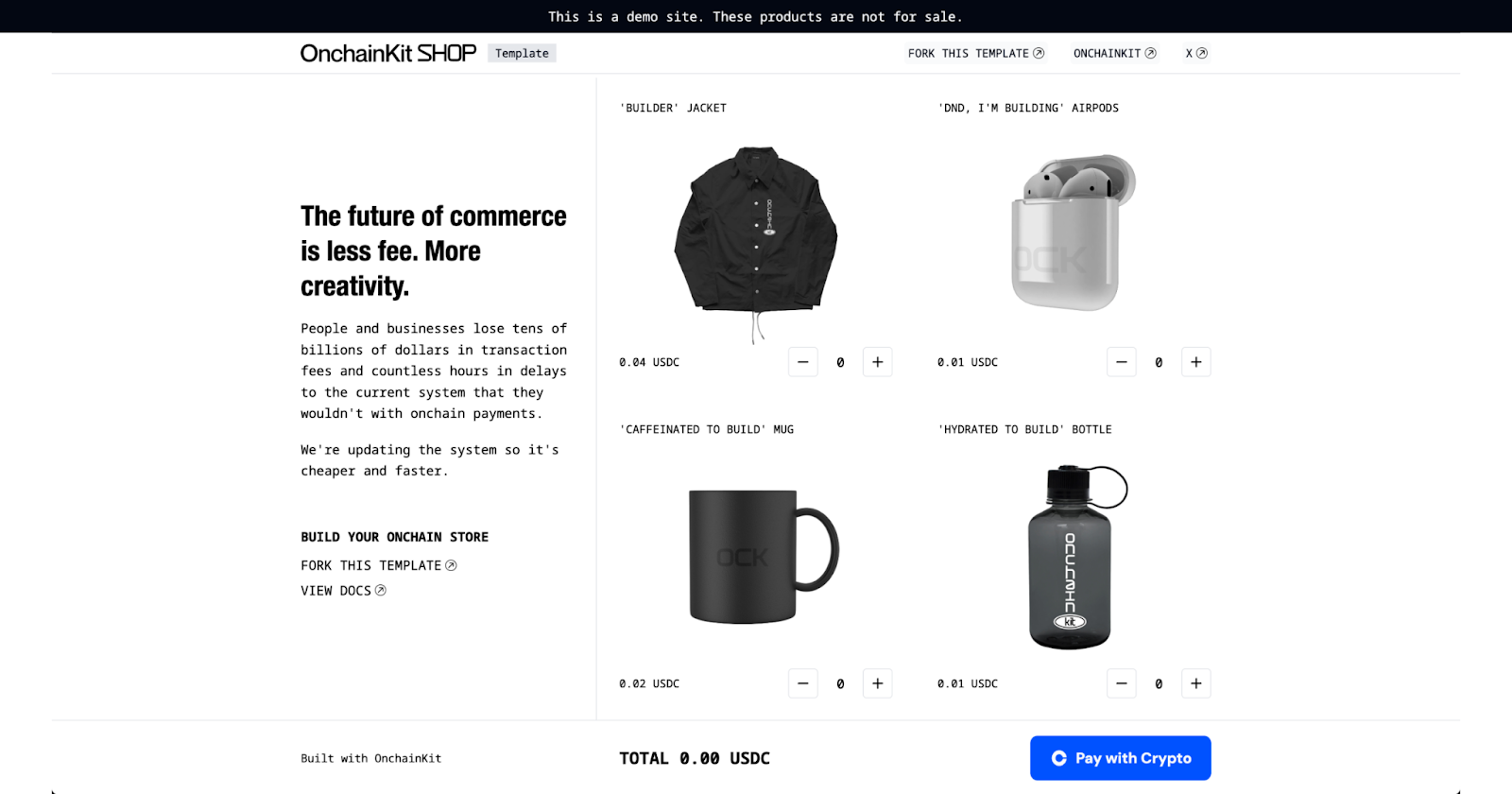
- Working persistent cart — stored in localStorage (via nanostores), with quick-add from product cards, quantity controls, line removal, and clear all; checkout hands off to Shopify's hosted checkout.
- Instant search and favorites — an inline search index opens with the
/key with zero network requests; products can be hearted with a badge counter and a dedicated/favoritespage. - 18 pages total — about, contacts, FAQ, account sign-in and create-account UI, privacy, terms, and a 404 page in addition to the shop pages.
- Light and dark theme — one-click toggle with no flash on reload; dark overrides live in the
.darkblock ofsrc/styles/global.css. - Copy in two constants files — all site text sits in
src/constants/components.tsandsrc/constants/pages.ts, so rebranding touches no components. - Zero client framework — a few small vanilla scripts, no React, Vue, or hydration cost.
Who is it for?
- Shopify merchants wanting a faster storefront: connect the Storefront API with two environment variables and keep Shopify's hosted checkout for payments.
- Developers prototyping a store: edit
src/data/mock-catalog.jsonand swap photos inpublic/products/to see products immediately, without a Shopify account. - Astro users who want a starting point: the
.astrofiles are plain — header, footer, and drawers insrc/layouts/Layout.astro, one file per page insrc/pages/. - Teams extending commerce backends: implementing the TypeScript provider interface adds WooCommerce, Medusa, or a custom API.
Use cases
- Launching a small online store: deploy the built
distfolder to Cloudflare Pages or another static host, with environment variables set in the host dashboard for CI builds. - Rebranding a storefront quickly: rewrite the two constants files to change the store name, links, announcements, FAQ answers, and legal pages.
- Testing a Shopify catalog: point the environment variables at a real store, then run the build to render the site from live collections and products.
How does njx-store work?
Clone the repository, run npm install, copy .env.example to .env (which defaults to the mock catalog), and run npm run dev. To connect Shopify, create a custom app in Shopify admin, grant Storefront API scopes, and set PUBLIC_SHOPIFY_DOMAIN and PUBLIC_SHOPIFY_STOREFRONT_TOKEN alongside COMMERCE_PROVIDER=shopify. The next npm run build renders the same pages from the live catalog.
Pricing
njx-store Lite is free and MIT-licensed. A Pro version with extended sections, more page templates, and priority support is stated as in development.
FAQ
Is njx-store free?
Yes. The Lite version is free and MIT-licensed, described as complete and production-usable. A Pro edition with extended sections, additional page templates, and priority support is announced as forthcoming.
Do I need a Shopify account to use njx-store?
No. The default mock provider builds the store from a bundled JSON catalog with no accounts required. A Shopify store is only needed if you switch to the shopify provider and want Shopify's hosted checkout.
Which platform does njx-store run on?
njx-store is built with Astro 5 and Tailwind CSS v4. Pages are rendered to static HTML at build time and can be deployed to Cloudflare Pages or any static host; the whole store is said to fit within Cloudflare's free tier.
How do I add my own products?
Edit src/data/mock-catalog.json and add photos to public/products/, or connect Shopify. Colors and brand tokens are set in the @theme block of src/styles/global.css, and logo files live in public/logo/.