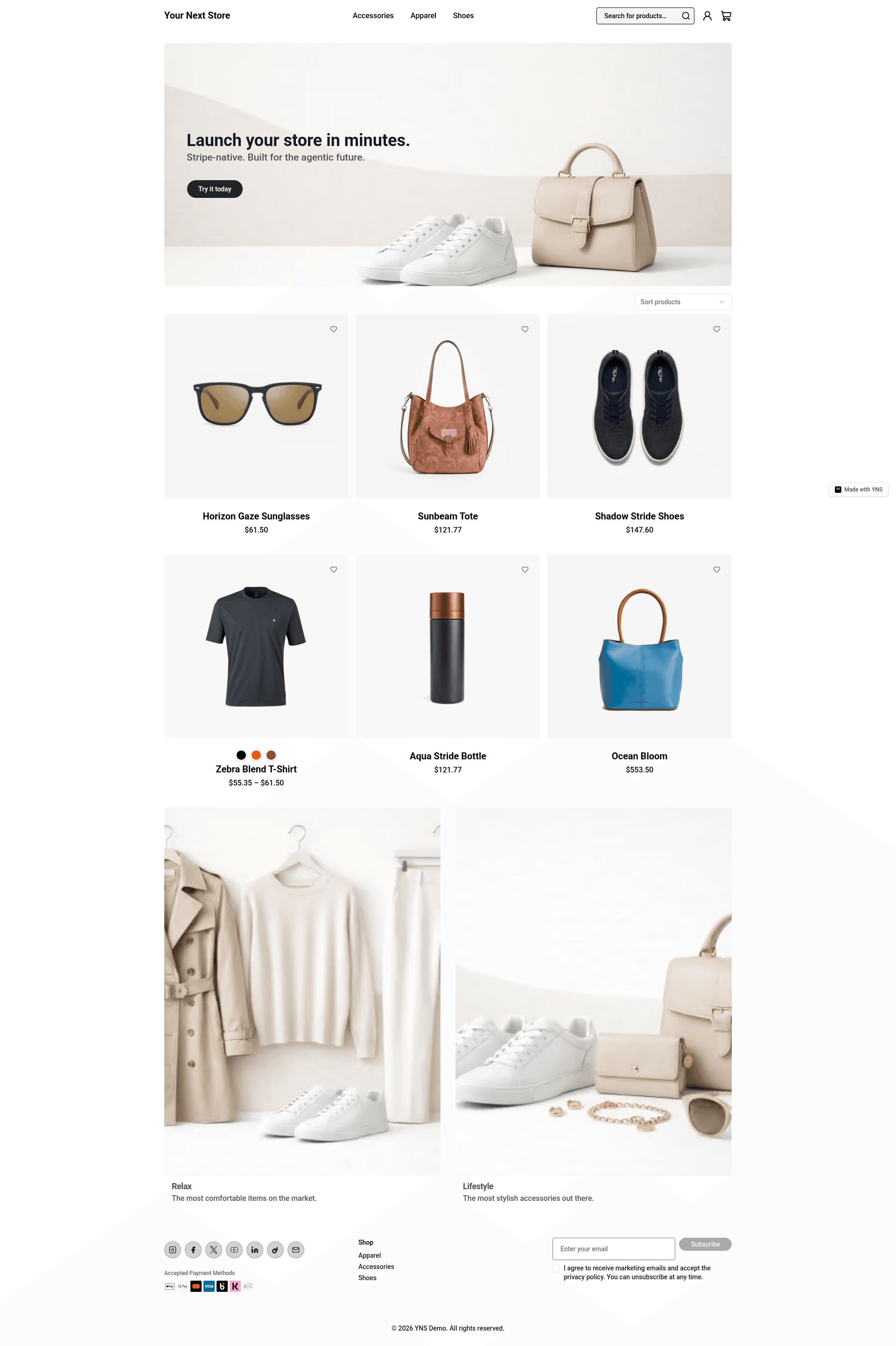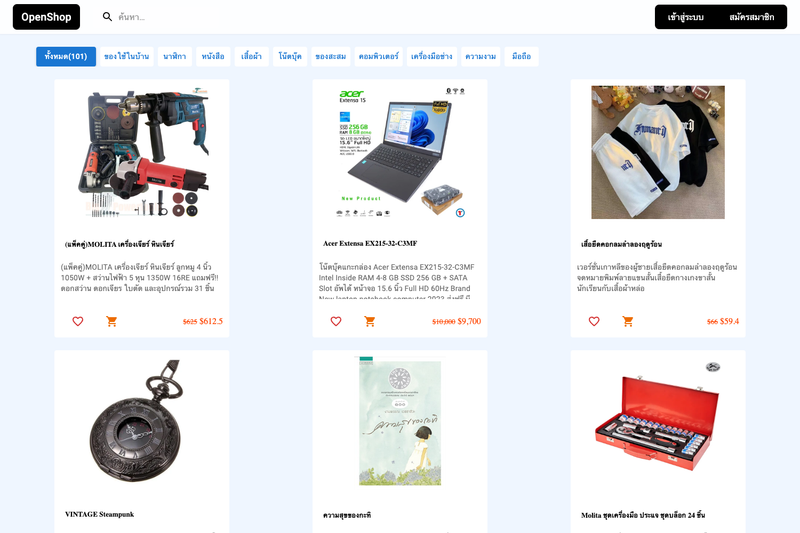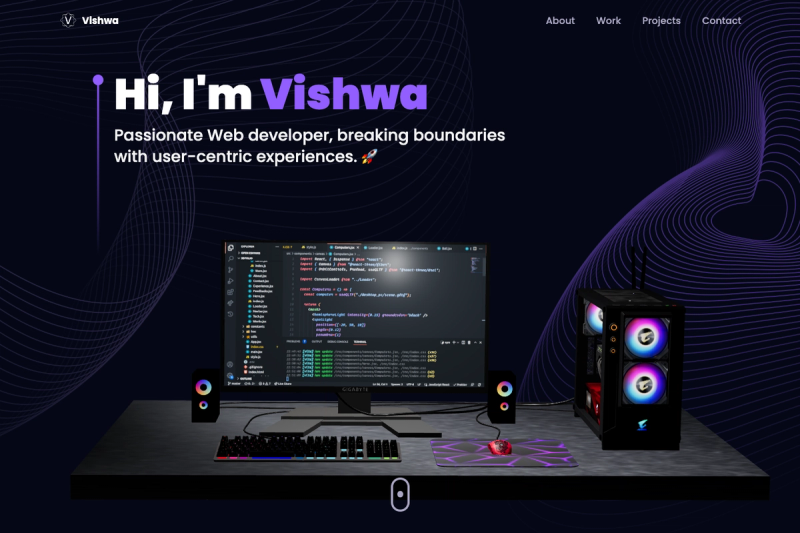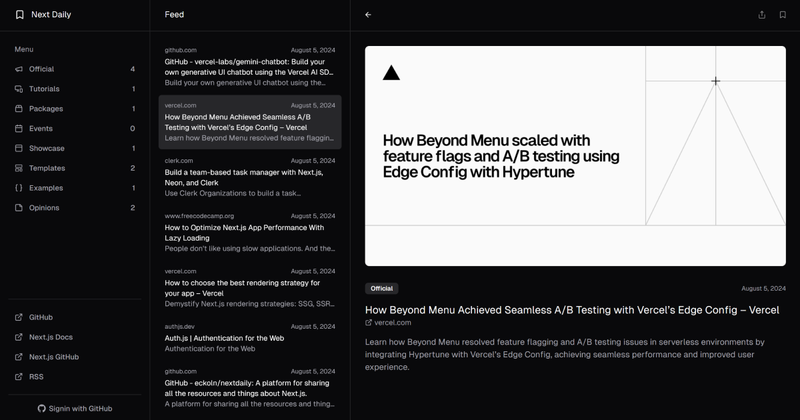
Your Next Store is an open-source, AI-native Next.js 16 e-commerce template that creates a complete storefront on top of Stripe and a typed Commerce Kit SDK, built for AI coding tools to edit reliably. It is distributed as a GitHub repository (yournextstore/yournextstore) and can be deployed to Vercel in one click or self-hosted anywhere.
What is Your Next Store?
Your Next Store is an open-source e-commerce starter that takes a YNS API key and a Stripe account and produces a working Next.js storefront with product browsing, cart, checkout, and billing. It runs on Next.js 16 using the App Router, React Server Components, and the React Compiler, with Bun as the JavaScript runtime and package manager. The template is maintained as a public GitHub project and is described as "AI-native" because it ships an AGENTS.md file and a typed Commerce Kit SDK so LLM-based tools can write correct code against known contracts.
Key Features
- AI-Friendly Codebase — Ships with AGENTS.md, idiomatic App Router patterns, and a Commerce Kit SDK with typed methods; Claude Code, Cursor, and Codex work out of the box.
- Stripe-Native — Direct Stripe API integration covers checkout, billing, and subscriptions without a third-party payment abstraction.
- Next.js 16 — Uses the App Router, React Server Components, and React Compiler, with strict TypeScript throughout.
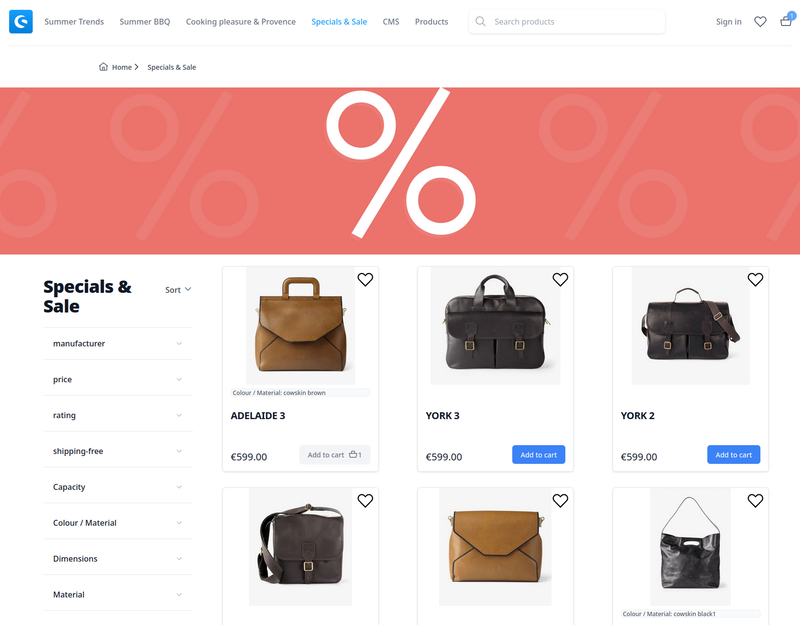
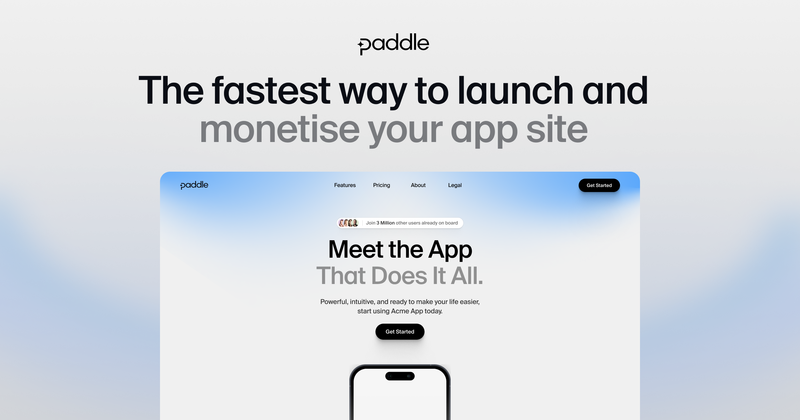
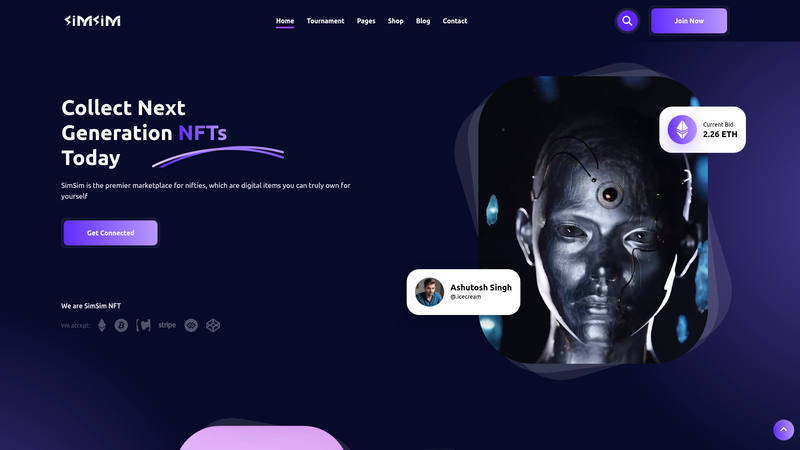
- 149 Ready-Made Themes — Themes are stored on branches theme-001 through theme-149; each branch is a single commit that redesigns the homepage, hero, color palette, and section layout without touching products, cart, or checkout.
- Commerce Kit SDK — Typed methods such as productBrowse() and cartUpsert() define input and output shapes so AI agents and developers know the contracts.
- CLI Publishing and API Scripts — Two shell scripts (publish:store and api) let you trigger production publishes and call any /api/v1/* endpoint using only the YNS_API_KEY.
- Modern Tech Stack — Tailwind CSS v4, Shadcn UI with 50+ accessible components built on Radix UI, Biome for linting/formatting, and Bun as the package manager.
Who is it for?
- Developers building e-commerce sites who want to skip boilerplate and start from a Stripe-connected Next.js codebase with typed product, cart, and checkout models already defined.
- Teams using AI coding assistants who need a codebase with well-known patterns and AGENTS.md context so Claude Code, Cursor, or Codex can make changes without breaking the store.
- Indie hackers and startups launching a storefront quickly can clone the repo, install dependencies with Bun, copy the .env.example, and deploy to Vercel in one click.
What can you do with it?
- Spin up an online store in minutes — After setting the YNS_API_KEY, run
bun devand open localhost:3000 to see a working storefront with Stripe checkout already configured. - Switch the entire look with one command — Browse the 149 themed branches, then
git checkout theme-016to apply a redesigned homepage, hero, and color palette without changing your product data or checkout flow. - Call the commerce API from the terminal — Use
bun run api GET /products?limit=5or POST payloads to any /api/v1/* endpoint to fetch products, manage carts, or test checkout integrations.
How does it work?
Start by cloning the repository and running bun install, then copy .env.example to .env.local and add your YNS_API_KEY from the admin panel at yns.store/manage/settings/api. Run bun dev to launch the store locally, or use the one-click Vercel deploy button to provision a production instance. The publishing script triggers a production build from the remote main branch, and the API wrapper handles authentication and base-URL resolution for every Store API call.
FAQ
Is Your Next Store open source?
Yes, the template is open source and hosted on GitHub under the yournextstore/yournextstore repository. You can self-host it anywhere or deploy to Vercel with a single click using the provided deploy button.
What are the prerequisites to run the template?
The README lists Node.js 24+ and Bun 1.0+ as required. You must also obtain a YNS API key from the admin panel, which the environment variable YNS_API_KEY expects in your .env.local file.
How do I customize the storefront with themes?
Theme branches are named theme-001 through theme-149. You can list them with git for-each-ref and check out any branch, for example git checkout theme-016. Themes modify only visual components and static assets, leaving your products, cart, and checkout unchanged.
Does the template work with AI coding tools?
The repository is explicitly designed for AI tools: it includes AGENTS.md with project context, SDK examples, and Biome rules, and uses familiar Next.js App Router patterns. Claude Code, Cursor, and Codex are called out as working out of the box.